
Model and quantity
Include the full model, manufacturer P/N, revision and quantity.
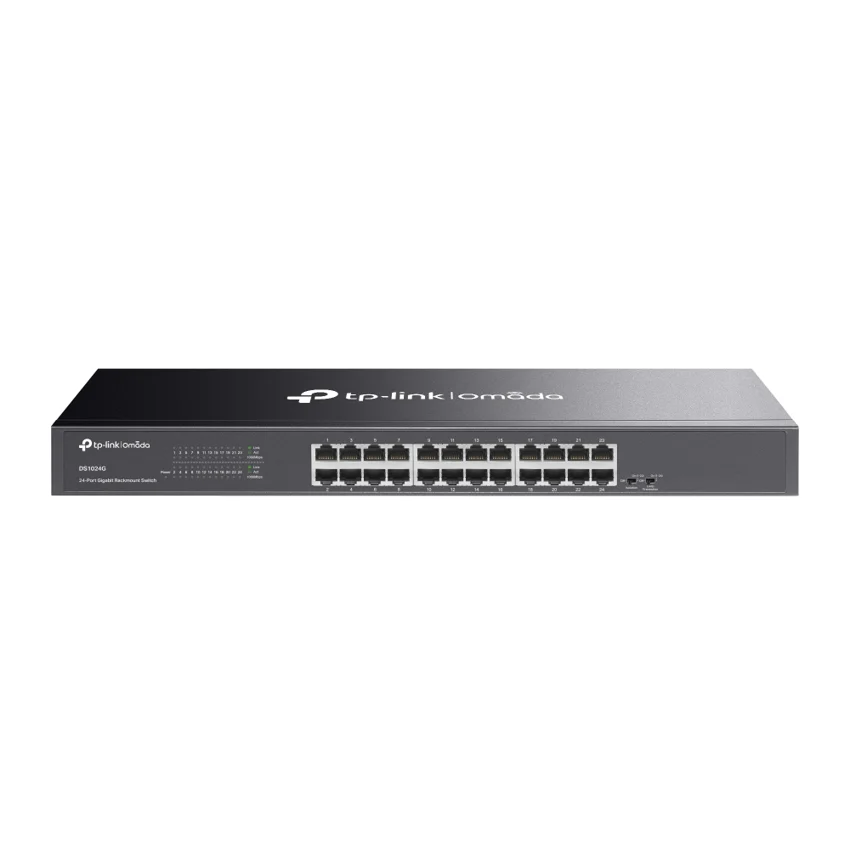
TP-Link / Ethernet Switch
Manufacturer P/N: DS1024G
TP-Link DS1024G ethernet switch. Interface: 24× 10/100/1000Mbps RJ45 Ports (Auto Negotiation/Auto MDI/MDIX); Network Media: • 10BASE-T: UTP category 3, 4, 5 cable (maximum 100m)• 100BASE-TX/1000BASE-T: UTP category 5, 5e or above cable (maximum 100m); Fan Quantity: Fanless. Compare configuration and request
Price on request
Contact us to confirm availability. Final price, shipping and taxes are confirmed before payment.
Pricing, availability, condition, included options and warranty are confirmed in your quotation.
CONNECTIONS & COMPATIBILITY
Check the protocol and port requirements of the equipment you intend to connect. Ethernet, Fibre Channel, InfiniBand and carrier interfaces are not interchangeable.
Browse the product categories above for related equipment. Confirm compatibility with your full configuration before ordering.
Technical overview
Use the complete part number when reviewing options and system requirements.
| Manufacturer | TP-Link |
|---|---|
| Manufacturer part number | DS1024G |
| Product family | Business ethernet switchs |
| Documented hardware version | V1; match the hardware revision before ordering |
| Standards and Protocols | IEEE 802.3i, IEEE 802.3u, IEEE 802.3ab , IEEE 802.3x |
| Interface | 24× 10/100/1000Mbps RJ45 Ports (Auto Negotiation/Auto MDI/MDIX) |
| Network Media | • 10BASE-T: UTP category 3, 4, 5 cable (maximum 100m)• 100BASE-TX/1000BASE-T: UTP category 5, 5e or above cable (maximum 100m) |
| Fan Quantity | Fanless |
| Physical Security Lock | Yes |
| Power Supply | 100-240VAC, 50/60Hz |
| Dimensions ( W x D x H ) | 17.3 × 5.5 × 1.7 in (440 × 140 × 44 mm) |
| Mounting | Rack Mountable |
| Max. Power Consumption | 13.62W |
| Max. Heat Dissipation | 46.44BTU/h |
| Jumbo Frame | 10KB |
| Switching Capacity | 48Gbps |
| Packet Forwarding Rate | 35.7Mpps |
| MAC Address Table | 8K |
| Advanced Features | • Isolation Mode: Ports 1-22• Loop Prevention: Ports 1-24• 802.1P/DSCP QoS• Green Ethernet technology |
| Transmission Method | Store and Forward |
| Environment | • Operating Temperature: 0℃~40℃ (32℉~104℉); • Storage Temperature: -40℃~70℃ (-40℉~158℉); • Operating Humidity: 10%~90% non-condensing; • Storage Humidity: 5%~90% non-condensing |
PRODUCT DETAILS
TP-Link DS1024G is an ethernet switch in the Business ethernet switchs range. Use the model code when matching your deployment or replacement requirement.
Plan the access-port count, uplink media and aggregate PoE load together. Verify the exact power-supply configuration, stacking components and optics before confirming the order.
Confirm hardware revision and included items in the quotation. A firmware-dependent feature or licensed capability must be checked against the actual configuration.
Send DS1024G with quantity, destination, required condition and any installation constraints. List power, optics or mounting accessories separately when required.
Inclusions depend on the exact ordering configuration. We confirm the supplied hardware, accessories and applicable commercial terms in writing.
Browse TP-Link equipment · Network equipment · Request a matched quotation
Prepare your enquiry
Include the full model, manufacturer P/N, revision and quantity.
Tell us the host model, generation, installed configuration and required supporting hardware.
Specify condition, testing requirements, destination and requested delivery date.
RELATED PRODUCTS
Check compatibility before choosing a replacement. The products below are related, but may not be interchangeable.
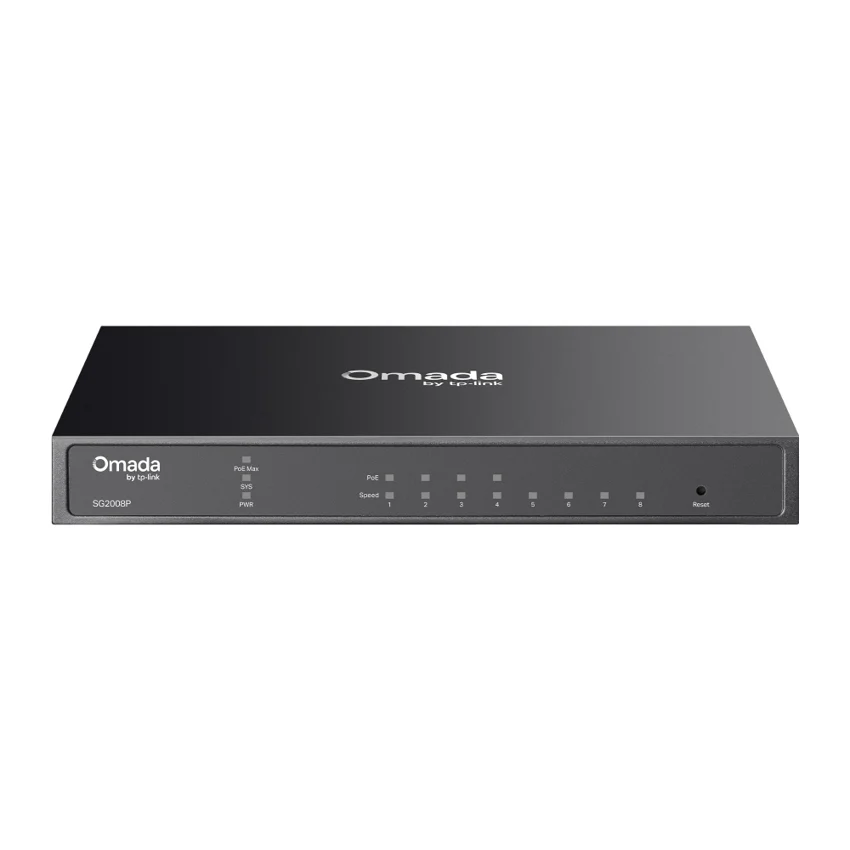
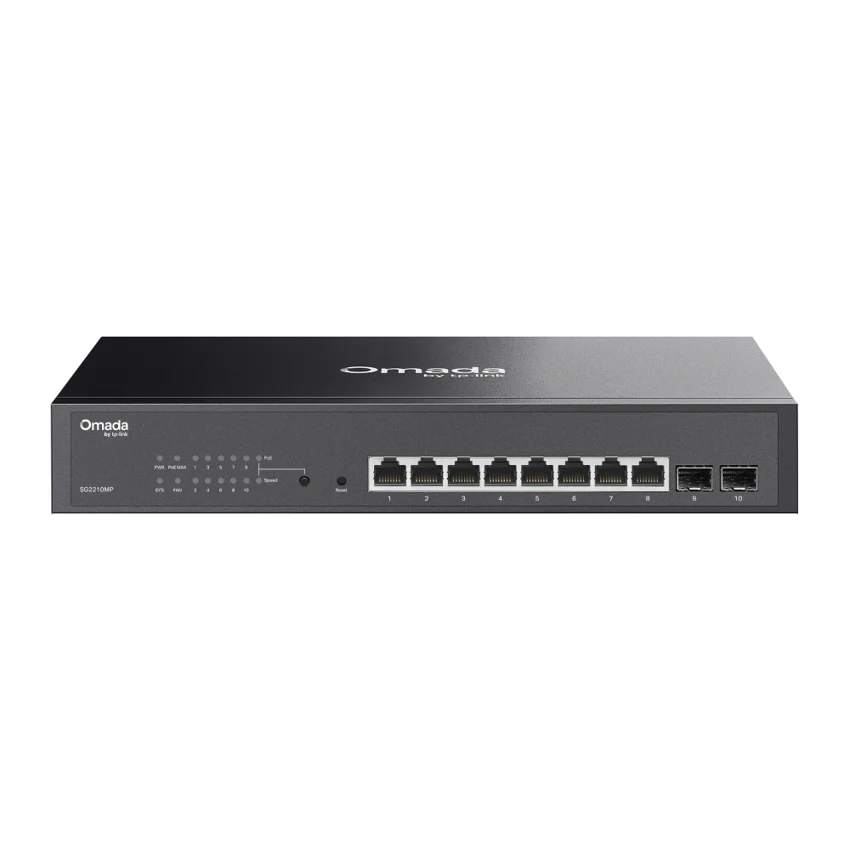
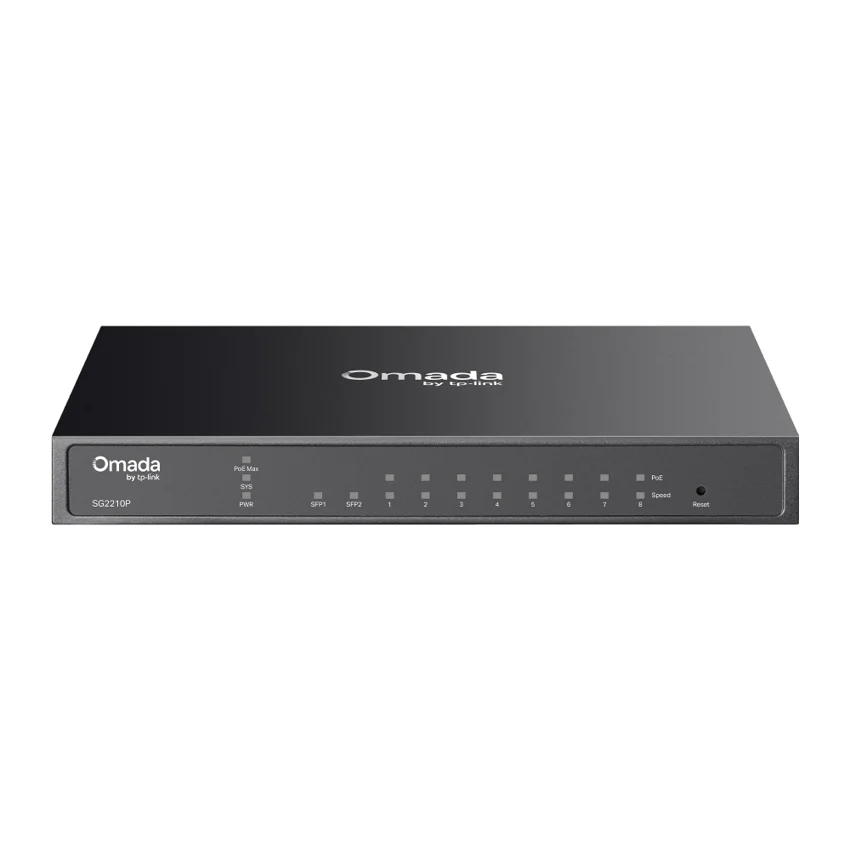
Browse this equipment range
Access, aggregation and data-centre switching. Start with the required port speeds, then review uplinks, PoE, airflow and software options.