Search by part number
Search the full manufacturer code from your existing component label. Include the revision when you enquire.
Search the catalogue ↗
Loading products and specifications…
PARTS, OPTIONS & LIFECYCLE SUPPORT
Buy server CPUs, memory, SSDs, HDDs, RAID cards, HBAs, network adapters, power supplies, rails and cables. Match parts to your server model and request pricing.
Specifications, inspection and ordering ↓Find processors, memory, drives, controllers and replacement parts for your server. Search by manufacturer part number or browse the categories below.
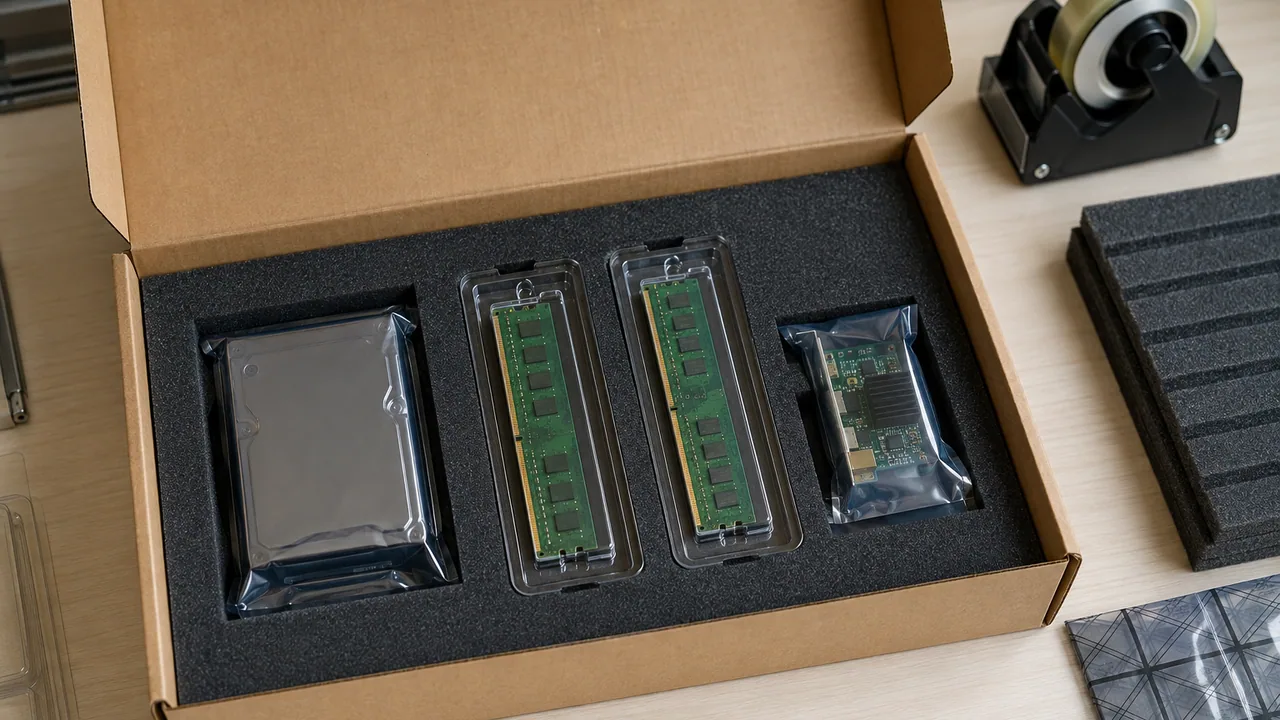
Search the full manufacturer code from your existing component label. Include the revision when you enquire.
Search the catalogue ↗Bring the server model, generation and installed configuration. Check power, slot and firmware requirements together.
Plan an upgrade ↗Shortlist components across product lines, then download a list to complete with quantities and your destination.
Build your shortlist ↗PART NUMBERS / SPECIFICATIONS / ORDERING
Compare specifications and installation requirements, then request a quote for the part you need.
804331-B218 · 2 GB · 12G SAS
865414-B21800 W · Up to 94% · C14
826703-B21DL380 Gen10 · SFF · Factory / field option
7Y37A01082PCIe 3.0 x8 · 12 Gb/s · 8
7Y37A01084PCIe 3.0 x8 · 12 Gb/s · 8
7Y37A01085PCIe 3.0 x8 · 12 Gb/s · 16
Manufacturer models and part numbers.
Configuration, condition and included items.
Export packing and delivery planning.
ACCESSORIES / PROCUREMENT DESK
Identify the installed system and its existing part before choosing an upgrade or replacement.
Host model, installed P/N and hardware revision.
Mechanical fit, electrical interface and firmware.
Carrier, bracket, cable, heatsink or accessory kit.
Condition, inspection records, quantity and delivery terms.
Readable labels plus the connector, mounting points and included hardware.
Agree the appropriate functional test for the component and record the exact item identifier.
Use component-specific ESD and mechanical protection; keep associated small parts together.
EXPLORE THE RANGE
Identify the installed system and its existing part before choosing an upgrade or replacement.
Server and workstation CPUs, including manufacturer upgrade kits. Review the platform and thermal requirements before ordering.
Explore this product line ↗Solid-state drives for servers and storage arrays. Compare capacity, interface, endurance and the required carrier.
Explore this product line ↗Chassis components, risers, rails and replacement parts. Use the exact part number and hardware revision where available.
Explore this product line ↗RAID controllers, HBAs and network adapters. Check the host platform, interface and required cables or brackets.
Explore this product line ↗Enterprise hard drives for capacity expansion and replacement. Check the full part number, form factor and system fit.
Explore this product line ↗Supporting parts for upgrades, replacements and complete equipment orders. Confirm the required manufacturer part number and system.
Explore this product line ↗Power supplies and thermal components for enterprise equipment. Confirm voltage, connector, airflow and the installed model.
Explore this product line ↗PCIe cards and accelerator modules for supported systems. Confirm the model, interface, power and cooling arrangement.
Explore this product line ↗Find the model and review the configuration requirements.
Explore this product line ↗Find the model and review the configuration requirements.
Explore this product line ↗Find the model and review the configuration requirements.
Explore this product line ↗Find the model and review the configuration requirements.
Explore this product line ↗Find the model and review the configuration requirements.
Explore this product line ↗Find the model and review the configuration requirements.
Explore this product line ↗Find the model and review the configuration requirements.
Explore this product line ↗Explore every product line using the catalogue filter above.
PLAN THE PURCHASE
Use your application and existing equipment to narrow the choices before comparing individual models.
Send a readable part-label photo, the host system model and the failure description. Specify the required arrival date and whether an exact replacement is essential.
Separate the request by manufacturer part number, revision and quantity. State the systems each group will support and the preferred condition for spare stock.
Describe the installed configuration and the planned change. Include carriers, brackets, risers, heatsinks and cables in the compatibility review where relevant.
Provide the original part number and any known approved substitutes. Ask for the offered condition and warranty terms to be identified for each proposed item.
COMPLETE THE ORDER
Servers, networking, storage and parts are often ordered together. Include any required accessories when requesting your quotation.
01 / Application planning
Match the option, spare or assembly number and the relevant hardware revision.
Review the host, connectors, physical fit and dependencies as one configuration.
Keep quantities, included kits and target systems attached to each BOM line.
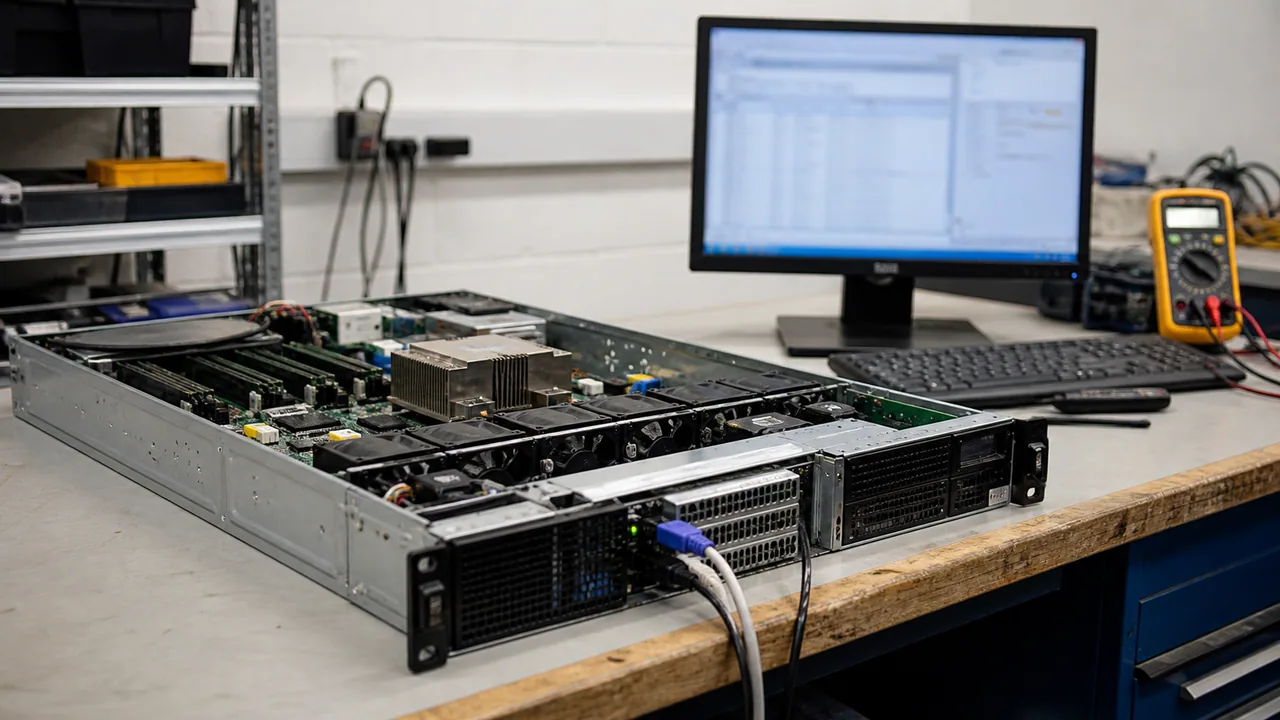
02 / Inspection & testing
Agree the inspection and test scope for the offered condition before confirming the order.
03 / Packing & international delivery
Confirm the packing list, delivery address and receiving requirements before shipment.
Protect
Specify packing around the component, its sensitivity and the quantity ordered.
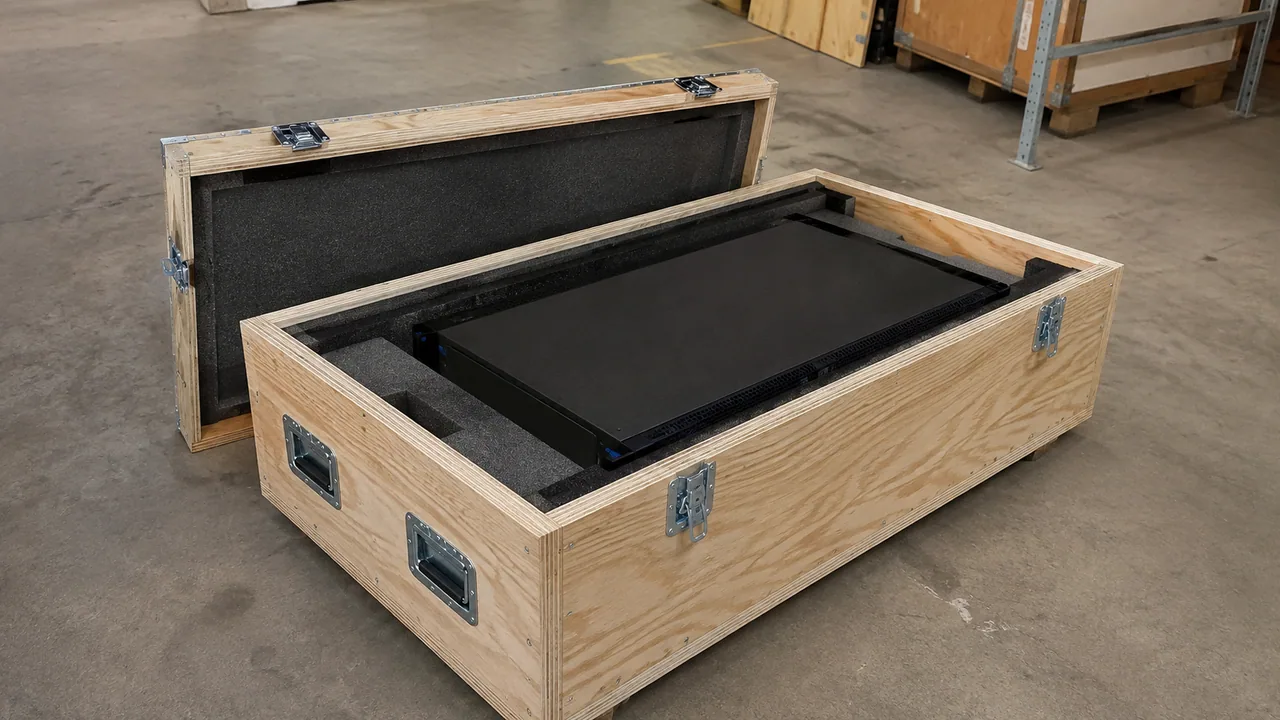
Prepare
Select packing suitable for the hardware, combined order and transport route.

Deliver
Confirm the destination and shipment scope before arranging collection.
Send the country, postal code, requested date and receiving restrictions with your enquiry. Packing, freight and delivery timing are confirmed in the written quotation.
Shipping guide ↗04 / Warranty & after-sales
Keep the warranty terms with the part number and supplied condition. The quotation or order defines the applicable coverage for your item.
Warranty & RMA guide ↗Include the product label, order reference and a description of the fault.
Provide the requested identification and diagnostic details.
Agree the authorized next step before shipping a return.
Repair, replacement or other remedies depend on the agreed warranty terms and the fault assessment.
BUYING QUESTIONS
Have a specific model in mind? Send the details and we will review the request.
sales@star-networking.comSend the model or manufacturer part number, quantity, required condition and delivery country. If you are planning a complete system, include the configuration and any accessories you need.
Yes. The catalogue is a starting point for an enquiry. Send the model or part number and we will review the sourcing request and confirm whether we can quote it.
Requirements may include new, refurbished or lifecycle hardware. The proposed condition, available quantity and warranty terms are stated in the written quotation.
The quotation lists the proposed configuration and included accessories. Power supplies, rails, cables, software, subscriptions and support are checked separately where applicable.
International delivery can be arranged through our Hong Kong team. Shipping method, export packing, documentation and destination requirements are reviewed for the order.
Ask for photos of the offered unit or batch when requesting a quotation. Page imagery introduces the product range and does not confirm current stock or the condition of a particular unit.
LET’S TALK ABOUT YOUR NEXT ORDER
Tell us what you need, how many and where it is going.
Illustrative scenes show the product families. For a purchase decision, request photos and details of the offered unit or batch. Brand names identify product manufacturers and do not imply an authorized partnership.
CONFIGURATION BRIEF
Send the part numbers, quantities, host models and delivery destination with your quote request.
Catalogue at a glance
Select a product line to browse the models in that range. Counts show products, not available stock.
Products & specifications
Before you order
A matching connector alone does not confirm system compatibility.
| Component | Start with | Confirm before ordering |
|---|---|---|
| Processor | Host model, generation and socket | Supported CPU list, BIOS, heatsink and thermal limits |
| Memory | DDR generation, DIMM type and capacity | Population rules, ranks and supported combinations |
| SSD / HDD | Interface, form factor and exact P/N | Backplane support, carrier, firmware and endurance |
| RAID / HBA / NIC | Controller model and host interface | Slot, bracket, cables, drivers and cache protection |
| GPU | Board variant and intended platform | Clearance, power connectors, cooling and supported software |
| Power / optics | Installed module and replacement P/N | Electrical ratings, airflow, connector and host support |
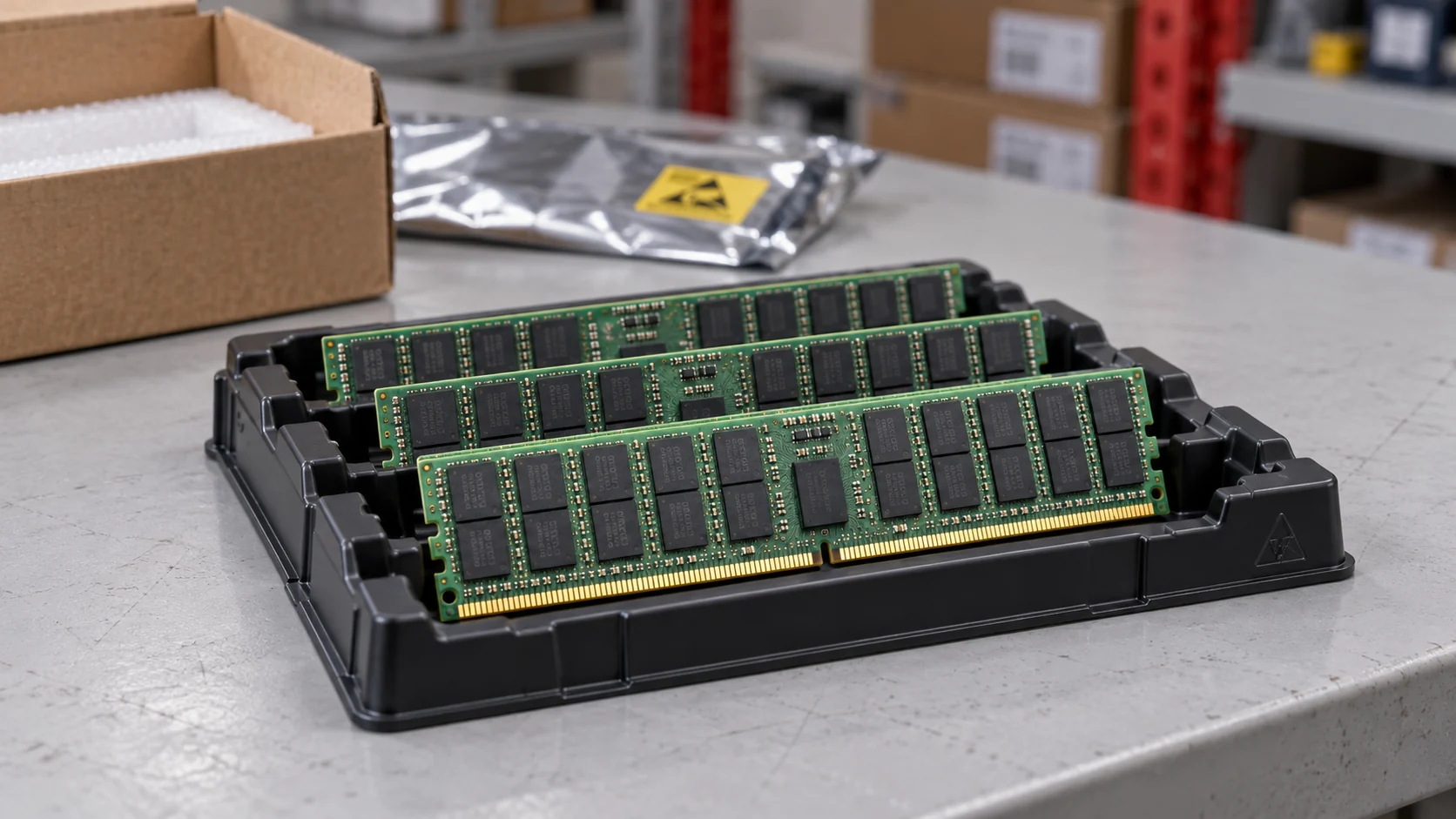
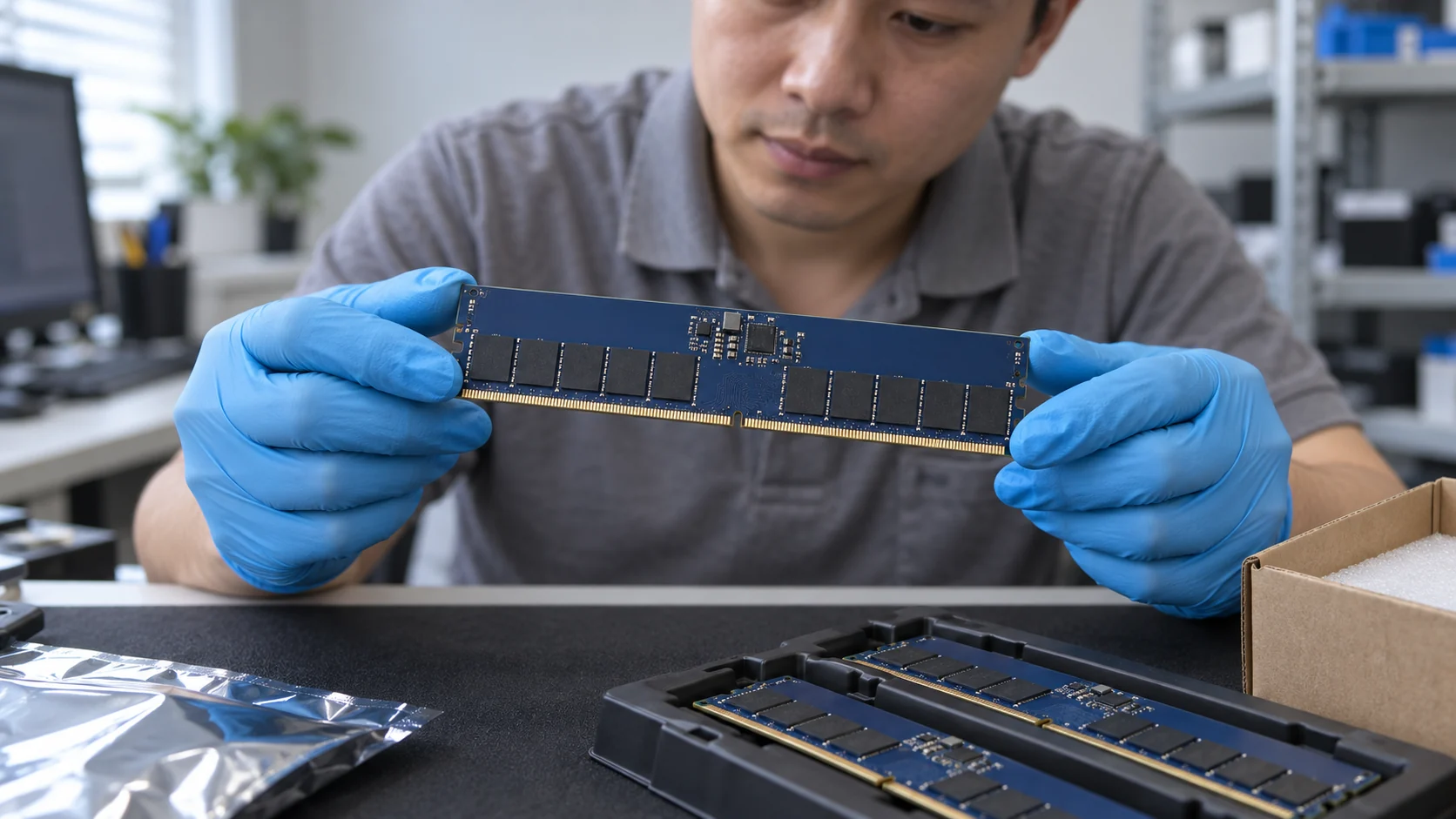
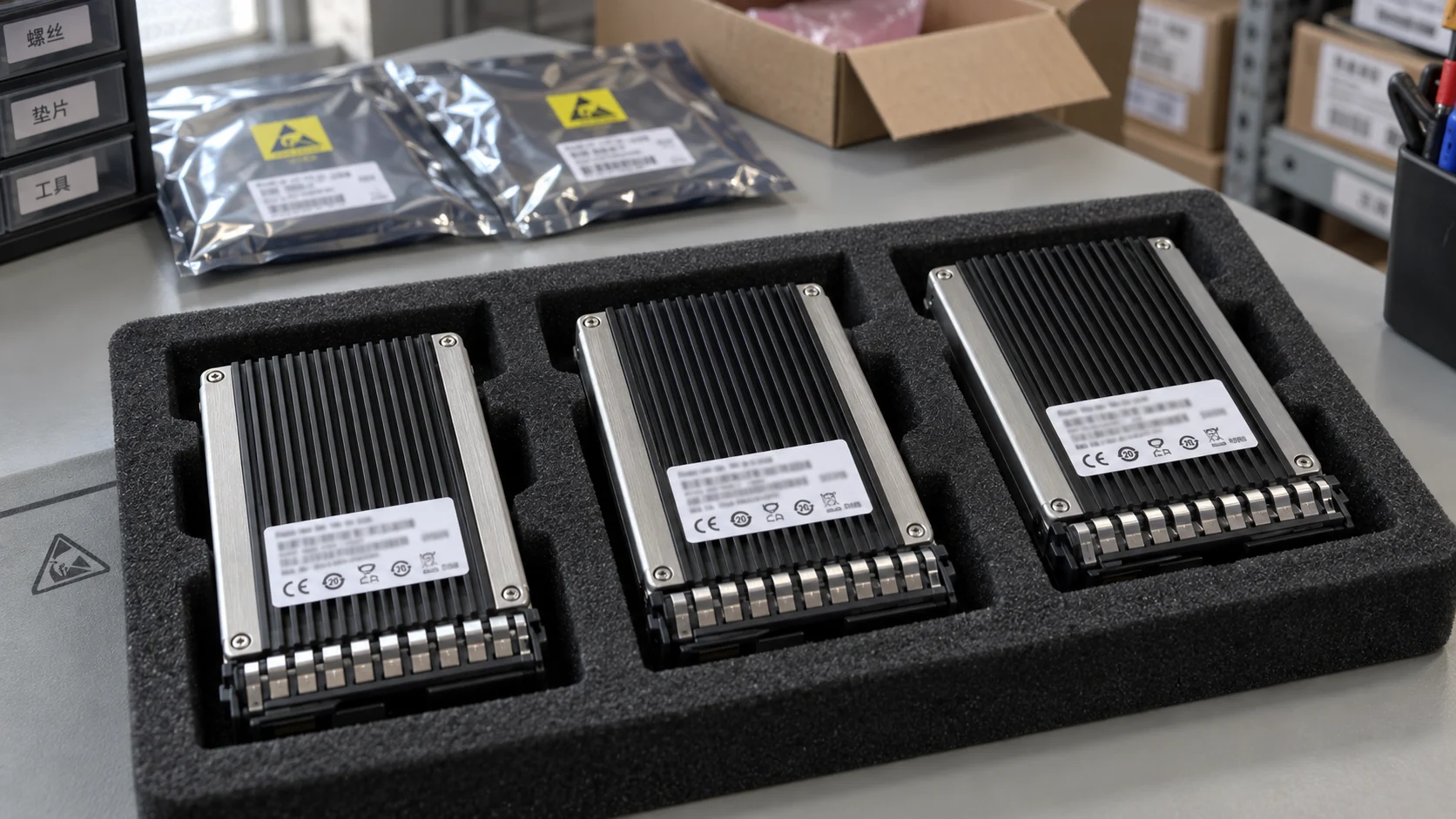
A closer look at enterprise hardware
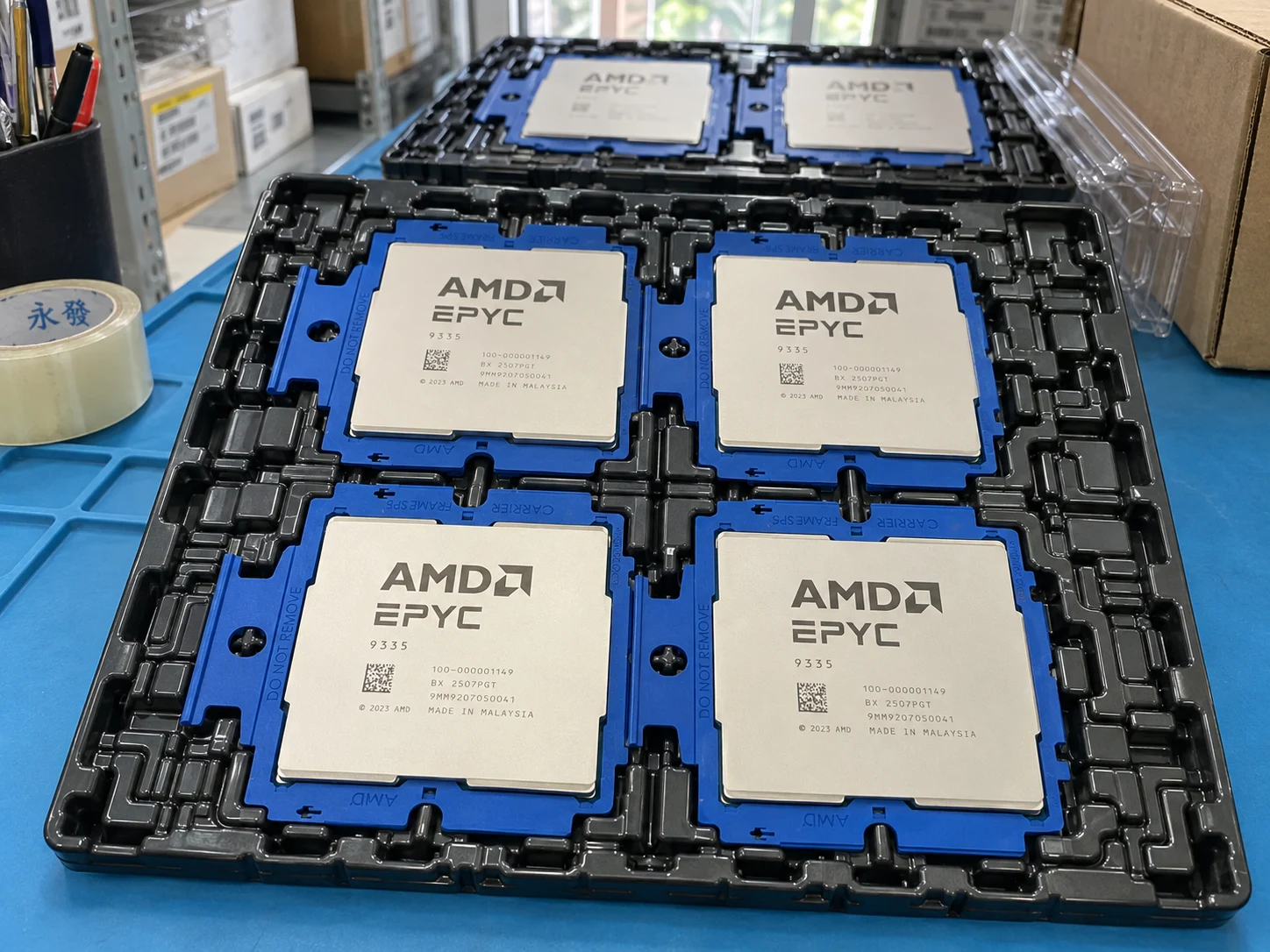
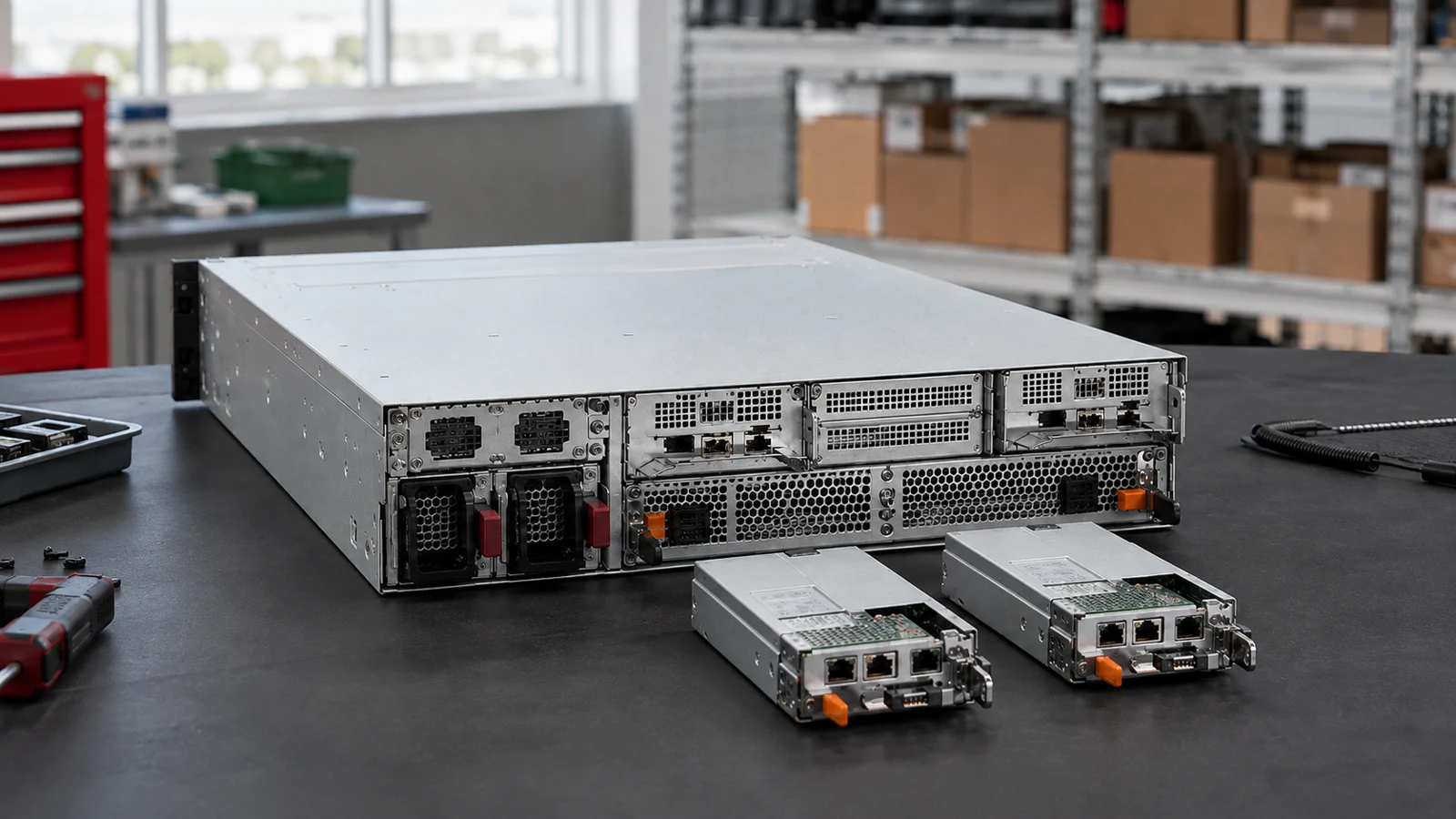
Explore component handling, system scale and packaging through illustrative scenes. These images show typical product-category settings, not offered inventory; request photographs of the specific unit with your quotation.
Buying for a project?
Keep the model, quantity and installation requirements together.
Find matching catalogue entries, review different versions and bring the selected products into your RFQ.
Check a parts list ↗02 · Plan the connectionsExplore server, switch and storage examples. Check host interfaces, optics and redundancy before choosing components.
Explore storage connections ↗03 · Prepare your requestAdd quantities, condition, testing and destination. Prices and availability are confirmed before an order is accepted.
Open your RFQ ↗Need a quote?
Send the full P/N, quantity, host system and delivery destination.
Illustrative and reference images show product families or models. Request offered-unit photographs, labels and included items before confirming an order.
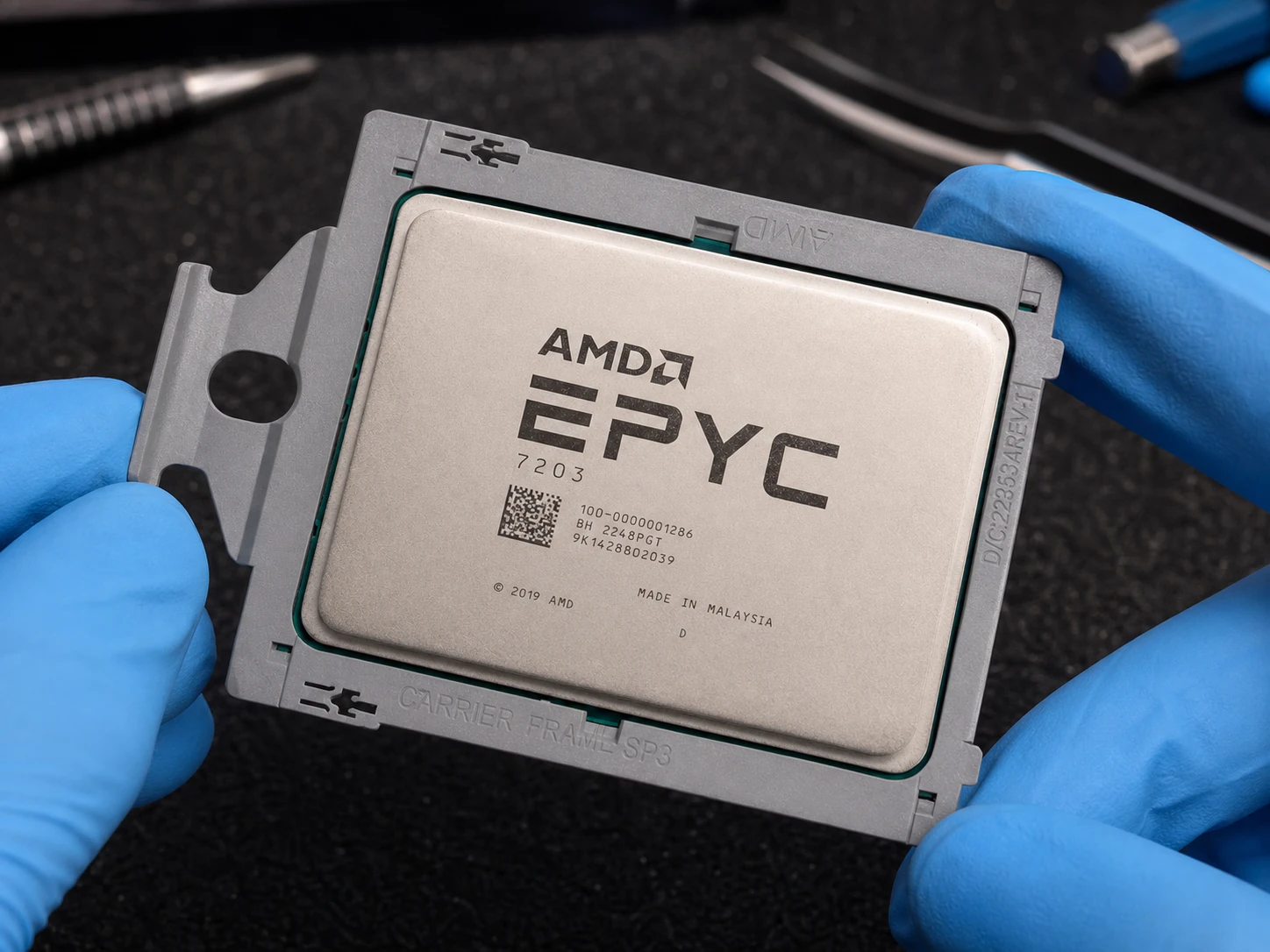


Server CPU
P/N100-000000319


Server CPU
P/N100-000000694

Server CPU
P/N100-000000141