Host adapters
HPE SN1610Q 32Gb dual-port FC HBA · R2E09A; confirm server slot, OS and driver.
Explore options ↗
Loading products and specifications…
ENTERPRISE COMPUTE
Shop Dell, HPE, Lenovo and Supermicro rack, tower and blade servers. Request pricing for your CPU, memory, storage and network configuration.
Specifications, inspection and ordering ↓Find rack, tower, blade and configured systems for everyday business applications, virtualization and demanding data-center workloads. Explore models and upgrade options across the manufacturers you already use.

STORAGE & SAN
Compare storage arrays, servers and switches for Fibre Channel, iSCSI and file storage. Select a system below to see its connections and ordering considerations.
View storage connection examplesCONNECTIONS / 32Gb FC
2025-generation HPE platforms · proposed 32Gb FC design
Select a product to see how it connects
Swipe to explore the full hardware map →
Logical data paths. Images show the equipment; cable endpoints are not physical port locations.
RELATED PARTS & SUPPORT
HPE SN1610Q 32Gb dual-port FC HBA · R2E09A; confirm server slot, OS and driver.
Explore options ↗HPE MSA 32Gb short-wave FC four-pack · P88919-B25.
Explore options ↗Qualified duplex LC fiber with the correct OM rating, reach and polarity for both endpoints.
Select original MSA drives, data services and support for the required capacity and protection.
Explore options ↗Give each host a qualified FC path into both fabrics.
Zone initiators to the intended storage targets.
Map volumes and verify recovery through host multipathing.
Pair two 2025-generation HPE ProLiant DL380 Gen12 servers with an HPE MSA 2070 SFF array across two independent 32Gb Fibre Channel fabrics. Both product families were introduced in 2025; the final server, adapter, switch, array and software combination still requires compatibility review.
Confirm the full configuration and compatibility before ordering.Pair two 2025-generation HPE ProLiant DL380 Gen12 servers with an HPE MSA 2070 SFF array across two independent 32Gb Fibre Channel fabrics. Both product families were introduced in 2025; the final server, adapter, switch, array and software combination still requires compatibility review.
2025-generation HPE platforms · proposed 32Gb FC design
Connect two SR665 hosts to a DE6000H 2U24 array through separate DB620S fabrics. This proposed two-host layout uses the 32Gb FC component families found in Lenovo deployments; it is not a reproduction of a benchmark configuration.
Connection example · confirm compatibility before ordering
Plan PRIMERGY application hosts around a dual-controller ETERNUS DX200 S5 and two Brocade G620 switches. Keep business Ethernet separate from the 32Gb FC storage paths.
Connection example · confirm compatibility before ordering
Use the AFF A250 FC interface option for shared LUNs over two MDS fabrics. The 25GbE NFS example uses a different host connection; changing a protocol label alone does not convert the hardware.
Connection example · confirm compatibility before ordering
Connect PowerEdge hosts to a dual-controller ME5024 through two MDS 9148T fabrics. Select the 32Gb FC controller configuration; the iSCSI model uses Ethernet hardware instead.
Connection example · confirm compatibility before ordering
Two compute hosts share an all-flash storage system through two Ethernet switches. Follow the path from a virtual machine to its datastore.
Published FlexPod Express configuration · 2023 baseline
A separate backup network connects supported server workloads to a Synology repository. Add an off-site copy to protect against a site-wide incident.
Star Networking connection example · component-based design
Use the DX200 S5 10GbE iSCSI host-interface configuration with separate storage subnets. Two candidate Dell S5248F-ON Ethernet switches carry 10GbE links to qualified PRIMERGY NICs and both controllers.
Connection example · check NIC, transceiver, firmware and OS compatibility
Catalogue at a glance
Select a product line to browse the models in that range. Counts show products, not available stock.
Products & specifications
Illustrative and reference images show product families or models. Request offered-unit photographs, labels and included items before confirming an order.
A closer look at enterprise hardware
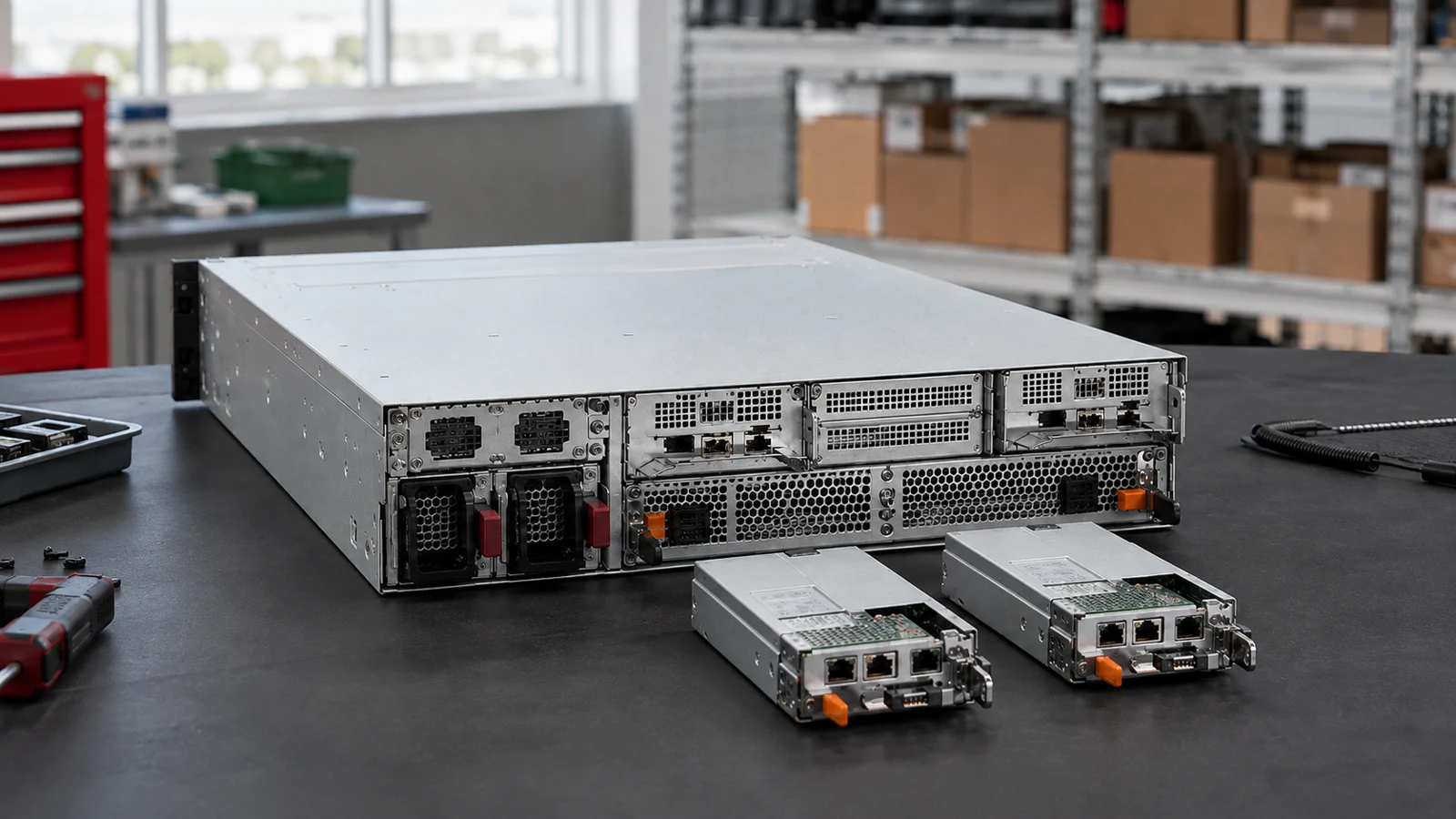
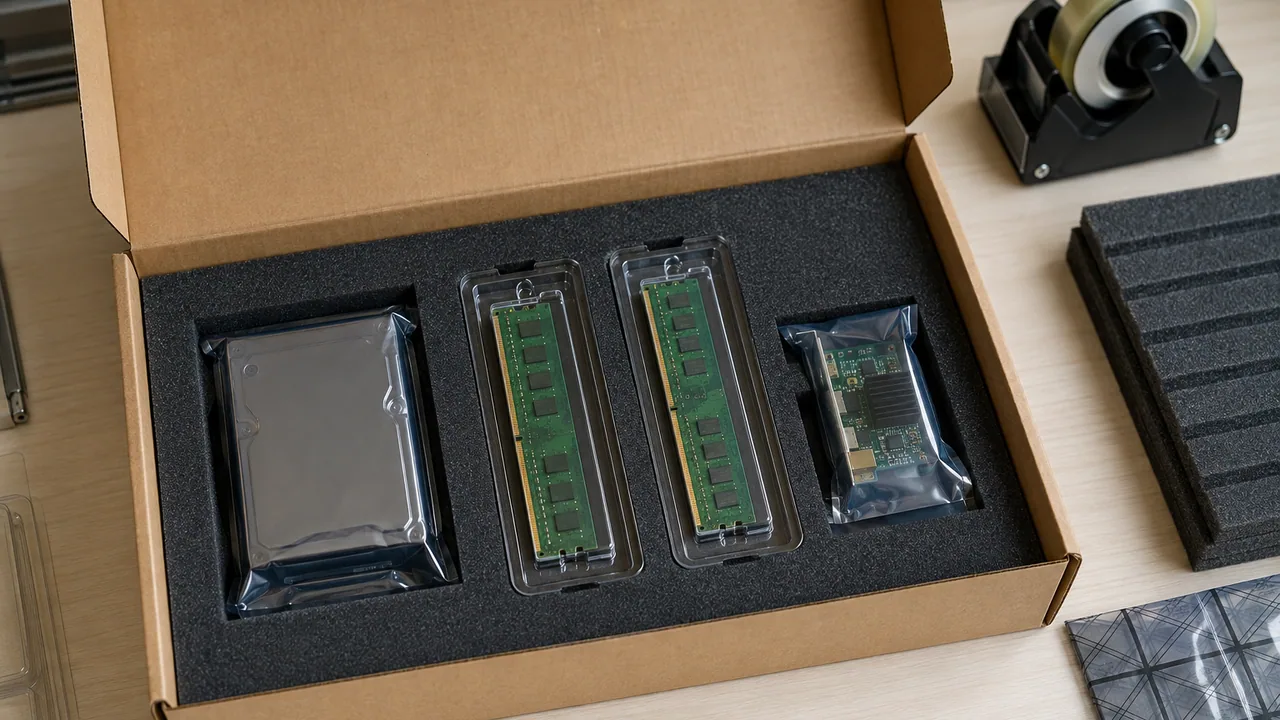
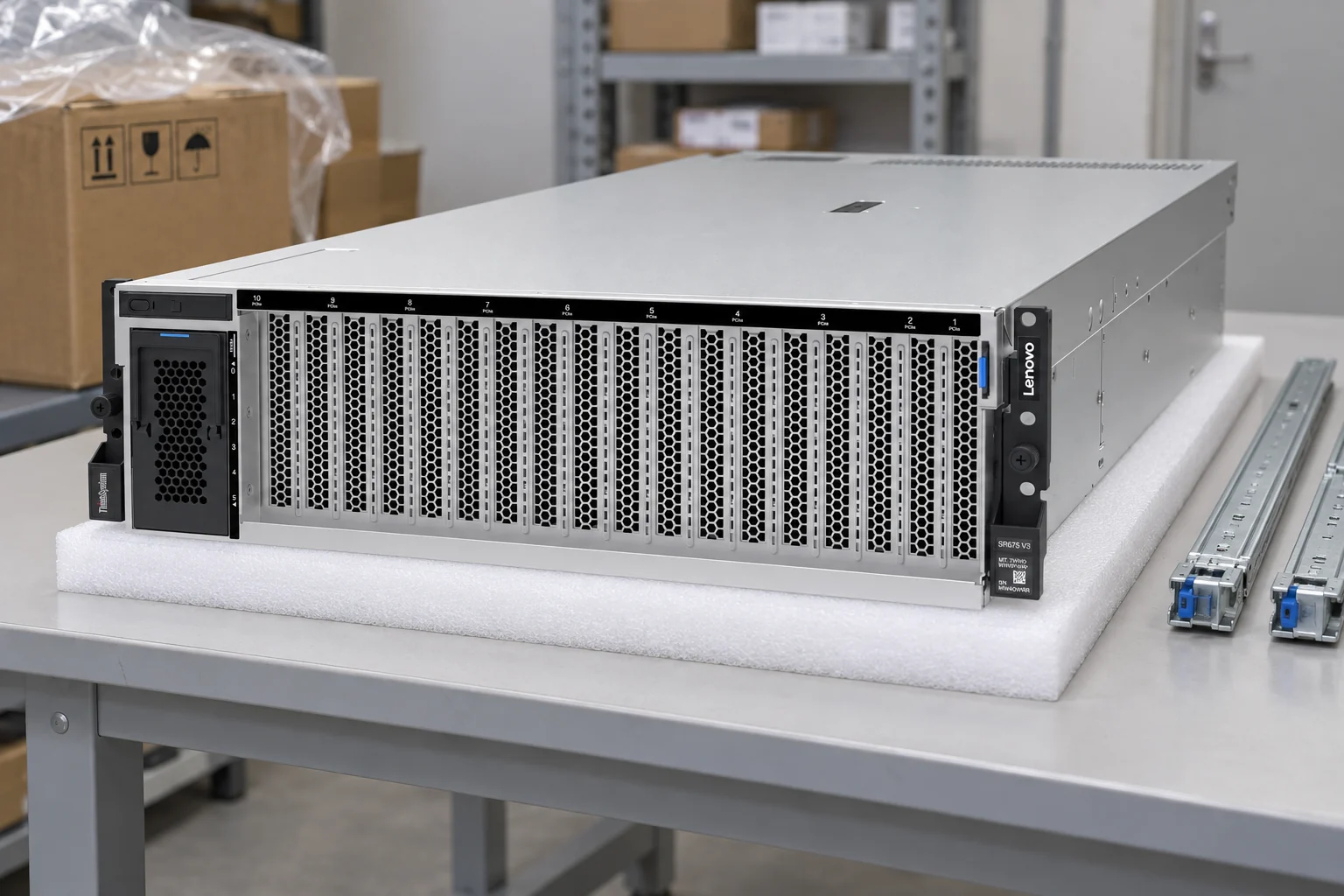
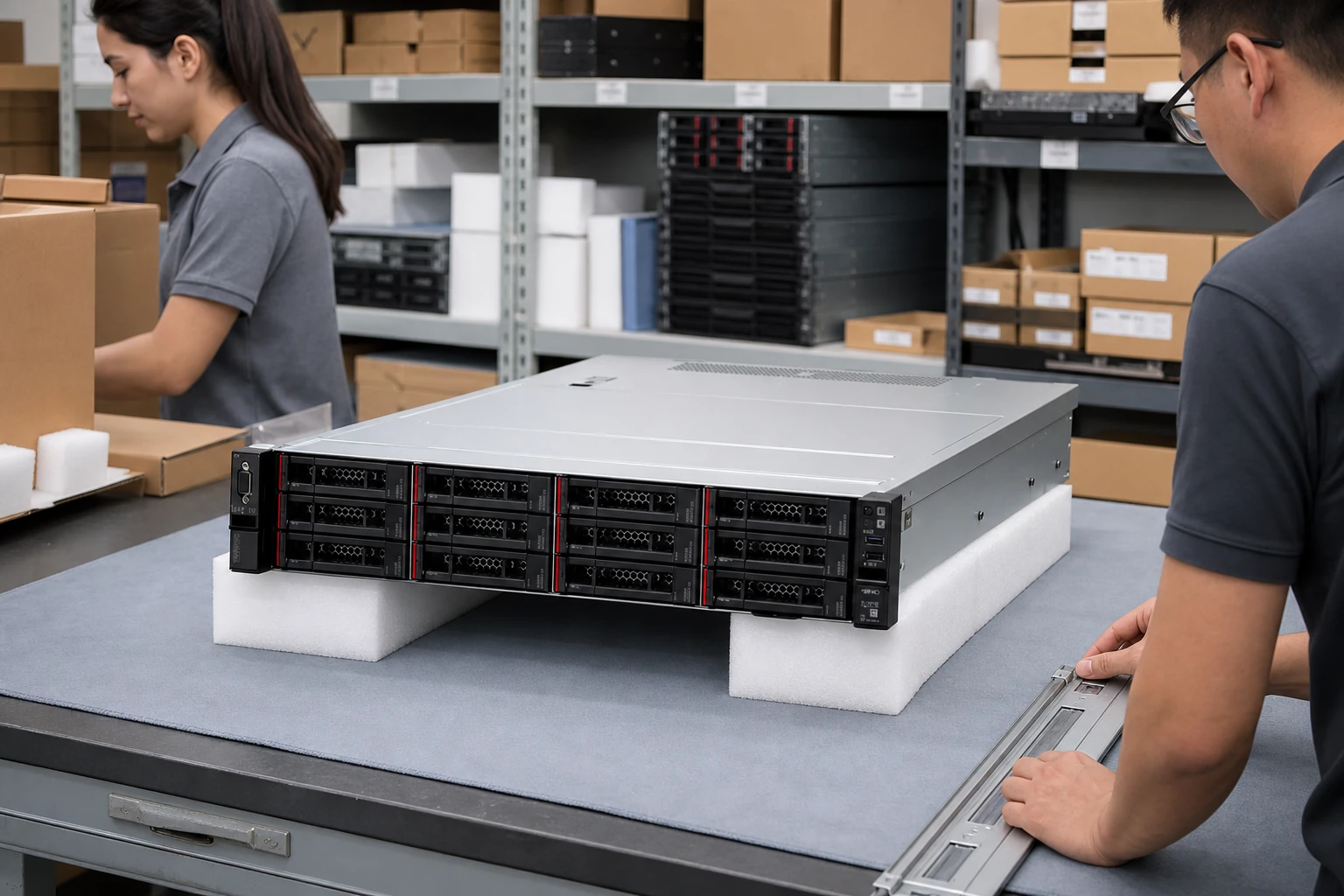
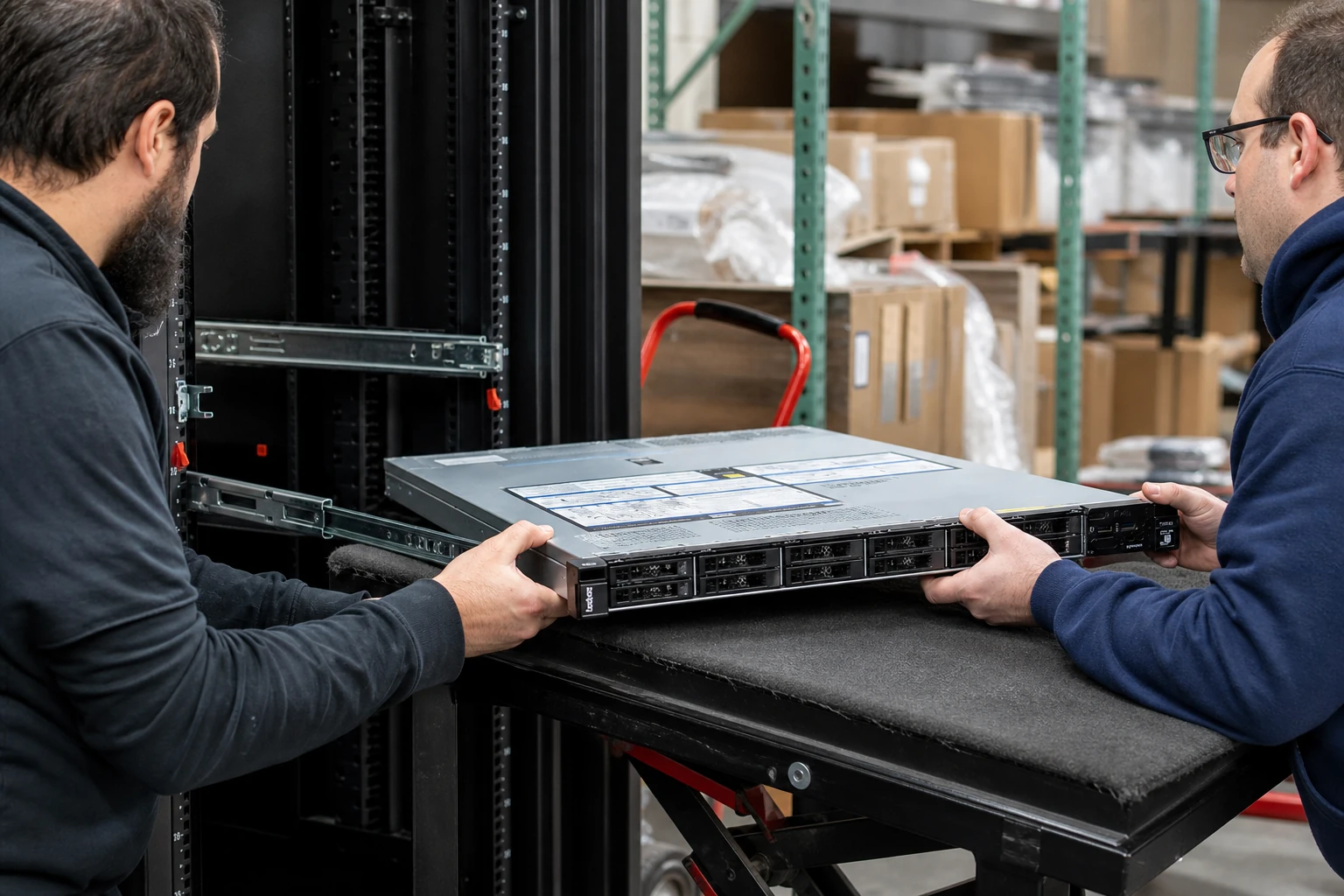
Explore component handling, system scale and packaging through illustrative scenes. These images show typical product-category settings, not offered inventory; request photographs of the specific unit with your quotation.
Buying for a project?
Keep the model, quantity and installation requirements together.
Find matching catalogue entries, review different versions and bring the selected products into your RFQ.
Check a parts list ↗02 · Plan the connectionsExplore server, switch and storage examples. Check host interfaces, optics and redundancy before choosing components.
Explore storage connections ↗03 · Prepare your requestAdd quantities, condition, testing and destination. Prices and availability are confirmed before an order is accepted.
Open your RFQ ↗Need a quote?
Send the full P/N, quantity, host system and delivery destination.
Enterprise servers
Browse Dell, HPE, Lenovo and other enterprise servers. Compare models, then choose supported processors, memory, drives and expansion cards.
Virtualization, databases and enterprise applications.
Explore systems ↗02Office deployments and local infrastructure.
Explore systems ↗03Compute nodes for compatible enclosure platforms.
Explore systems ↗04Complete systems for demanding accelerated workloads.
Explore systems ↗Storage arrays, SPARC systems and enterprise compute have separate model ranges.
Dell servers
HPE servers
Lenovo servers
Supermicro servers
Cisco servers
ASUS servers
GIGABYTE servers
Fujitsu servers
Oracle servers
Manufacturer models and part numbers.
Configuration, condition and included items.
Export packing and delivery planning.
SERVERS / PROCUREMENT DESK
Choose compute, memory, I/O and the physical installation as one system.
CPU family, socket count and supported firmware.
DIMM type, capacity and channel population.
Backplane, controller, risers and PCIe allocation.
Rack, power, airflow and remote management.
Front and rear views; service identifier; riser, backplane and PSU P/Ns.
Agree a hardware inventory, management-controller health review, memory test and storage / network port checks.
Protect rails, protruding handles and socket or slot blanks; list removed accessories separately.
EXPLORE THE RANGE
Choose compute, memory, I/O and the physical installation as one system.
Find the model and review the configuration requirements.
Explore this product line ↗Find the model and review the configuration requirements.
Explore this product line ↗Find the model and review the configuration requirements.
Explore this product line ↗Find the model and review the configuration requirements.
Explore this product line ↗Find the model and review the configuration requirements.
Explore this product line ↗Find the model and review the configuration requirements.
Explore this product line ↗Find the model and review the configuration requirements.
Explore this product line ↗Find the model and review the configuration requirements.
Explore this product line ↗Find the model and review the configuration requirements.
Explore this product line ↗Find the model and review the configuration requirements.
Explore this product line ↗Find the model and review the configuration requirements.
Explore this product line ↗Find the model and review the configuration requirements.
Explore this product line ↗Find the model and review the configuration requirements.
Explore this product line ↗Find the model and review the configuration requirements.
Explore this product line ↗Find the model and review the configuration requirements.
Explore this product line ↗Find the model and review the configuration requirements.
Explore this product line ↗Find the model and review the configuration requirements.
Explore this product line ↗Find the model and review the configuration requirements.
Explore this product line ↗Find the model and review the configuration requirements.
Explore this product line ↗Find the model and review the configuration requirements.
Explore this product line ↗Find the model and review the configuration requirements.
Explore this product line ↗Find the model and review the configuration requirements.
Explore this product line ↗Find the model and review the configuration requirements.
Explore this product line ↗Find the model and review the configuration requirements.
Explore this product line ↗Explore every product line using the catalogue filter above.
PLAN THE PURCHASE
Use your application and existing equipment to narrow the choices before comparing individual models.
Describe the VM count, memory demand and expected growth. Include the hypervisor version, storage connections and host redundancy requirements for the configuration check.
List the applications, operating system and any software licensing constraints. Separate the boot drives from data-storage requirements and describe the backup arrangement.
Send the available rack depth, site power and installation environment. Include acoustic constraints and remote-management requirements when the system will operate near staff.
Provide the existing chassis model, service label and component list. Identify which drives, adapters and rails you intend to reuse so each item can be checked against the proposed system.
COMPLETE THE ORDER
Servers, networking, storage and parts are often ordered together. Include any required accessories when requesting your quotation.
INSPECT / PROTECT / DELIVER
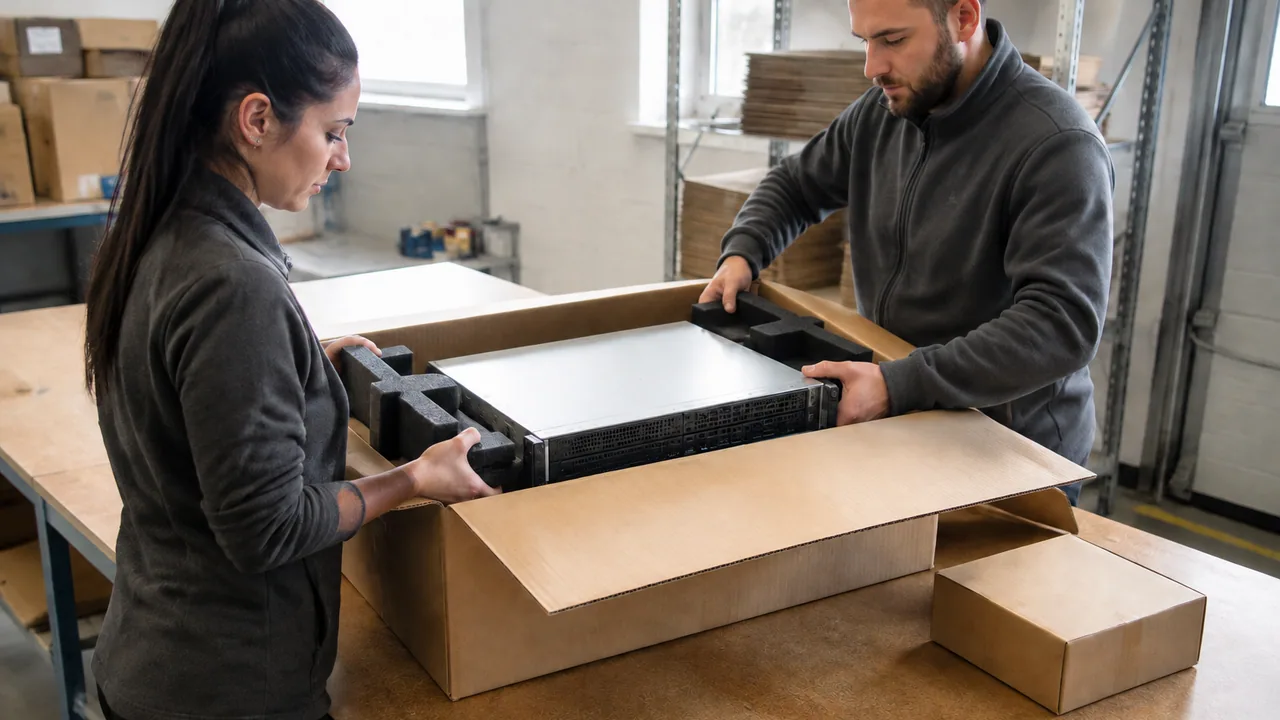
Agree the checks required for your configuration. Request model-label photos and available boot, diagnostic or interface records for the offered equipment.
Specify fitted foam supports, connector protection and ESD packaging where applicable. Confirm rails, power supplies, carriers and cables as separate quotation items.
Confirm the destination, packed dimensions, shipment documents and receiving arrangements before dispatch. Freight and lead time are quoted for the order.
Record warranty duration, coverage, exclusions and the return process in the quotation. Report any delivery damage with packaging and equipment photos.
BUYING QUESTIONS
Have a specific model in mind? Send the details and we will review the request.
sales@star-networking.comSend the model or manufacturer part number, quantity, required condition and delivery country. If you are planning a complete system, include the configuration and any accessories you need.
Yes. The catalogue is a starting point for an enquiry. Send the model or part number and we will review the sourcing request and confirm whether we can quote it.
Requirements may include new, refurbished or lifecycle hardware. The proposed condition, available quantity and warranty terms are stated in the written quotation.
The quotation lists the proposed configuration and included accessories. Power supplies, rails, cables, software, subscriptions and support are checked separately where applicable.
International delivery can be arranged through our Hong Kong team. Shipping method, export packing, documentation and destination requirements are reviewed for the order.
Ask for photos of the offered unit or batch when requesting a quotation. Page imagery introduces the product range and does not confirm current stock or the condition of a particular unit.
LET’S TALK ABOUT YOUR NEXT ORDER
Tell us what you need, how many and where it is going.
Illustrative scenes show the product families. For a purchase decision, request photos and details of the offered unit or batch. Brand names identify product manufacturers and do not imply an authorized partnership.
Illustrative scenes. Ask for photos of the equipment offered.
CONFIGURATION BRIEF
Prepare a servers requirement with the fields that matter for this equipment. You can copy or download the brief and include it in your RFQ.

Enterprise Server
P/NEG500-E11-RS2-R
Enterprise Server
P/NEG500-E11-RS2-R

Enterprise Server
P/NEG500-E11-RS4-R
Enterprise Server
P/NEG500-E11-RS4-R

Enterprise Server
P/NEG520-E11-RS10-R
Enterprise Server
P/NEG520-E11-RS10-R

AI Server
P/NESC-N8-E11
AI Server
P/NESC-N8-E11
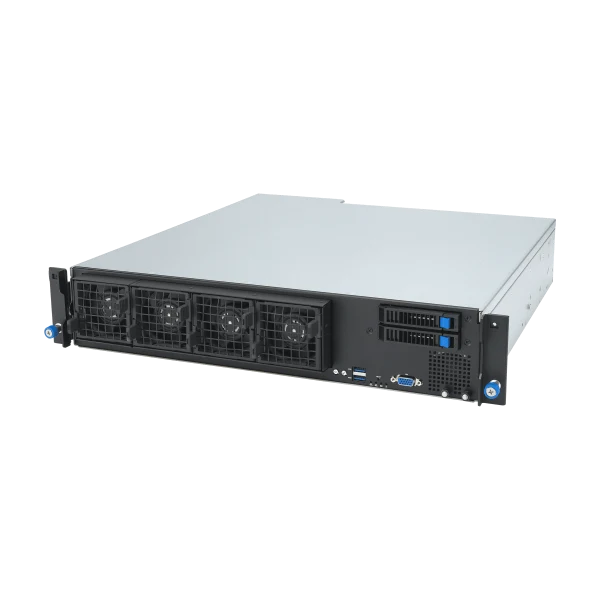
Enterprise Server
P/NEG520-E11-RS6-R
Enterprise Server
P/NEG520-E11-RS6-R

AI Server
P/NESC-A8A-E12U
AI Server
P/NESC-A8A-E12U

AI Server
P/NESC-NB8-E11

AI Server
P/NESC4000-E11

AI Server
P/NESC-NM2N721-E1

AI Server
P/NESC4000-E10

AI Server
P/NESC4000A-E12

AI Server
P/NESC4000A-E10

AI Server
P/NESC4000A-E11

AI Server
P/NESC8000-E11

AI Server
P/NESC8000-E12P
AI Server
P/NESC8000-E12
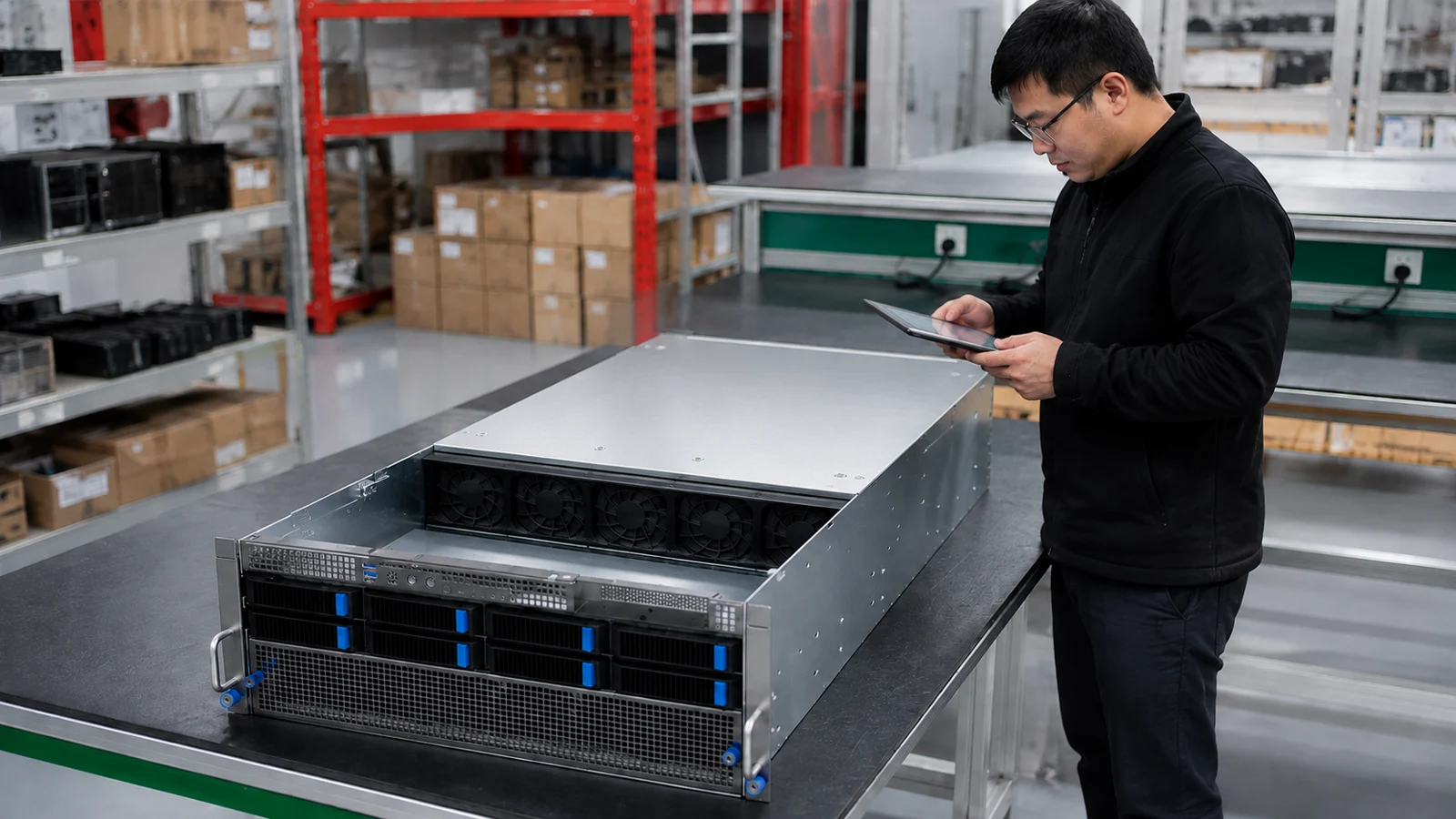
AI Server
P/NESC8000-E11P

AI Server
P/NESC8000A-E13

AI Server
P/NESC8000A-E12

AI Server
P/NESC8000A-E12P

AI Server
P/NESC8000A-E13P

AI Server
P/NESC8000A-E13X

Enterprise Server
P/NESR1-511-X4TF

AI GPU Servers
P/NESC N8-E11V


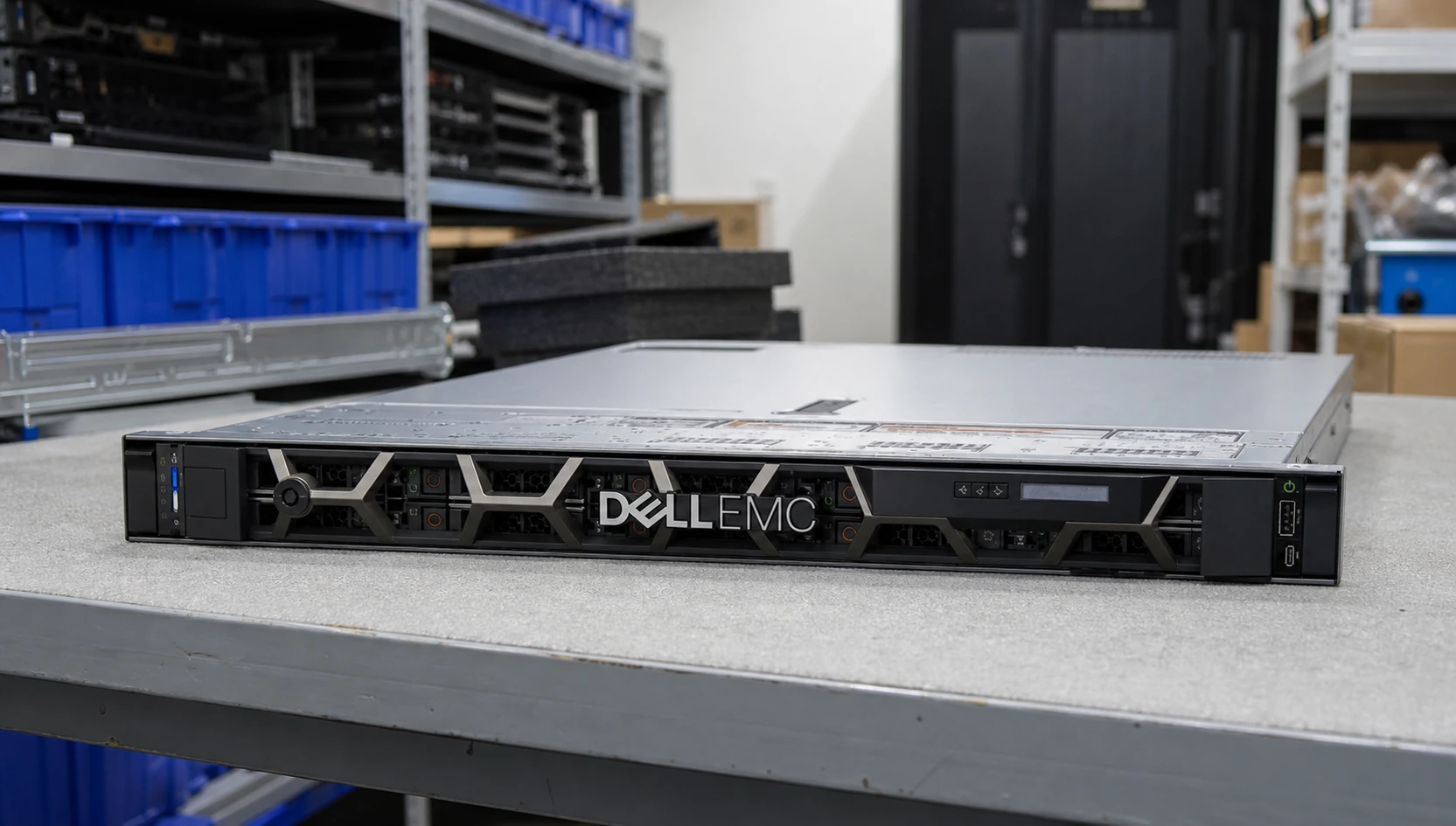
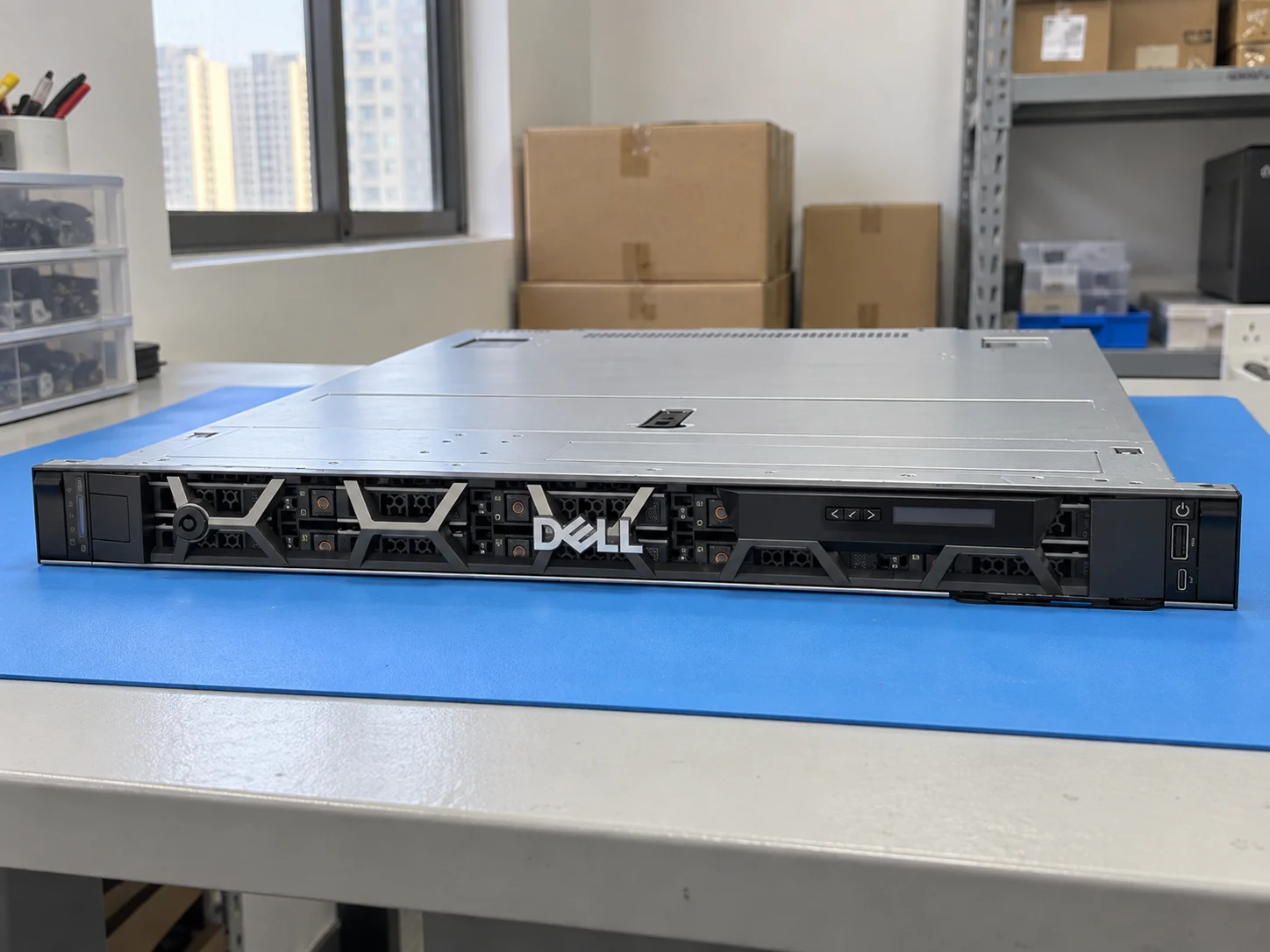
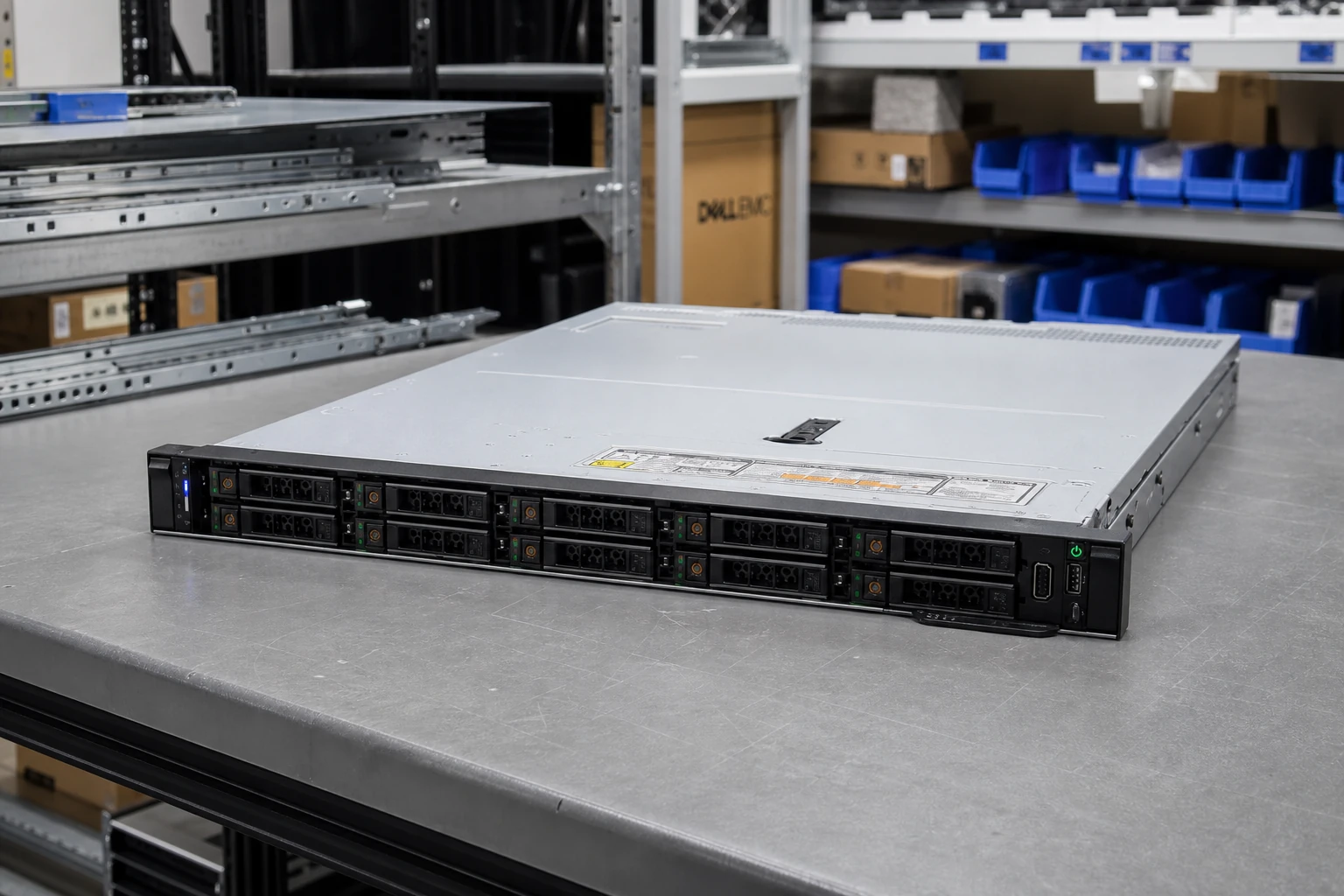
Enterprise Server
P/NPowerEdge R650xs

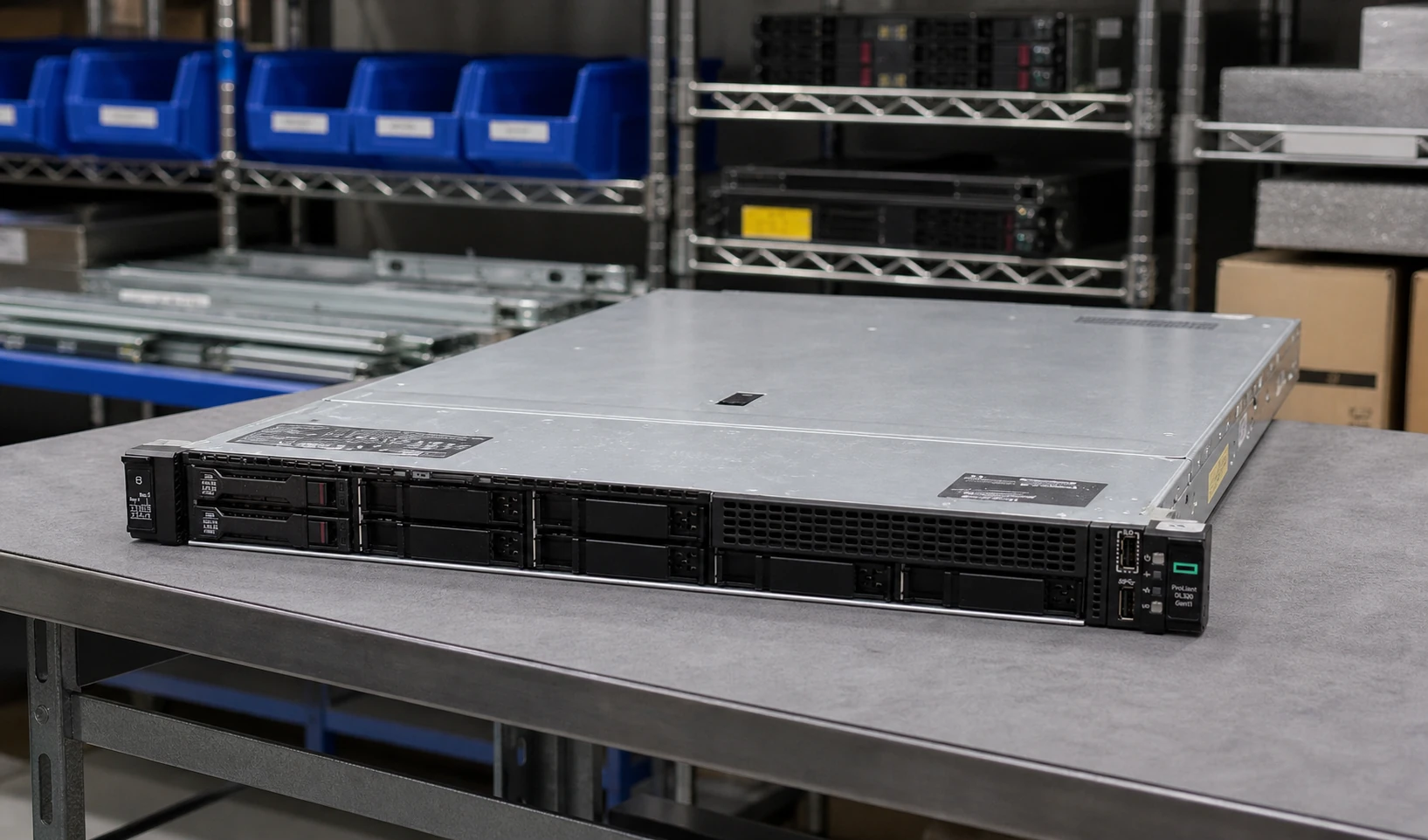
Enterprise Server
P/NP69302-005

Enterprise Server
P/NP69310-005

Enterprise Server
P/NP71673-425
Enterprise Server
P/NP69313-005
Enterprise Server
P/NP71672-035
Enterprise Server
P/NP71671-425
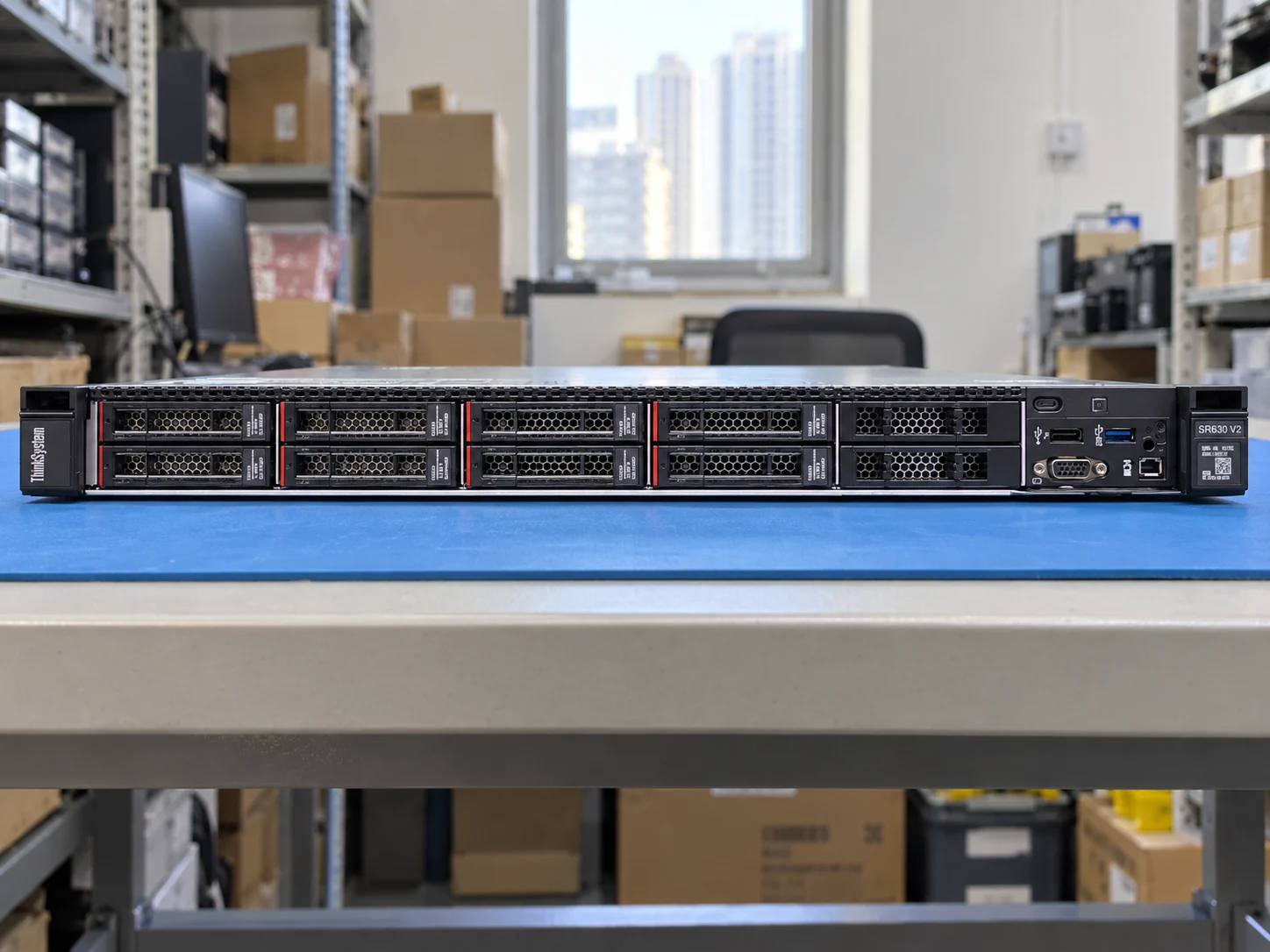
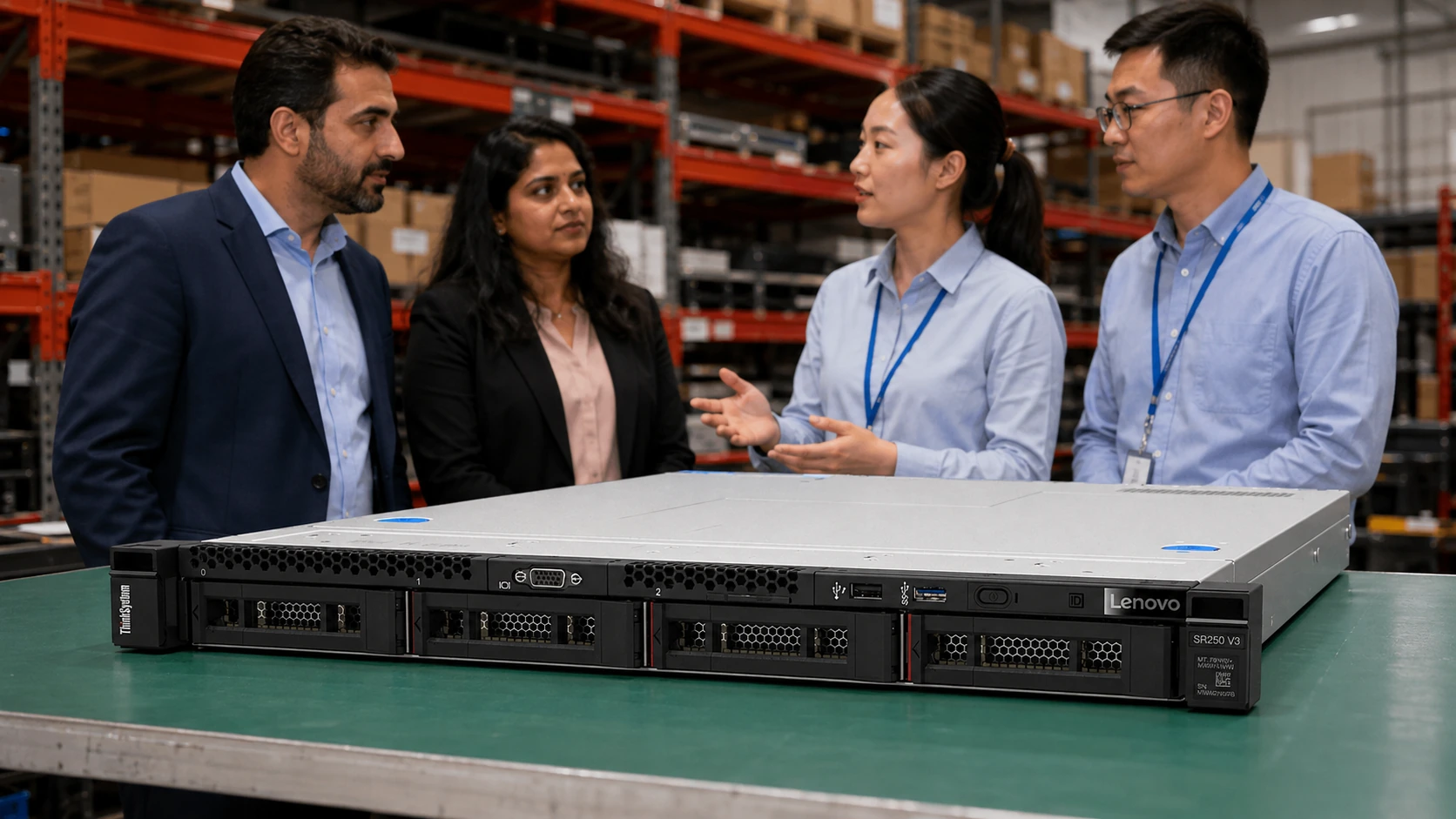
Enterprise Server
ModelThinkSystem SR250 V3



Enterprise Server
P/NAS-1115CS-TNR

Enterprise Server
P/NAS-1115HS-TNR

Enterprise Server
P/NAS-2015CS-TNR

Enterprise Server
P/NAS-1125HS-TNR

Enterprise Server
P/NAS-2015HS-TNR

Enterprise Server
P/NAS-2025HS-TNR



AI GPU Servers
P/NG893-SD1-AAX3


AI GPU Servers
P/NXL44-SX2-AAS1


AI GPU Servers
P/NG894-SD3-AAX7

AI GPU Servers
P/NG894-SD1-AAX5
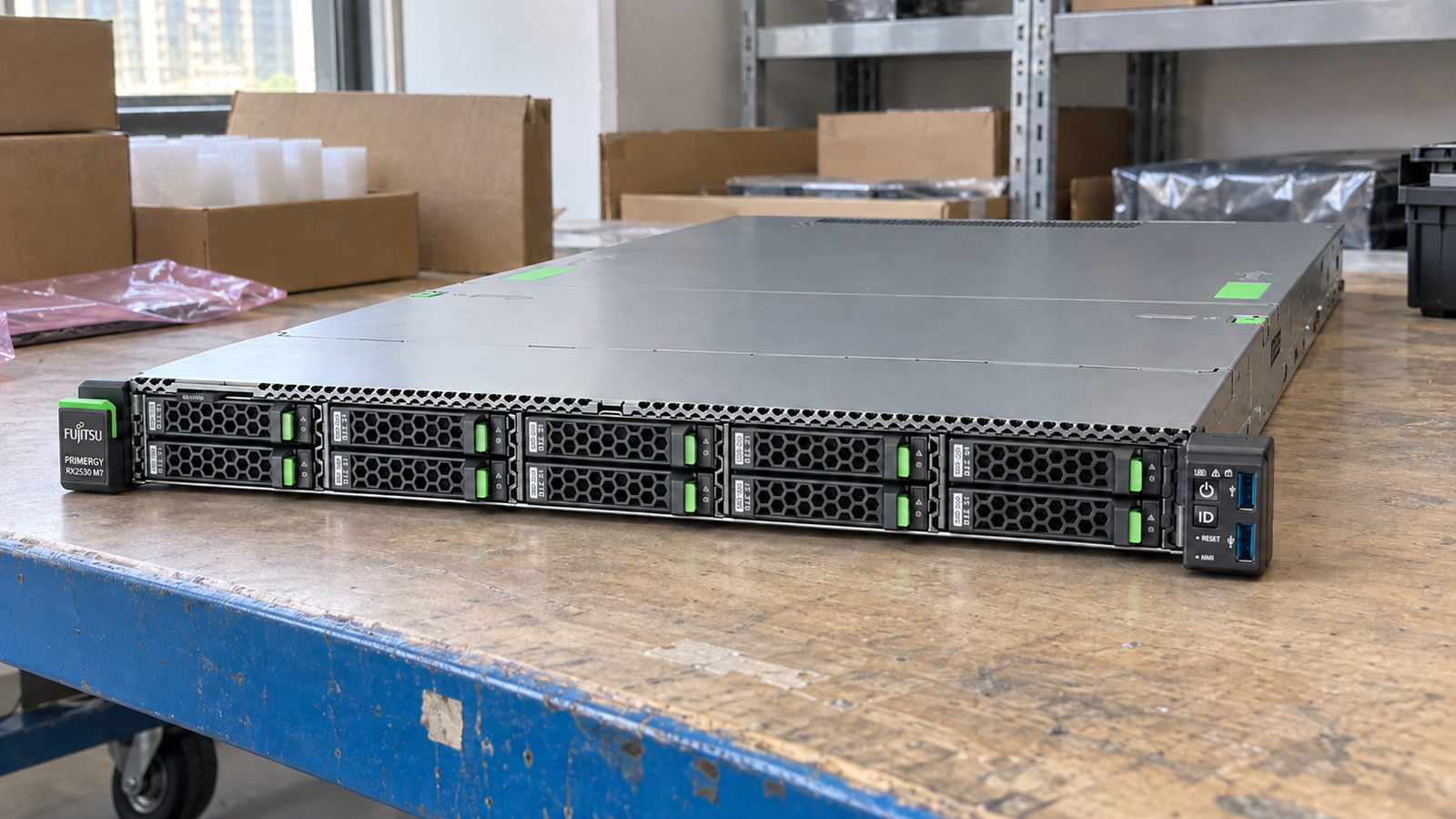
Rack Server
P/NPRIMERGY RX2530 M7
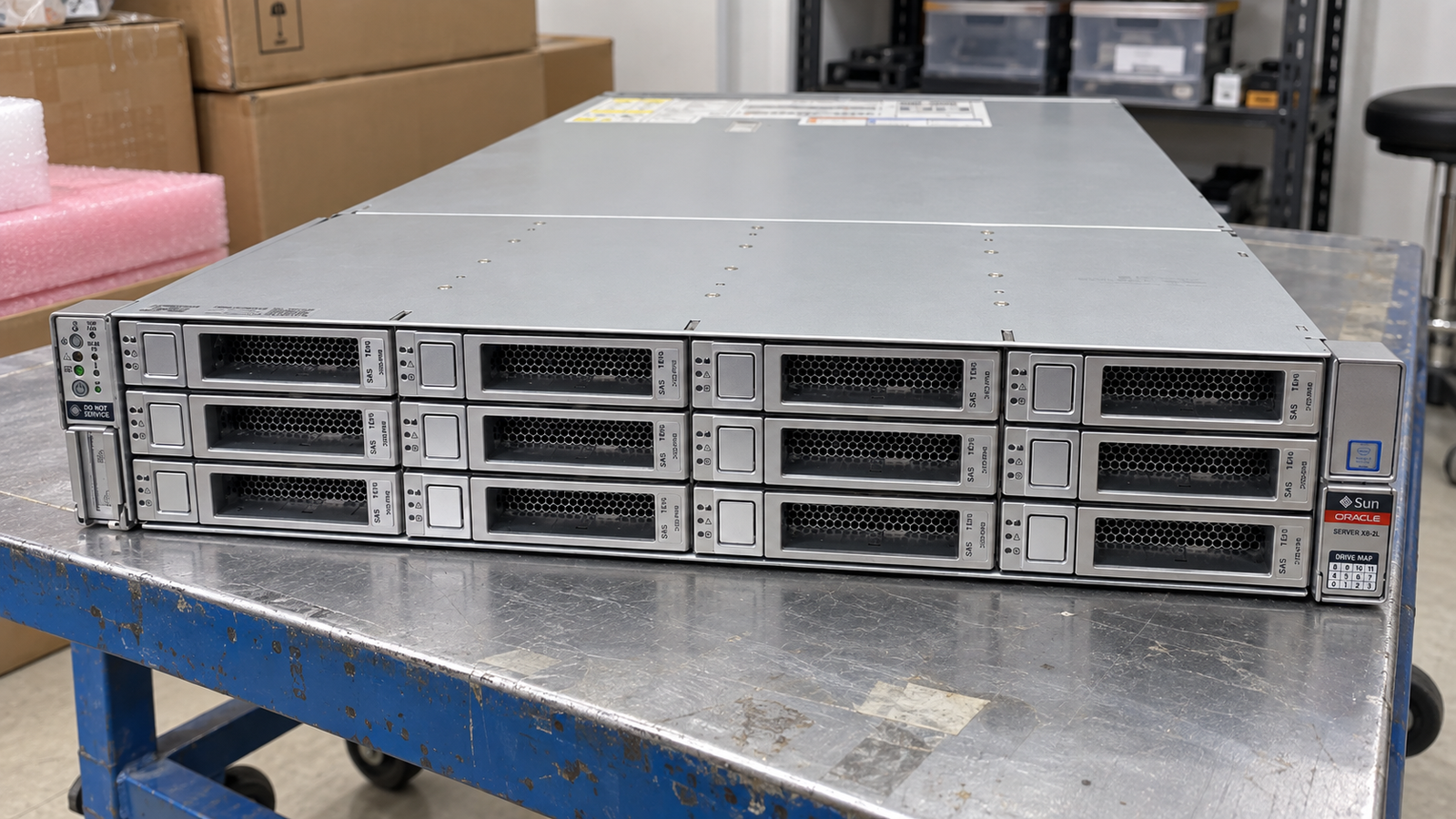
Enterprise Server
P/NServer X8-2L
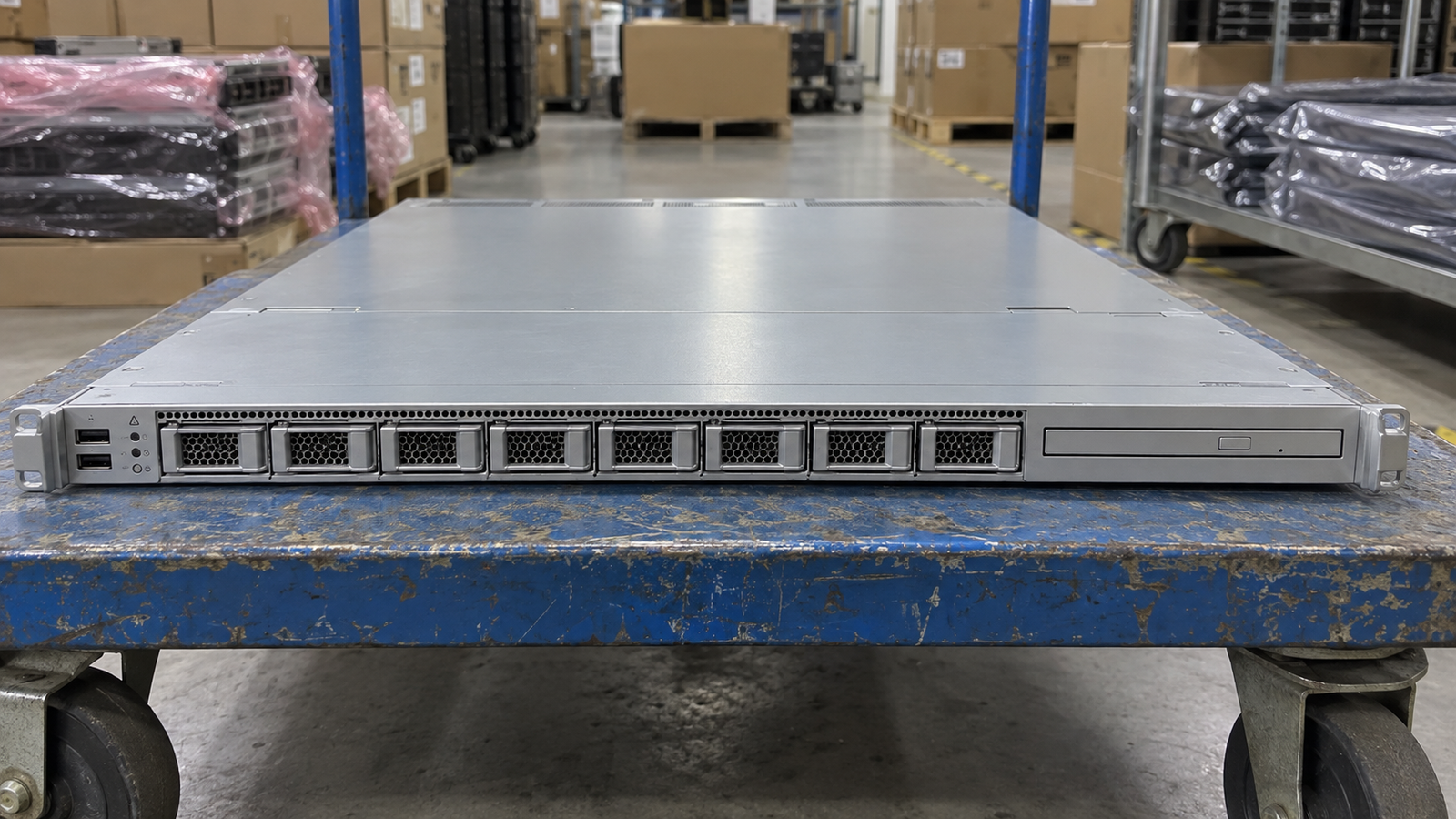
Enterprise Server
P/NServer X5-2
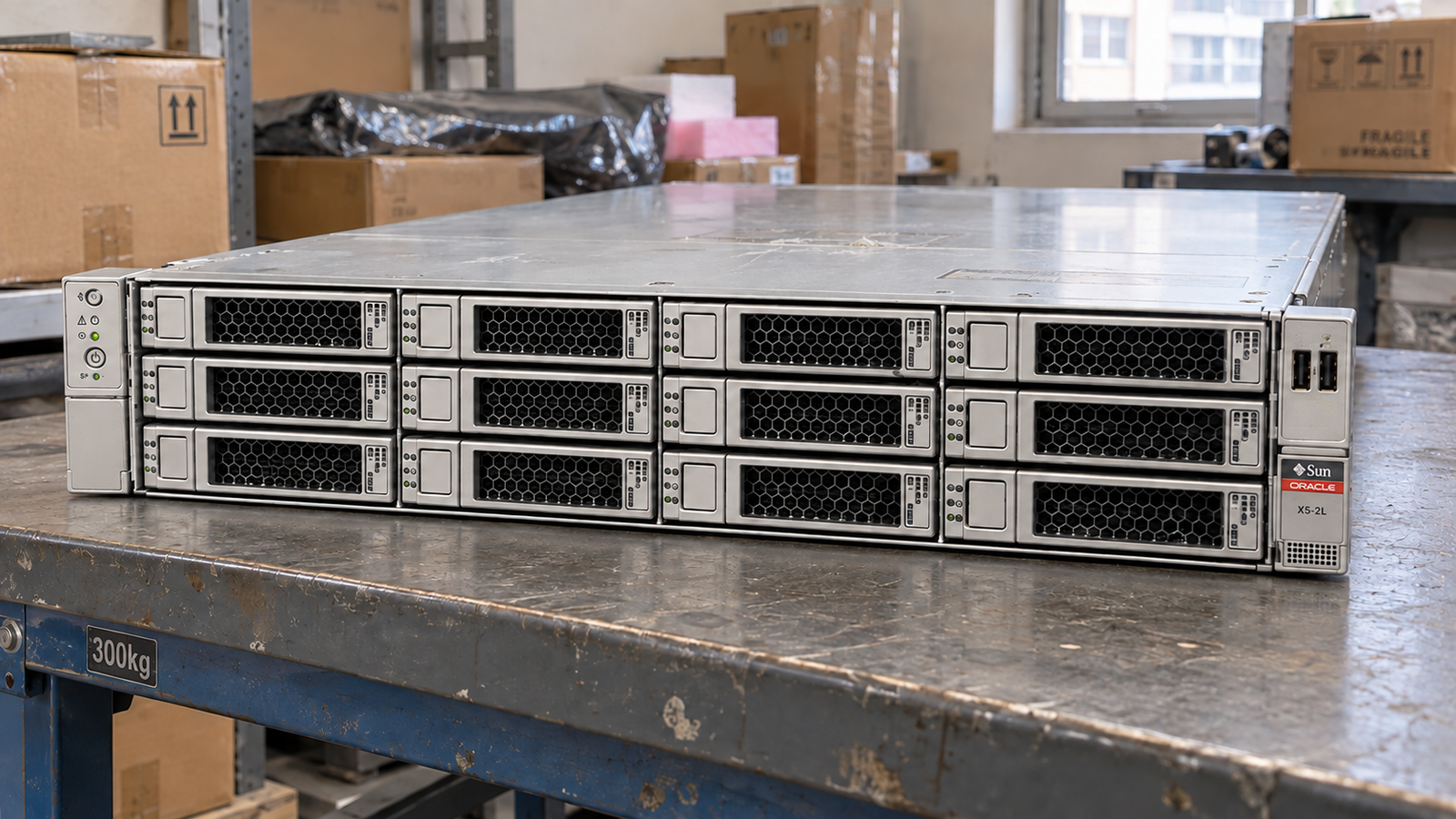
Enterprise Server
P/NServer X5-2L
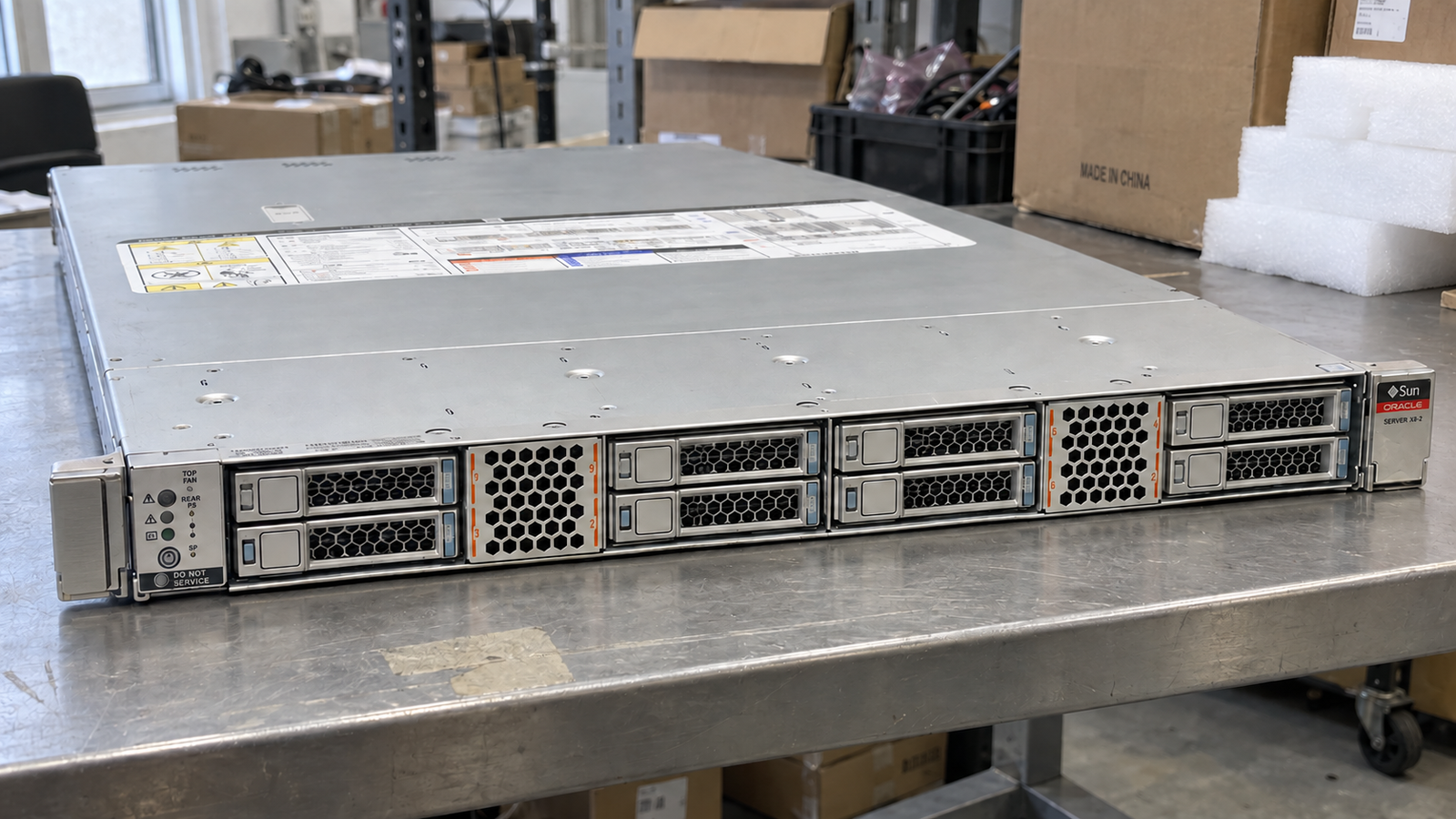
Enterprise Server
P/NServer X8-2
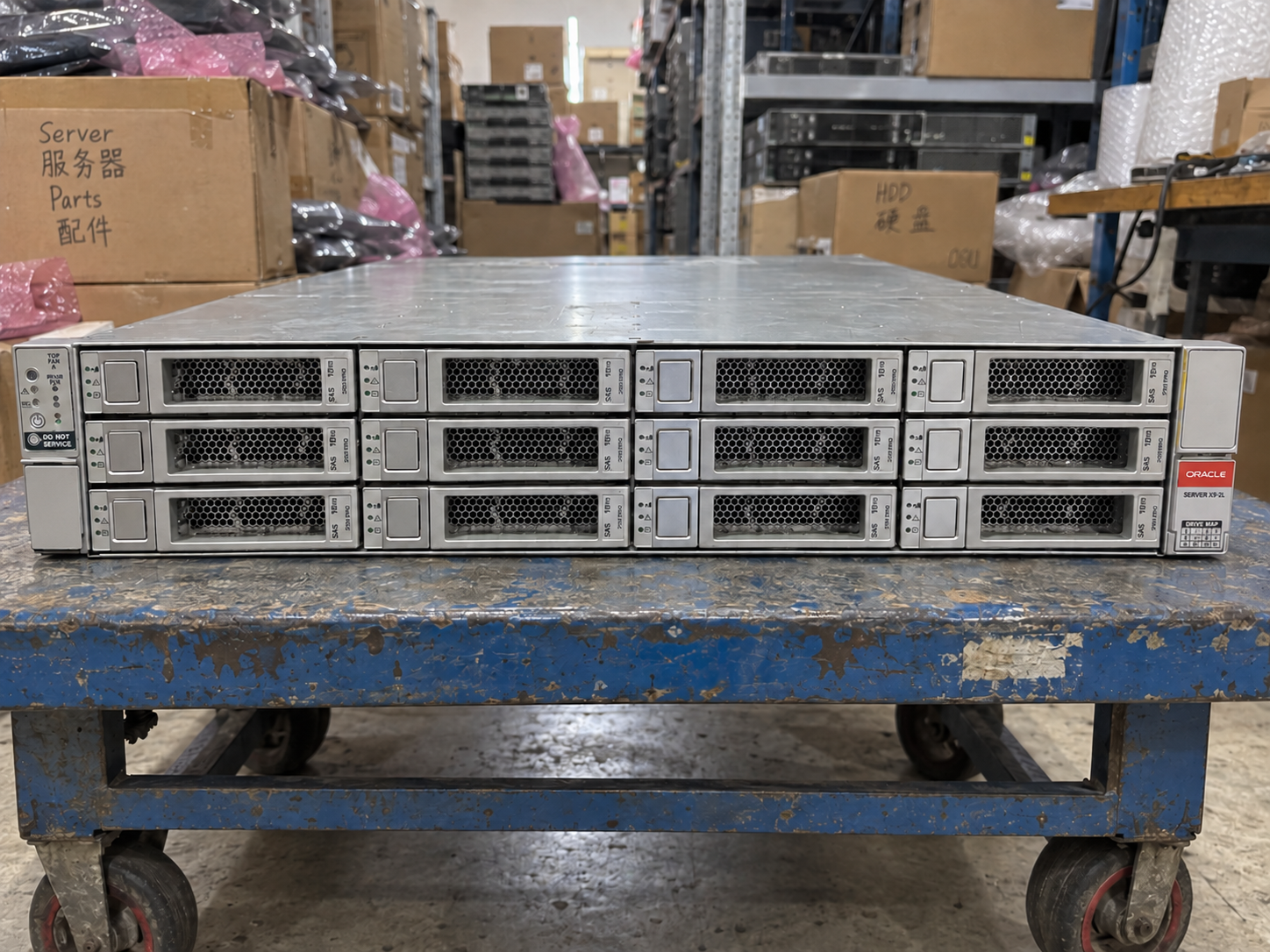
Enterprise Server
P/NServer X9-2L