
Model and quantity
Include the full model, manufacturer P/N, revision and quantity.
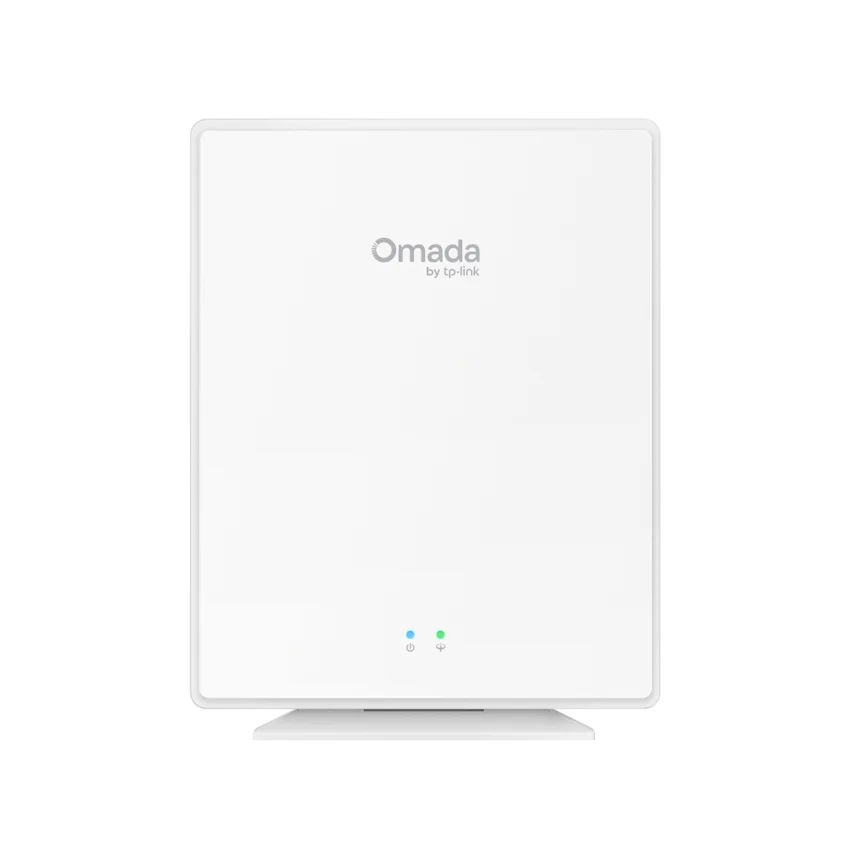
TP-Link / Wireless Access Point
Manufacturer P/N: EAP650GP-Desktop
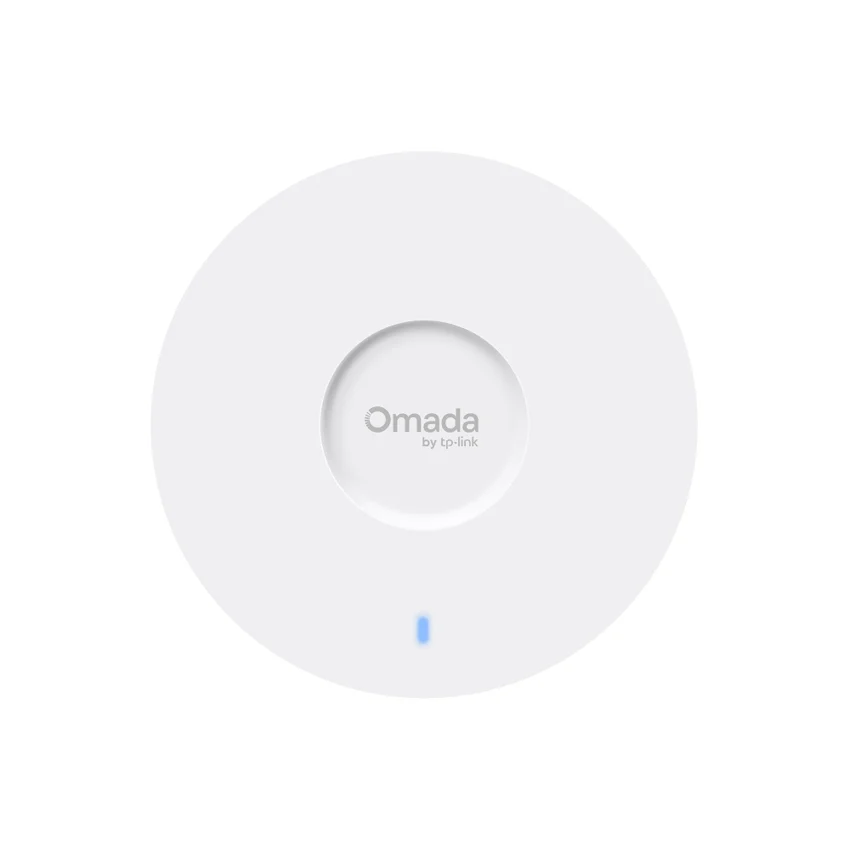
TP-Link EAP650GP-Desktop wireless access point. Button: • Reset • LED; Power Supply: 53.5V/0.81A DC; Max. Power Consumption: 20W Note: PoE out power not included.. Compare configuration and request a hardware quote.
Price on request
Contact us to confirm availability. Final price, shipping and taxes are confirmed before payment.
Pricing, availability, condition, included options and warranty are confirmed in your quotation.
CONNECTIONS & COMPATIBILITY
Check the protocol and port requirements of the equipment you intend to connect. Ethernet, Fibre Channel, InfiniBand and carrier interfaces are not interchangeable.
Browse the product categories above for related equipment. Confirm compatibility with your full configuration before ordering.
Technical overview
Use the complete part number when reviewing options and system requirements.
| Manufacturer | TP-Link |
|---|---|
| Manufacturer part number | EAP650GP-Desktop |
| Product family | Business wireless access points |
| Documented hardware version | V1; match the hardware revision before ordering |
| Button | • Reset • LED |
| Power Supply | 53.5V/0.81A DC |
| Max. Power Consumption | 20W Note: PoE out power not included. |
| Weight | 511g |
| Dimensions ( W x D x H ) | 6.9 × 5.5 × 1.3 in (175 × 140 × 33 mm) |
| Antenna | Internal Omni • 2.4 GHz: 2× 4.5 dBi • 5 GHz: 3× 5 dBi |
| Mounting | Desktop / Wall mouting (Kits included) |
| Omada App | Yes |
| Restore & Backup | Yes |
| NTP | Yes |
| Centralized Management | • Omada Hardware Controller • Omada Software Controller • Omada Central (Cloud-Based) • Omada App |
| Cloud Access | Yes. Require the use of an Omada controller. |
| Email Alerts | Yes |
| LED ON/OFF Control | Yes |
| Management MAC Access Control | Yes |
| SNMP | v1, v2c, v3 |
| System Logging Local/Remote Syslog | System Log |
| SSH | Yes |
| Web-based Management | Yes |
| Zero-Touch Provisioning | Yes. |
| Wireless Standards | IEEE 802.11 a/b/g/n/ac/ax |
| Frequency | 2.4 GHz and 5 GHz |
| Transmission Power | • CE: <20 dBm(2.4 GHz, EIRP) <23 dBm(5 GHz, band1 & band2, EIRP) <29 dBm(5 GHz, band3, EIRP) • FCC: <26dBm (2.4 GHz) <27 dBm (5 GHz) |
| Interface | • 1x GPON Port • 1x FXS Port• 4x Gigabit Ethernet Ports (Two Support 802.3af PoE Out)Note: The two PoE ports support up to 22.4 W total PoE out. If the total PoE power exceeds the upper limit, the lower-priority ports will shut down automatically. A port also automatically powers off if its output exceeds 15.4 W. Powered-off ports will attempt to resume power supply after 10 seconds. By default, ETH0 has a higher port priority than ETH1. |
| GPON Interface | • Port Type: SC-APC• Standards and Protocols: ITU-984.x, G.988, Class B+• Data Rate: 2.488 Gbps (Downstream); 1.244 Gbps (Upstream)• Fiber Type: 9/125 um Single mode • Max. Cable Length: 20 km |
| Environment | • Operating Temperature: 0–40 ℃ (32–104 ℉) • Storage Temperature: -40–70 ℃ (-40–158 ℉) • Operating Humidity: 10–90% RH non-condensing • Storage Humidity: 5–90% RH non-condensing |
PRODUCT DETAILS
TP-Link EAP650GP-Desktop is a wireless access point in the Business wireless access points range. Use the model code when matching your deployment or replacement requirement.
Confirm the installation country, supported frequency bands, antenna arrangement and switch power. Radio data rates are not guaranteed application throughput.
Confirm hardware revision and included items in the quotation. A firmware-dependent feature or licensed capability must be checked against the actual configuration.
Send EAP650GP-Desktop with quantity, destination, required condition and any installation constraints. List power, optics or mounting accessories separately when required.
Inclusions depend on the exact ordering configuration. We confirm the supplied hardware, accessories and applicable commercial terms in writing.
Browse TP-Link equipment · Network equipment · Request a matched quotation
Prepare your enquiry
Include the full model, manufacturer P/N, revision and quantity.
Tell us the host model, generation, installed configuration and required supporting hardware.
Specify condition, testing requirements, destination and requested delivery date.
RELATED PRODUCTS
Check compatibility before choosing a replacement. The products below are related, but may not be interchangeable.
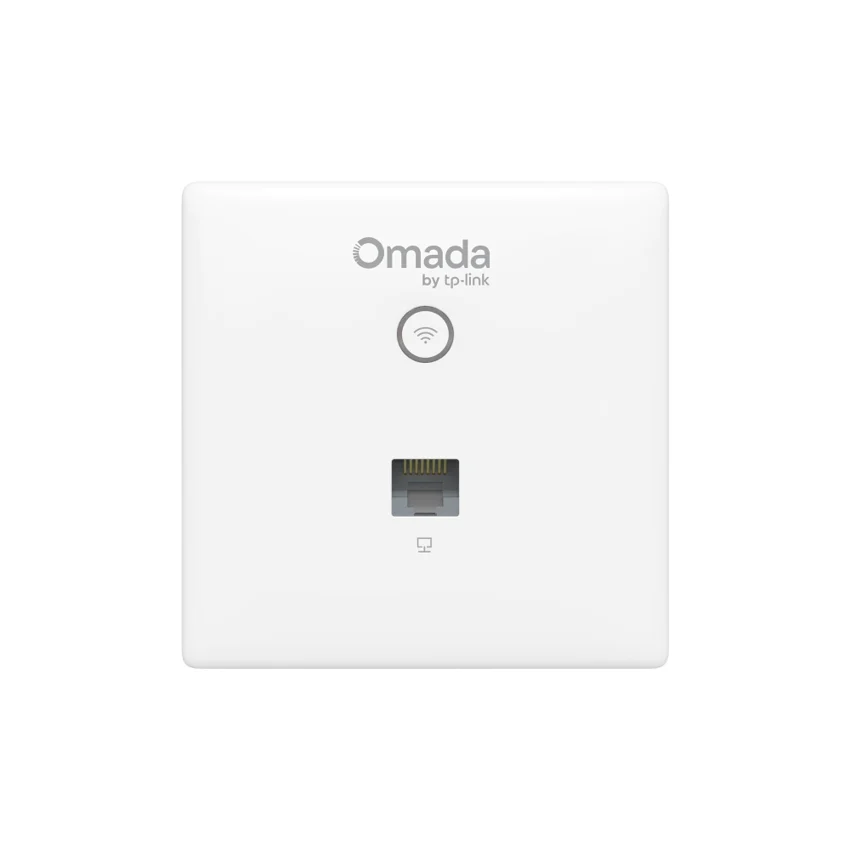
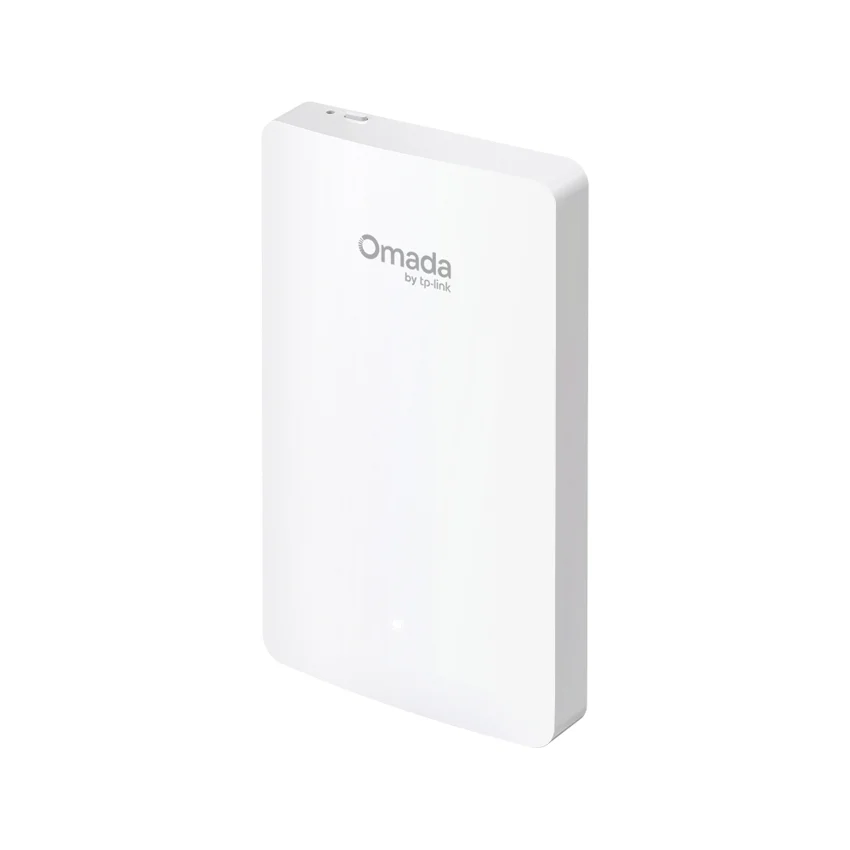
Browse this equipment range
Access points, wireless controllers and gateways. Select the deployment environment, management platform and regional version before matching mounting and power accessories.