
Model and quantity
Include the full model, manufacturer P/N, revision and quantity.
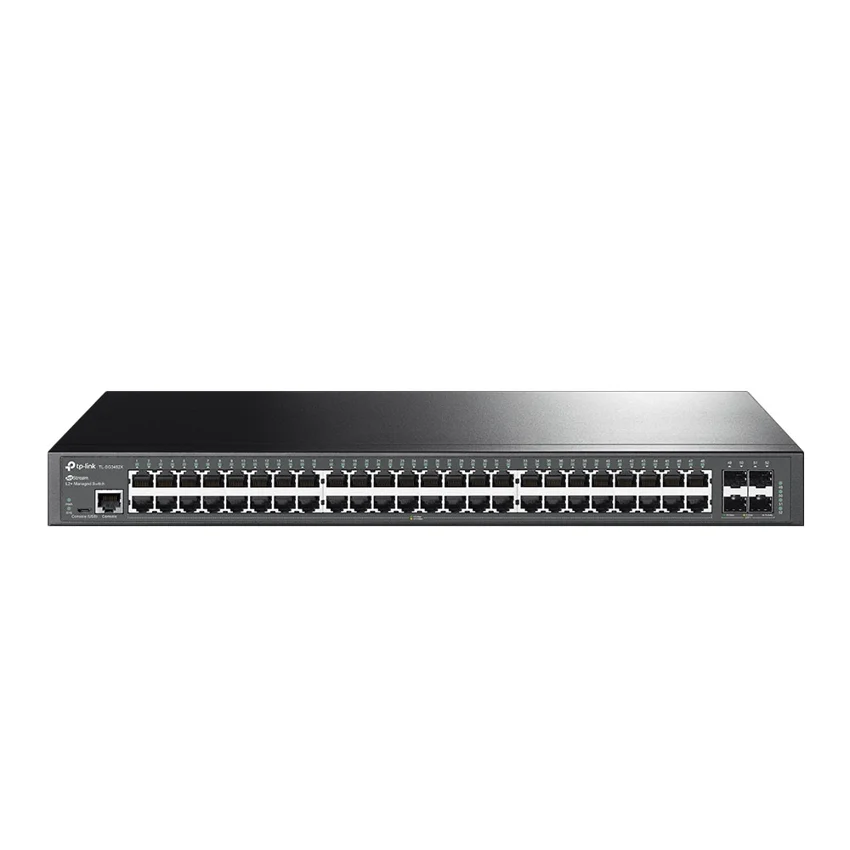
TP-Link / Ethernet Switch
Manufacturer P/N: SG3452X
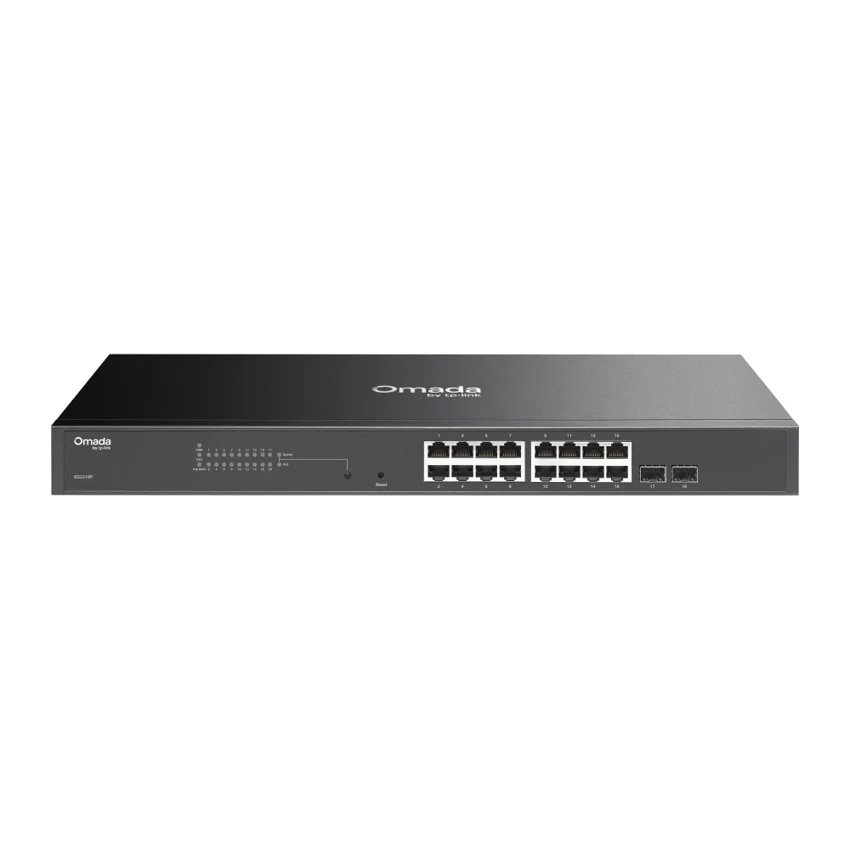
TP-Link SG3452X ethernet switch. Interface: • 48× 10/100/1000 Mbps RJ45 Ports • 4× 10G SFP+ Slots • 1× RJ45 Console Port • 1× Micro-USB Console Port; Fan Quantity: Fanless; Physical Security Lock: √. Compare configuration and request a hardware quote.
Price on request
Contact us to confirm availability. Final price, shipping and taxes are confirmed before payment.
Pricing, availability, condition, included options and warranty are confirmed in your quotation.
CONNECTIONS & COMPATIBILITY
Check the protocol and port requirements of the equipment you intend to connect. Ethernet, Fibre Channel, InfiniBand and carrier interfaces are not interchangeable.
Browse the product categories above for related equipment. Confirm compatibility with your full configuration before ordering.
Technical overview
Use the complete part number when reviewing options and system requirements.
| Manufacturer | TP-Link |
|---|---|
| Manufacturer part number | SG3452X |
| Product family | Business ethernet switchs |
| Documented hardware version | V1; match the hardware revision before ordering |
| Interface | • 48× 10/100/1000 Mbps RJ45 Ports • 4× 10G SFP+ Slots • 1× RJ45 Console Port • 1× Micro-USB Console Port |
| Fan Quantity | Fanless |
| Physical Security Lock | √ |
| Power Supply | 100-240 V AC~50/60 Hz |
| Dimensions ( W x D x H ) | 17.3 × 8.7 × 1.7 in (440 × 220 × 44 mm) |
| Surge Protection | 6 kV |
| Mounting | Rack Mountable |
| Max. Power Consumption | 32.72 W (110V/60Hz) |
| Max. Heat Dissipation | 111.65 BTU/h (110 V/60 Hz) |
| Packet Buffer Memory | 12 Mbit |
| Jumbo Frame | 9 KB |
| Switching Capacity | 176 Gbps |
| Packet Forwarding Rate | 130.9 Mpps |
| MAC Address Table | 16 K |
| Omada App | Yes. Requiring the use of OC300, OC200, Omada Cloud-Based Controller, or Omada Software Controller. |
| Centralized Management | • Omada Cloud-Based Controller • Omada Hardware Controller (OC300) • Omada Hardware Controller (OC200) • Omada Software Controller |
| Cloud Access | Yes. Requiring the use of OC300, OC200, Omada Cloud-Based Controller, or Omada Software Controller. |
| Zero-Touch Provisioning | Yes. Requiring the use of Omada Cloud-Based Controller. |
| System Requirements | Microsoft® Windows® 98SE, NT, 2000, XP, Vista™ or Windows 7/8/10/11, MAC® OS, NetWare®, UNIX® or Linux. |
| Quality of Service | • 8 priority queues • 802.1p CoS/DSCP priority • Queue scheduling - SP (Strict Priority) - WRR (Weighted Round Robin) - SP+WRR • Bandwidth Control - Port/Flow based Rating Limiting • Smoother Performance • Action for Flows - Mirror (to supported interface) - Redirect (to supported interface) - Rate Limit - QoS Remark |
| L3 Features | • 16 IPv4/IPv6 Interfaces • Static Routing - 48 static routes • Static ARP - 128 Static Entries • Proxy ARP • Gratuitous ARP • DHCP Server • DHCP Relay - DHCP Interface Relay - DHCP VLAN Relay • DHCP L2 Relay |
| L2 and L2+ Features | • Link Aggregation - static link aggregation - 802.3ad LACP - Up to 8 aggregation groups, containing 8 ports per group • Spanning Tree Protocol - 802.1d STP - 802.1w RSTP - 802.1s MSTP - STP Security: TC Protect, BPDU Filter, Root Protect • Loopback Detection - Port based - VLAN based • Flow Control - 802.3x Flow Control - HOL Blocking Prevention • Mirroring - Port Mirroring - CPU Mirroring - One-to-One - Many-to-One - Tx/Rx/Both |
| L2 Multicast | • IGMP Snooping - IGMP v1/v2/v3 Snooping - Fast Leave - IGMP Snooping Querier - IGMP Authentication • IGMP Authentication • MLD Snooping - MLD v1/v2 Snooping - Fast Leave - MLD Snooping Querier - Static Group Config - Limited IP Multicast • MVR • Multicast Filtering: 256 profiles and 16 entries per profile |
| Advanced Features | • Automatic Device Discovery • Batch Configuration • Batch Firmware Upgrading • Intelligent Network Monitoring • Abnormal Event Warnings • Unified Configuration • Reboot Schedule |
| VLAN | • VLAN Group - Max 4K VLAN Groups • 802.1Q Tagged VLAN • MAC VLAN: 30 Entries • Protocol VLAN: Protocol Template 16, Protocol VLAN 16 • Private VLAN • GVRP • VLAN VPN (QinQ) - Port-Based QinQ - Selective QinQ • Voice VLAN |
| Access Control List | • Time-based ACL • MAC ACL - Source MAC - Destination MAC - VLAN ID - User Priority - Ether Type • IP ACL -Source IP - Destination IP - Fragment - IP Protocol - TCP Flag - TCP/UDP Port - DSCP/IP TOS - User Priority • Combined ACL • Packet Content ACL • IPv6 ACL • Policy - Mirroring - Redirect - Rate Limit - QoS Remark • ACL apply to Port/VLAN |
| Security | • IP-MAC-Port Binding - 512 Entries - DHCP Snooping - ARP Inspection - IPv4 Source Guard: 100 Entries • IPv6-MAC-Port Binding - 512 Entries - DHCPv6 Snooping - ND Detection - IPv6 Source Guard: 100 Entries • DoS Defend • Static/Dynamic Port Security - Up to 64 MAC addresses per port • Broadcast/Multicast/Unicast Storm Control - kbps/ratio control mode • 802.1X - Port base authentication - Mac base authentication - VLAN Assignment - MAB - Guest VLAN - Support Radius authentication andaccountability • AAA (including TACACS+) • Port Isolation • Secure web management through HTTPS with SSLv3/TLS 1.2 • Secure Command Line Interface (CLI) management with SSHv1/SSHv2 • IP/Port/MAC based access control |
| IPv6 | • IPv6 Dual IPv4/IPv6 • Multicast Listener Discovery (MLD) Snooping • IPv6 ACL • IPv6 Interface • Static IPv6 Routing • IPv6 neighbor discovery (ND) • Path maximum transmission unit (MTU) discovery • Internet Control Message Protocol (ICMP) version 6 • TCPv6/UDPv6 • IPv6 applications - DHCPv6 Client - Ping6 - Tracert6 - Telnet (v6) - IPv6 SNMP - IPv6 SSH - IPv6 SSL - Http/Https - IPv6 TFTP |
| MIBs | • MIB II (RFC1213) • Interface MIB (RFC2233) • Ethernet Interface MIB (RFC1643) • Bridge MIB (RFC1493) • P/Q-Bridge MIB (RFC2674) • RMON MIB (RFC2819) • RMON2 MIB (RFC2021) • Radius Accounting Client MIB (RFC2620) • Radius Authentication Client MIB (RFC2618) • Remote Ping, Traceroute MIB (RFC2925) • Support TP-Link private MIB |
| Management Features | • Web-based GUI • Command Line Interface (CLI) through the console port, telnet • SNMP v1/v2c/v3 - Trap/Inform - RMON (1,2,3,9 groups) • SDM Template • DHCP/BOOTP Client • 802.1ab LLDP/LLDP-MED • DHCP AutoInstall • Dual Image, Dual Configuration • CPU Monitoring • Cable Diagnostics • EEE • Password Recovery • SNTP • System Log |
| Environment | • Operating Temperature: 0–45 ℃ (32–113 ℉); • Storage Temperature: -40–70 ℃ (-40–158 ℉) • Operating Humidity: 10–90% RH non-condensing • Storage Humidity: 5–90% RH non-condensing |
PRODUCT DETAILS
TP-Link SG3452X is an ethernet switch in the Business ethernet switchs range. Use the model code when matching your deployment or replacement requirement.
Plan the access-port count, uplink media and aggregate PoE load together. Verify the exact power-supply configuration, stacking components and optics before confirming the order.
Confirm hardware revision and included items in the quotation. A firmware-dependent feature or licensed capability must be checked against the actual configuration.
Send SG3452X with quantity, destination, required condition and any installation constraints. List power, optics or mounting accessories separately when required.
Inclusions depend on the exact ordering configuration. We confirm the supplied hardware, accessories and applicable commercial terms in writing.
Browse TP-Link equipment · Network equipment · Request a matched quotation
Prepare your enquiry
Include the full model, manufacturer P/N, revision and quantity.
Tell us the host model, generation, installed configuration and required supporting hardware.
Specify condition, testing requirements, destination and requested delivery date.
RELATED PRODUCTS
Check compatibility before choosing a replacement. The products below are related, but may not be interchangeable.
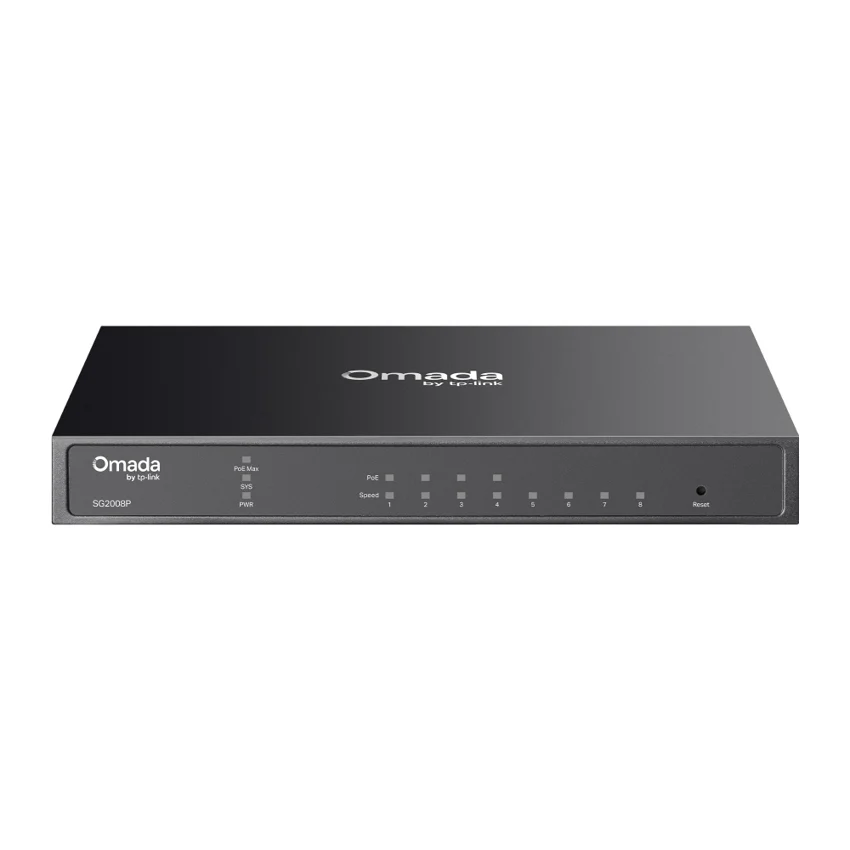
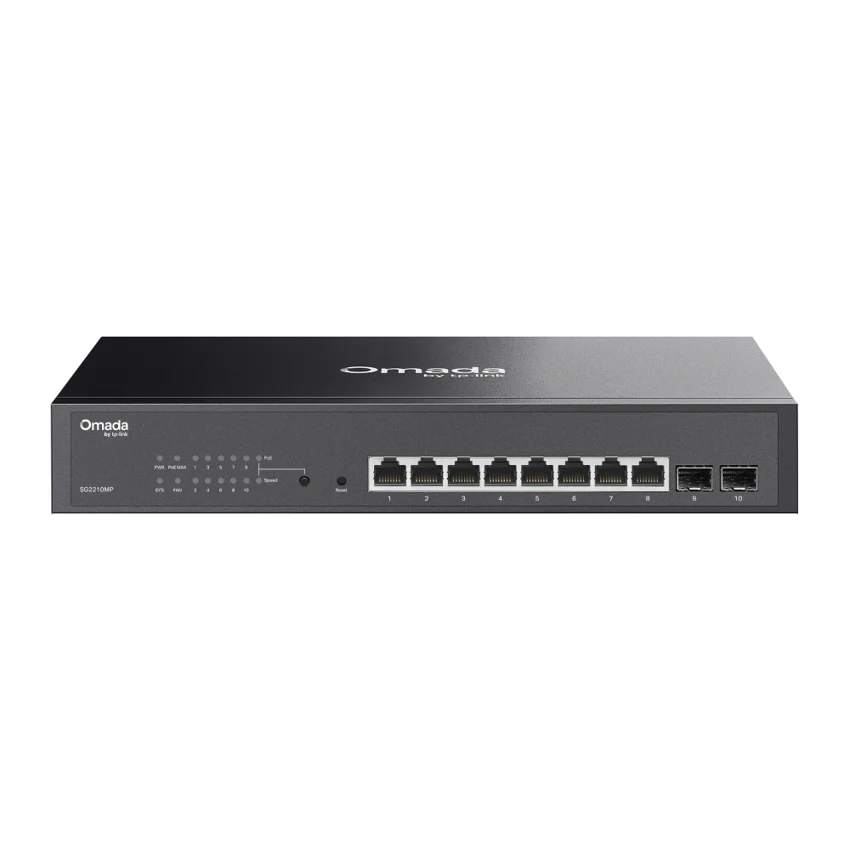
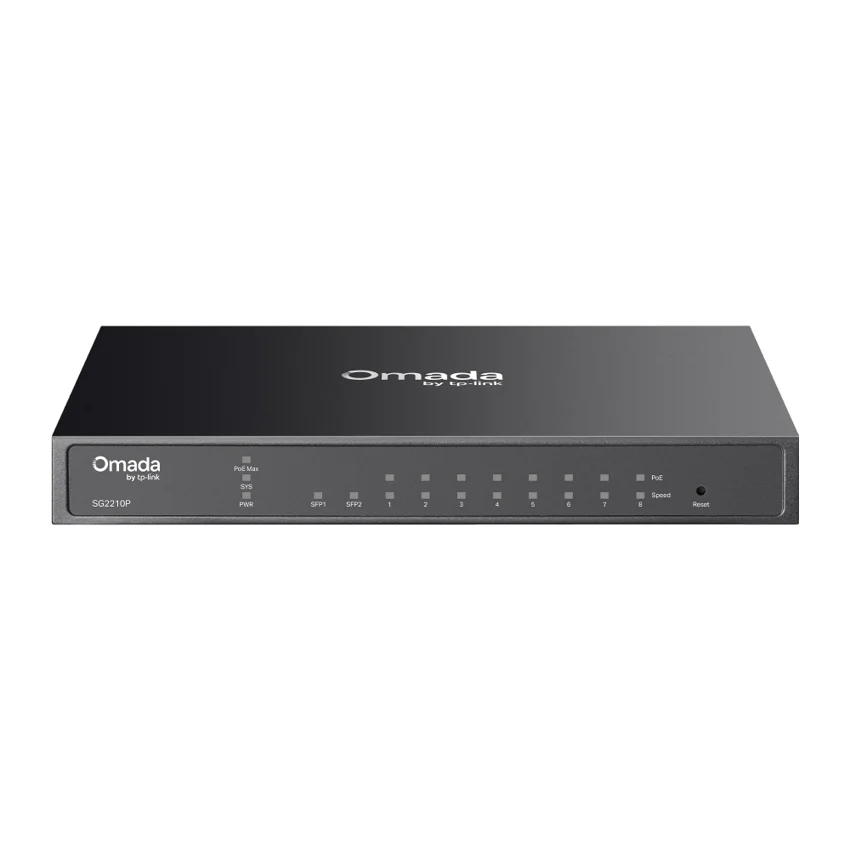
Browse this equipment range
Access, aggregation and data-centre switching. Start with the required port speeds, then review uplinks, PoE, airflow and software options.