
Loading products and specifications…

Loading products and specifications…
Send the model or part number, quantity and delivery location.
EQUIPMENT & INSTALLATION EXAMPLES
Explore 100 illustrated equipment and deployment settings, from server racks and component benches to industrial networks, radio laboratories and export packing.
Manufacturer models and part numbers.
Configuration, condition and included items.
Export packing and delivery planning.
EXPLORE THE RANGE
Explore complete systems and the hardware that connects, expands and supports them.

BUY WITH A CLEAR PLAN
Use the gallery to discuss where equipment will be installed, maintained or packed. The scenes bring useful context to a conversation about the hardware and its surroundings.
A scene can help explain your plans, but it cannot establish a product specification. Include manufacturer models, rack dimensions, power requirements and delivery details when turning an idea into a purchasing request.
THE SCENARIO LIBRARY
Explore equipment in different working environments. Refer to the product specifications when planning an installation.
100 scenarios

A neutral-lit aisle between generic server cabinets.
Illustrative scene
Serviceable rear rack cabling in an equipment workspace.
Illustrative scene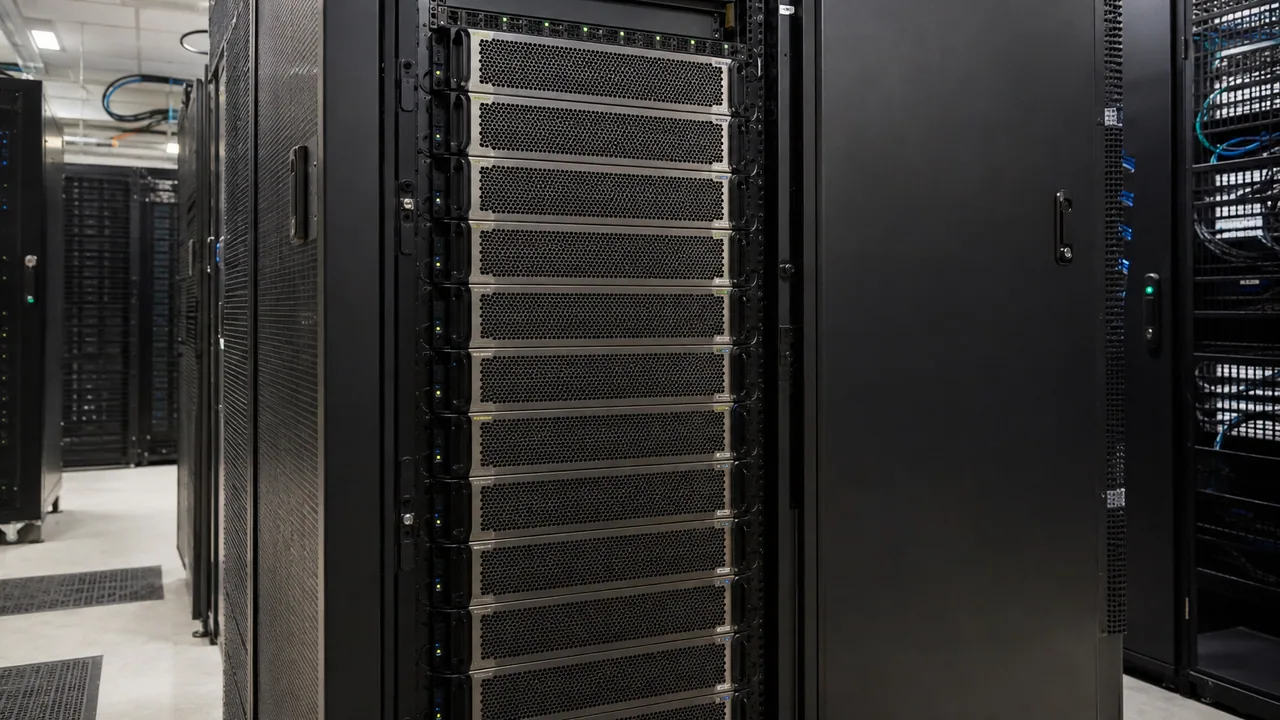
Dense AI compute rack in an equipment workspace.
Illustrative scene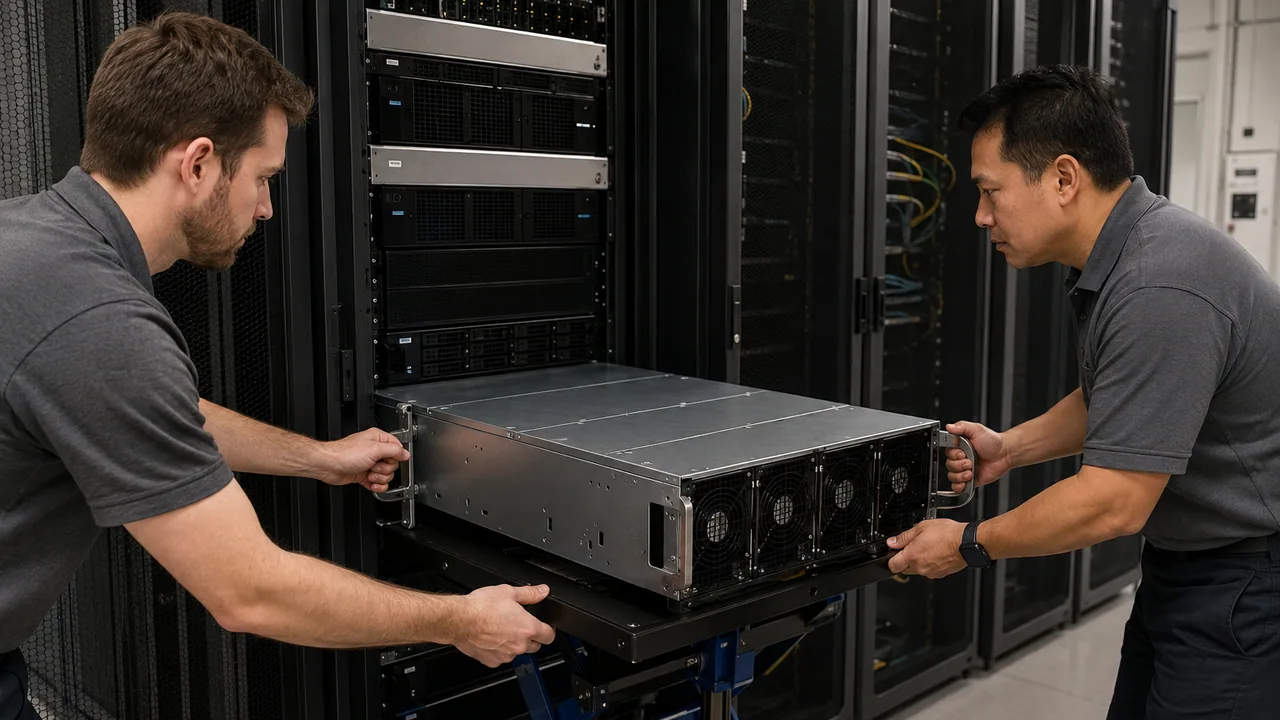
Installing a heavy GPU server with a lift in an equipment workspace.
Illustrative scene
Preparing rack rails in an equipment workspace.
Illustrative scene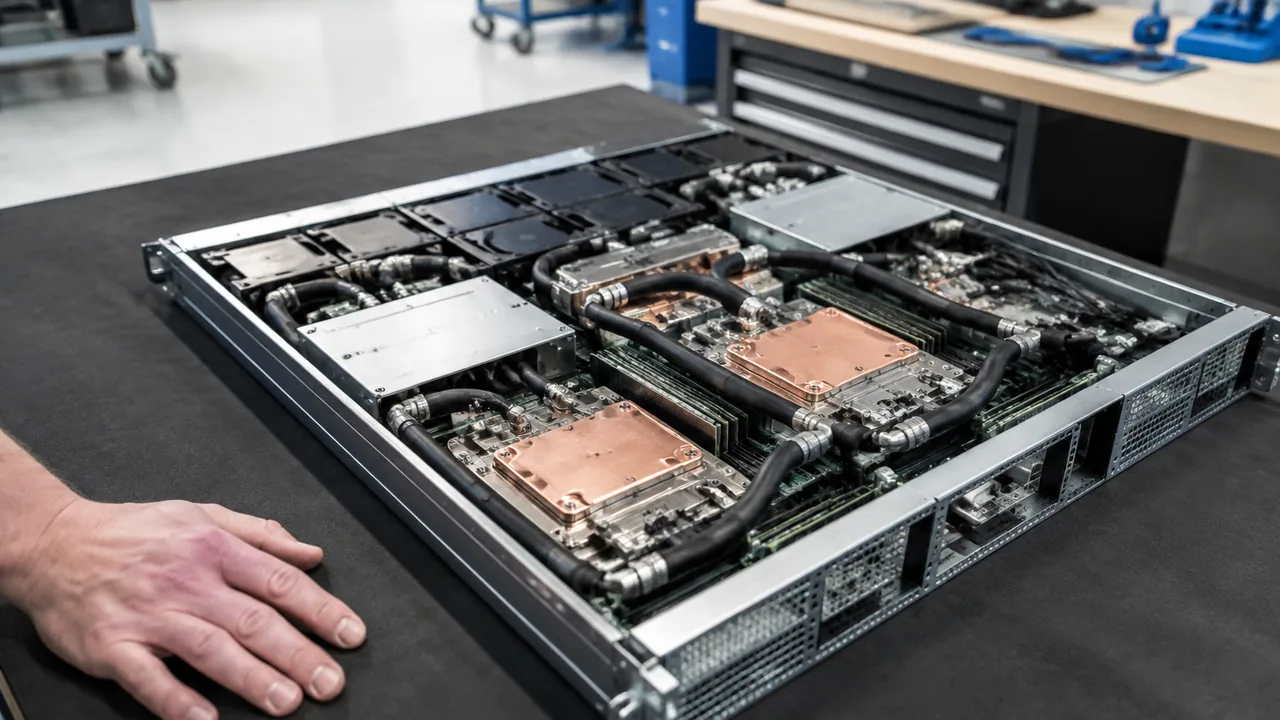
Cold plate assembly on a service bench in an equipment workspace.
Illustrative scene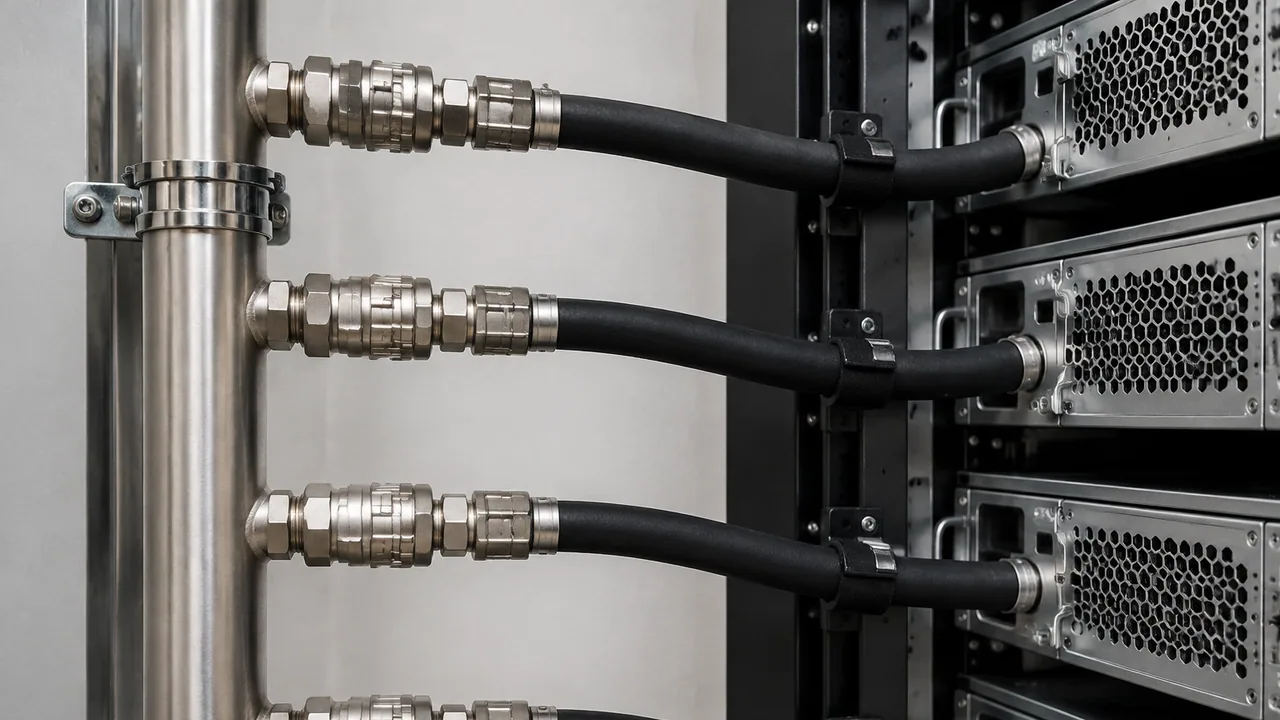
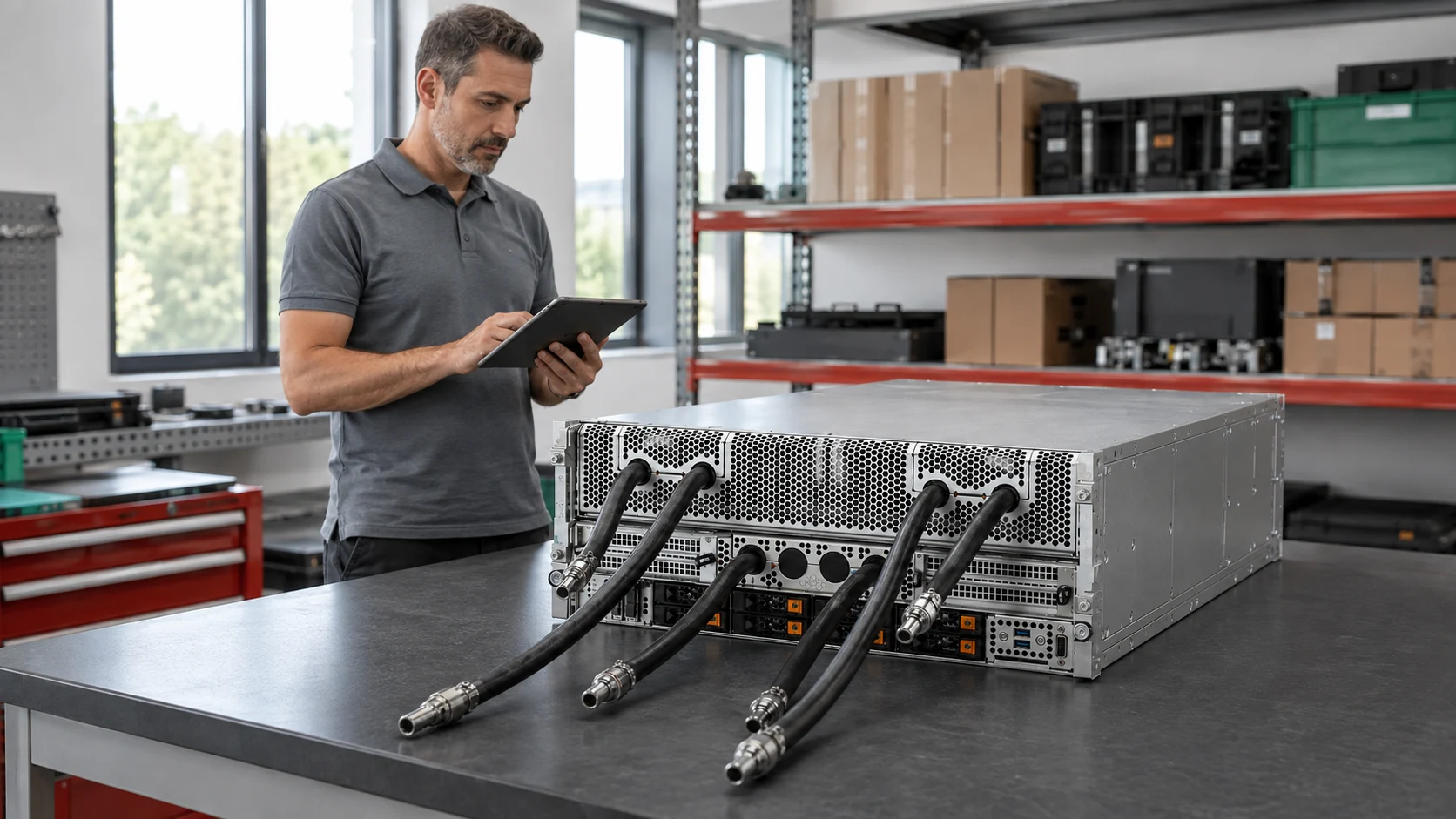
Four hose connections along a generic rack coolant supply manifold.
Illustrative scene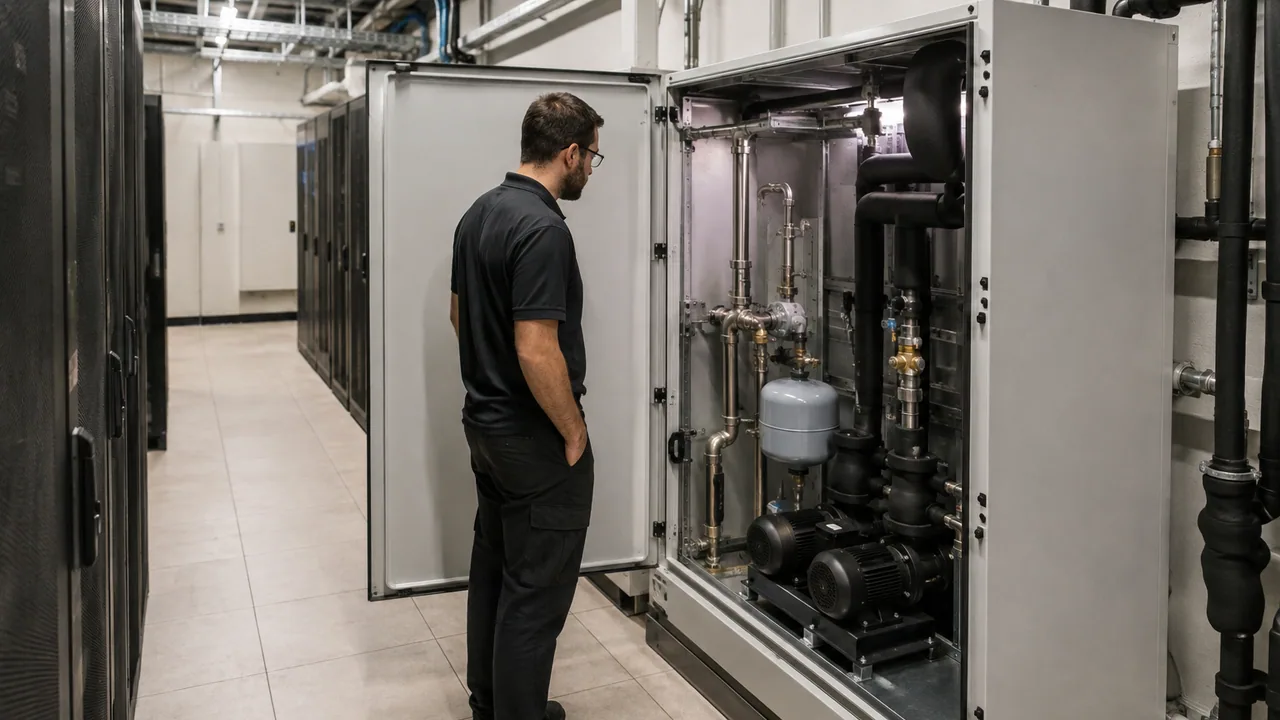
In-row coolant distribution equipment in an equipment workspace.
Illustrative scene
Rear-door heat exchanger inspection in an equipment workspace.
Illustrative scene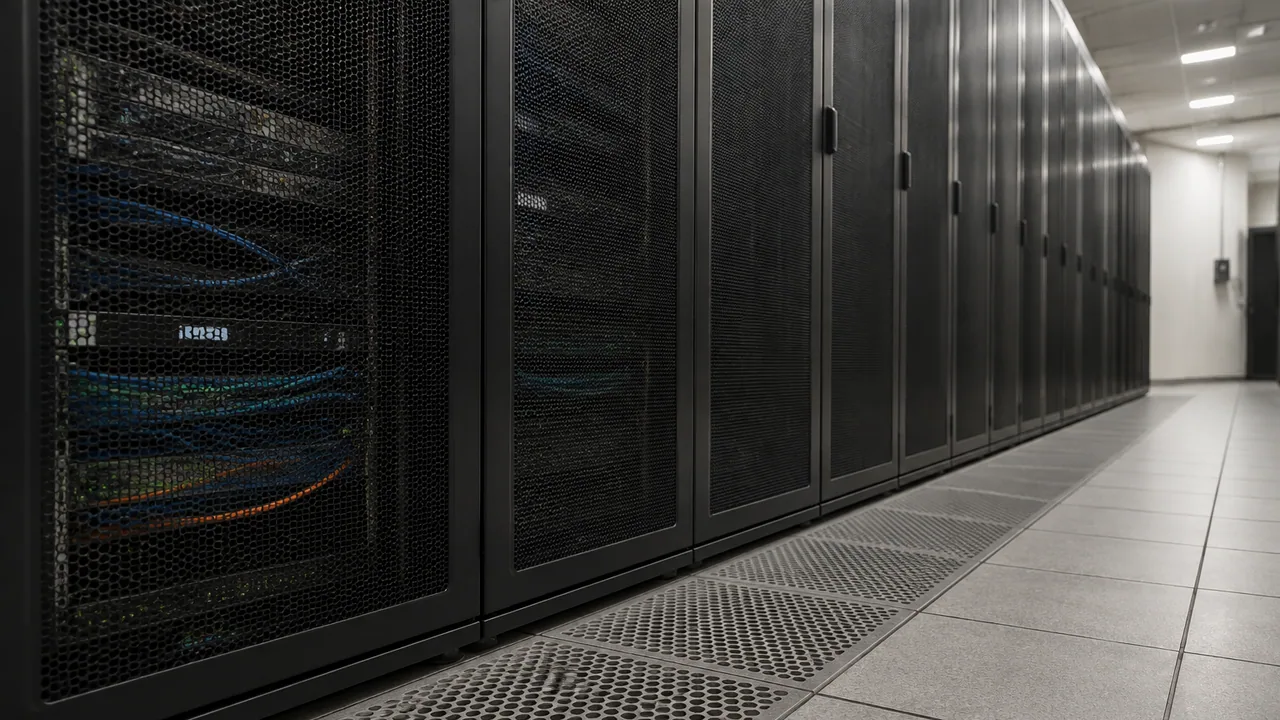
Perforated raised-floor panels alongside generic server cabinets.
Illustrative scene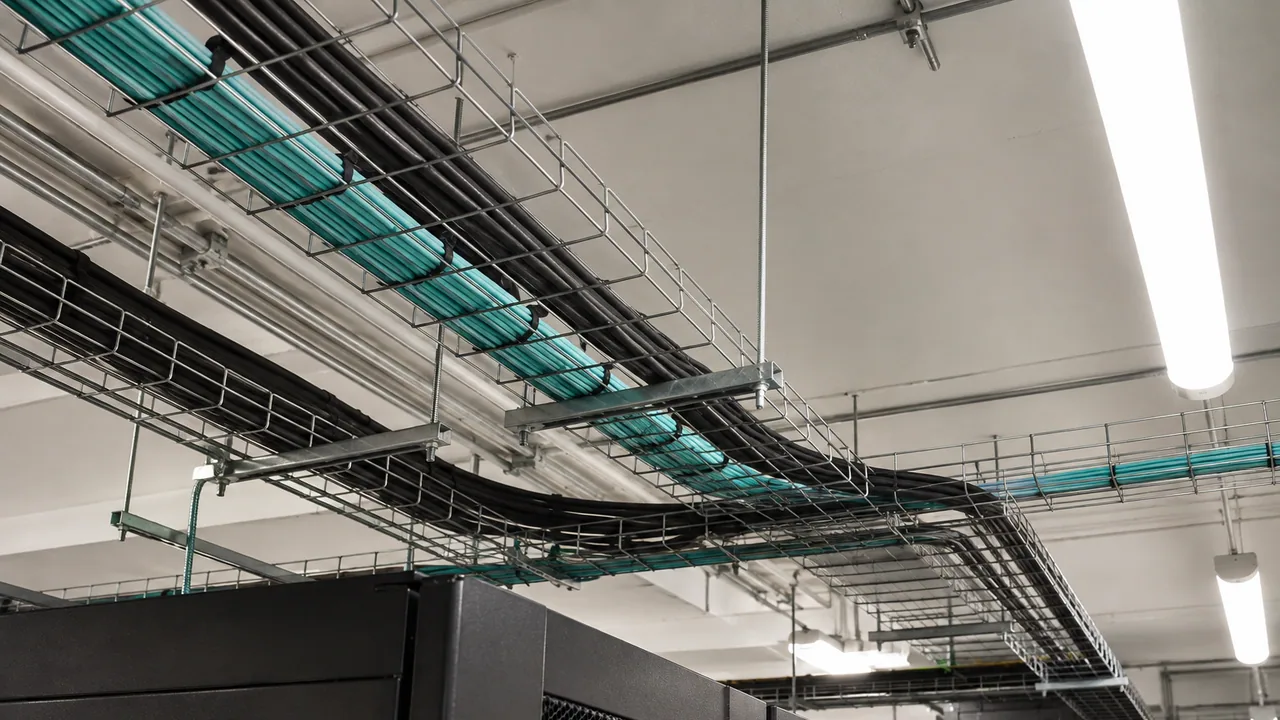
Overhead structured cable pathways in an equipment workspace.
Illustrative scene
Accelerator service tray on an ESD bench in an equipment workspace.
Illustrative scene
Server fan module service in an equipment workspace.
Illustrative scene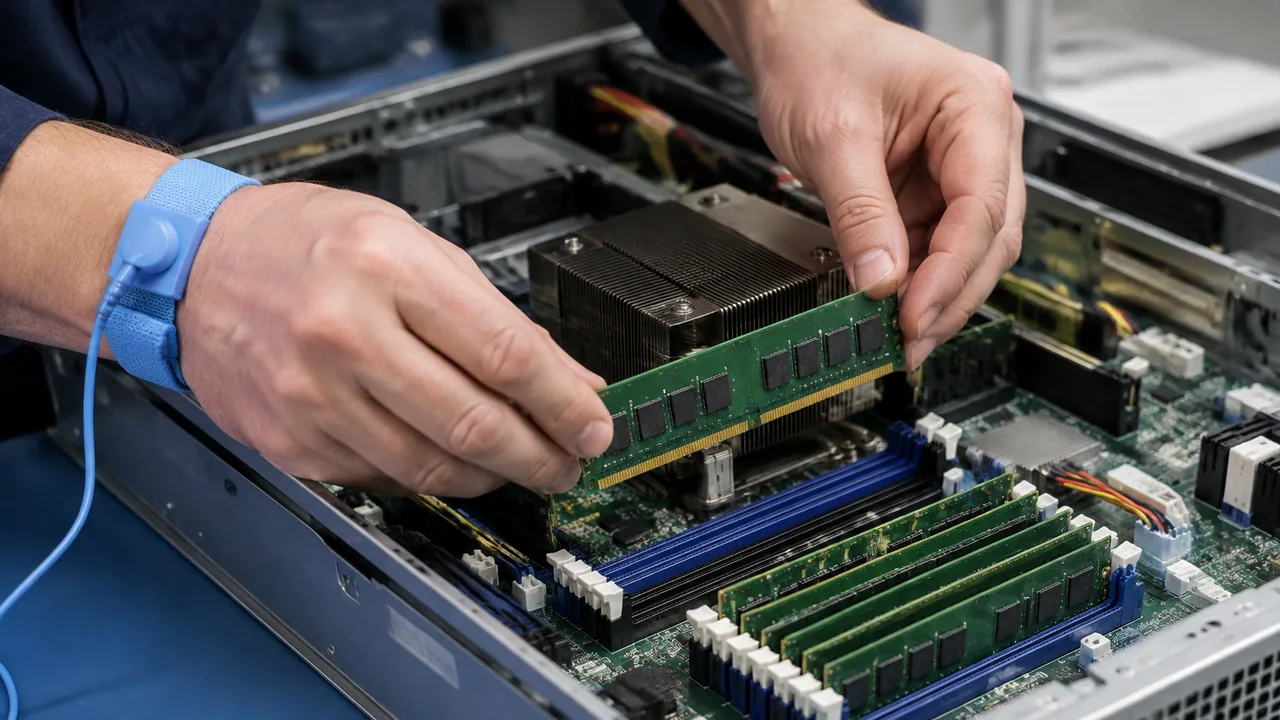
Memory installation at a service bench in an equipment workspace.
Illustrative scene
Rack server drive carrier replacement in an equipment workspace.
Illustrative scene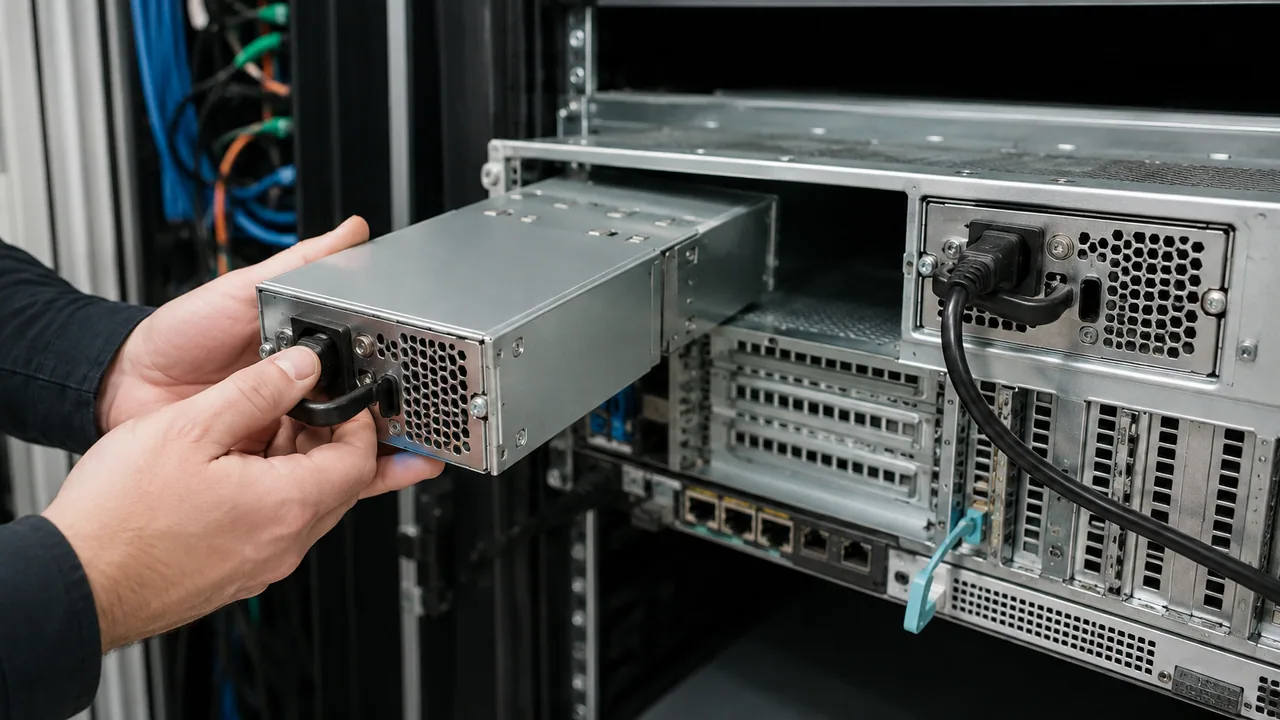
Redundant power supply service in an equipment workspace.
Illustrative scene
An unplugged optical transceiver, capped fiber cord and generic inspection instrument on a service bench.
Illustrative scene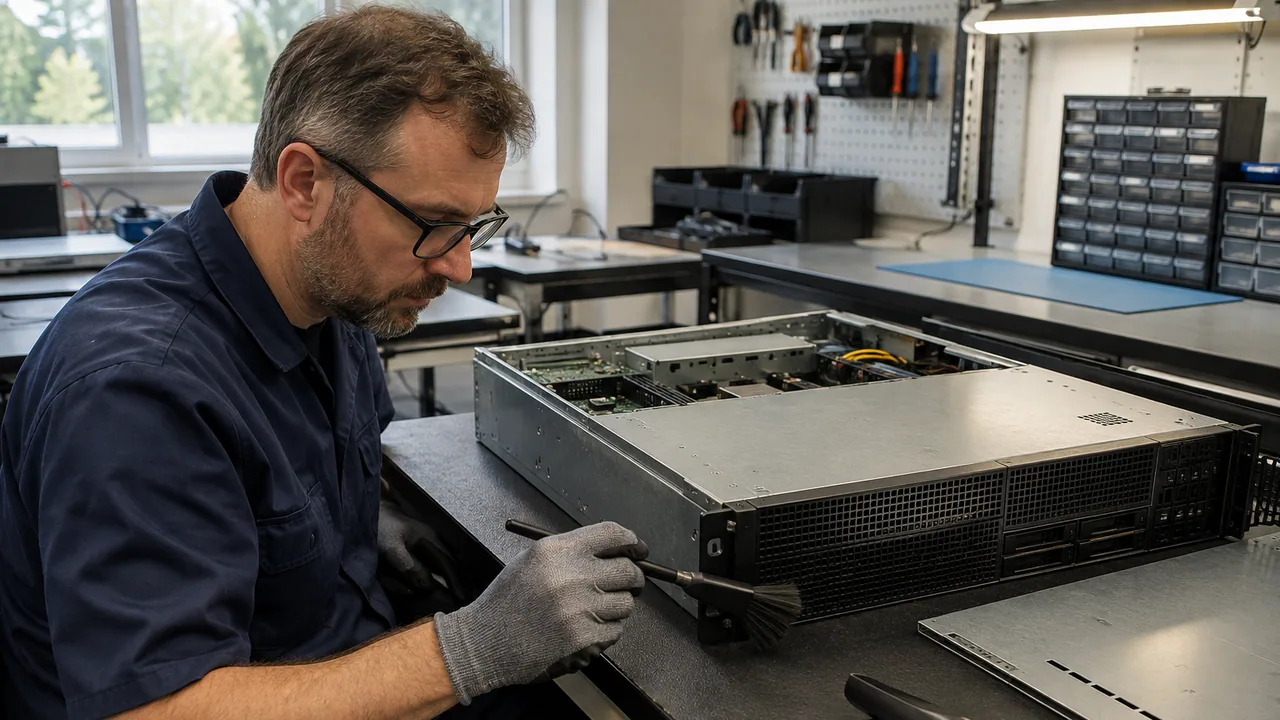
Cleaning an unpowered server chassis in an equipment workspace.
Illustrative scene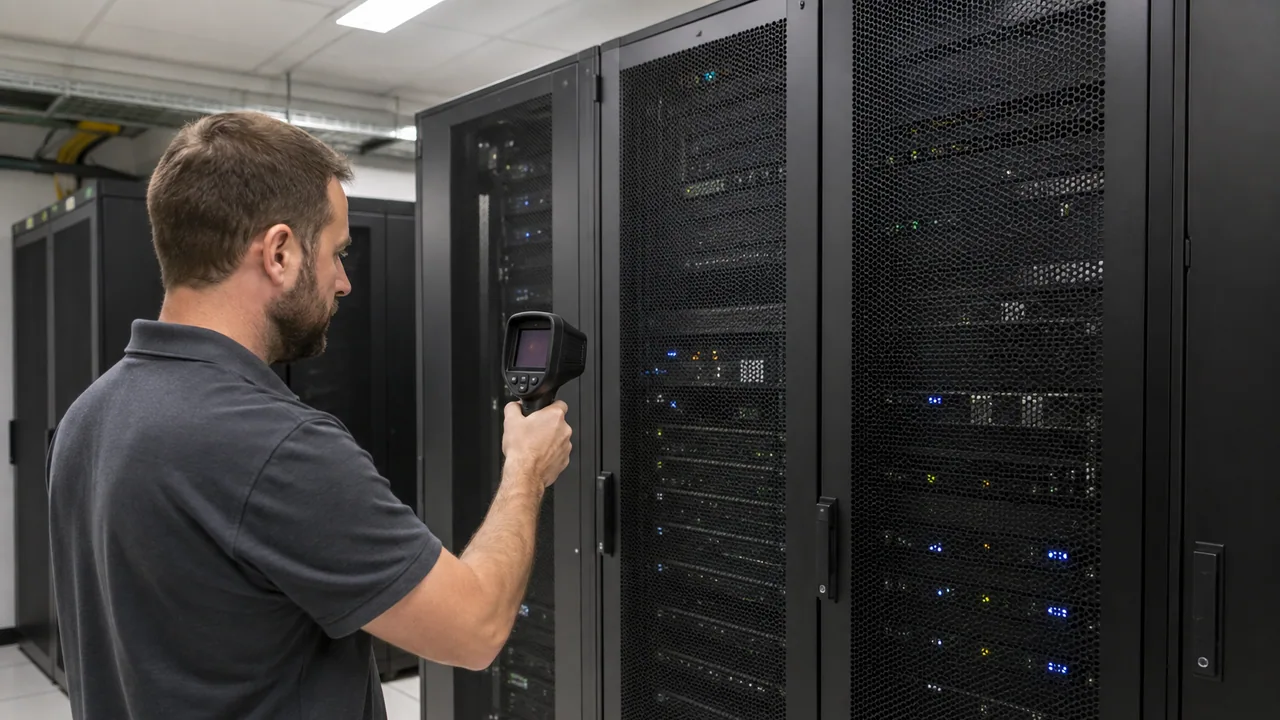
Thermal inspection of a rack row in an equipment workspace.
Illustrative scene
Server burn-in testing area in an equipment workspace.
Illustrative scene
Compact edge server cabinet in an equipment workspace.
Illustrative scene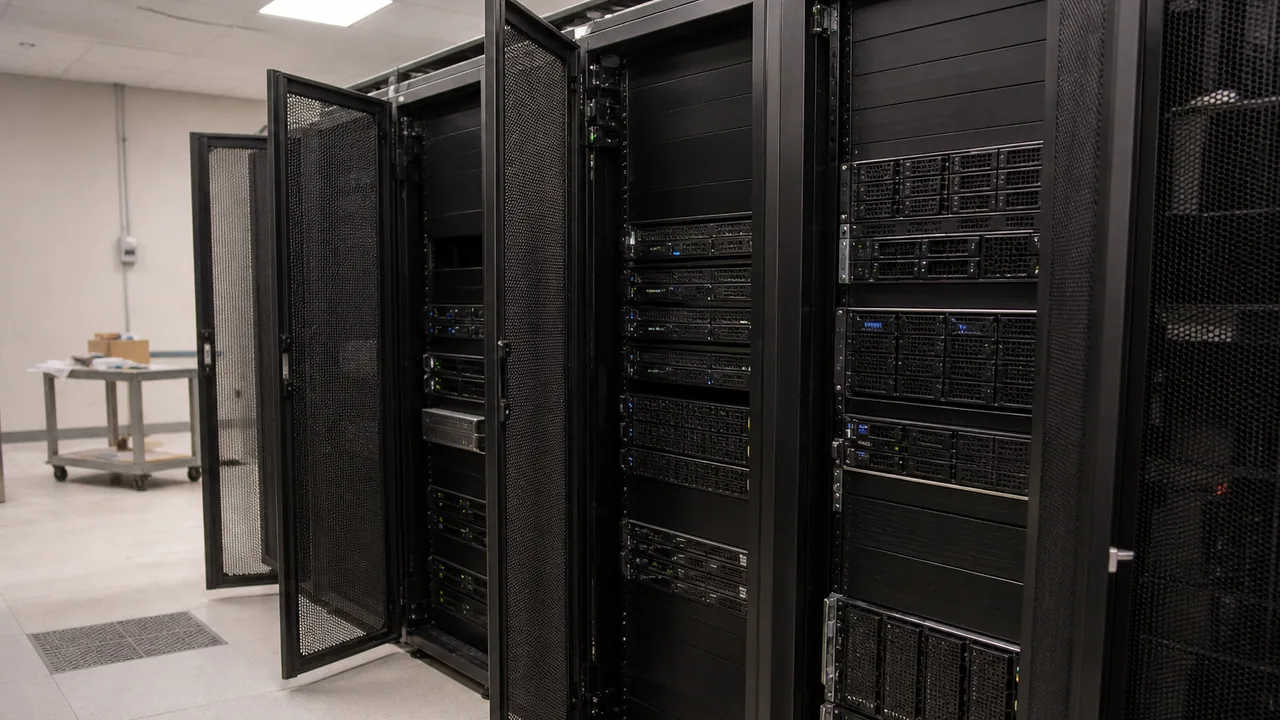
Mixed enterprise server row in an equipment workspace.
Illustrative scene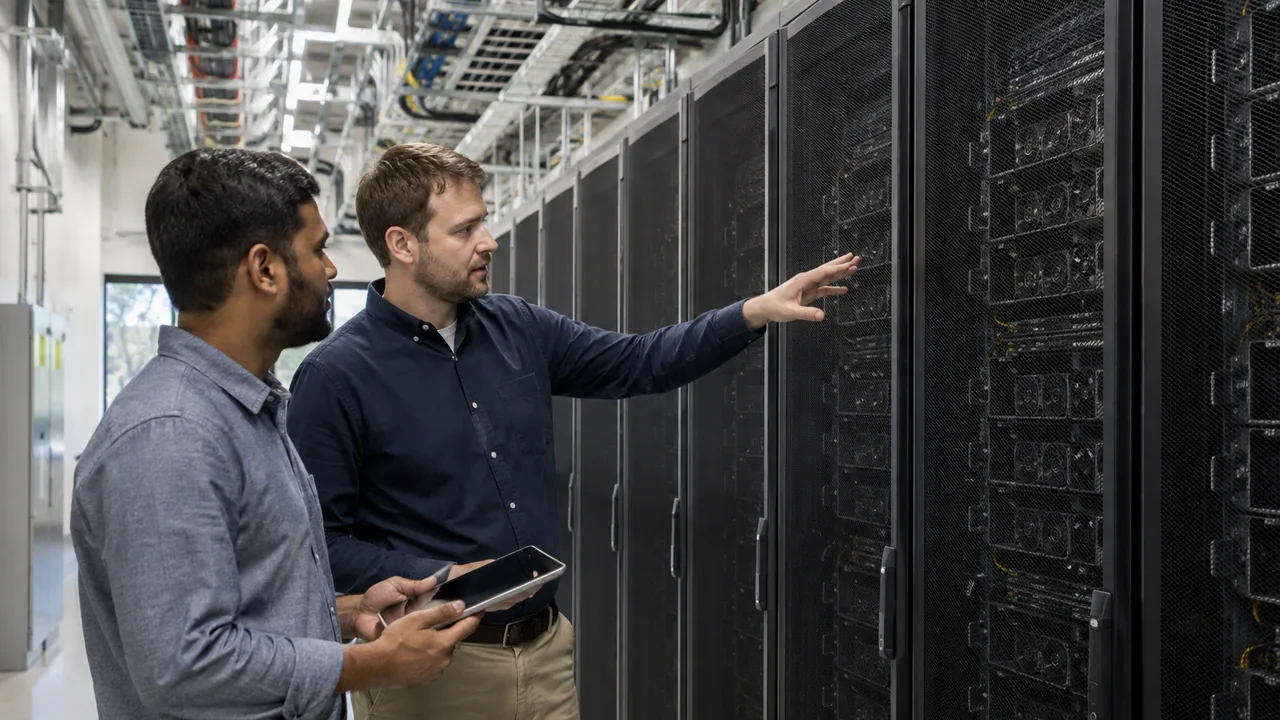
AI cluster commissioning walkthrough in an equipment workspace.
Illustrative scene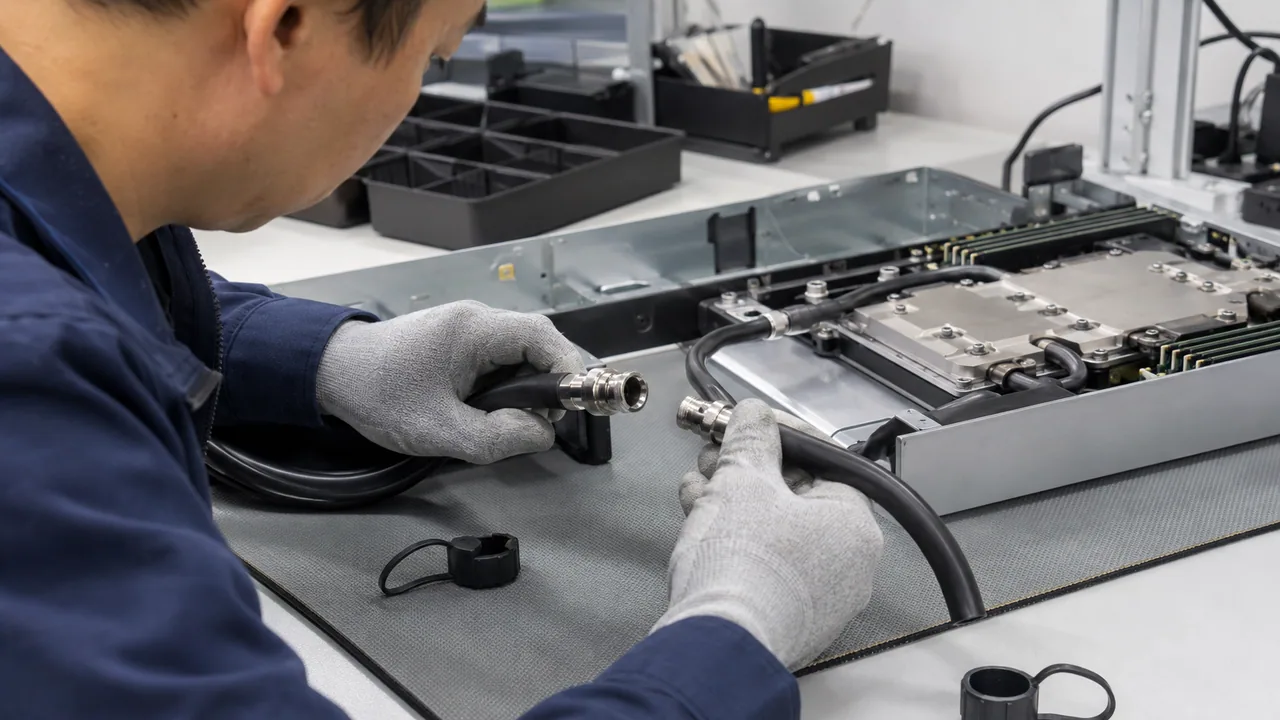
Inspecting a disconnected cooling hose in an equipment workspace.
Illustrative scene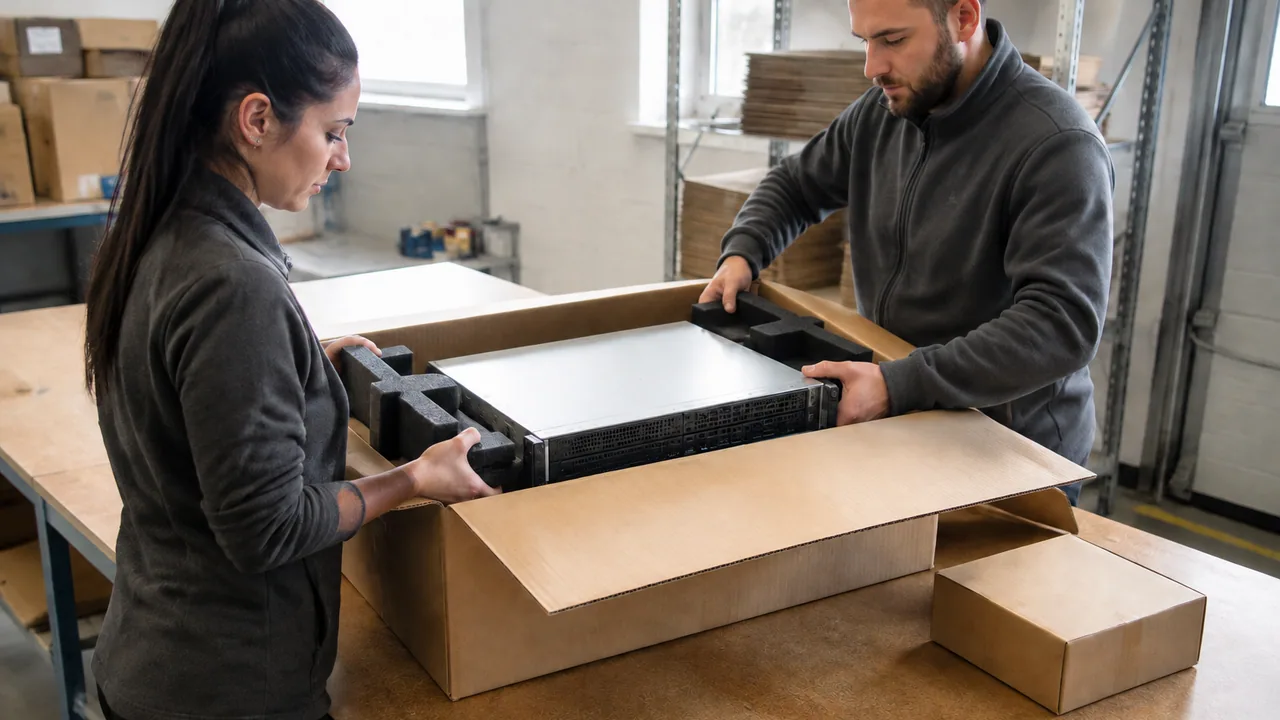
Preparing a server for protective packing in an equipment workspace.
Illustrative scene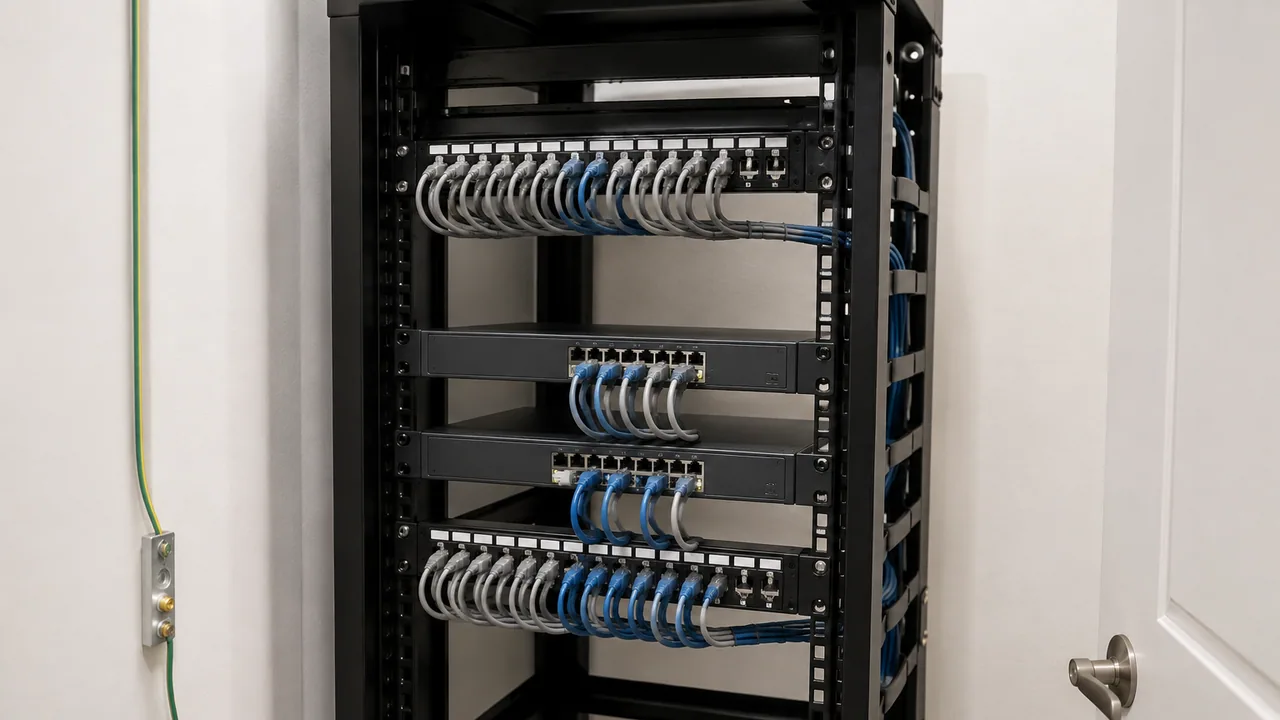
A clean office communications closet with patch panels and rack-mounted access switches.
Illustrative scene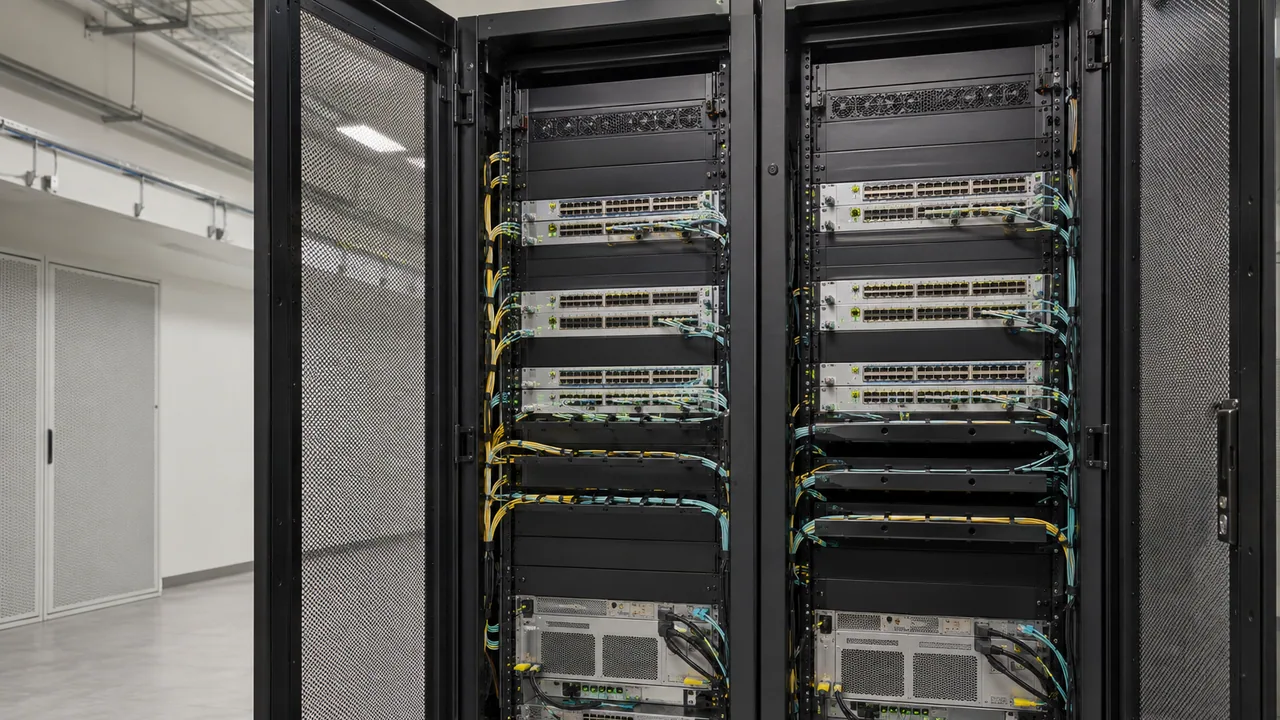
Two adjacent network racks with compact switches and organized fiber uplinks.
Illustrative scene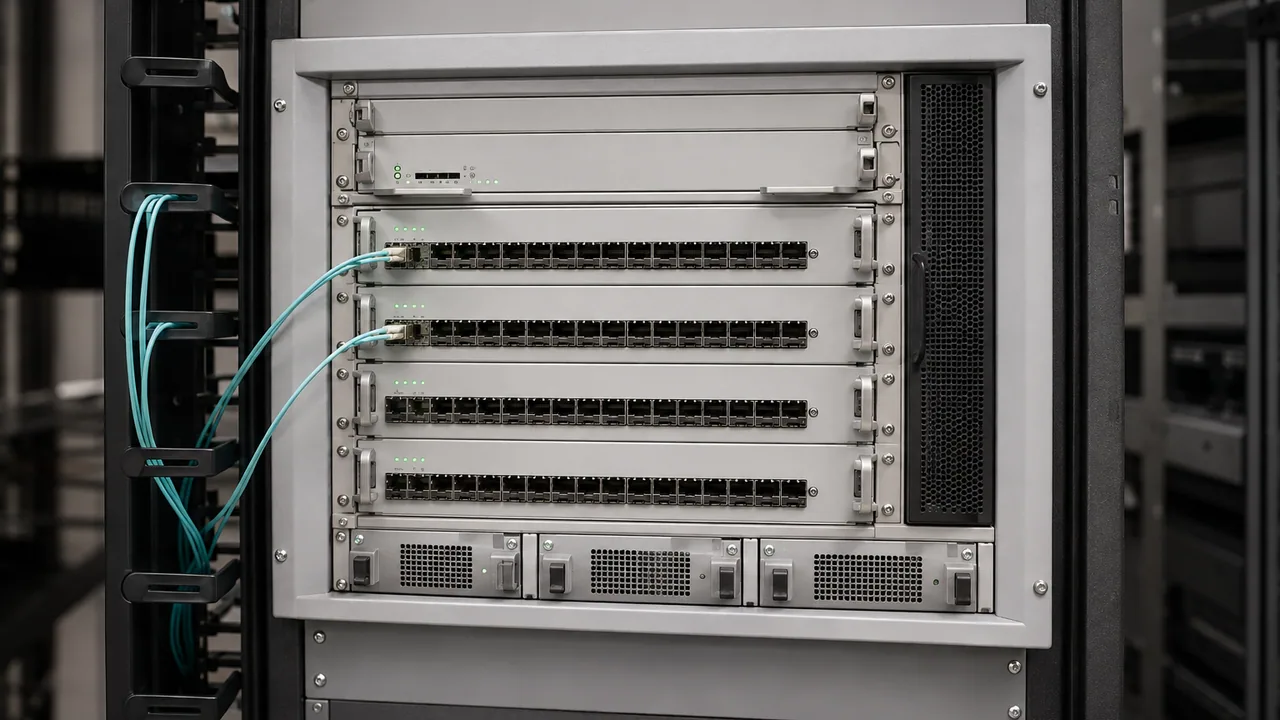
A modular network chassis with line cards and serviceable cabling.
Illustrative scene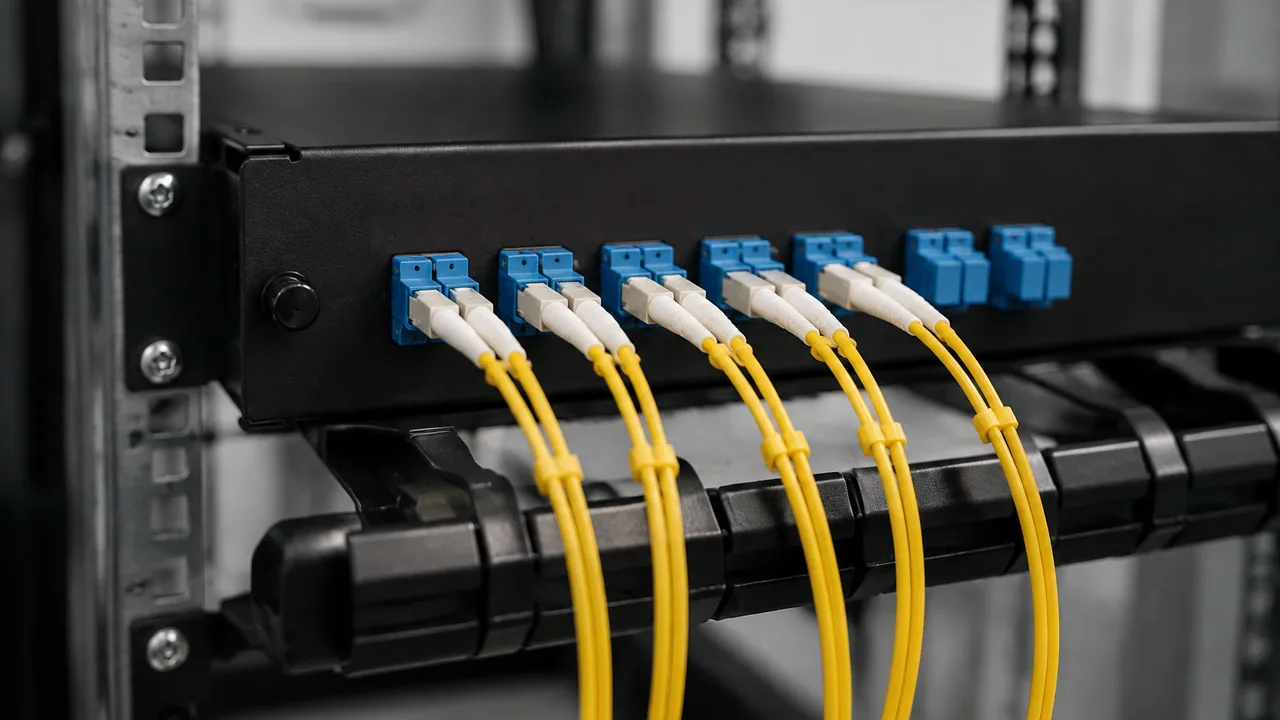
A fiber patch panel with duplex connectors and gently routed optical cables.
Illustrative scene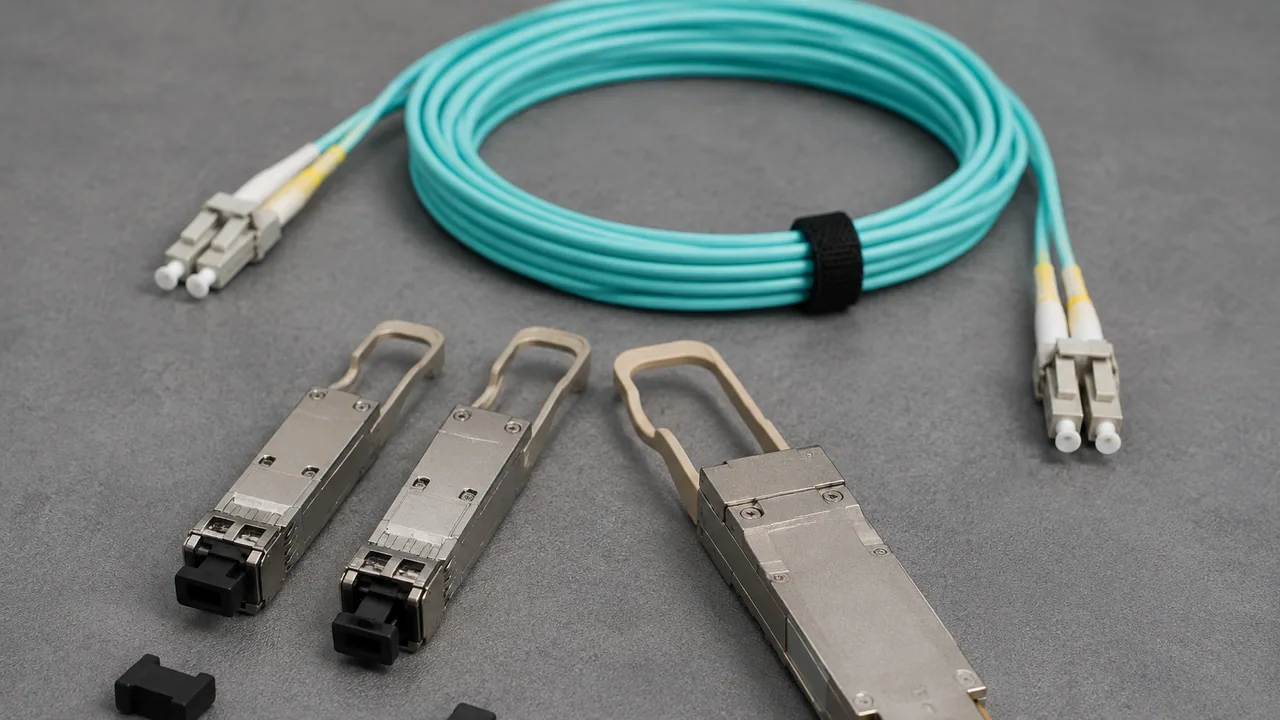
Optical transceivers and capped fiber connectors arranged on an antistatic work surface.
Illustrative scene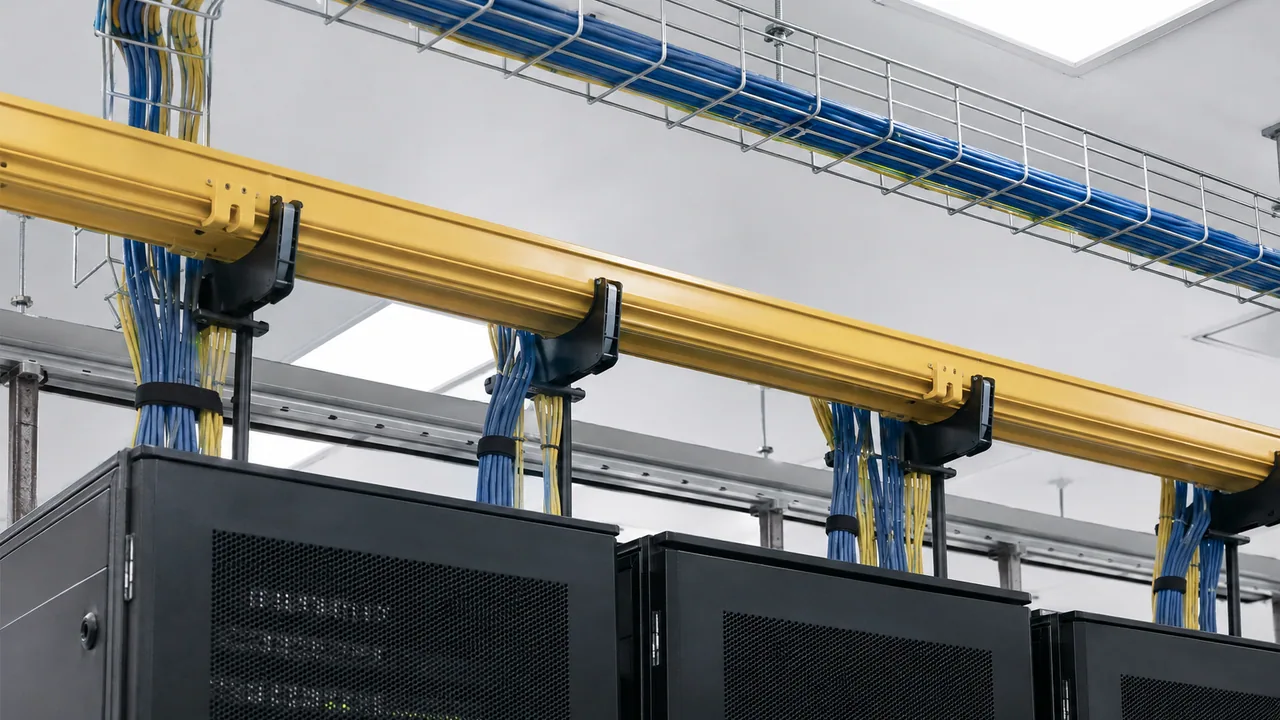
Cable trays carry organized fiber routes above equipment cabinets.
Illustrative scene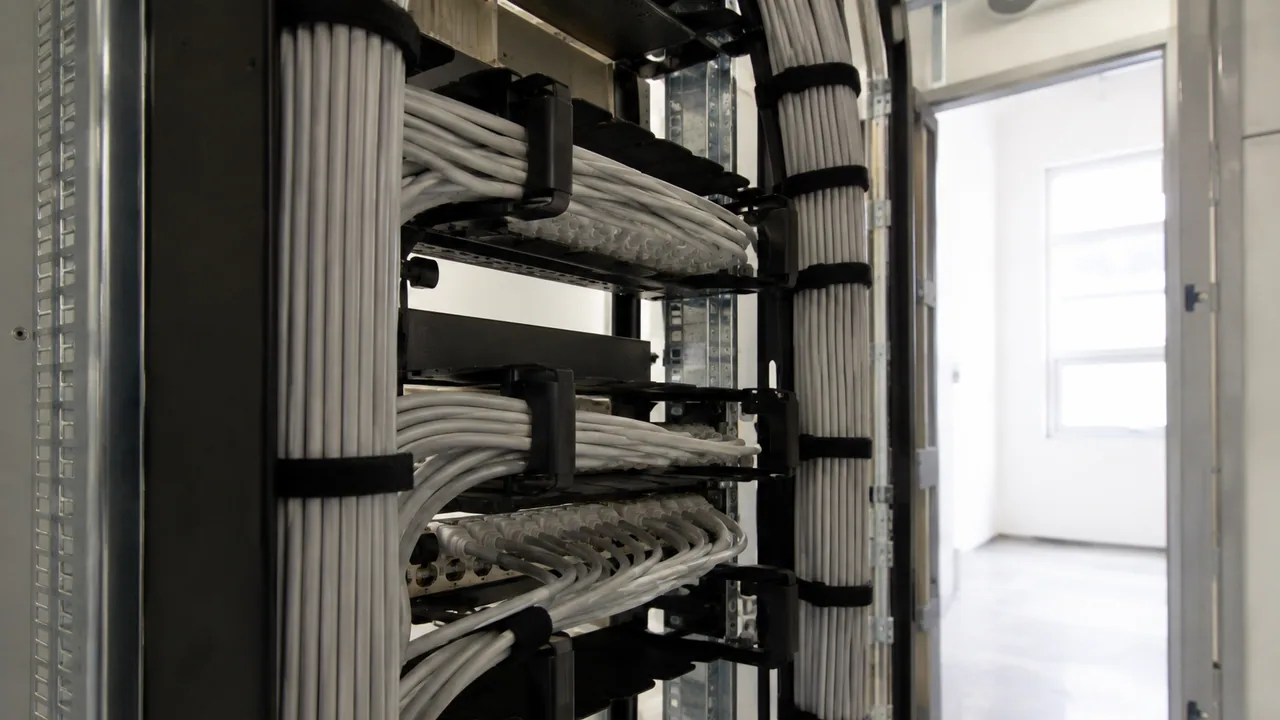
The rear of a patch field shows supported bundles and strain relief.
Illustrative scene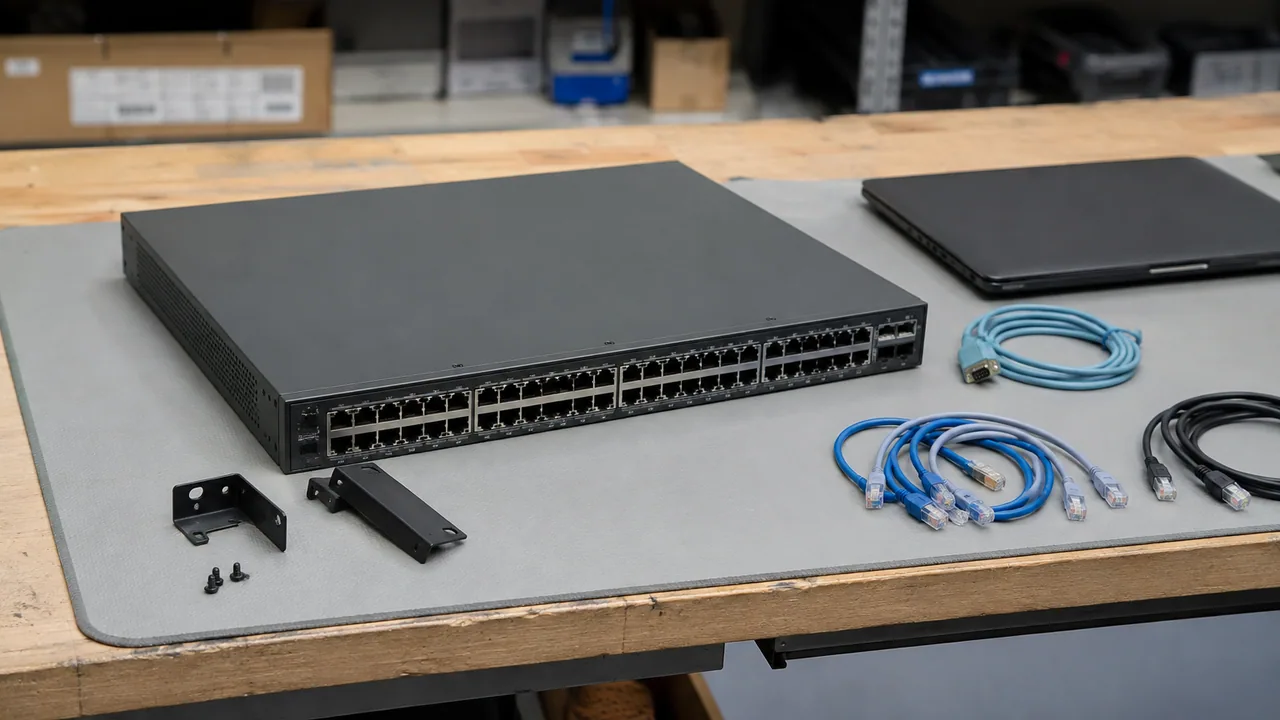
A rack switch is prepared on an electronics workbench before installation.
Illustrative scene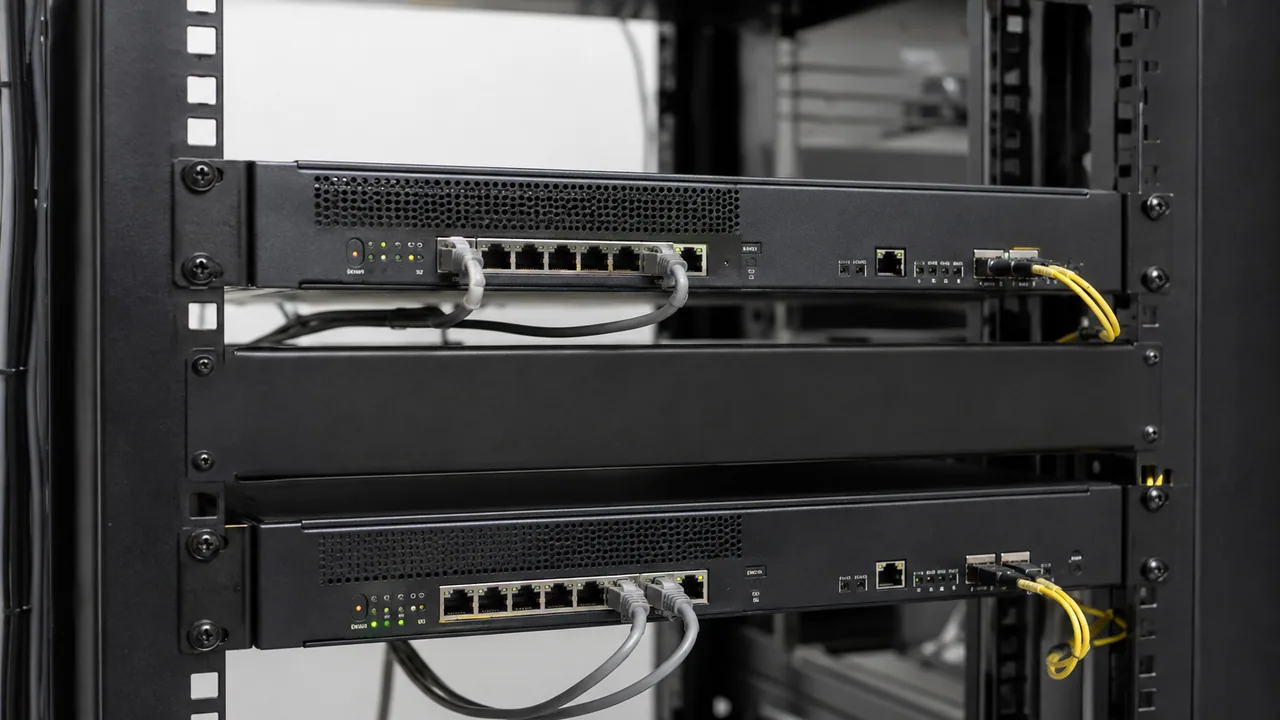
Two rack-mounted security appliances with organized network connections.
Illustrative scene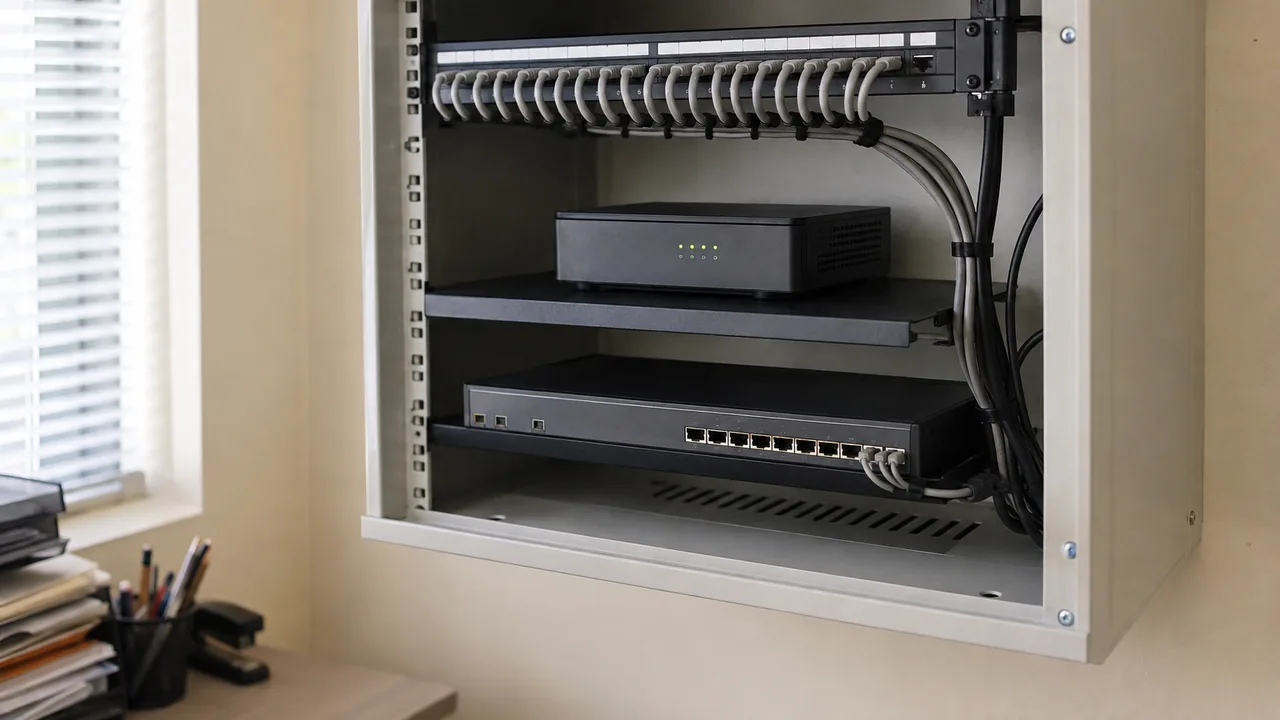
A compact cabinet contains a branch router, access switch and patch panel.
Illustrative scene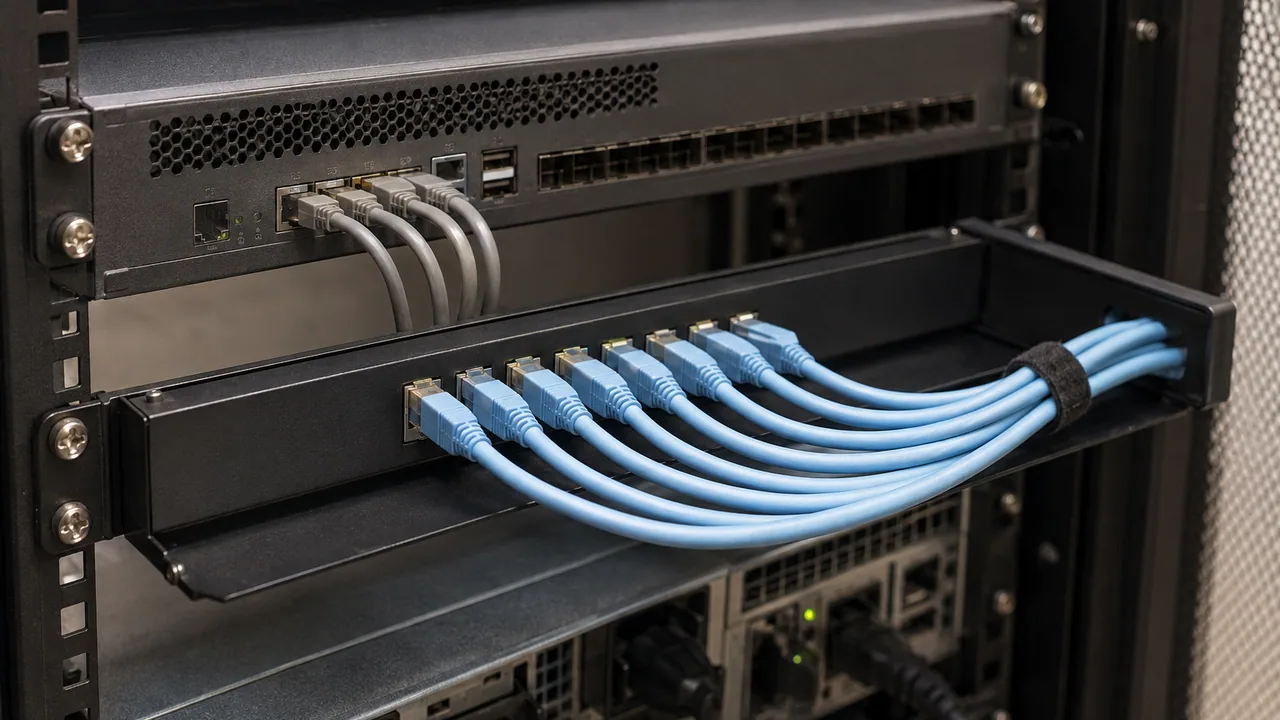
An out-of-band console appliance supports a serviceable equipment rack.
Illustrative scene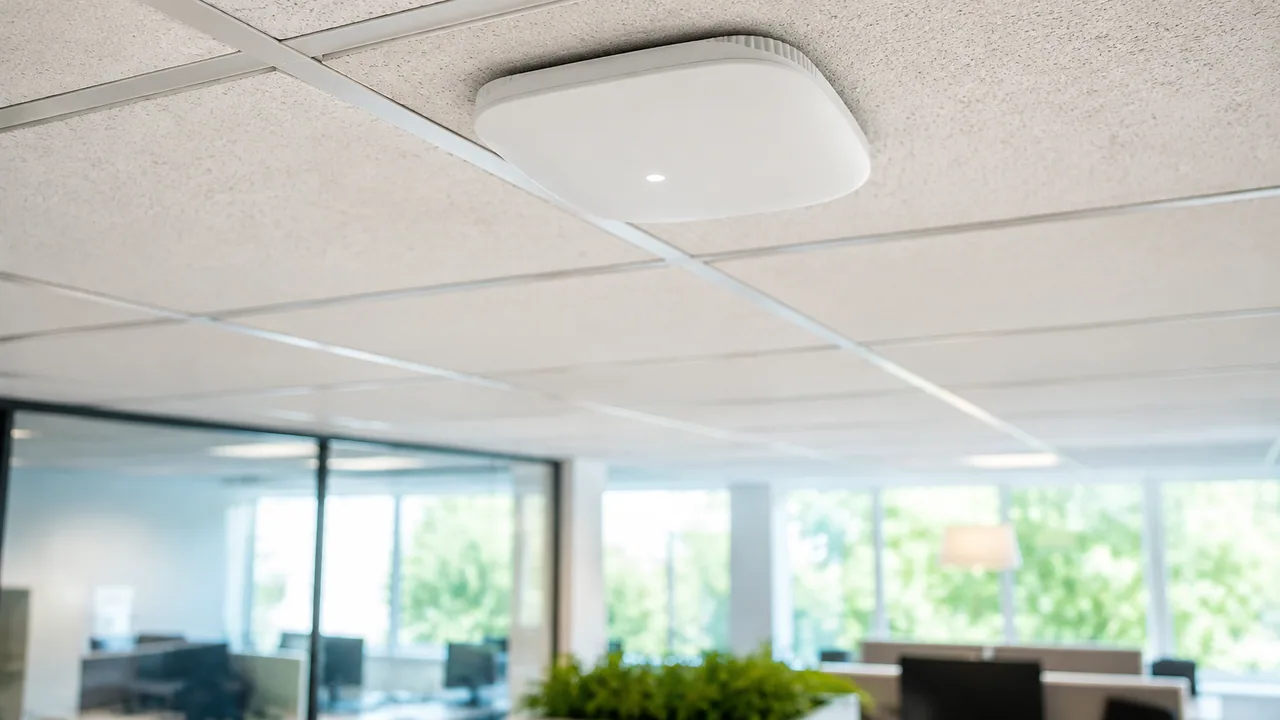
A compact ceiling-mounted access point in a modern open-plan office.
Illustrative scene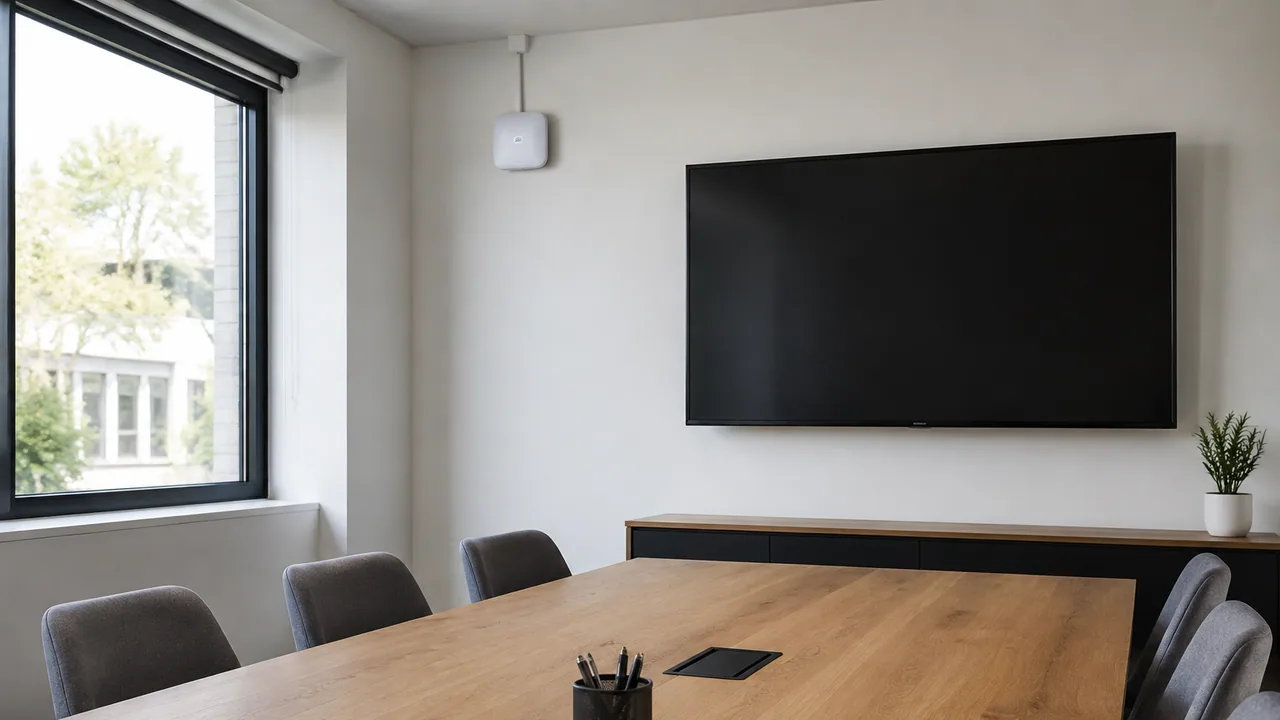
A discreet access point serves a daylight-filled conference room.
Illustrative scene
A weather-resistant access point mounted beside a campus walkway.
Illustrative scene
An industrial access point overlooks an orderly warehouse aisle.
Illustrative scene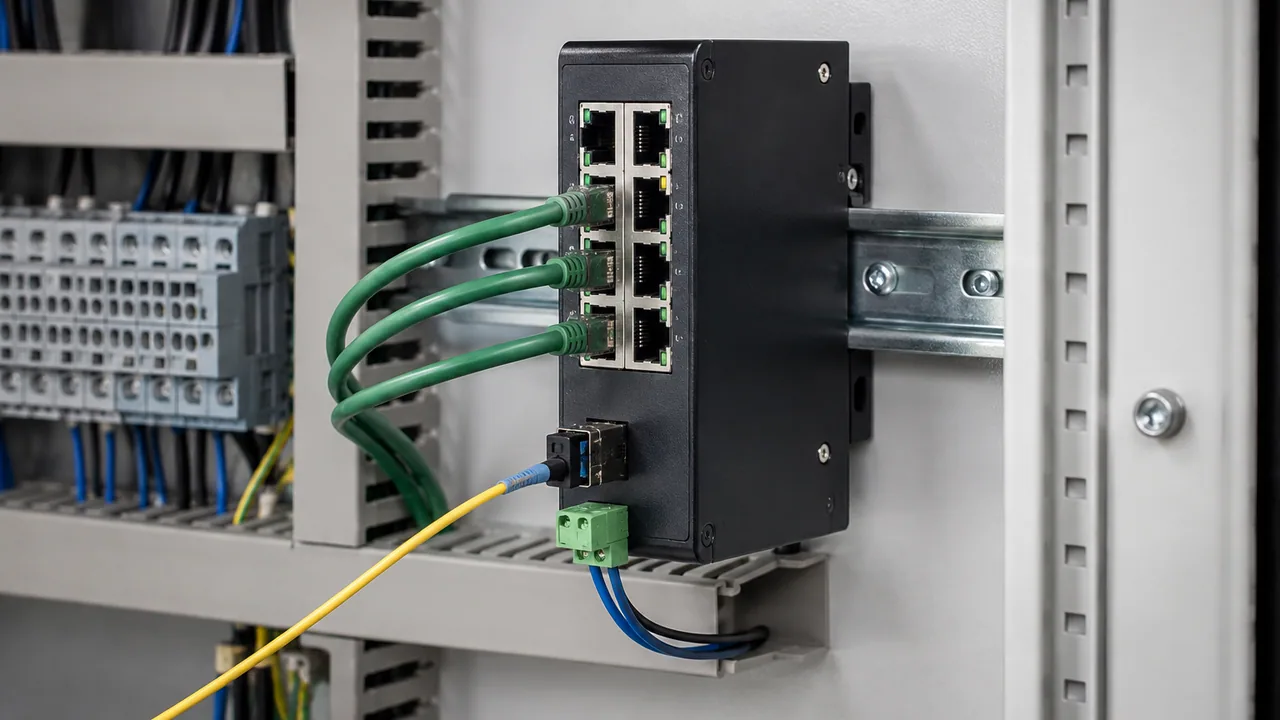
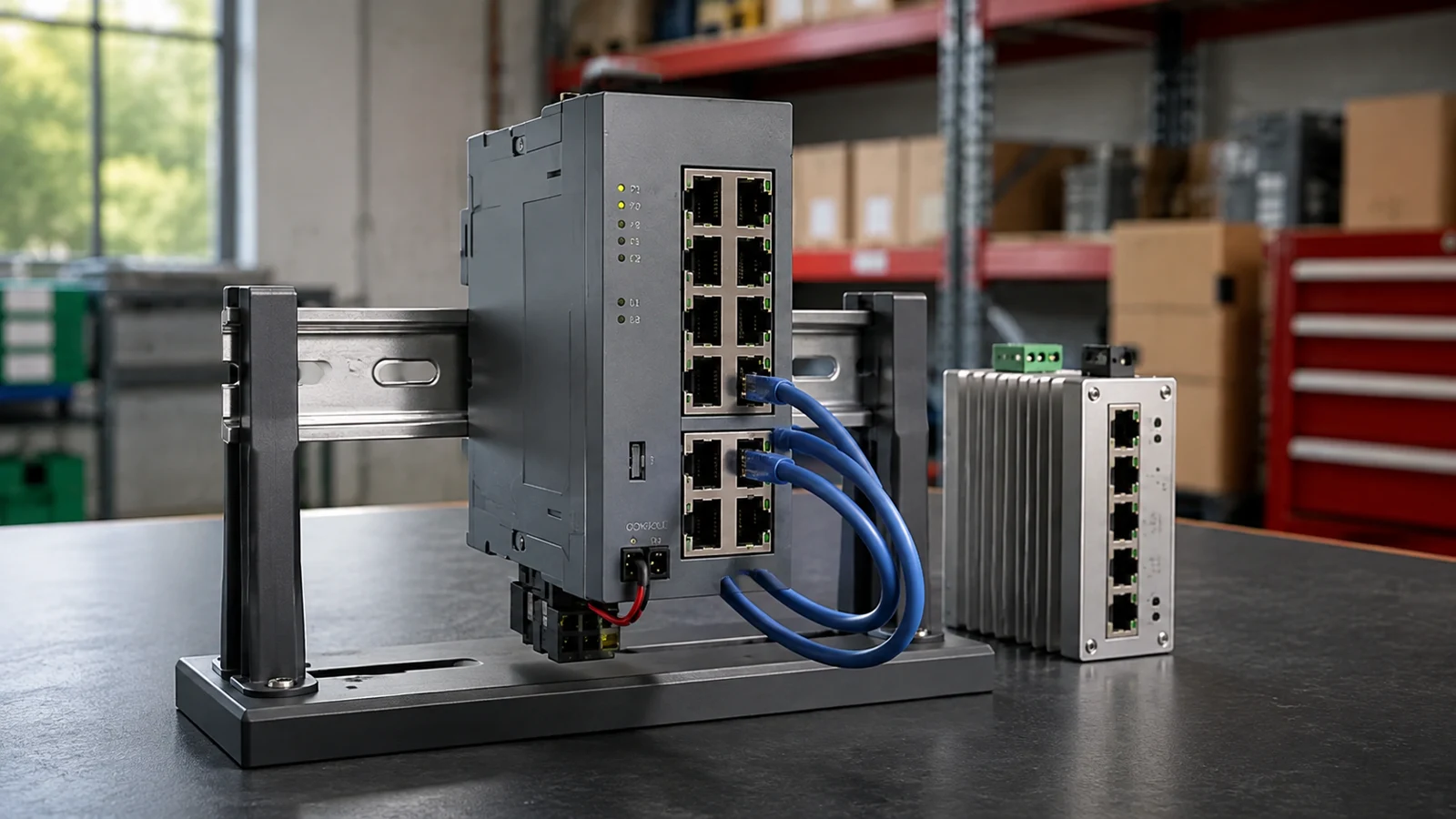
A compact industrial Ethernet switch mounted on a rail inside a control cabinet.
Illustrative scene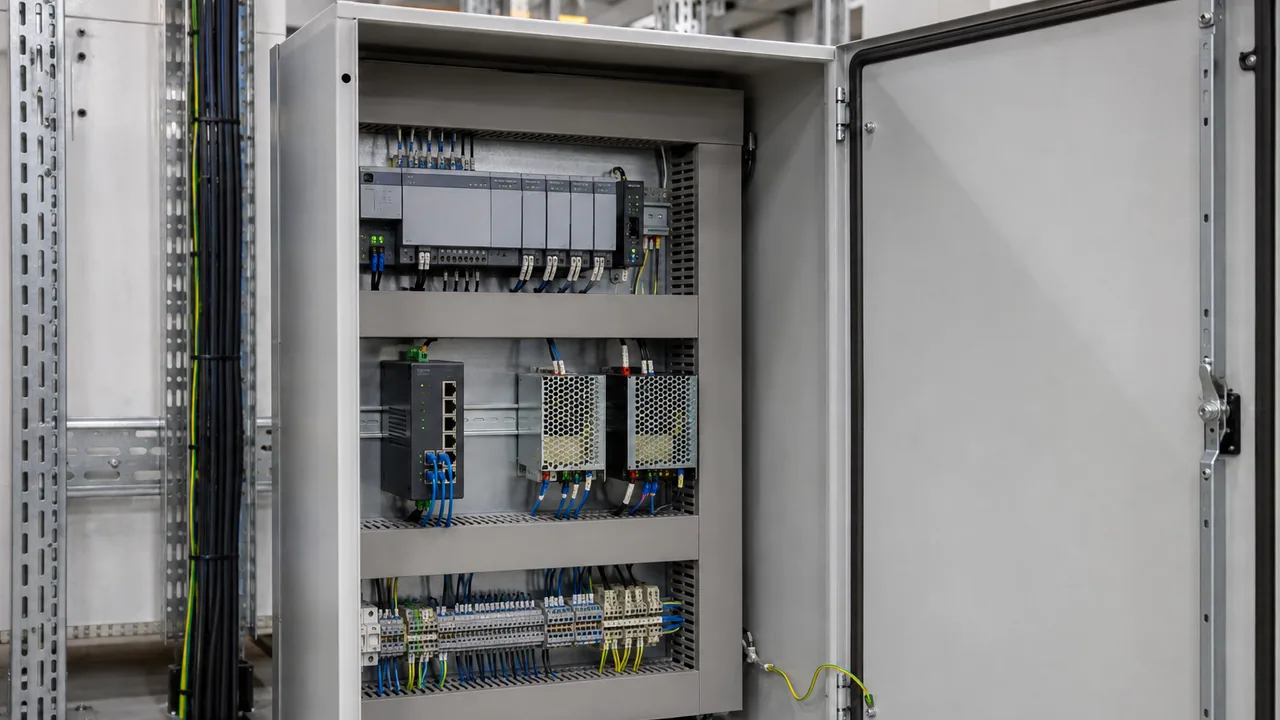
An open automation cabinet with network equipment, terminals and clean wiring routes.
Illustrative scene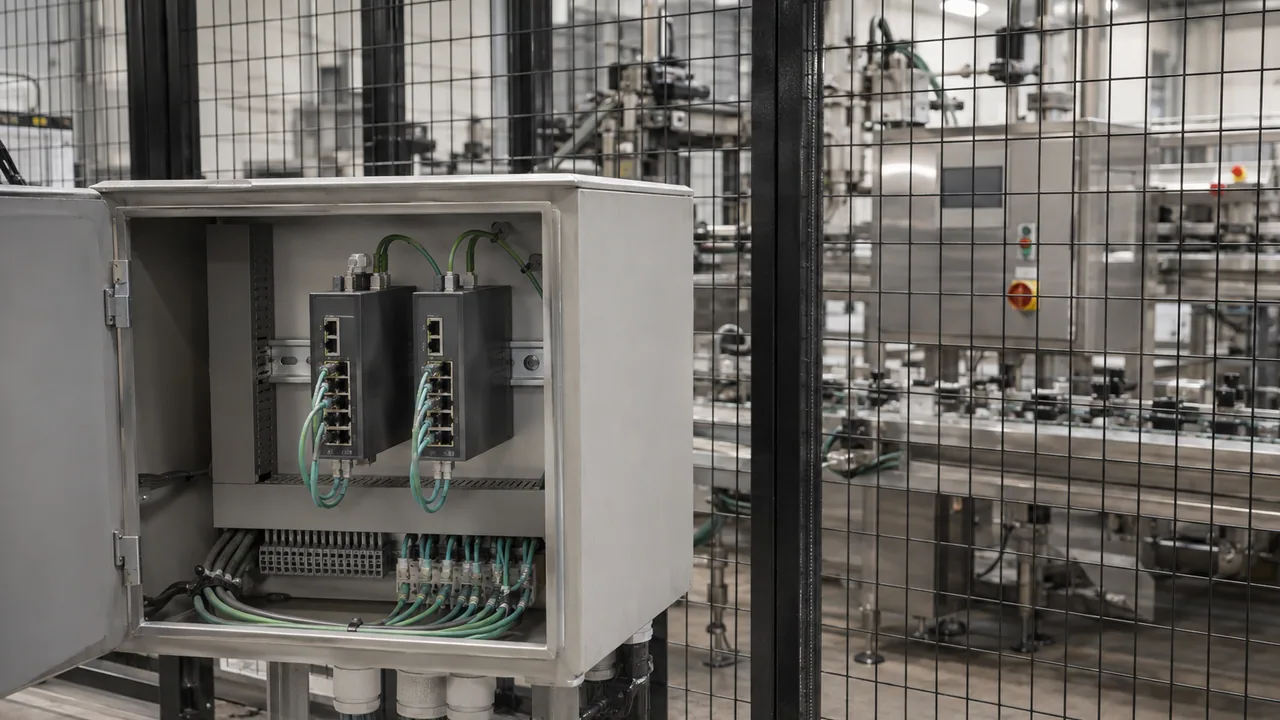
A small network enclosure sits beside a guarded production cell.
Illustrative scene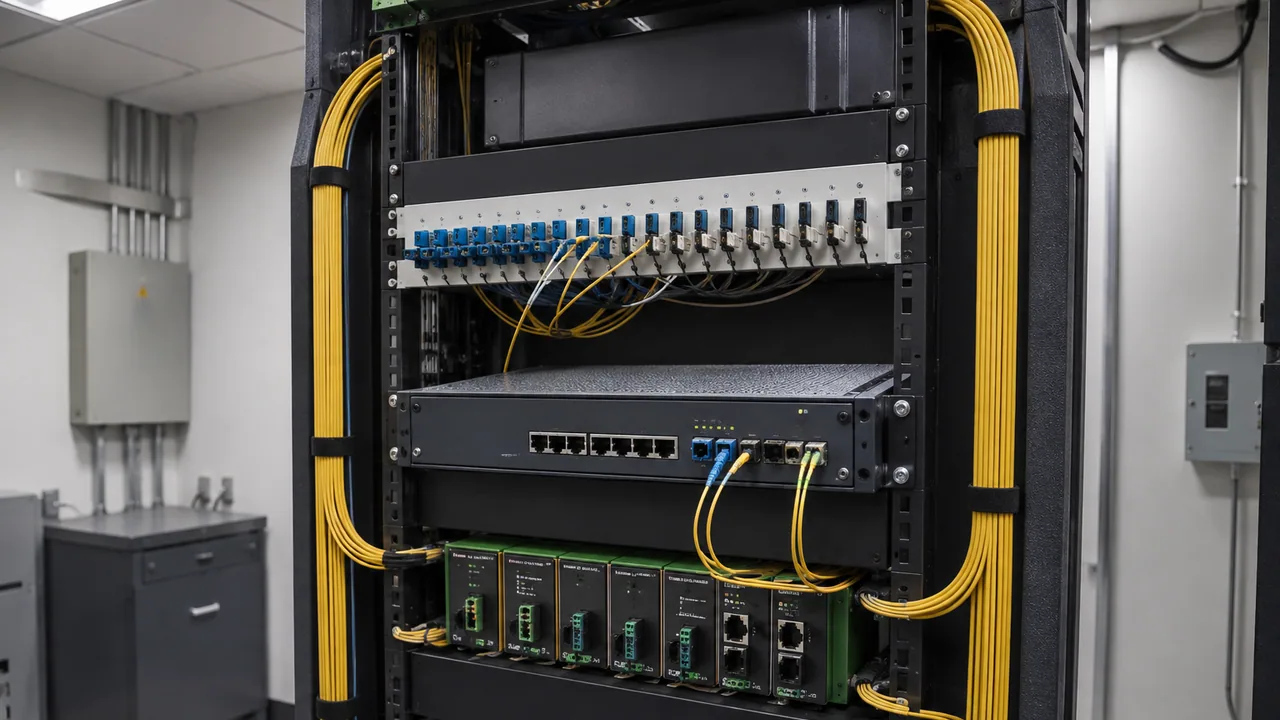
Rugged network equipment installed in a utility control-room rack.
Illustrative scene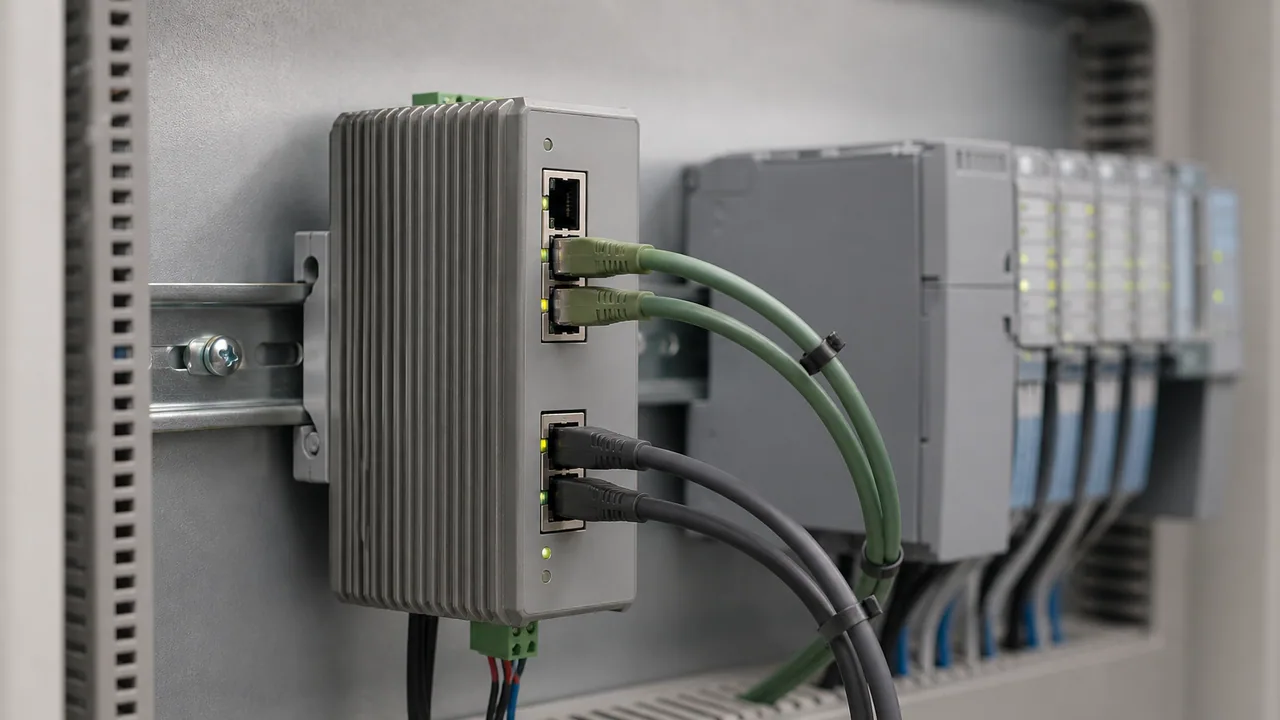
A compact security gateway separates automation network connections.
Illustrative scene
Copper and optical connections share a compact industrial network enclosure.
Illustrative scene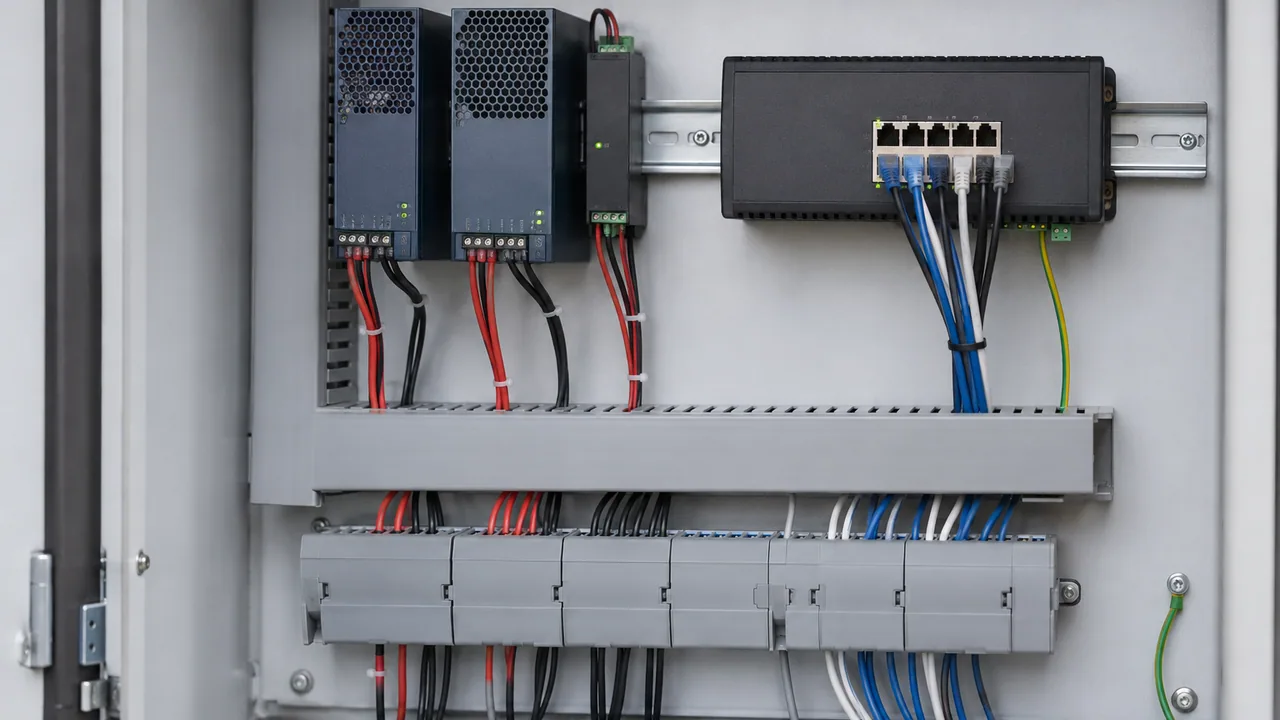
Low-voltage power supplies and an industrial switch arranged in a serviceable cabinet.
Illustrative scene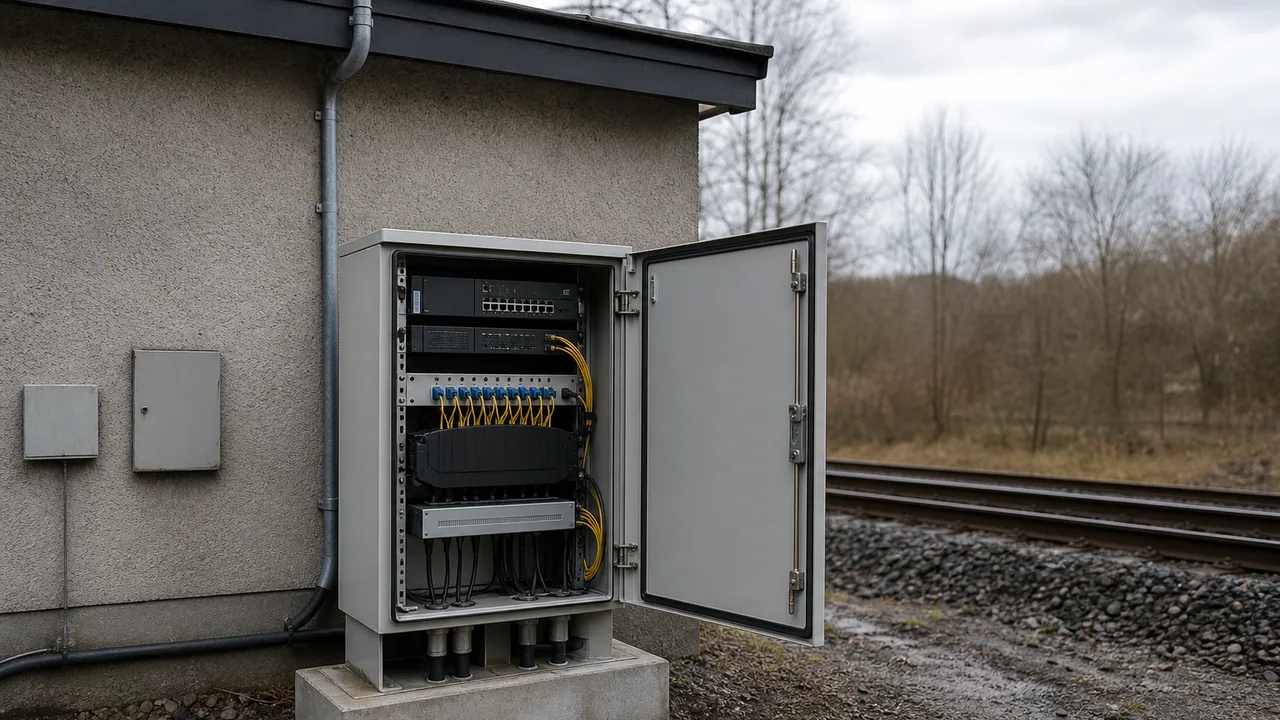
A protected communications cabinet beside a railway infrastructure service building.
Illustrative scene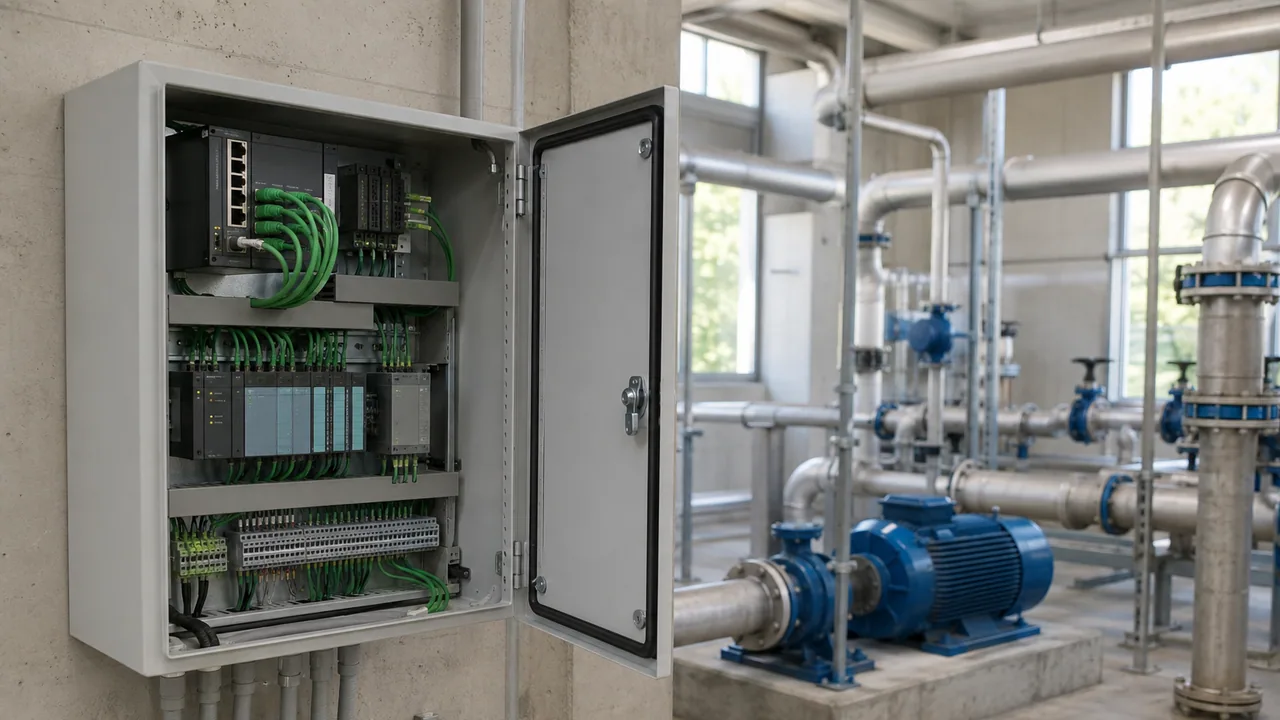
An industrial network cabinet in a clean water-treatment utility building.
Illustrative scene
A rugged wireless node mounted above a factory production aisle.
Illustrative scene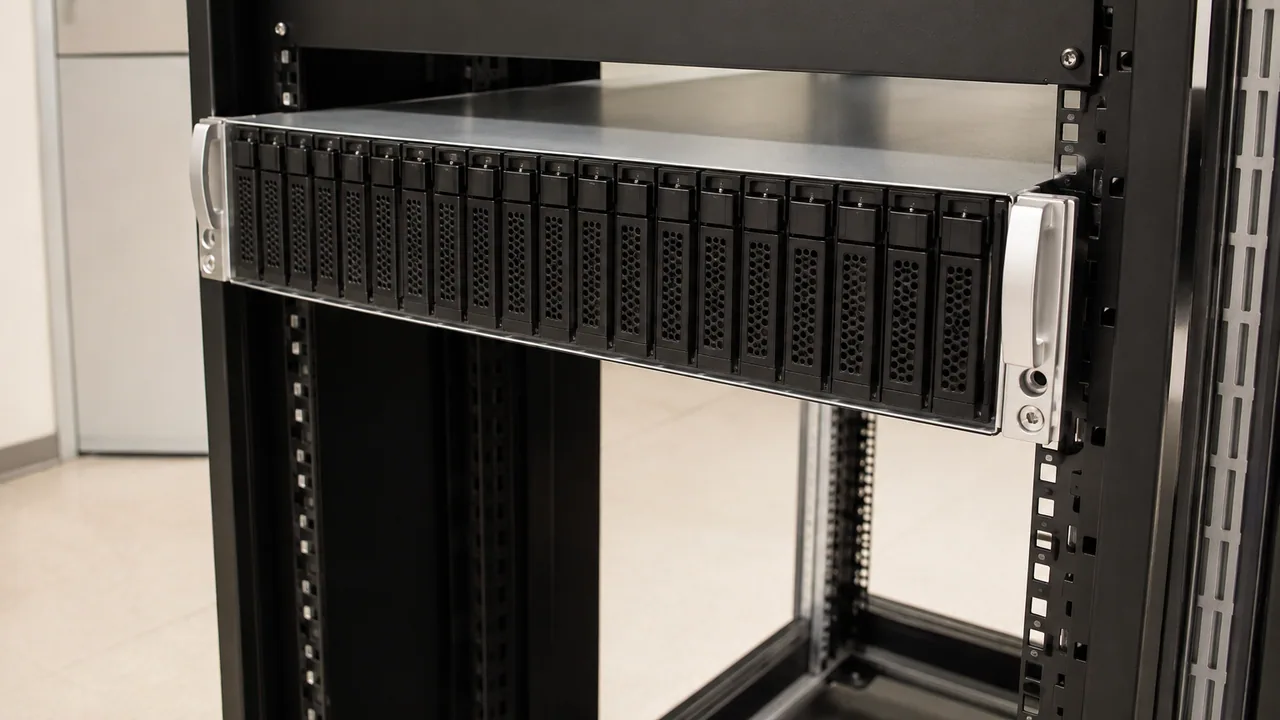
Rack-mounted storage enclosure with a row of small drive carriers.
Illustrative scene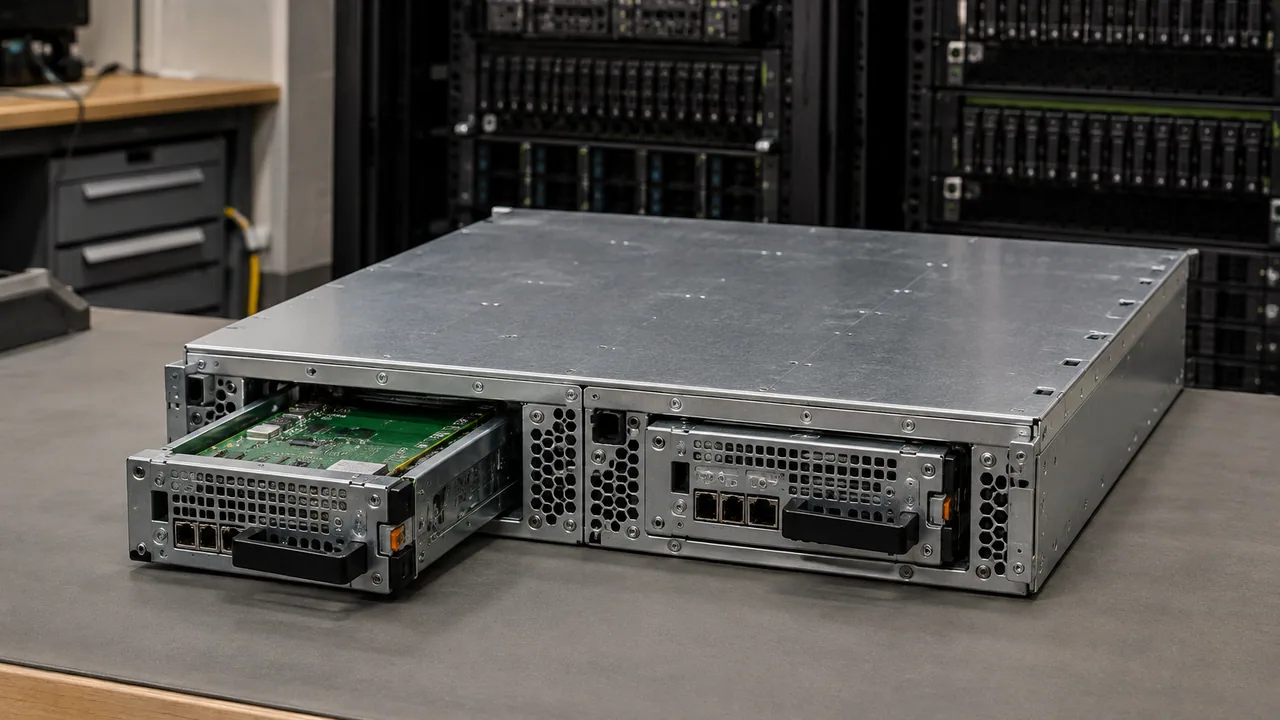
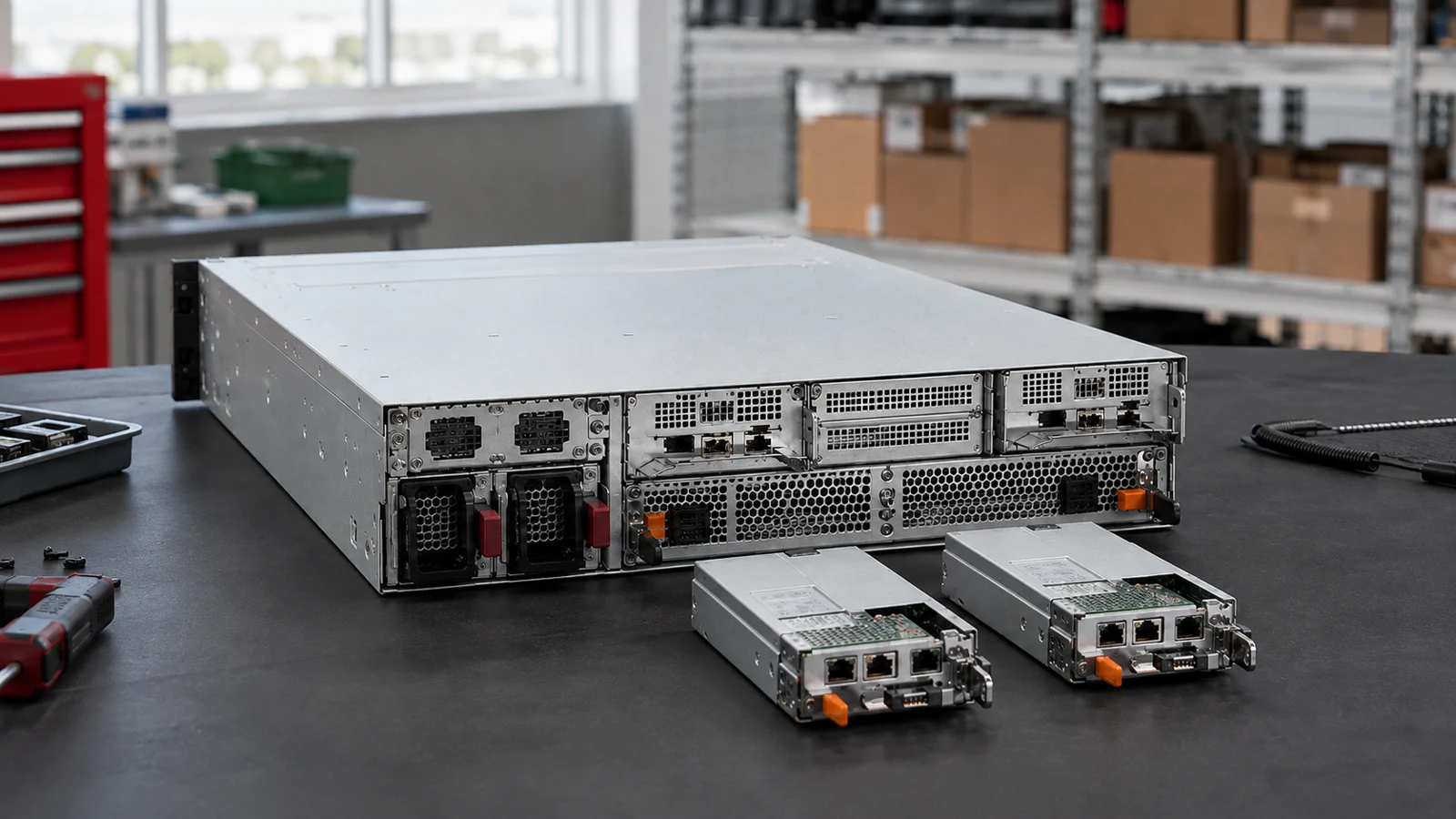
Rear service view of a dual-controller storage enclosure.
Illustrative scene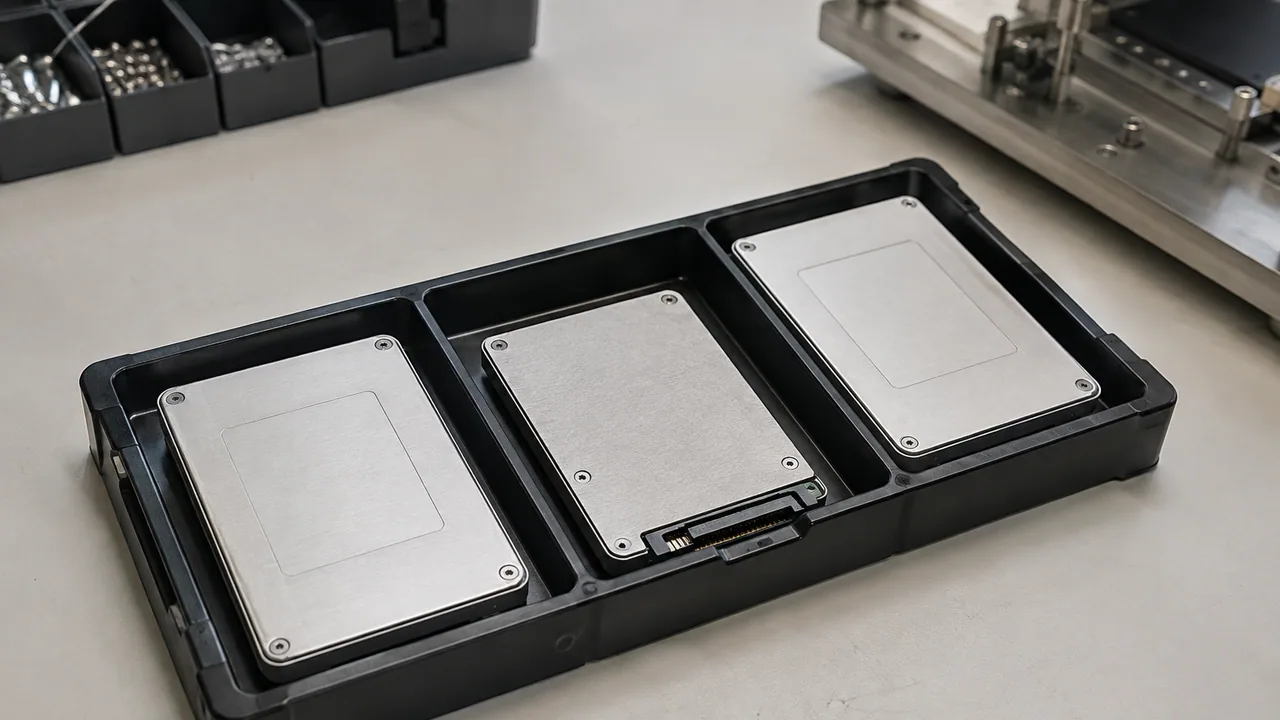
Three U.2 solid-state drives arranged in a protective transport tray.
Illustrative scene
Slim E1.S enterprise SSD modules on an inspection bench.
Illustrative scene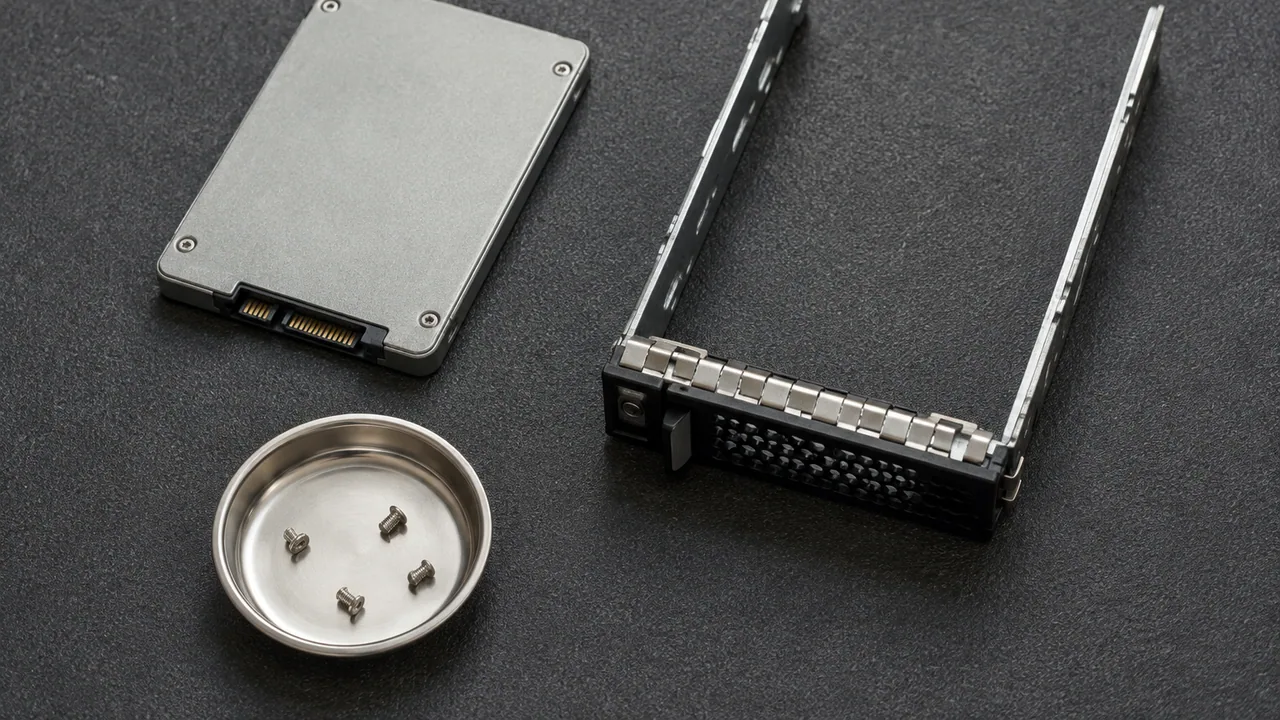
An enterprise SSD and separate drive carrier prepared on an antistatic mat.
Illustrative scene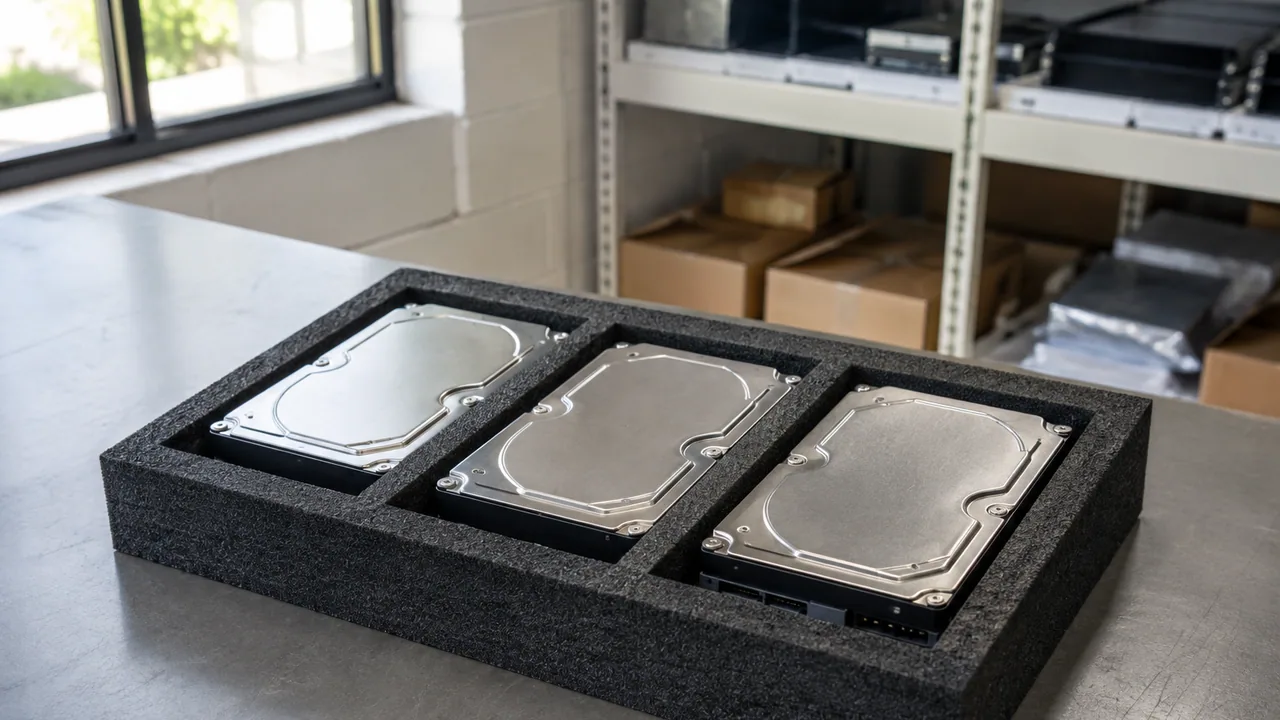
Sealed 3.5-inch hard disks organized for spares inspection.
Illustrative scene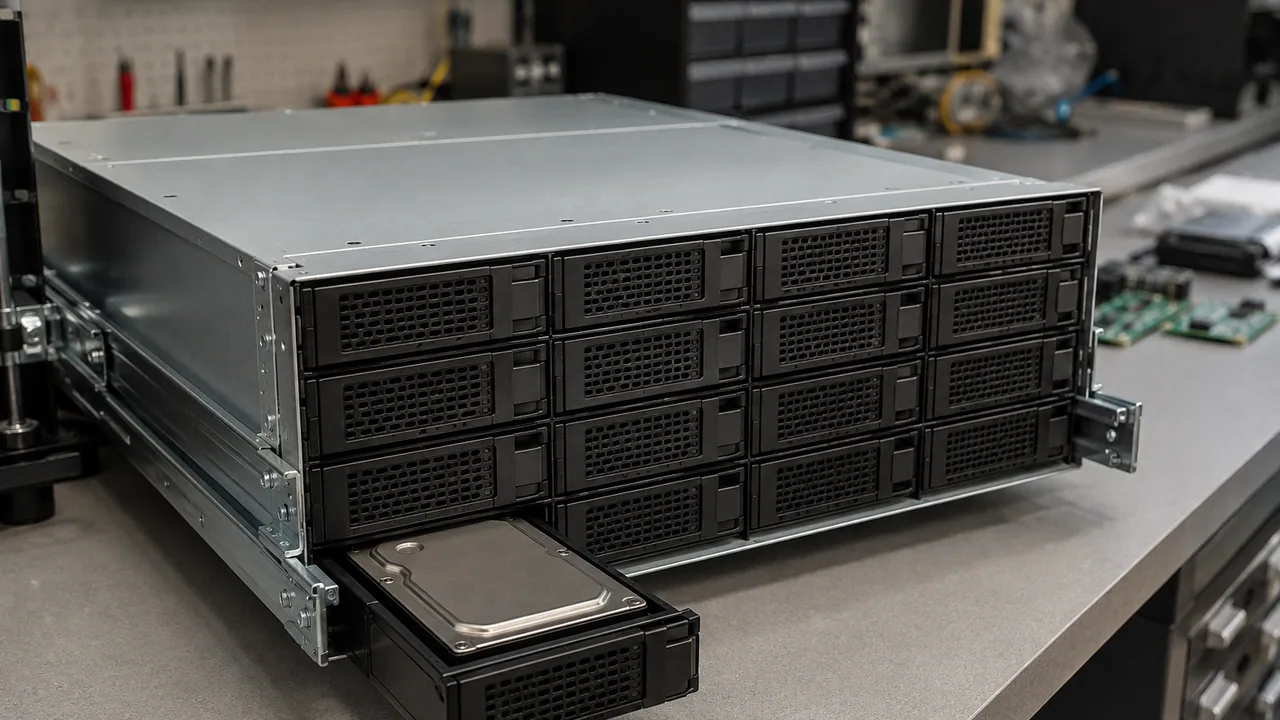
A large-drive storage shelf with one carrier withdrawn for service.
Illustrative scene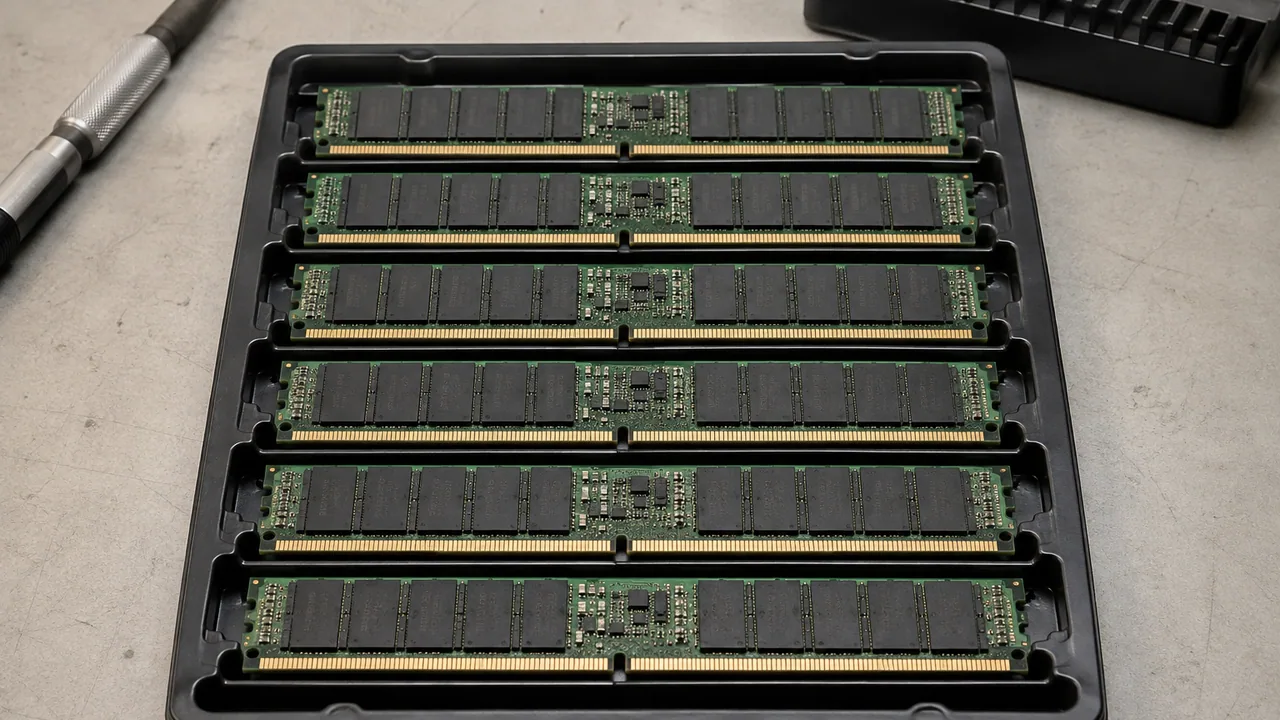
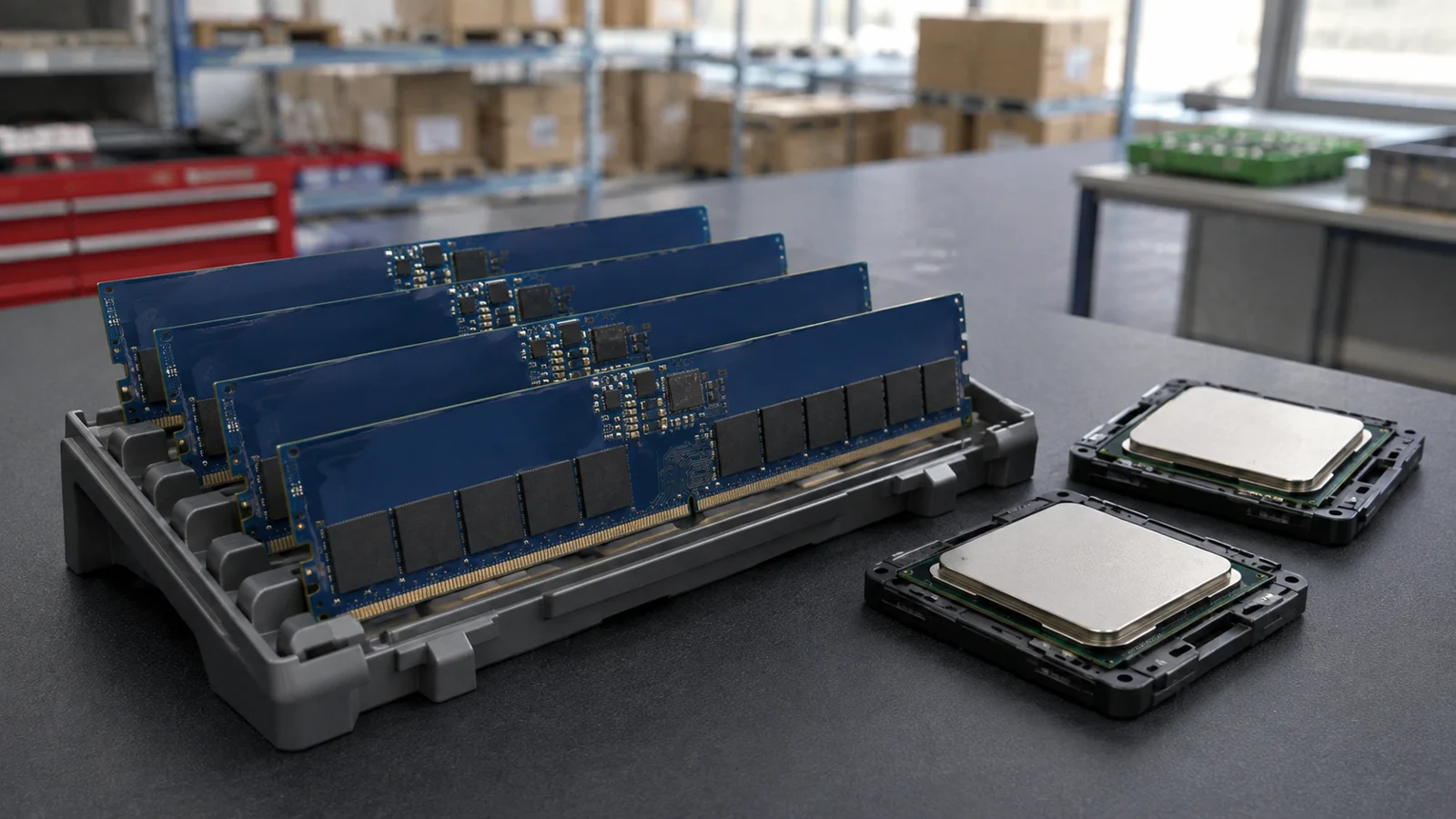
A matched set of server memory modules in a conductive tray.
Illustrative scene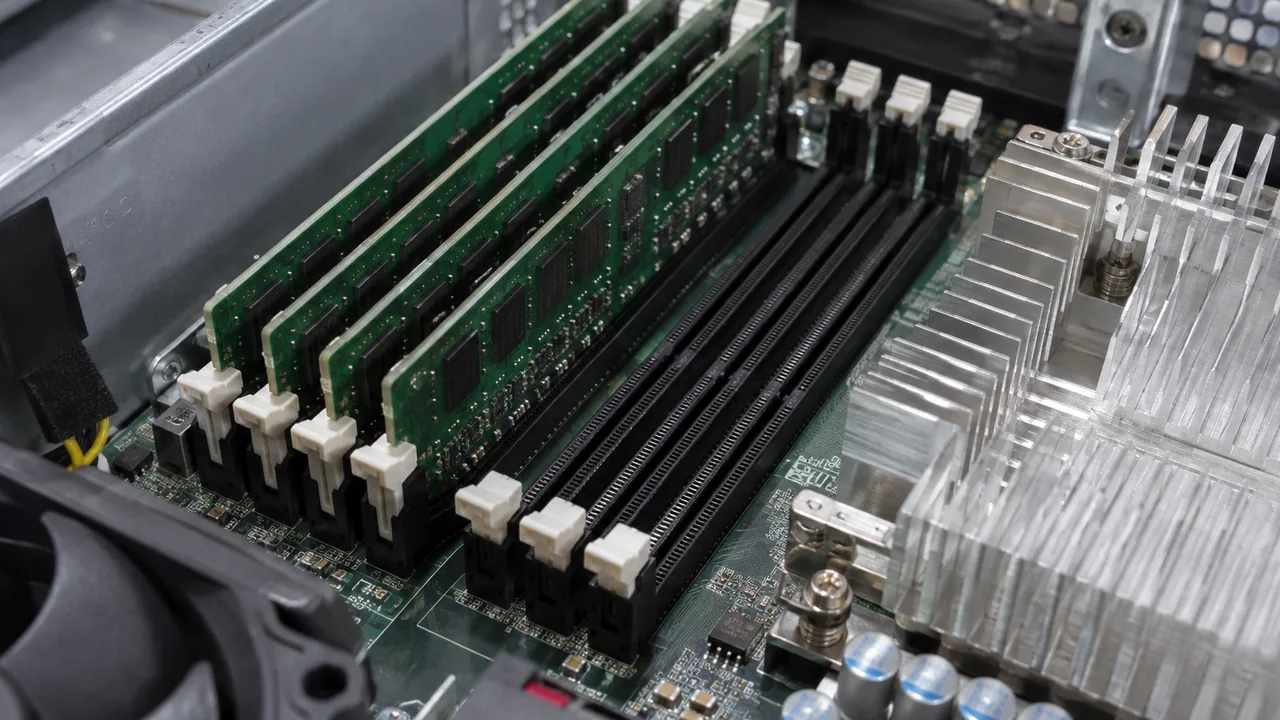
Server DIMMs seated beside processor cooling hardware.
Illustrative scene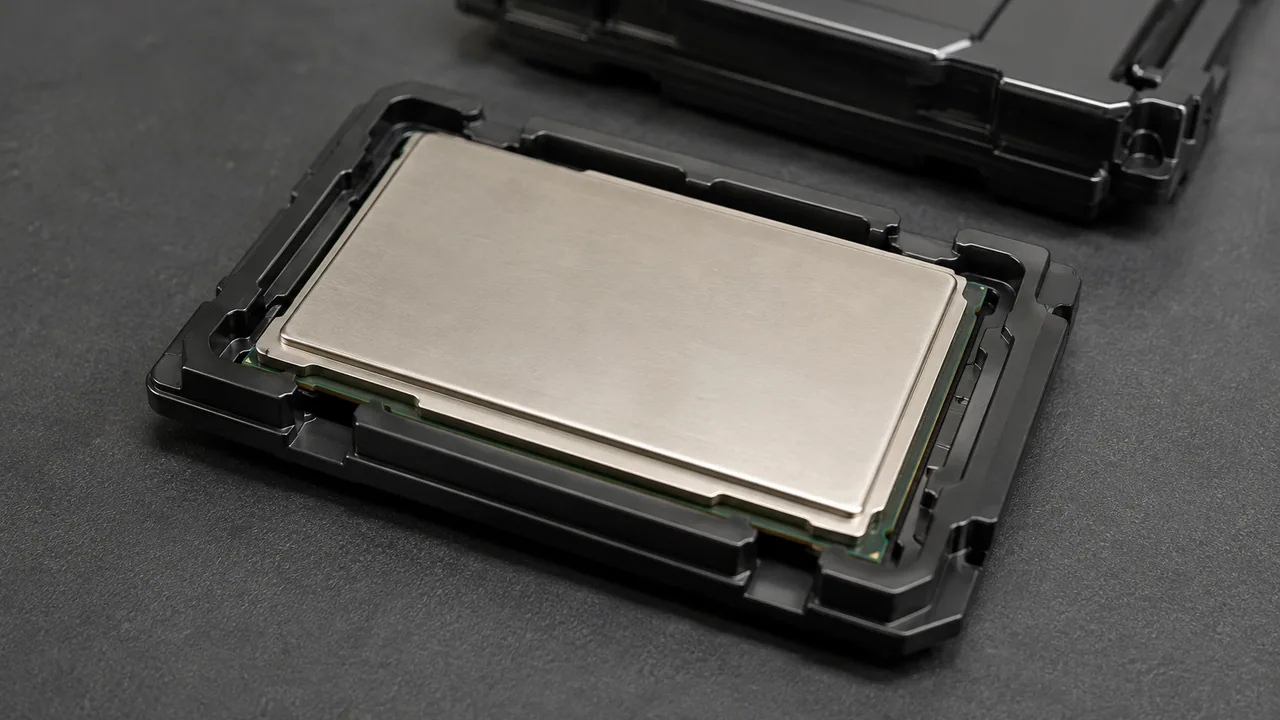
A server processor resting in its protective carrier.
Illustrative scene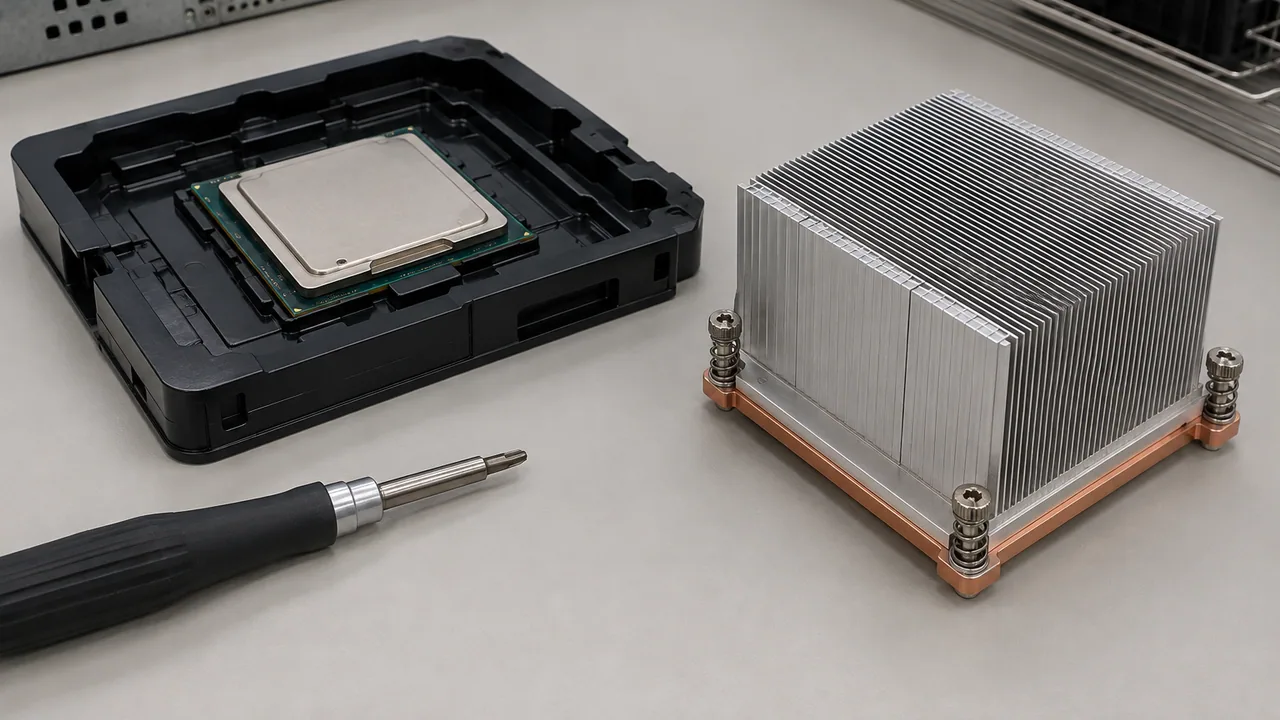
Processor and passive cooling assembly prepared for compatibility checks.
Illustrative scene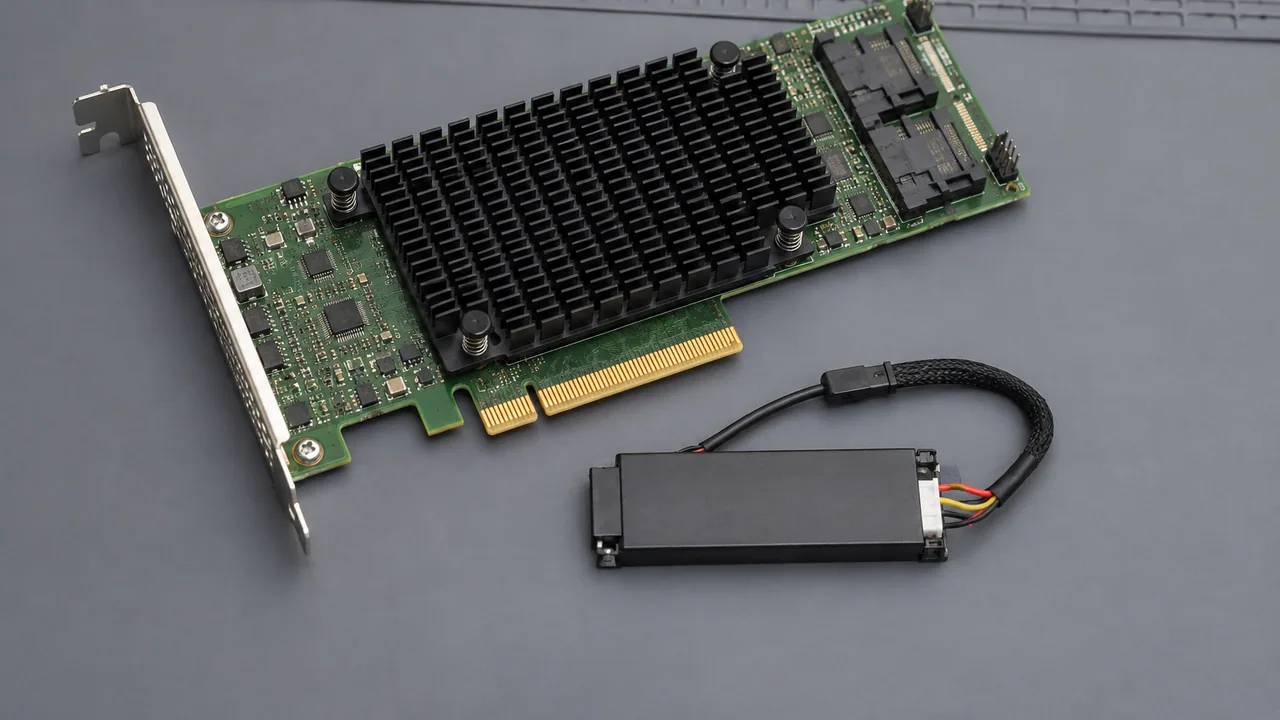
A PCIe storage controller and separate cache protection module.
Illustrative scene
An external storage HBA beside a matching style of SAS cable.
Illustrative scene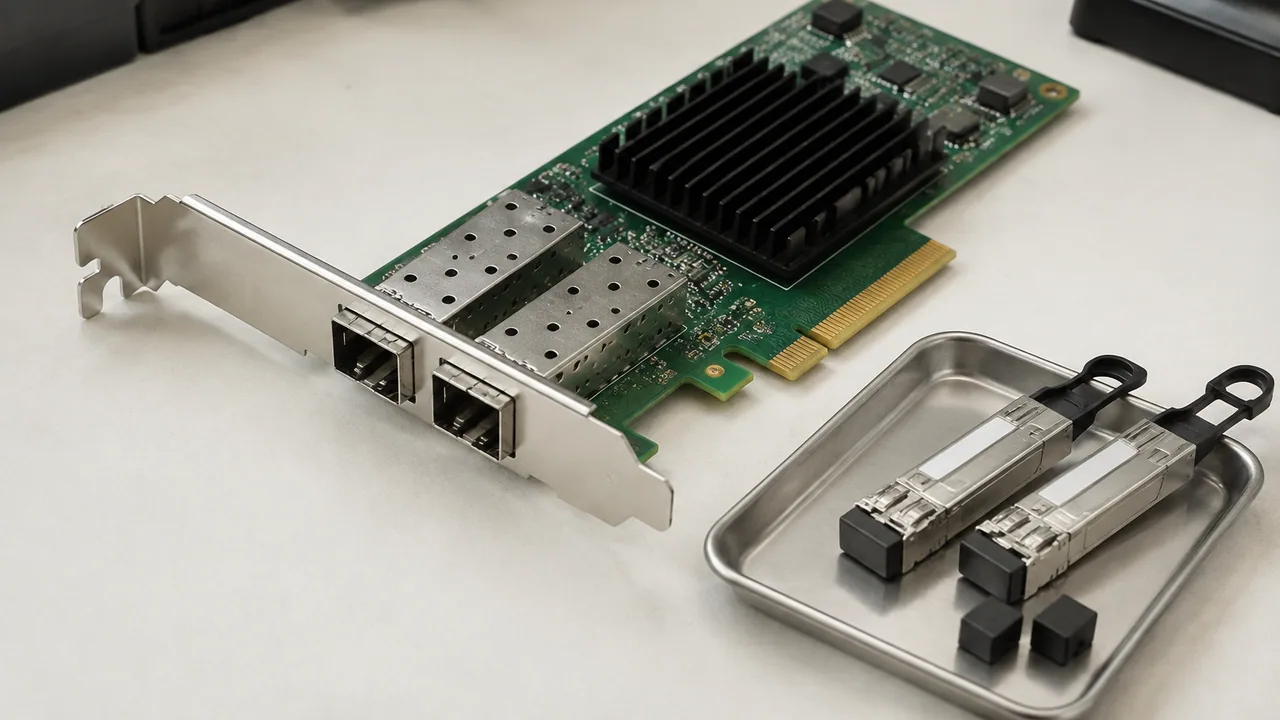
A dual-port network interface card and two optical transceivers.
Illustrative scene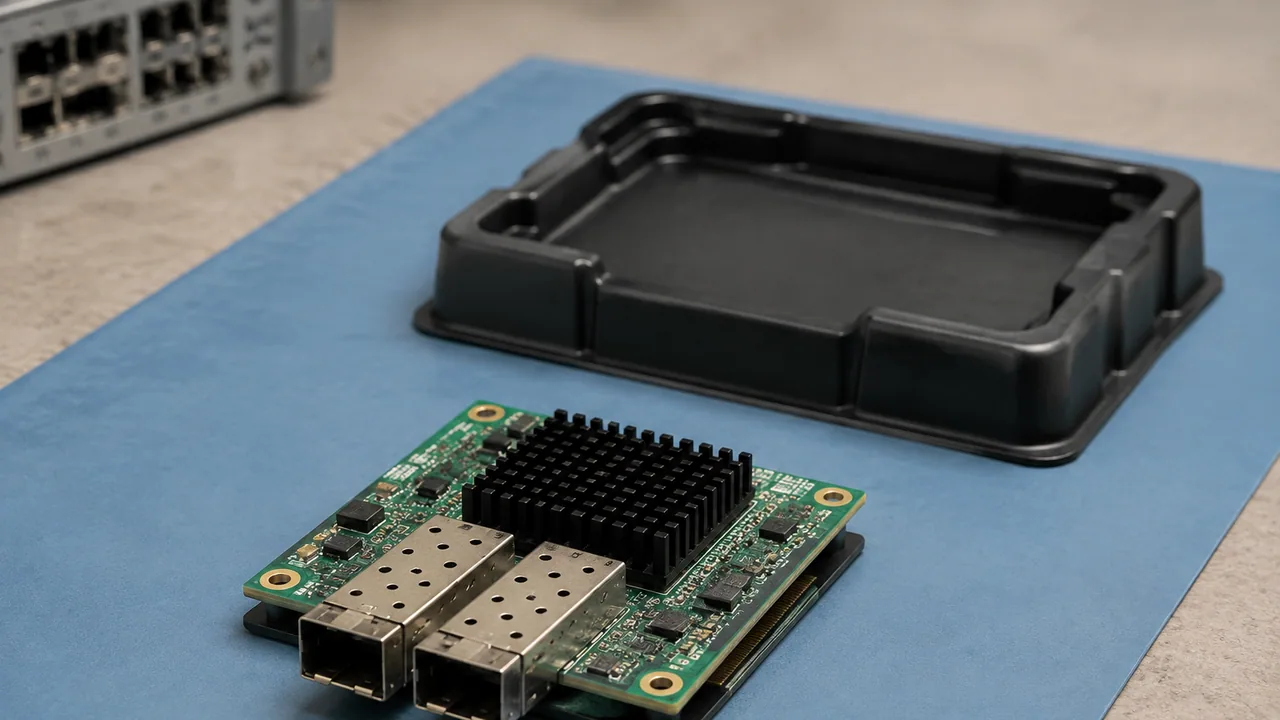
A compact server mezzanine network adapter on an inspection mat.
Illustrative scene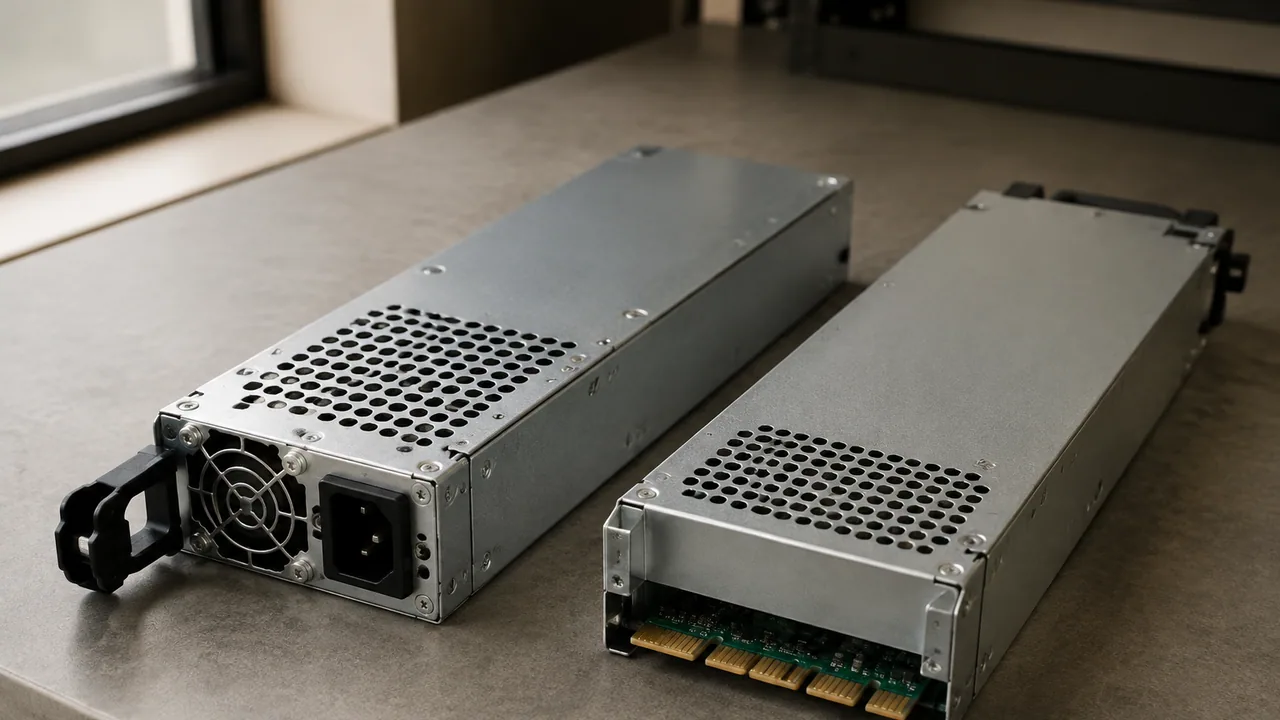
A pair of removable server power supply modules.
Illustrative scene
A redundant power supply bay with one module withdrawn for service.
Illustrative scene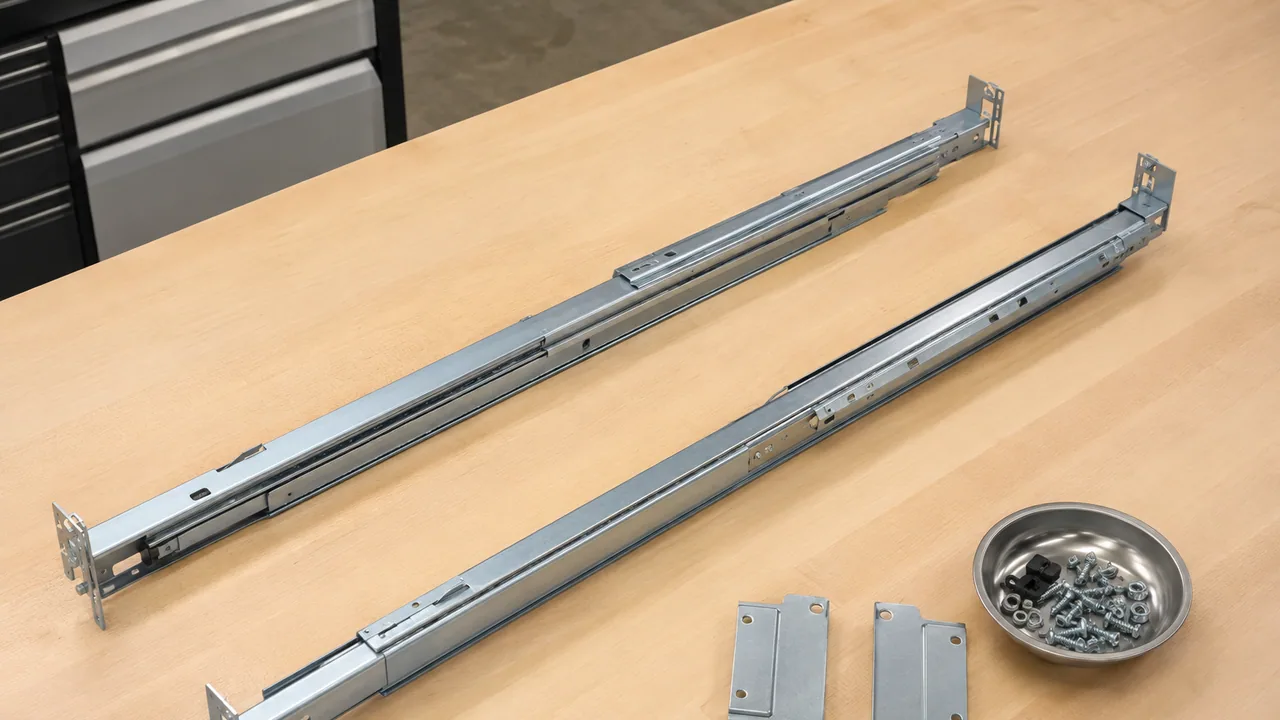
A matched pair of telescoping rack rails and mounting hardware.
Illustrative scene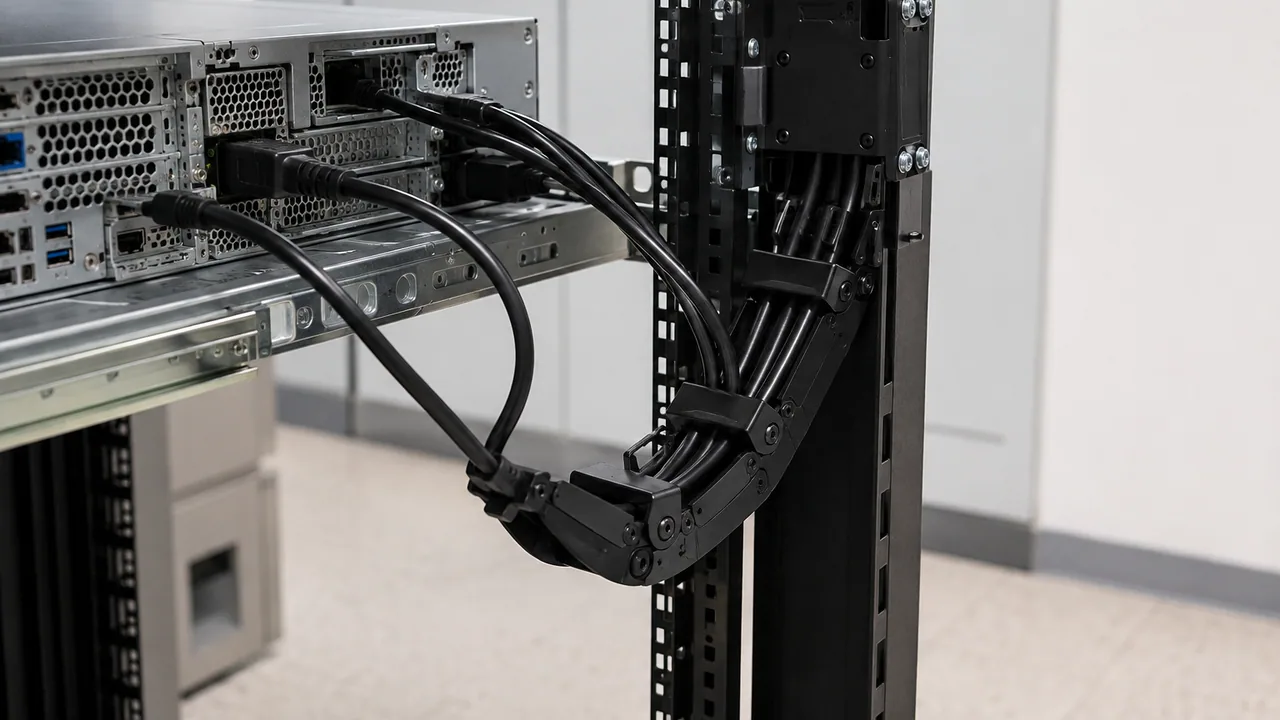
Black cables supported by an articulated cable guide beside an extended rack server.
Illustrative scene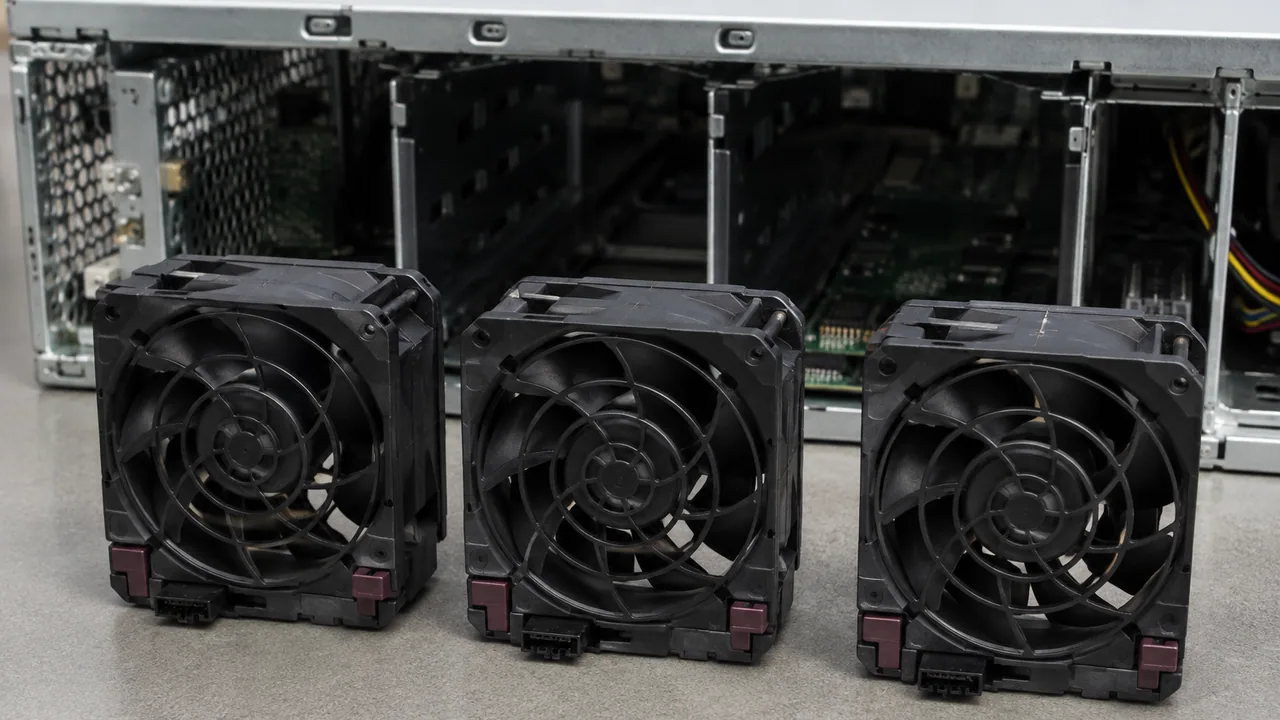
Removable server fan modules arranged for maintenance.
Illustrative scene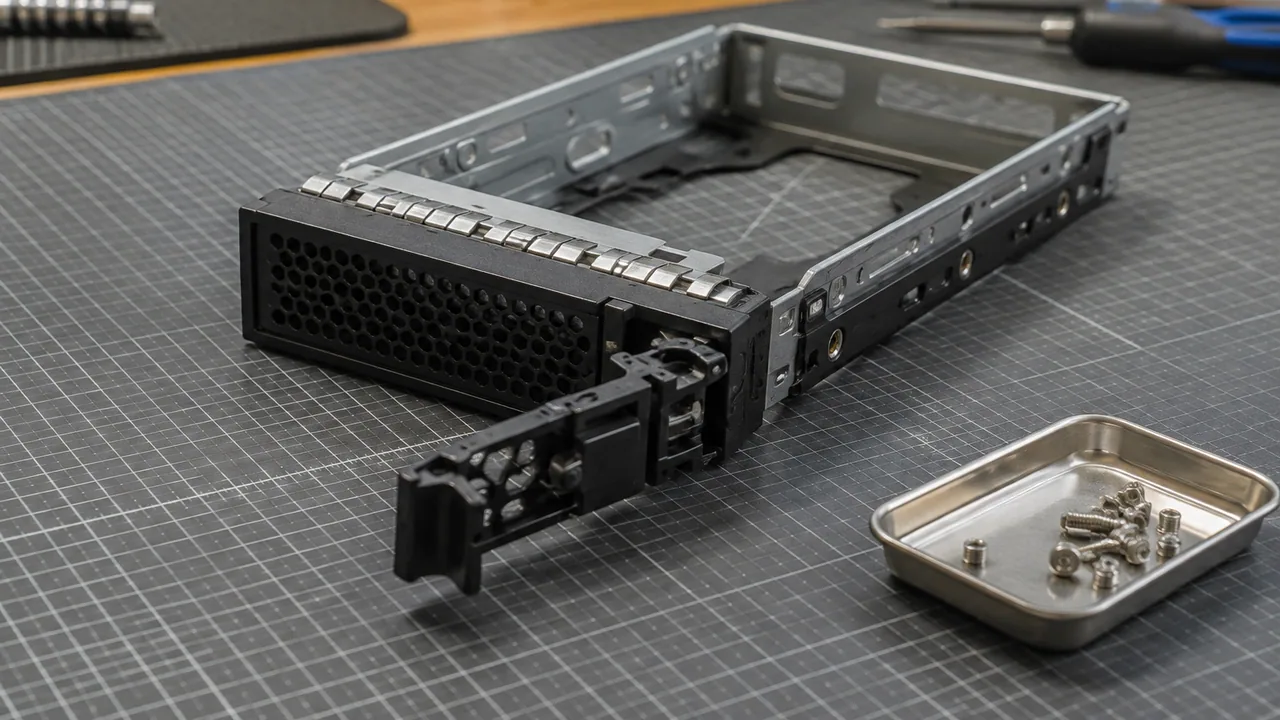
An empty hard-drive carrier showing its release lever and metal frame.
Illustrative scene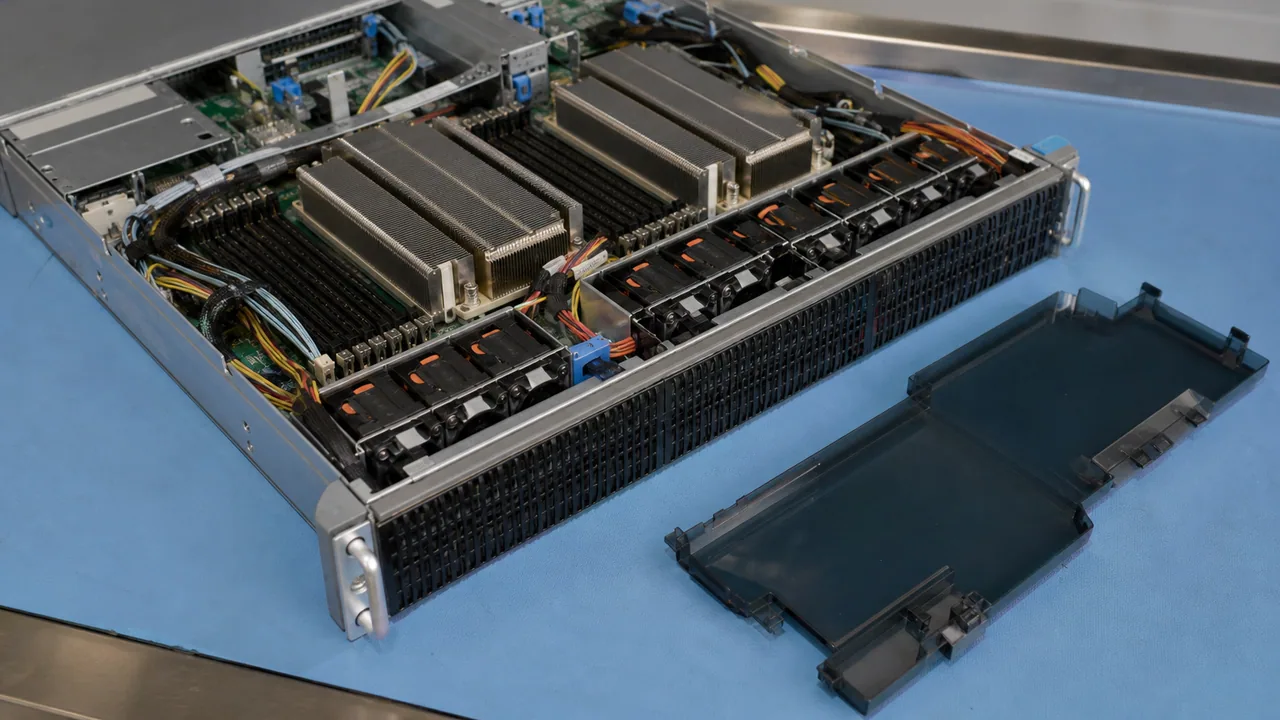
A server chassis and removable airflow baffle during maintenance preparation.
Illustrative scene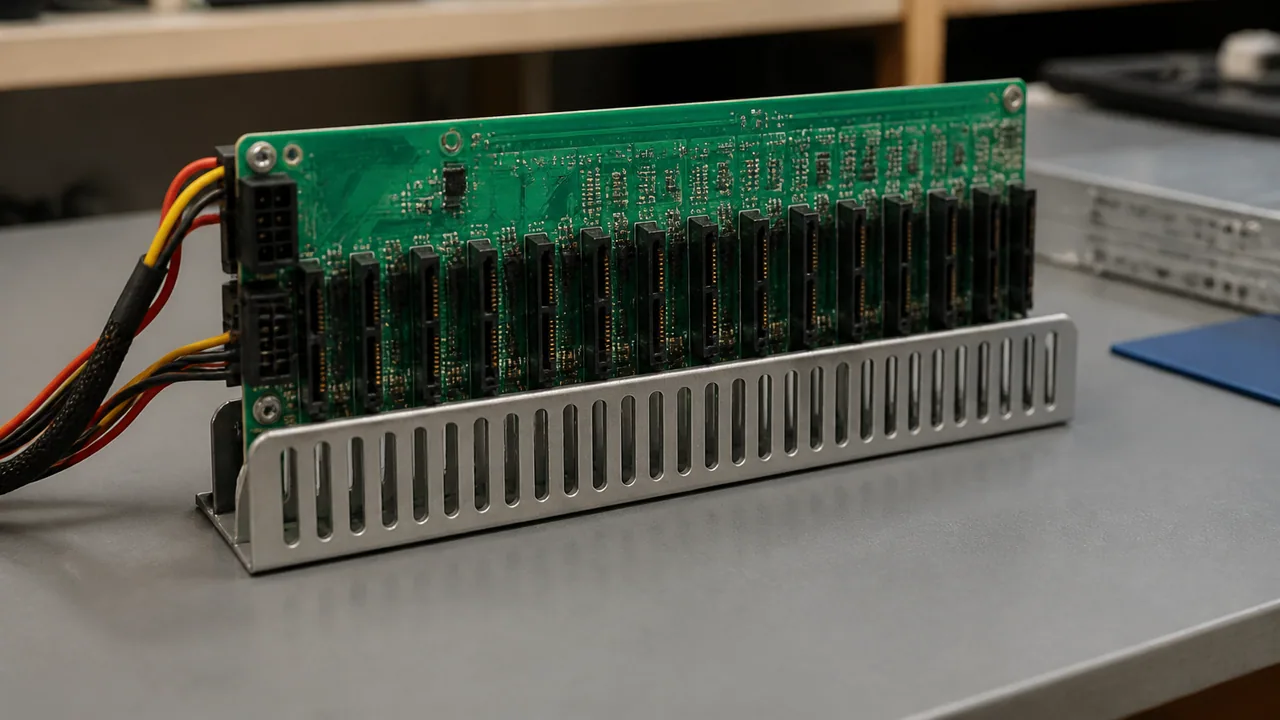
A server drive backplane supported for inspection.
Illustrative scene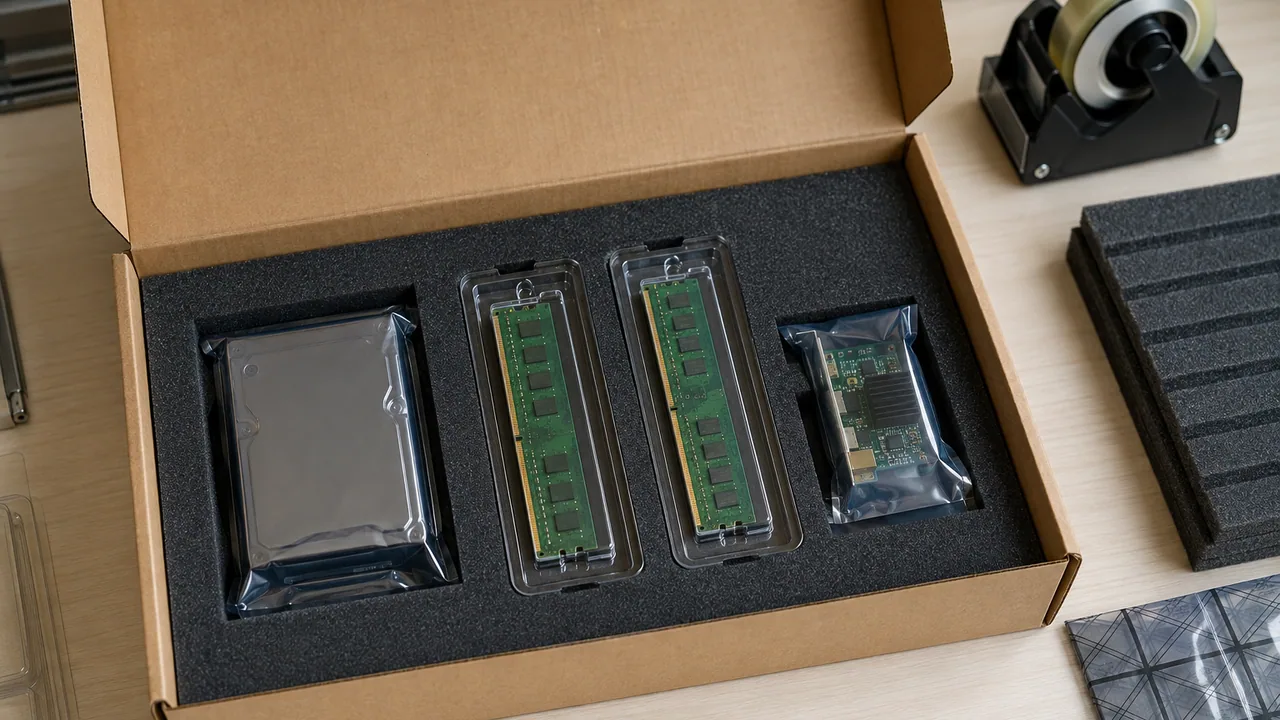
Replacement components separated into protective antistatic packaging.
Illustrative scene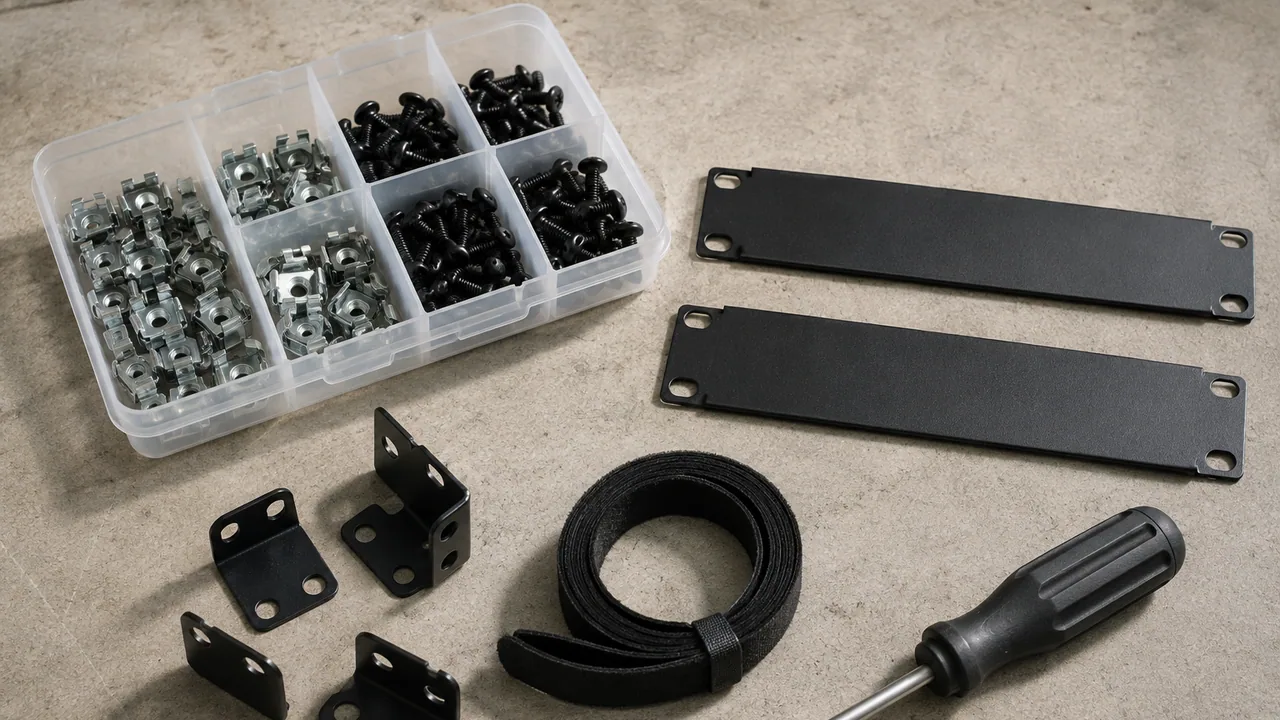
Rack fasteners, brackets, blanking panels and cable-management supplies.
Illustrative scene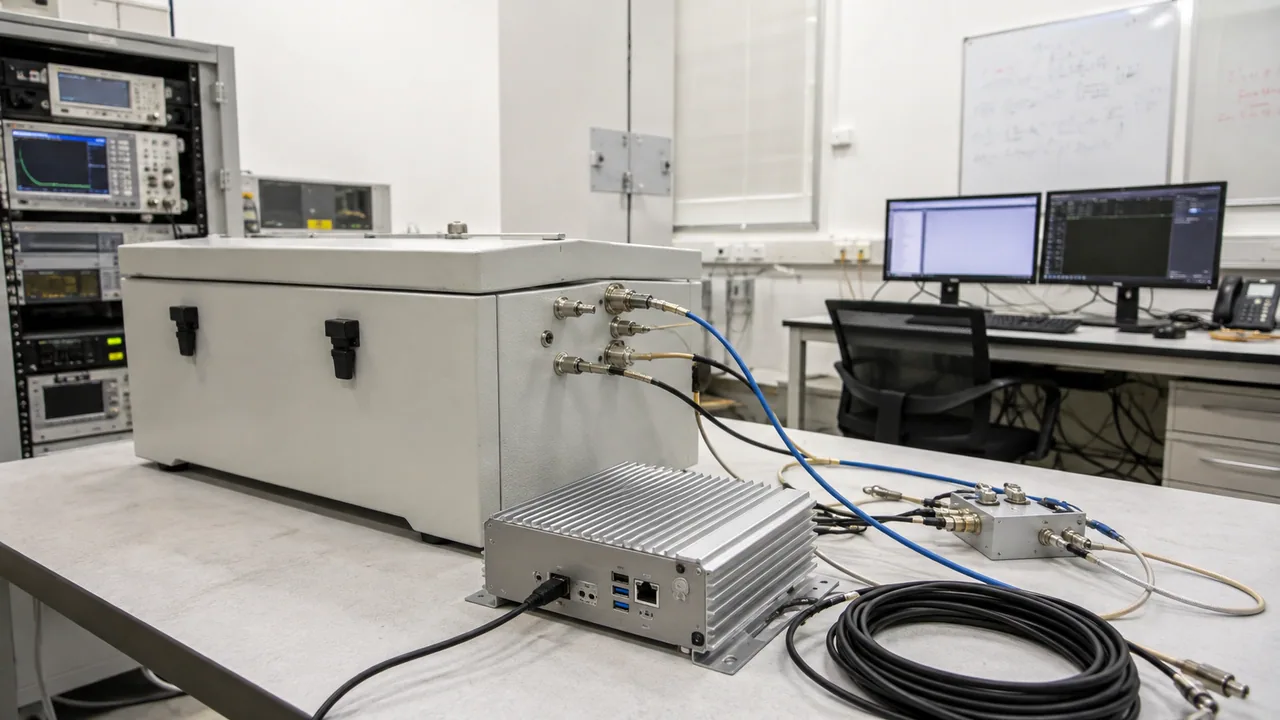
A compact radio test setup brings the callbox, shielded test area and workstation into one controlled bench.
Illustrative scene
RF connector access and supported coaxial leads leave room for inspection and cable changes.
Illustrative scene
A shielded enclosure provides a defined test space with routed RF connections at the bench.
Illustrative scene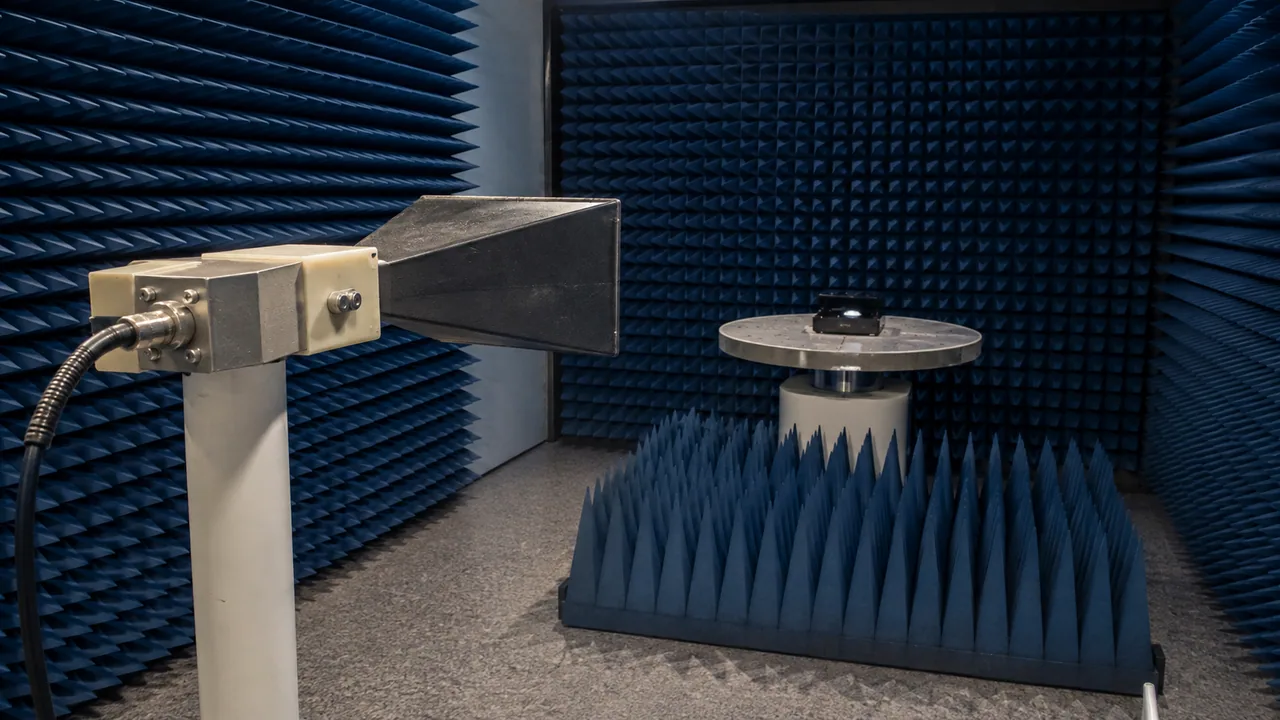
An antenna measurement setting shows the clearance and absorber-lined environment used for controlled radio tests.
Illustrative scene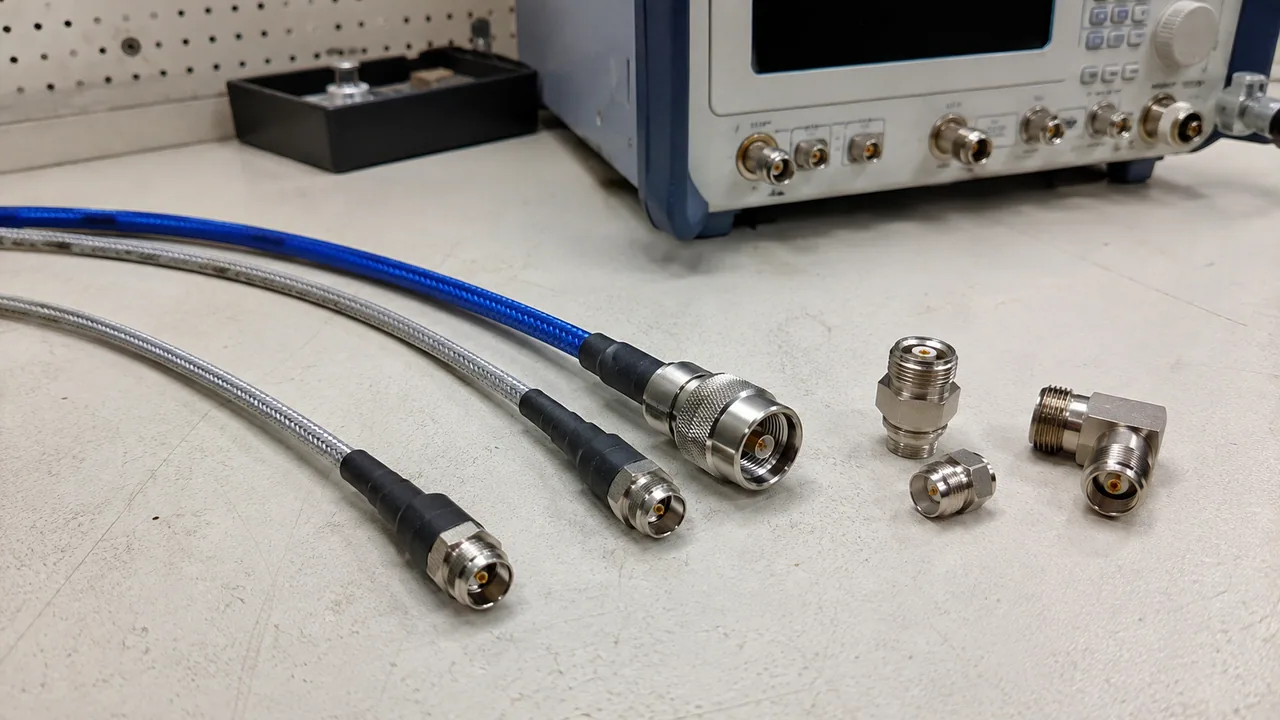
Coaxial leads and calibration accessories are organized for repeatable bench preparation.
Illustrative scene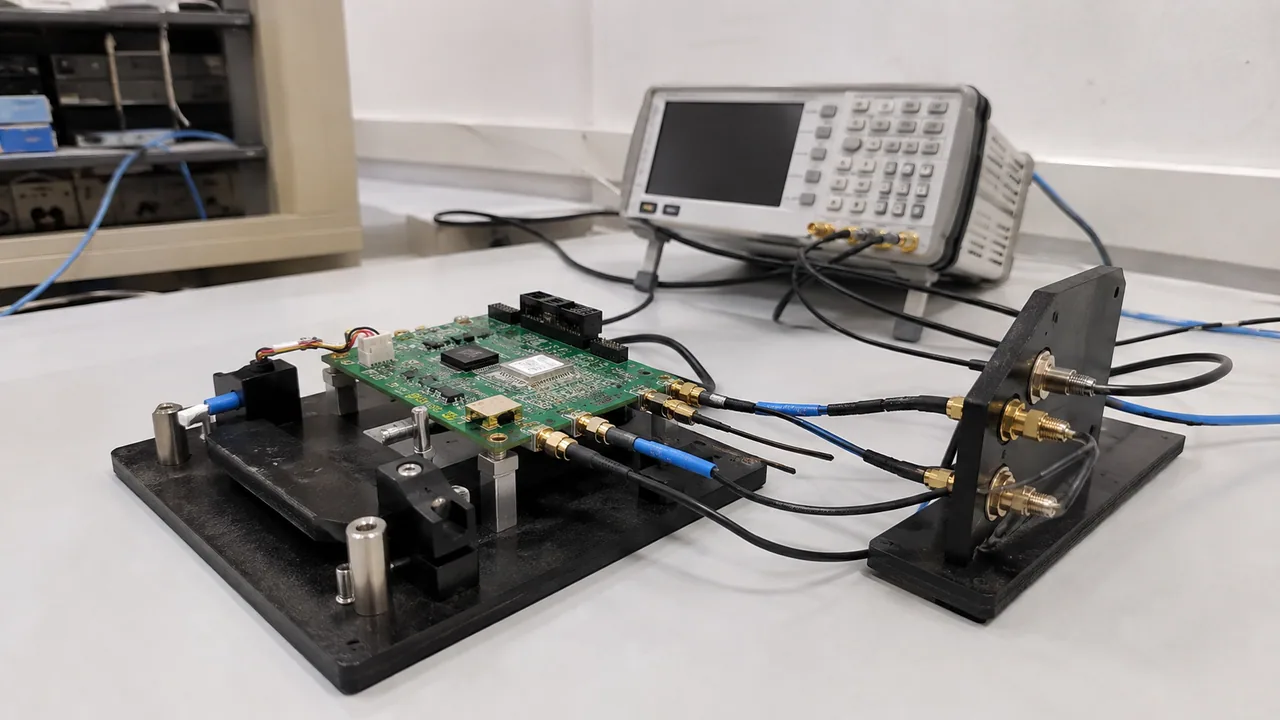
Devices and a radio test instrument share a dedicated laboratory bench for connection and validation work.
Illustrative scene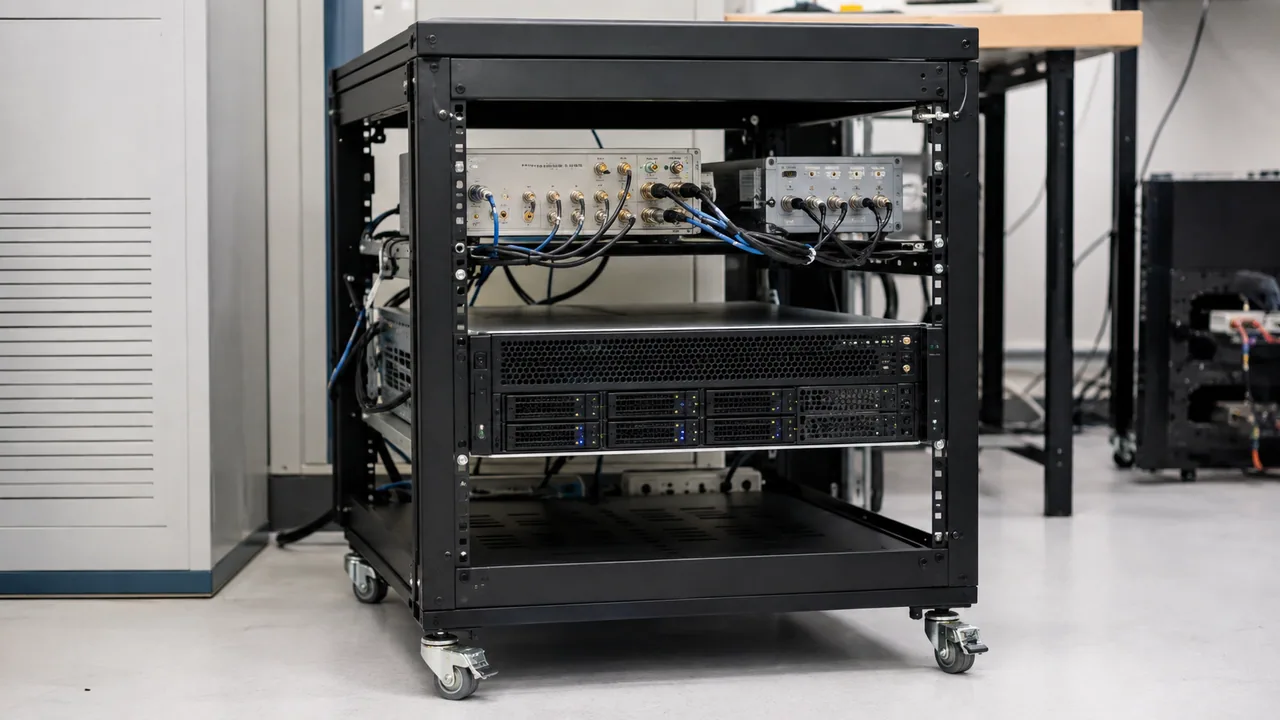
Rack-mounted lab equipment keeps test systems, management connections and service access together.
Illustrative scene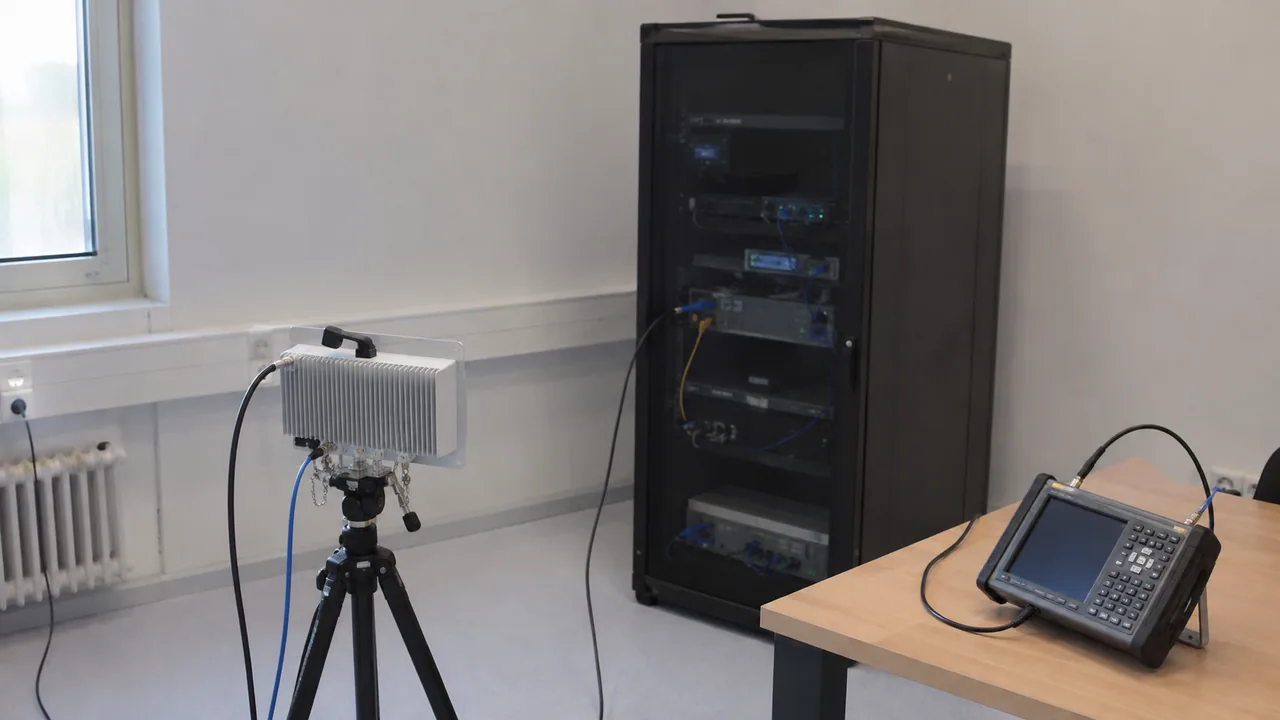
A private-network demonstration brings radio equipment and endpoints into a practical indoor test setting.
Illustrative scene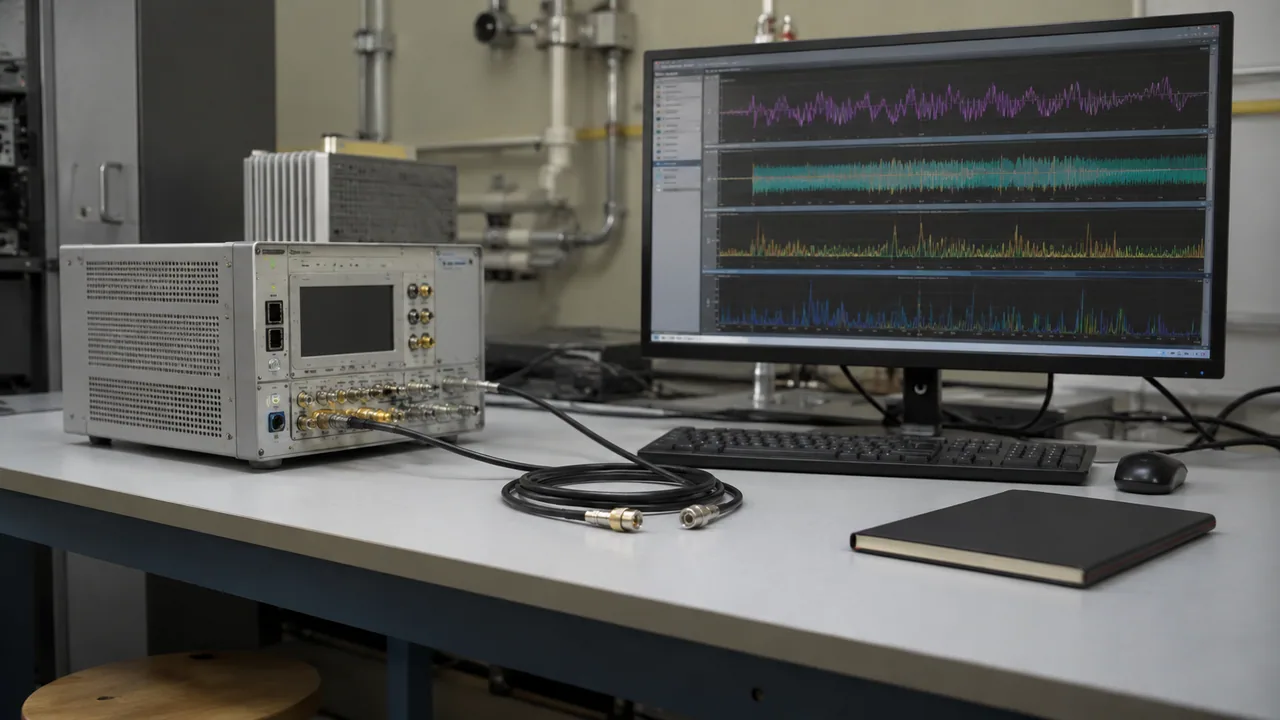
A measurement workstation provides an operator view of instruments and connected test equipment.
Illustrative scene
IoT endpoints and fixtures are arranged for accessible cabling and repeatable lab setup.
Illustrative scene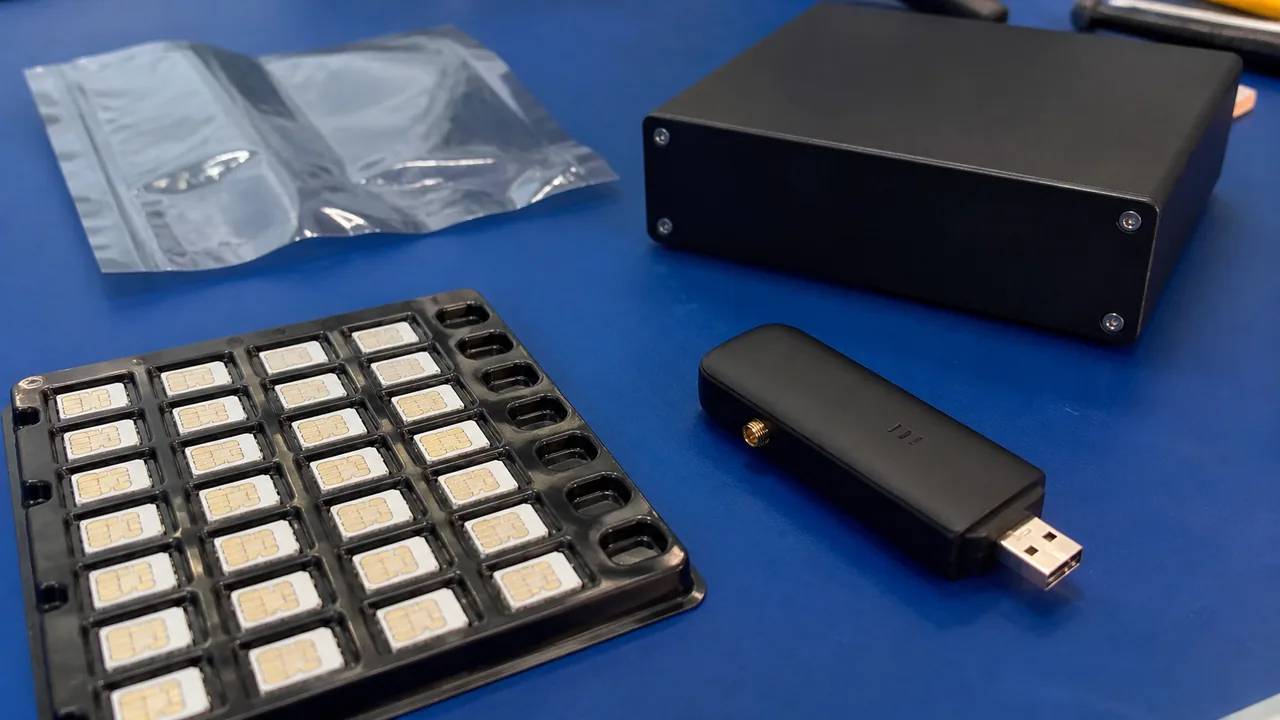
SIM cards and small accessories are separated into a controlled preparation area before device testing.
Illustrative scene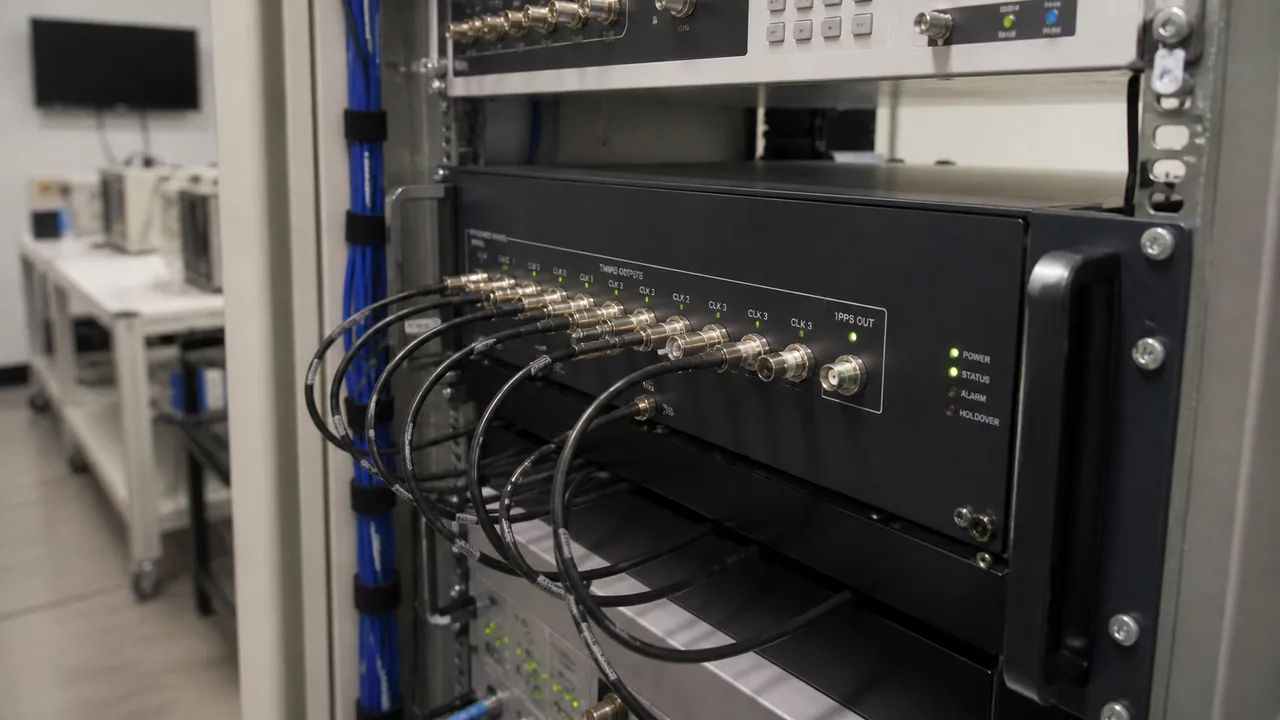
A timing distribution setup illustrates clock cabling and the physical organization of shared lab references.
Illustrative scene
A server is protected with fitted foam, clearance around the chassis and a suitably sized shipping carton.
Illustrative scene
Sensitive components are individually enclosed in protective antistatic packaging for handling and transport.
Illustrative scene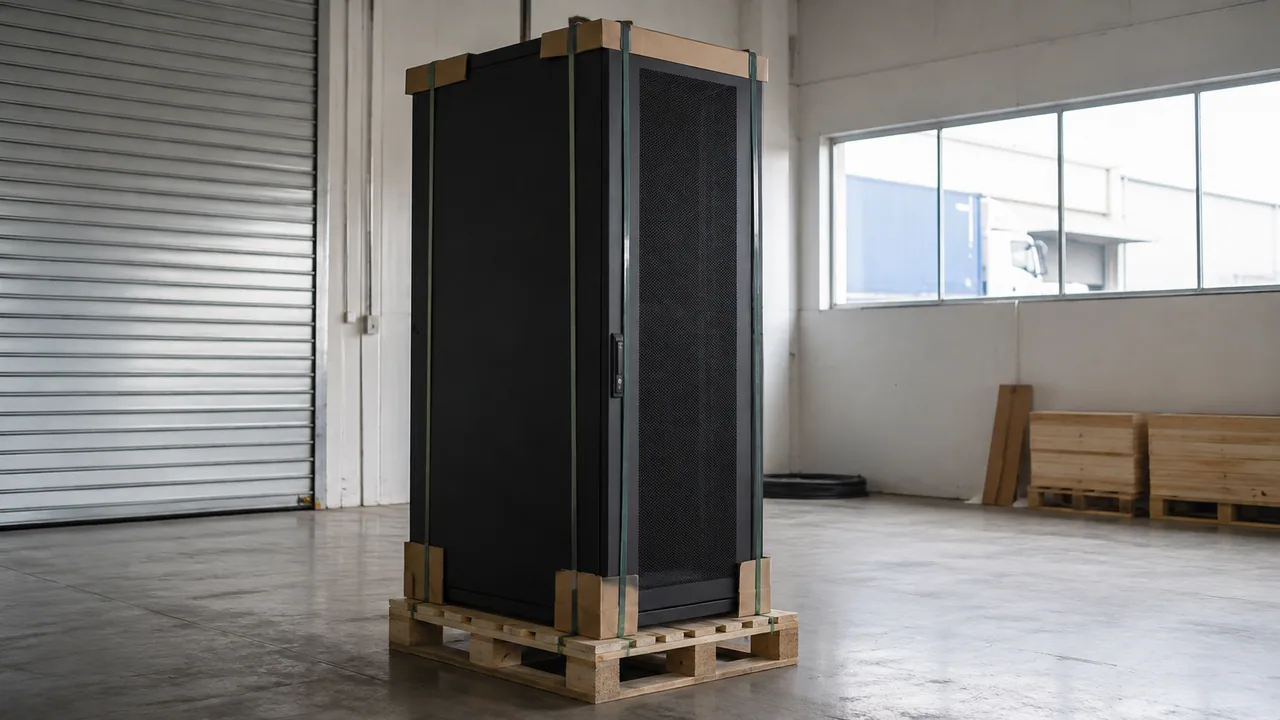
A wrapped equipment rack is secured to a pallet with protected edges and a stable footprint.
Illustrative scene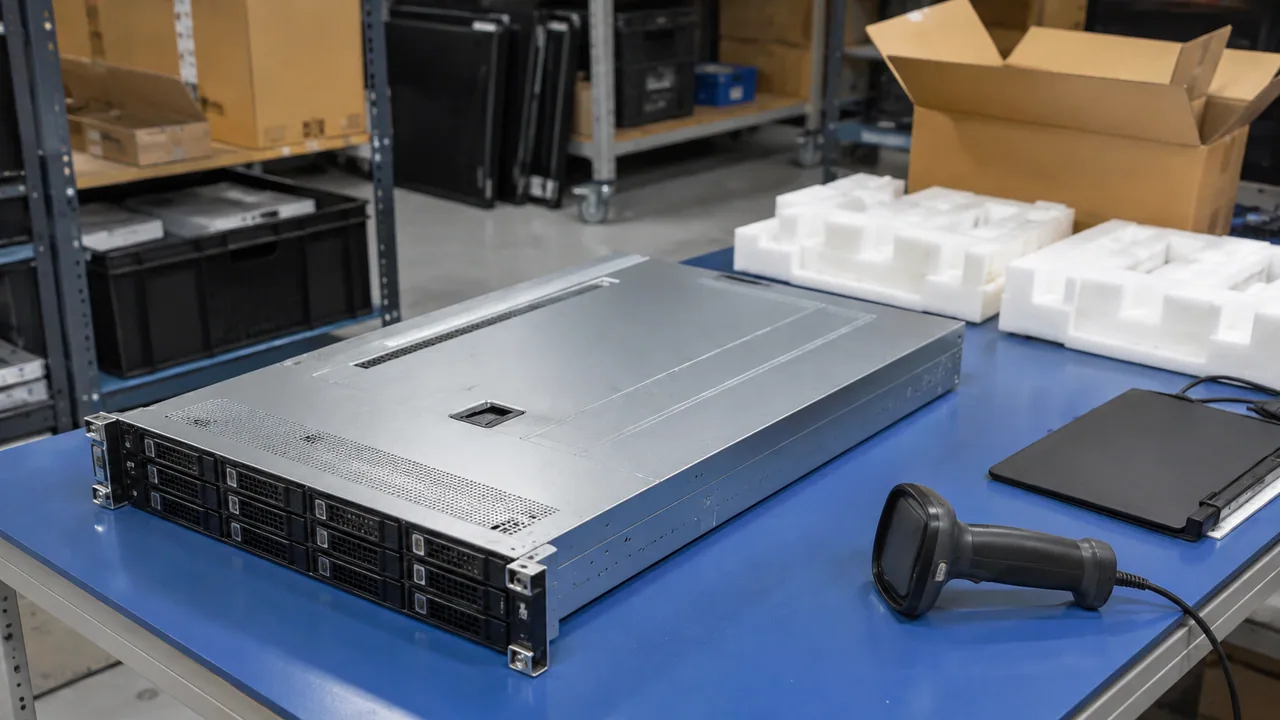
A receiving area provides space to compare delivered hardware, package condition and order documentation.
Illustrative scene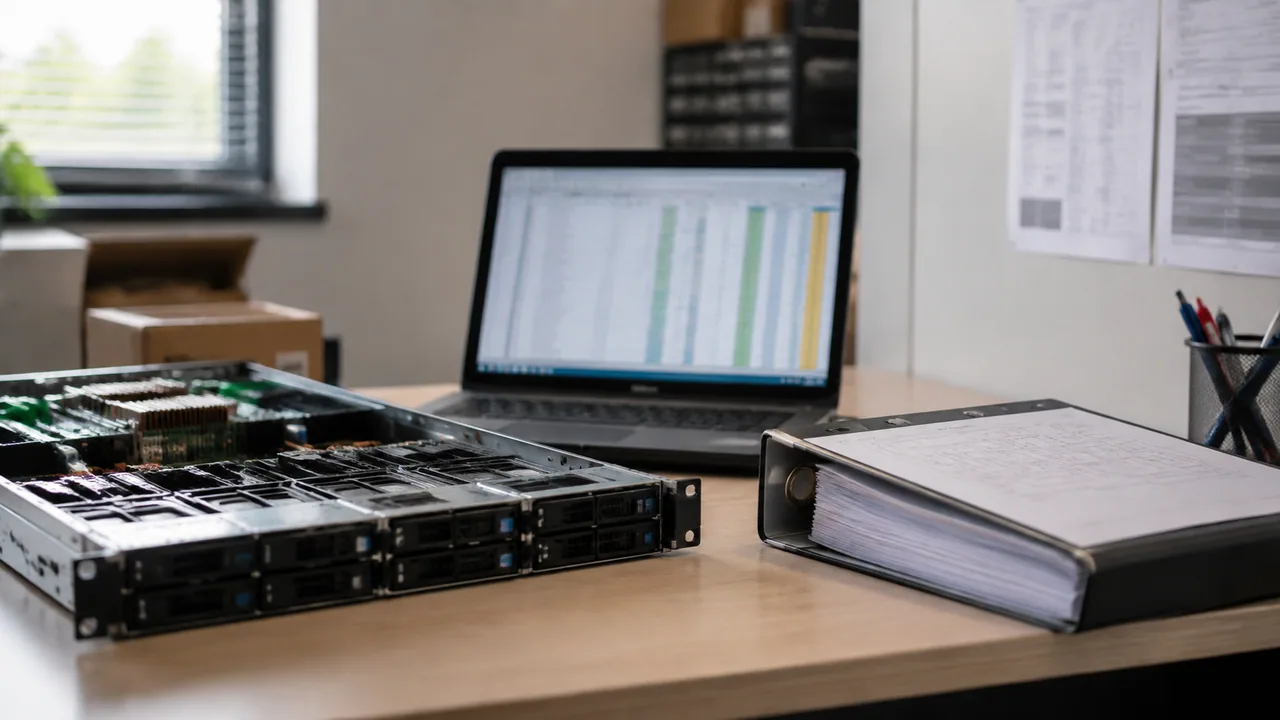
A purchasing desk organizes a bill of materials, configuration notes and component requirements.
Illustrative scene
Labeled storage locations and protective bins keep replacement parts organized for maintenance work.
Illustrative scene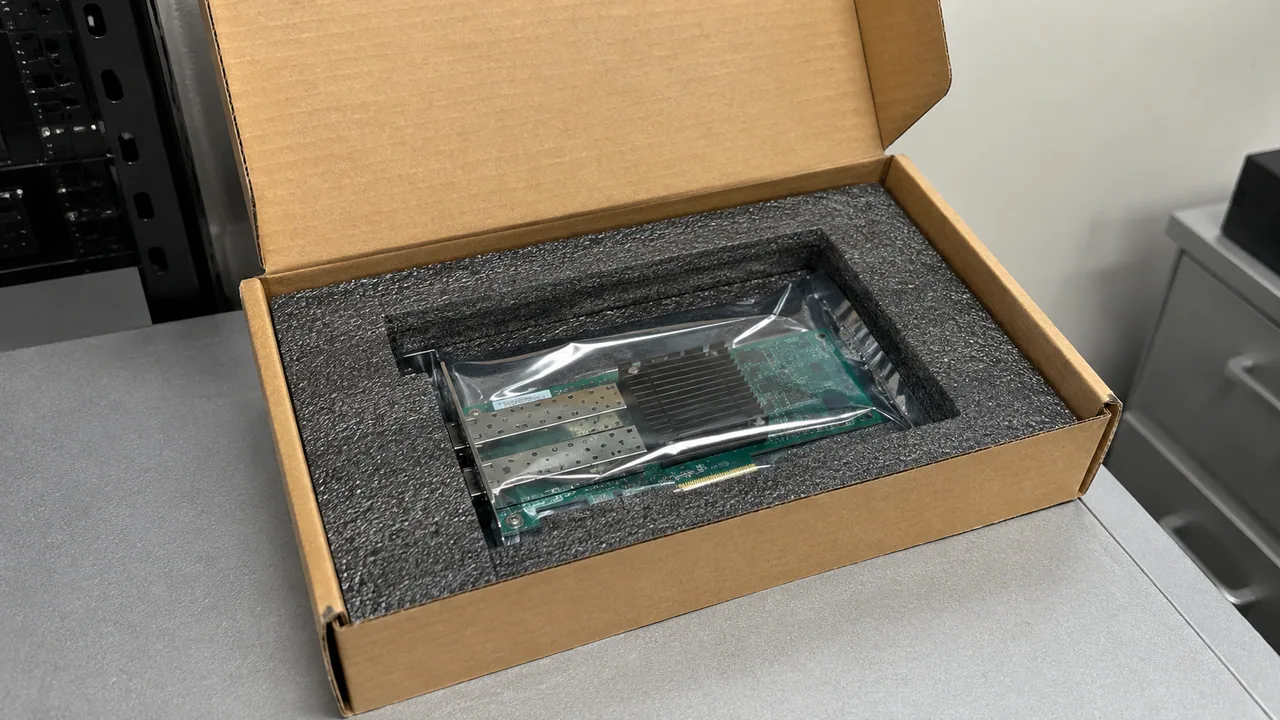
A return package keeps a hardware item separated from loose accessories and protected against movement.
Illustrative scene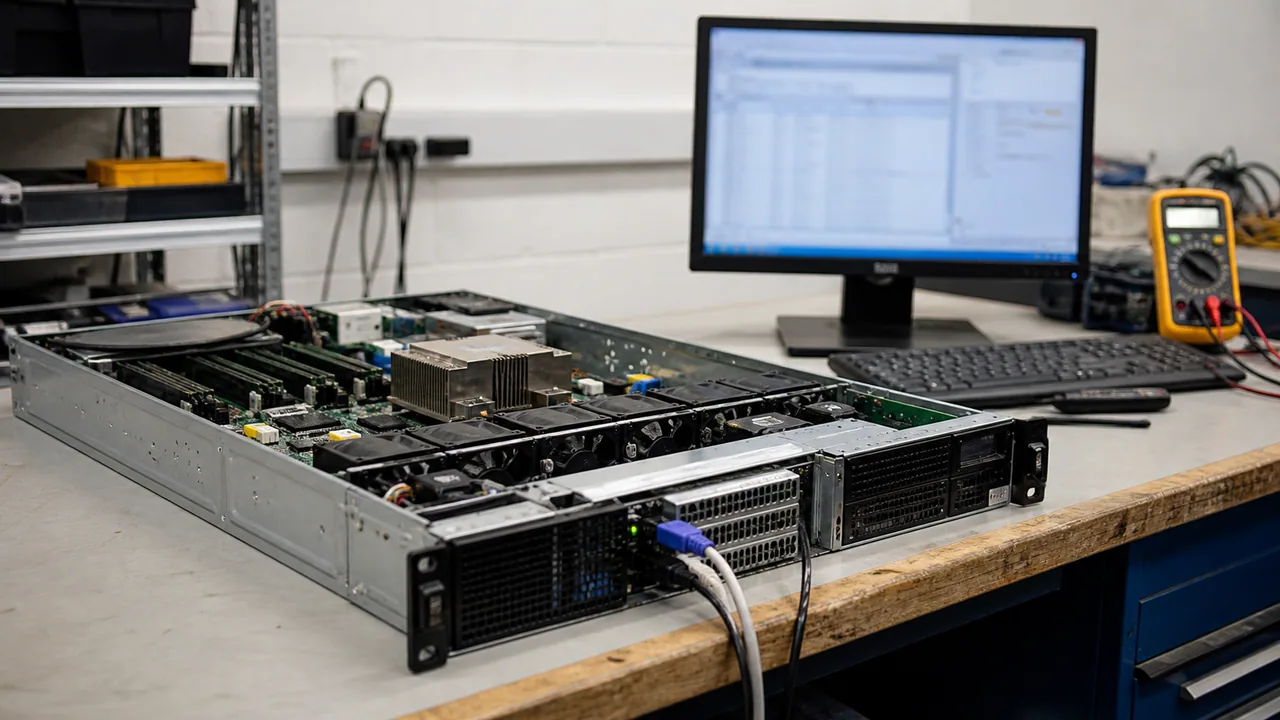
A diagnostic bench provides accessible equipment placement for a defined inspection and test process.
Illustrative scene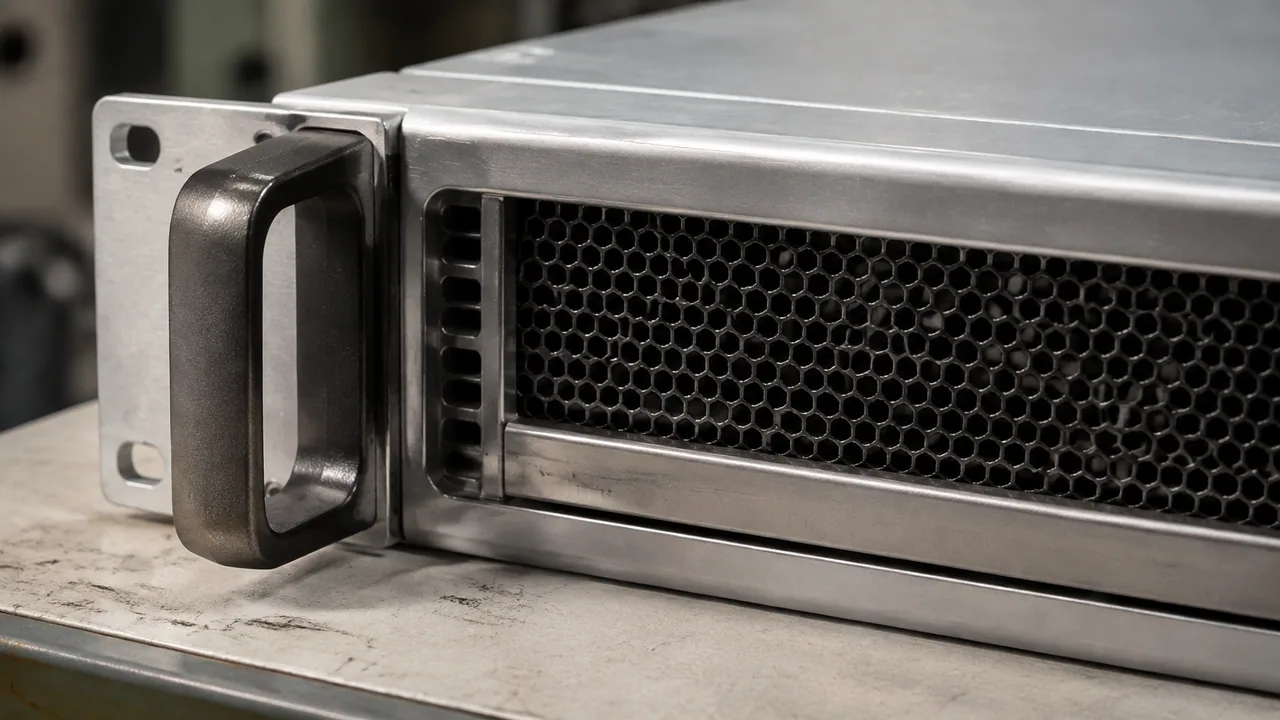
A close inspection setting highlights the chassis condition and interfaces before a unit is documented.
Illustrative scene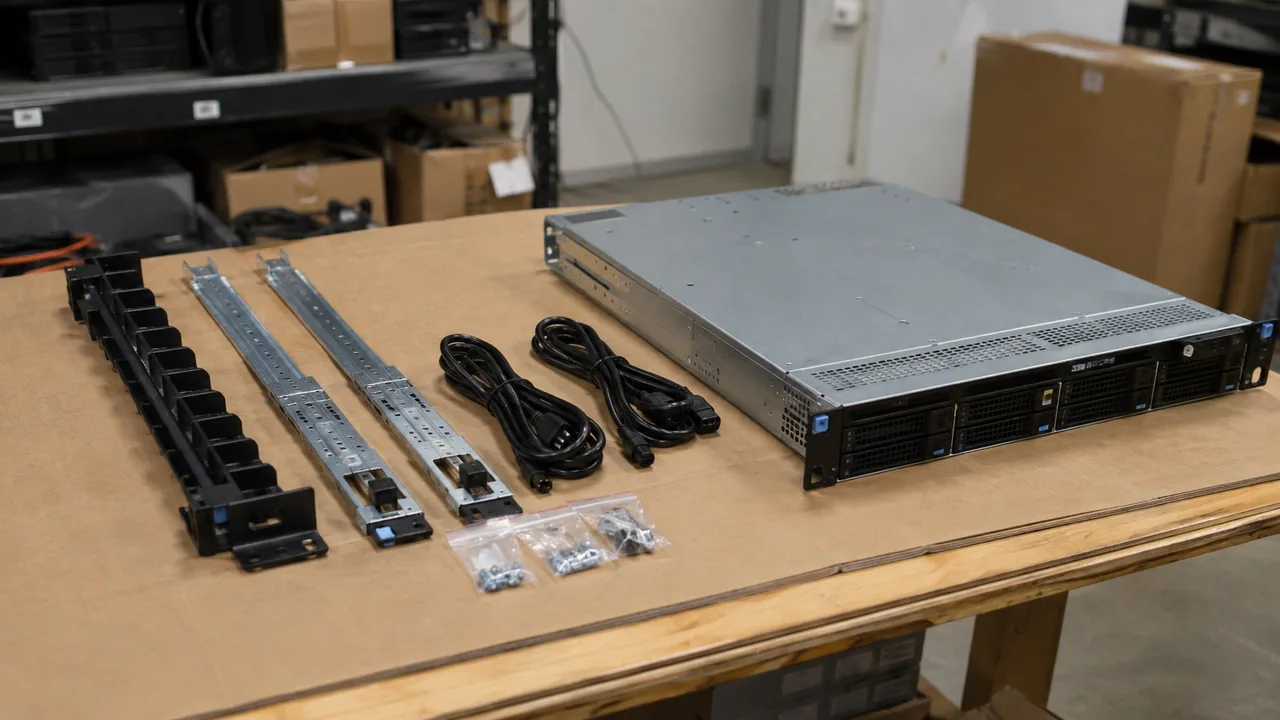
Rails and installation accessories are grouped for checking the completeness of a rack installation kit.
Illustrative scene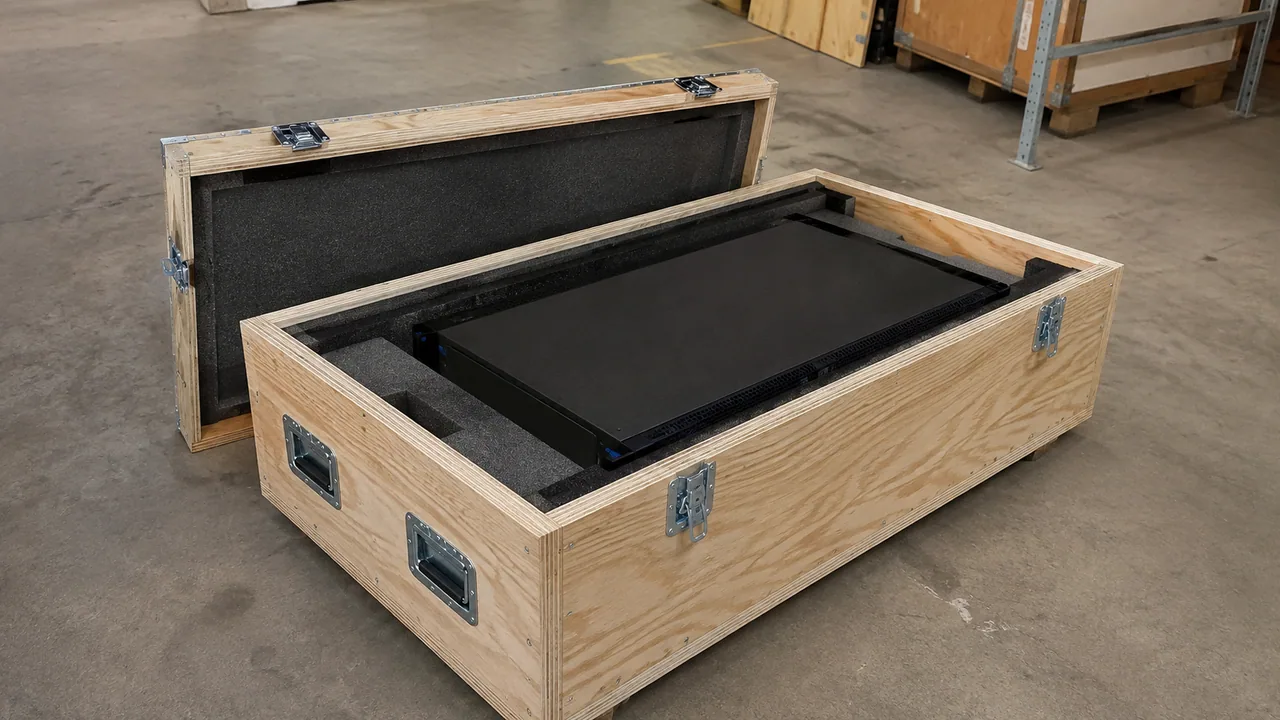
A protected crate illustrates clearance, restraint and impact protection for larger hardware shipments.
Illustrative scene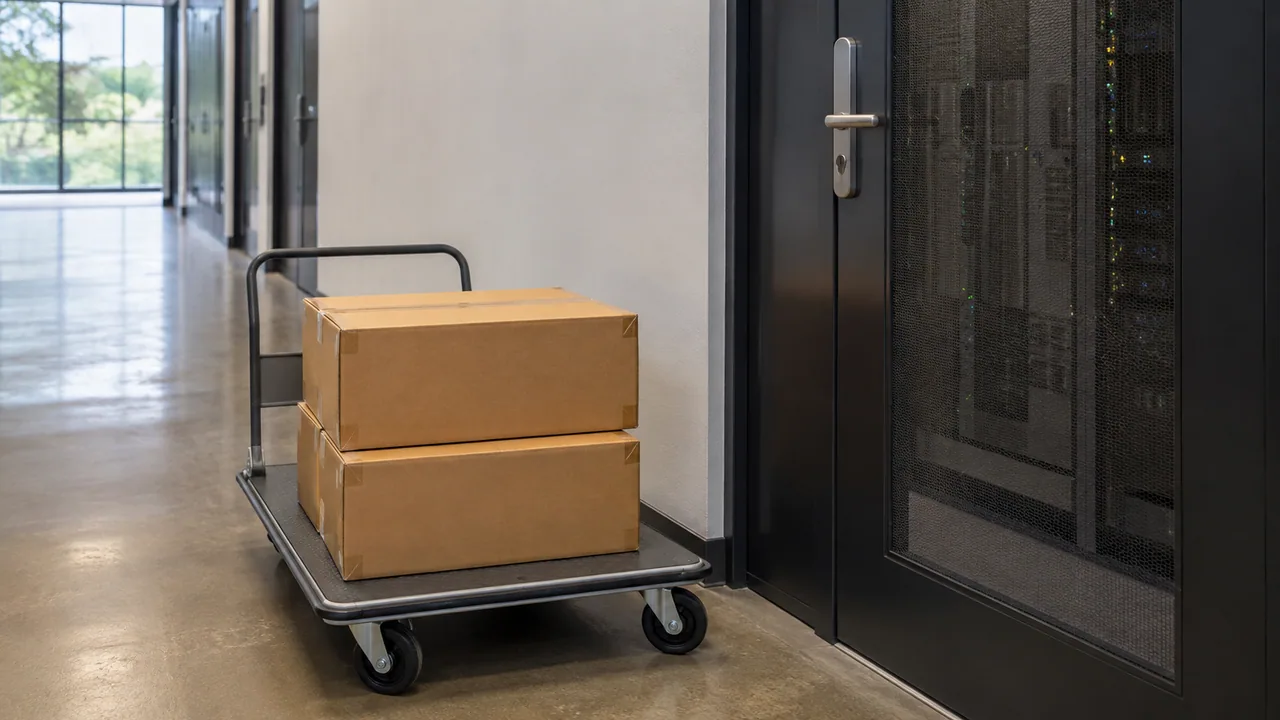
A dispatch handoff area groups protected equipment with shipment documents ready for collection.
Illustrative scene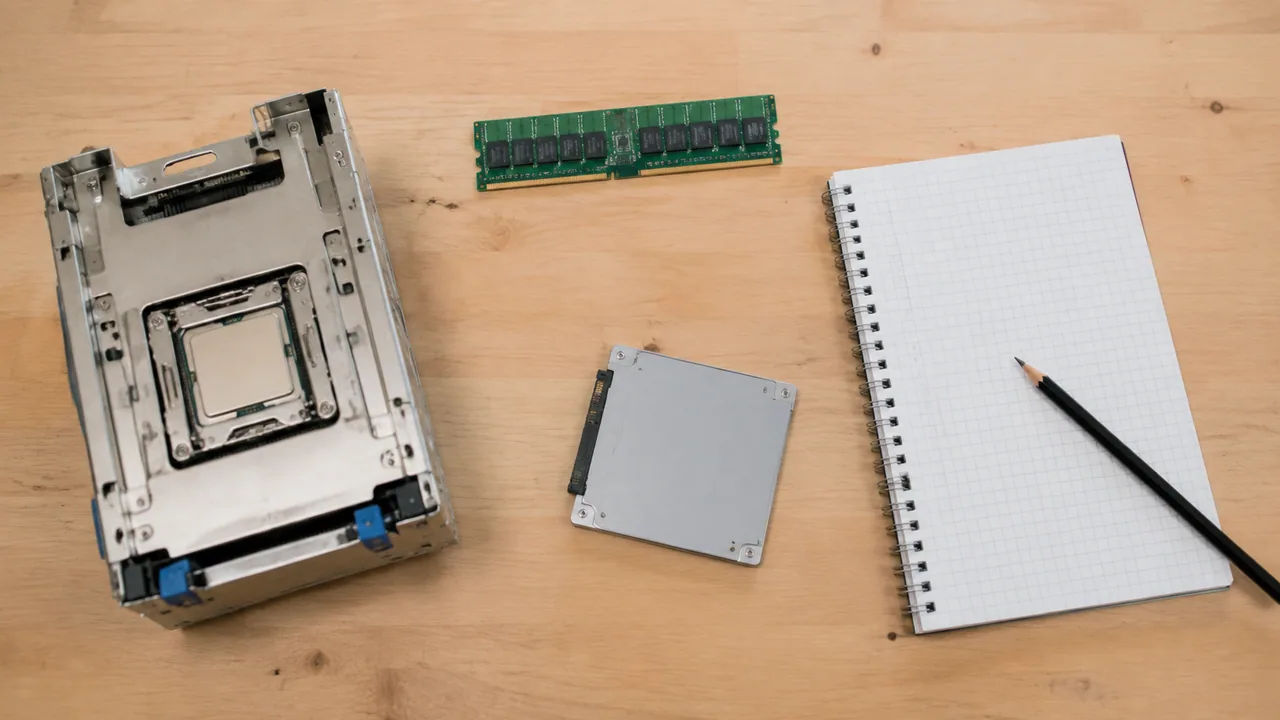
A configuration planning desk brings server hardware and component choices into the same review setting.
Illustrative scenePLAN THE PURCHASE
Use your application and existing equipment to narrow the choices before comparing individual models.
Model and chassis form factor. Share the current setup and the outcome you need, so the proposed equipment can be considered in context.
Processor and memory configuration. Share the current setup and the outcome you need, so the proposed equipment can be considered in context.
Drive bays, controllers and network ports. Share the current setup and the outcome you need, so the proposed equipment can be considered in context.
Rails, power cables and required condition. Share the current setup and the outcome you need, so the proposed equipment can be considered in context.
COMPLETE THE ORDER
Servers, networking, storage and parts are often ordered together. Include any required accessories when requesting your quotation.
FROM ENQUIRY TO DELIVERY
Clear product details and written terms help keep procurement straightforward. We work from your requested model and quantity through to the agreed delivery arrangements.
About Star Networking ↗Send the model or part number, configuration, quantity and destination. Include label photos when ordering replacement parts.
Check the proposed condition, included accessories, warranty terms and lead time before confirming the order.
Agree suitable packing and shipping arrangements for the equipment, order size and destination.
BUYING QUESTIONS
Have a specific model in mind? Send the details and we will review the request.
sales@star-networking.comSend the model or manufacturer part number, quantity, required condition and delivery country. If you are planning a complete system, include the configuration and any accessories you need.
Yes. The catalogue is a starting point for an enquiry. Send the model or part number and we will review the sourcing request and confirm whether we can quote it.
Requirements may include new, refurbished or lifecycle hardware. The proposed condition, available quantity and warranty terms are stated in the written quotation.
The quotation lists the proposed configuration and included accessories. Power supplies, rails, cables, software, subscriptions and support are checked separately where applicable.
International delivery can be arranged through our Hong Kong team. Shipping method, export packing, documentation and destination requirements are reviewed for the order.
Ask for photos of the offered unit or batch when requesting a quotation. Page imagery introduces the product range and does not confirm current stock or the condition of a particular unit.
LET’S TALK ABOUT YOUR NEXT ORDER
Tell us what you need, how many and where it is going.
Illustrative scenes show the product families. For a purchase decision, request photos and details of the offered unit or batch. Brand names identify product manufacturers and do not imply an authorized partnership.