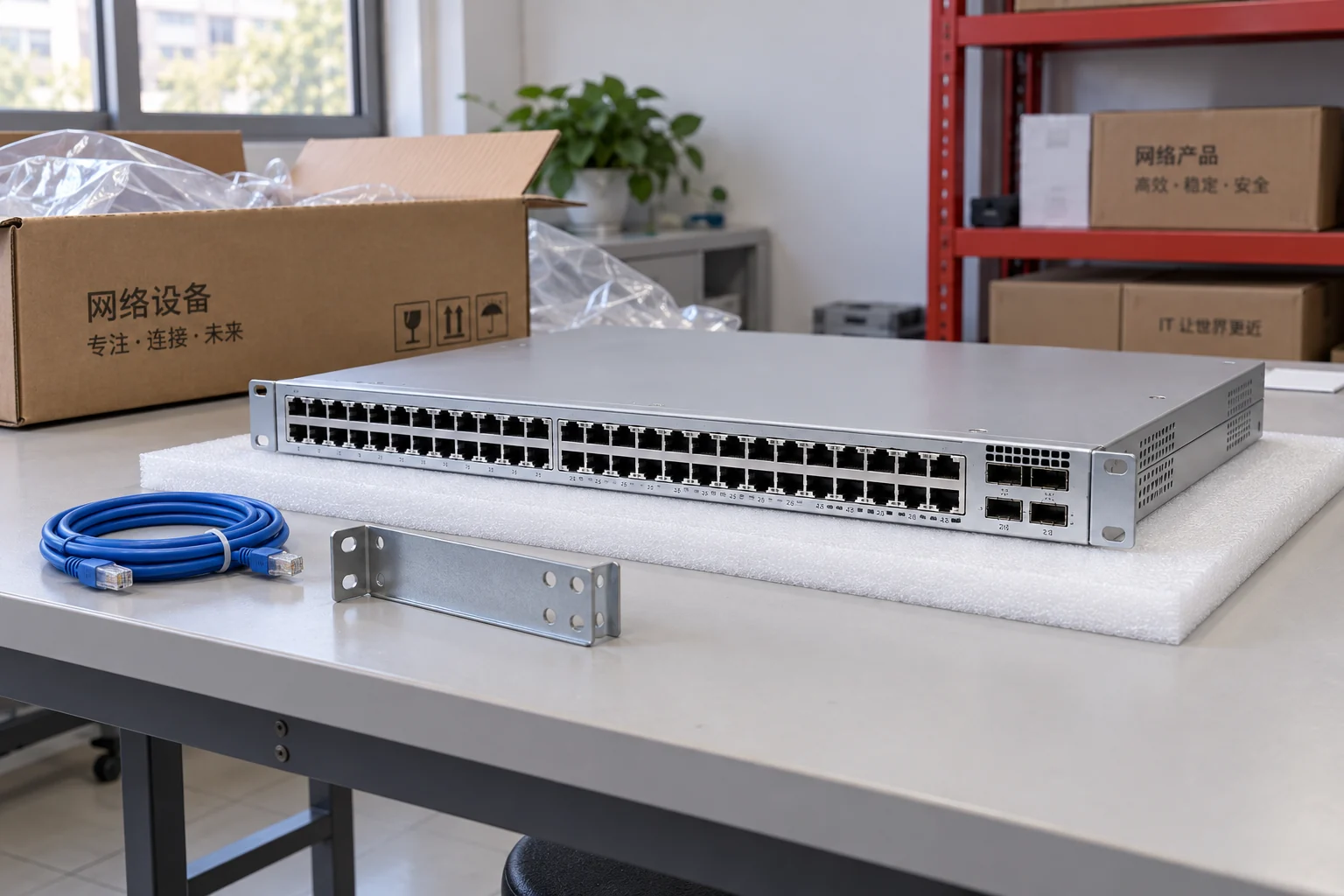
Cisco Industrial Ethernet Cisco ESR6300
Network Switch
P/NCisco ESR6300
- Cabinet and mounting
- Required mounting method, clearance and service access
- Site power
- Supply type, terminal connection and grounding arrangement
Loading products and specifications…
Enterprise hardware
Switches, routers, firewalls, adapters and optical connections.

Explore by equipment type
Shop switches, routers, wireless equipment and compatible accessories. Compare specifications and ask us for pricing.
Catalogue at a glance
Select a product line to browse the models in that range. Counts show products, not available stock.
Products & specifications
Network Switch
P/NCisco ESR6300
Network Switch
P/NCisco IE 2000
Network Switch
P/NCisco IE 3010
Network Switch
P/NCisco IE 3400H
Network Switch
P/NCisco IE 4000
Network Switch
P/NCisco IE 4010
Network Switch
P/NCisco IE 5000
Network Switch
P/NCisco IR1101
Network Switch
P/NNexus N9K-C93180YC-EX
Network Switch
P/NN9K-C93180YC-FX3
Network Switch
P/NN9K-C93240YC-FX2
Network Switch
P/NN9K-C9332C
Network Switch
P/NN9K-C9332D-GX2B
Network Switch
P/NN9K-C9336C-FX2
Network Switch
P/NN9K-C9336C-FX2-E
Network Switch
P/NN9K-C9348D-GX2A
Network Switch
P/NN9K-C93600CD-GX
Network Switch
P/NNexus N9K-C93600CD-GX2A
Illustrative and reference images show product families or models. Request offered-unit photographs, labels and included items before confirming an order.
A closer look at enterprise hardware
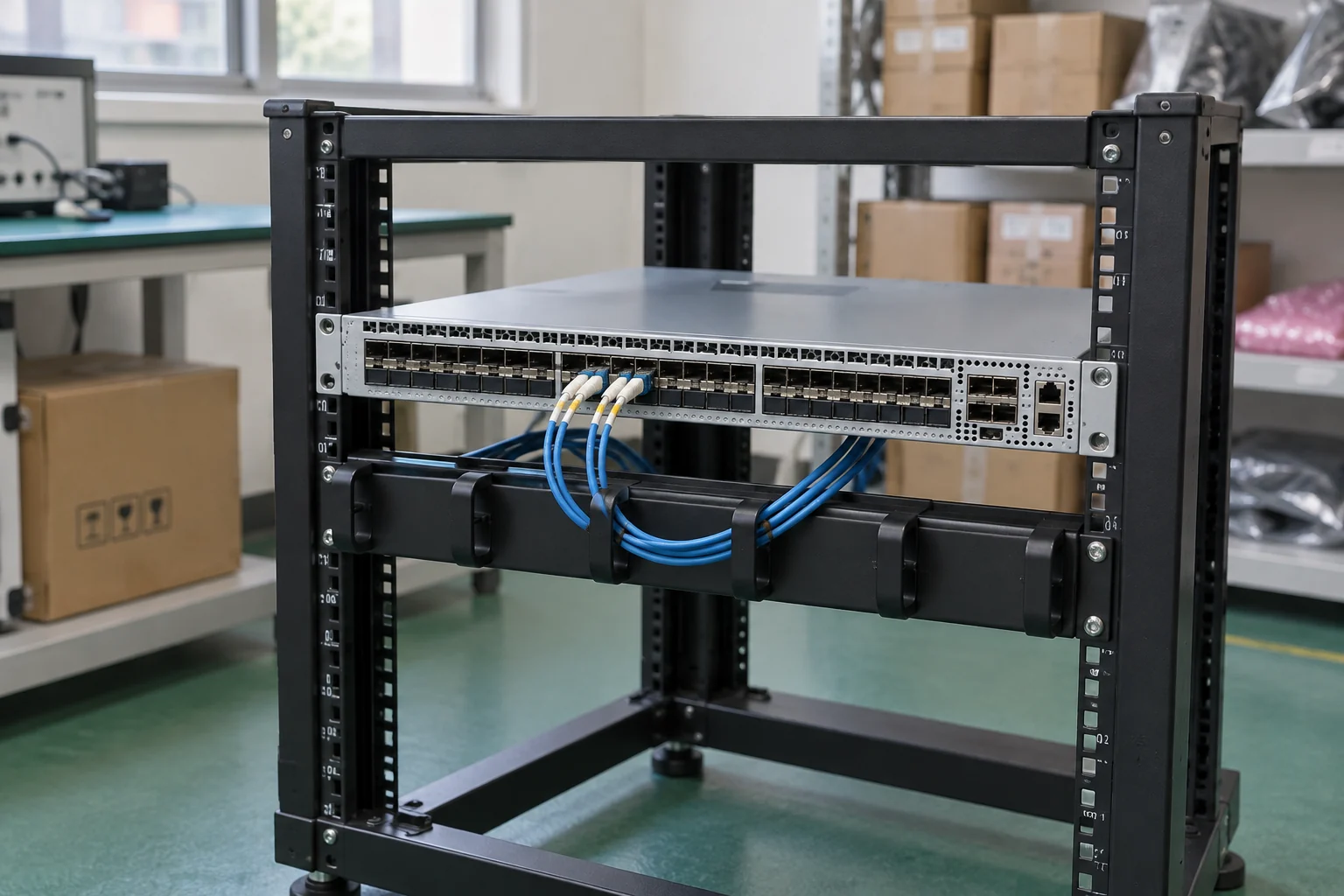
Explore component handling, system scale and packaging through illustrative scenes. These images show typical product-category settings, not offered inventory; request photographs of the specific unit with your quotation.
Buying for a project?
Keep the model, quantity and installation requirements together.
Find matching catalogue entries, review different versions and bring the selected products into your RFQ.
Check a parts list ↗02 · Plan the connectionsExplore server, switch and storage examples. Check host interfaces, optics and redundancy before choosing components.
Explore storage connections ↗03 · Prepare your requestAdd quantities, condition, testing and destination. Prices and availability are confirmed before an order is accepted.
Open your RFQ ↗Need a quote?
Send the full P/N, quantity, host system and delivery destination.