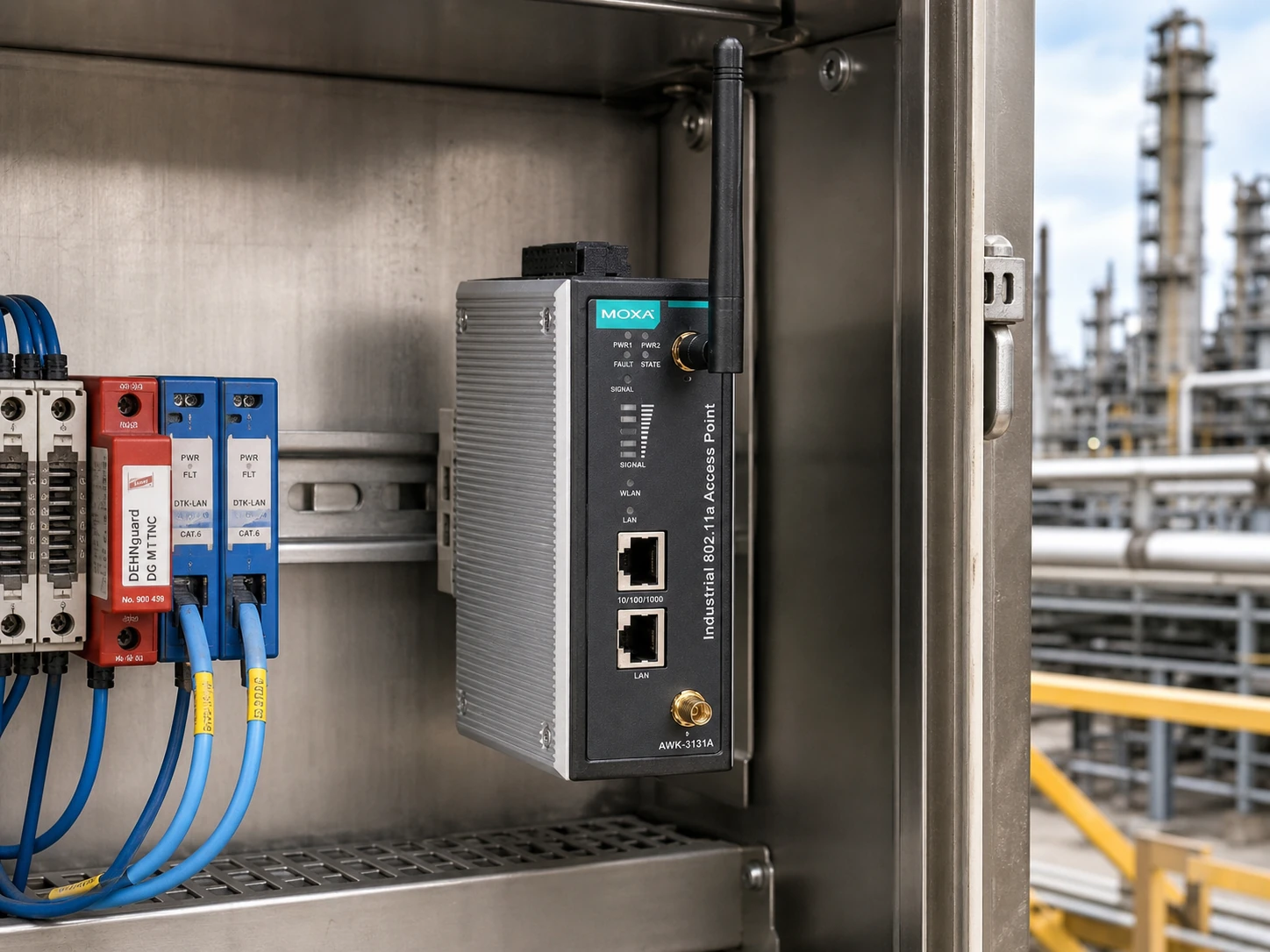
AWK-3131A Series: check radio capabilities and regulatory domain.
This sketch helps describe your request. We will confirm protocols, port counts, coverage and failover when quoting.
03
YOUR QUOTE REQUEST
Tell us what you need
Add the quantity, options and installation details you want us to quote.
Include the full Moxa model or part number, required revision and host configuration. List software and service requirements separately.
No license options are listed for this part number. If you need software, add its manufacturer part number and we will check it with the hardware.
04
SUPPORT & REPLACEMENT
Plan for support and future replacement
Check support dates, replacement options and whether continued use still makes sense.
Support dates
We do not have confirmed sales and support dates for this part number.
Send us the full AWK-3131A Series order code, software release and support details before planning long-term use.
Ask us to check the current sales and support status
Choosing a replacement
Products with similar names or connectors may still be incompatible. Compare the full specifications, installed system and software requirements.
Compare related products These products may be related, but we have not confirmed them as replacements.What should I compare?
Physical fit, connectors and power
Capacity and required performance
Software, firmware and feature support
Licensing, service coverage and data and configuration migration
USING HARDWARE RESPONSIBLY
Maintain, redeploy or replace
Consider repairability, remaining support and actual operating demand. Extending service life is useful only when the equipment still meets your security and reliability requirements.
MaintainCheck parts, firmware and service options.
RedeployMatch a suitable role and securely erase any retained data.
Retire responsiblyUse documented data removal and an appropriate electronics recycler.
Compare operating energy
Use measured average input power for the same workload. PSU ratings and processor TDP are different from total system power.
Energy difference = (current W − proposed W) × hours × units ÷ 1,000. Excludes cooling, embodied emissions and purchase costs.
CONNECTION DETAILS
Network connections and supported equipment
Check the protocol and port requirements of the equipment you intend to connect. Ethernet, Fibre Channel, InfiniBand and carrier interfaces are not interchangeable.
Controls redundancy design, commissioning labor and software/management line items.
Power architecture
DIN-rail, rackmount and field profiles with redundant DC, PoE and wide-temperature options.
Determines power modules, terminal blocks, surge protection and redundant feed budget.
Environment
Factory automation / PLC cabinet; Power automation, Factory automation, Railway, Oil and gas SCADA
Changes cabinet, mounting, temperature, dust, vibration and logistics requirements.
Brand operations
MXview / industrial edge operations
Defines management platform, backup method, license checks and delivery documents.
Industrial deployment environments
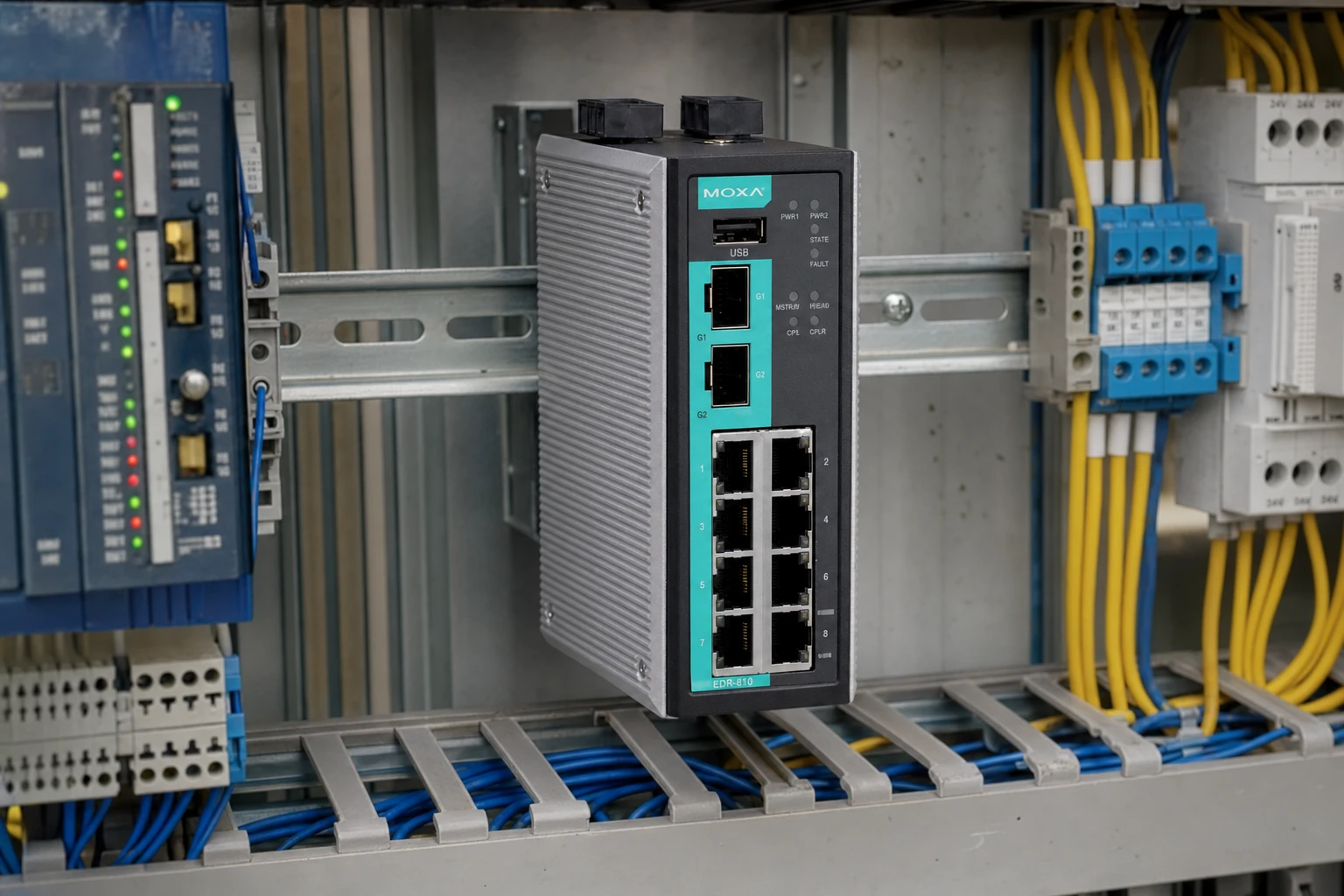
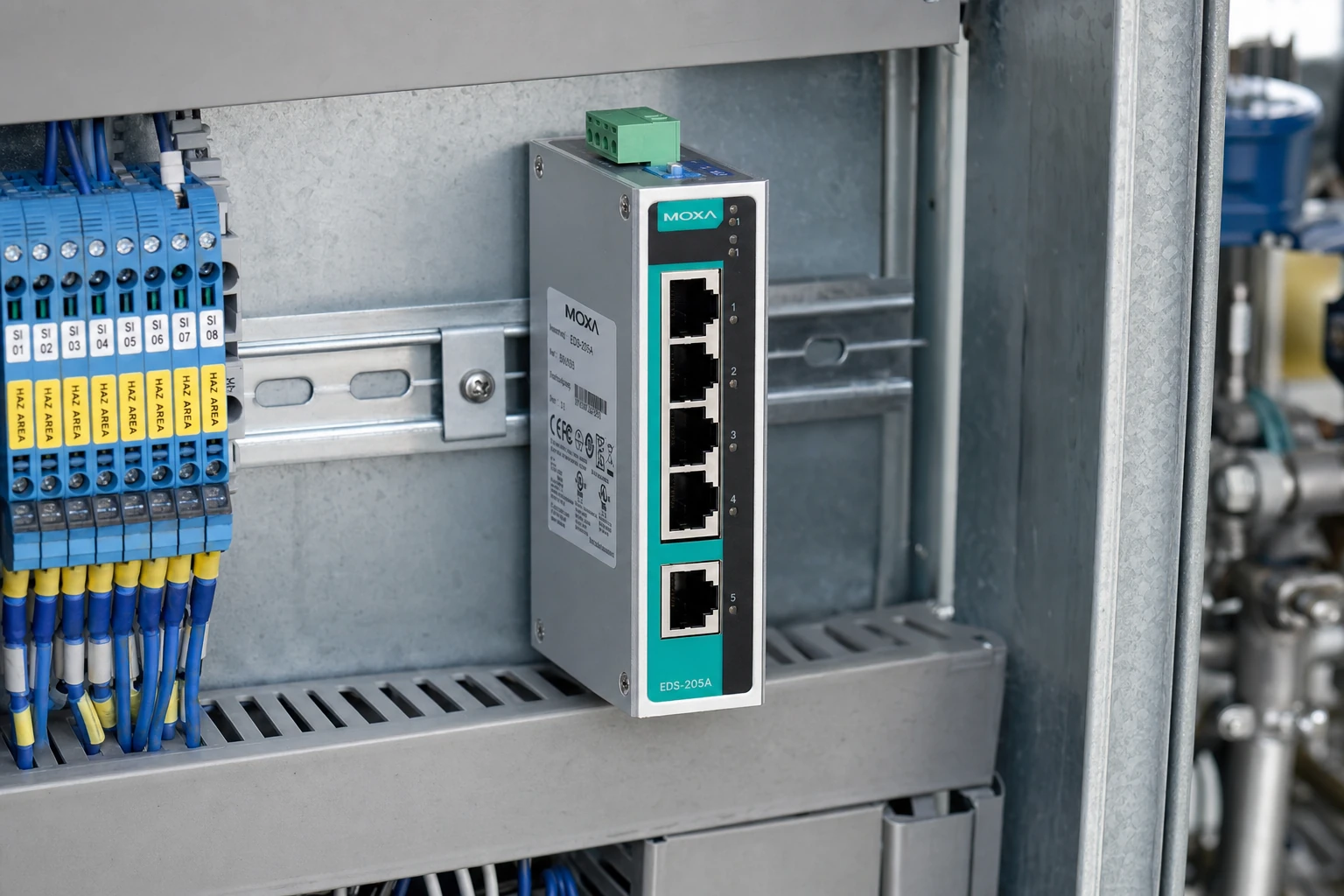
Suitable environments include substations, oilfield shelters, rail cabinets, control-room racks, warehouses and automation panels. Model-specific product photos are shown where available.
Industrial quote BOM
Industrial Ethernet sourcing separates the exact device, media, power, software, mounting, acceptance and logistics lines so the customer can compare complete project cost.
Code / option
Configuration line
Quote role
AWK-3131A Series
Exact hardware model, suffix, port count and environmental rating
Base hardware
Power package
Redundant DC/AC input, terminal blocks, surge and grounding accessories
Site power
Media package
Copper/fiber uplinks, SFP optics, DAC/fiber patching and spare modules
Network media
Software and licenses
Management, redundancy, security or protocol feature set by brand
Feature line
Delivery kit
Mounting, labeling, firmware baseline, packing and documentation
Project handover
Industrial network equipment and accessories
Send site type, cabinet power, port media, redundancy protocol, temperature range and destination country. We return a complete hardware, accessory and support quote.
Carry the complete manufacturer identifier into the configuration check and document the intended installation, software environment and included items.
Network-system planning
Selection and installation requirements
Decision
Information to provide
Impact on selection
Topology and role
Peer devices, connection map and required network role
Identifies the protocols and interoperability requirements to check.
Physical links
Port type, required link rate, connector and cable reach
Defines the optics or cabling review for both ends of each link.
Operating configuration
Airflow, power, software release, licenses and management needs
Resolves model suffixes, deployment fit and entitlement scope.
Product overview
Industrial IEEE 802.11n wireless AP/bridge/client for harsh sites.
DIN-rail, rackmount and field profiles with redundant DC, PoE and wide-temperature options.
Power automation, Factory automation, Railway, Oil and gas SCADA
Recommended Deployment
Turbo Ring / Turbo Chain
MXview operations
Serial-to-Ethernet migration
Industrial cybersecurity zones
Moxa industrial networking
Factory automation / PLC cabinet
Made for control panels where DIN-rail space, PLC/HMI visibility, PROFINET or EtherNet/IP behavior and commissioning speed matter.
Managed industrial access
Factory, utility and transport cabinets where VLAN, QoS, diagnostics and ring redundancy are required.
Plant backbone, automation cell firewall, historian and engineering workstation.
PLC, RTU, IED, cameras, meters, serial gateways and remote I/O.
Suitable applications
Review the installation site, upstream network, field devices and model specifications together before finalizing the BOM.
Site roleManaged industrial access
Factory, utility and transport cabinets where VLAN, QoS, diagnostics and ring redundancy are required.
Upstream designControl-room and WAN handoff
Plant backbone, automation cell firewall, historian and engineering workstation.
For OT networks, the risk is often outside the switch datasheet. Environment, power, protocol behavior and lifecycle handover all change the final quote.
EnvironmentTemperature, dust, vibration, moisture, cabinet sealing and EMC exposure affect the model and accessory choice.PowerAC/DC source, redundant feeds, terminal blocks, surge protection, grounding and PoE budget are priced separately.ProtocolPROFINET, IEC 61850, PRP/HSR, Turbo Ring, REP, VLAN/QoS and SCADA/NMS behavior must match the site.LifecycleFirmware baseline, config backup, spare unit strategy, labeling and maintenance access are included in the handover plan.
Industrial equipment quotation and delivery documents
Industrial networking projects need the quote to prove configuration completeness, supply status, license compatibility and delivery readiness before the order is placed.
Commercial quoteUnit price, total price, currency, quotation validity, stock status and lead time.Channel and conditionBrand-new original supply, official or authorized channel status, warranty period and warranty terms.Configuration confirmationModules, power supplies, software feature keys, licenses, optics and entitlements confirmed against the requested BOM.License deliveryDigital or certificate delivery method, device compatibility, activation path and term for security or management licenses.Export documentsCountry of origin, commercial invoice, packing list, serial numbers, original packing photos and CO when required.Trade termsEXW, FCA, FOB, CIF, DAP or project-specific delivery terms for Mainland China, Hong Kong, Taiwan or international shipment.
Industrial configuration matrix
Industrial switch pricing is not just a chassis number. A professional quote keeps the physical device, media, power, management features, accessories, testing and logistics visible as separate decision lines.
01 Hardware
Base device
model, suffix, port count, copper/fiber profile, PoE profile and hardware revision are confirmed before dispatch.
02 Media
Fiber and copper
Industrial SFP optics, multimode/single-mode reach, copper handoff and redundant uplink media are priced by site.
03 Power
Redundant inputs
DC or AC/DC source, power modules, terminal blocks, surge protection, grounding and PoE budget are separated.
04 Software
MXview / industrial edge operations
Feature set, management handoff, protocol behavior and site acceptance are aligned with the brand platform.
Base hardwareAWK-3131A Series with exact suffix and port/media profileRequired
Power and mountingPower modules, DC inputs, DIN rail/rack/IP67 mounting and grounding accessoriesSite dependent
Media packageIndustrial SFP optics, copper/fiber uplinks, patch leads and spare transceiversTopology dependent
Software and managementMXview / industrial edge operationsBrand dependent
Acceptance and logisticsFirmware baseline, labeling, packing, export documents and delivery scheduleProject dependent
Protocols, software and management
Feature lines stay brand-specific so Cisco IE, Siemens SCALANCE, RUGGEDCOM, Moxa, Hirschmann, Phoenix Contact and Aruba industrial projects do not get mixed into one generic network template.
Protocol stack
Industrial network protocols
Turbo Ring
Turbo Chain
RSTP
VLAN/QoS
MXview
Modbus/TCP
Software
MXview / industrial edge operations
Turbo Ring / Turbo Chain design
MXview monitoring profile
Modbus/TCP and serial migration mapping
EDR security-zone planning
Accessories
Field equipment and accessories
Moxa SFP modules
DIN-rail / rack kits
Redundant 24/48V DC power
Serial, fiber and PoE accessory bundle
Acceptance
Before shipment
Ring recovery validation
MXview discovery
Remote cabinet temperature check
Serial gateway handoff test
Typical OT topology
The topology shows the upstream network, local device role and downstream field equipment needed to plan a complete industrial deployment.
Control room / upstreamPlant backbone, automation cell firewall, historian and engineering workstation.Redundant uplink and monitoring handoff
Network securityIndustrial firewall, remote access gateway or core aggregation as required.Segmentation and management access
AWK-3131A SeriesWireless AP/client
Field devices / downstreamPLC, HMI, drives, robot controllers, vision systems, remote I/O and smart sensors.Port media and protocol validation
Service PlanningSpare unit, config backup, optics, power accessories and labeled cabling stay in the BOM.Lifecycle and maintenance readiness
Installation, cabinet and site-readiness plan
Select industrial equipment for its installation environment, power, mounting, network protocols and commissioning requirements.
Cabinet and field checks
DIN-rail, panel, 19-inch rack or IP67 mounting confirmed by site drawing.
Wide temperature, dust, vibration, moisture and EMC exposure checked against project requirements.
Grounding, surge protection, power feed and cable entry remain separate quote items.
Labeling, firmware baseline and configuration backup are prepared for commissioning.
Site intakeConfirm vertical, cabinet, temperature, power, uplink media and protocol.
BOM splitSeparate base hardware, optics, power, software, spares and logistics.
CompatibilityCheck protocol, redundancy, NMS and SCADA handoff requirements.
Pre-shipmentVerify labeling, package condition, accessories and acceptance notes.
DeliveryPack for project delivery with export documents and delivery documents.
Related industrial models
Same-brand adjacent profiles help compare access, aggregation, PoE, field and rackmount variants without mixing them with ordinary enterprise switches.
These products are related, but they may not work as direct replacements. Send us your current part number if you need help choosing.
Browse this equipment range
Wireless & access points
Access points, wireless controllers and gateways. Select the deployment environment, management platform and regional version before matching mounting and power accessories.