
Model and quantity
Include the full model, manufacturer P/N, revision and quantity.
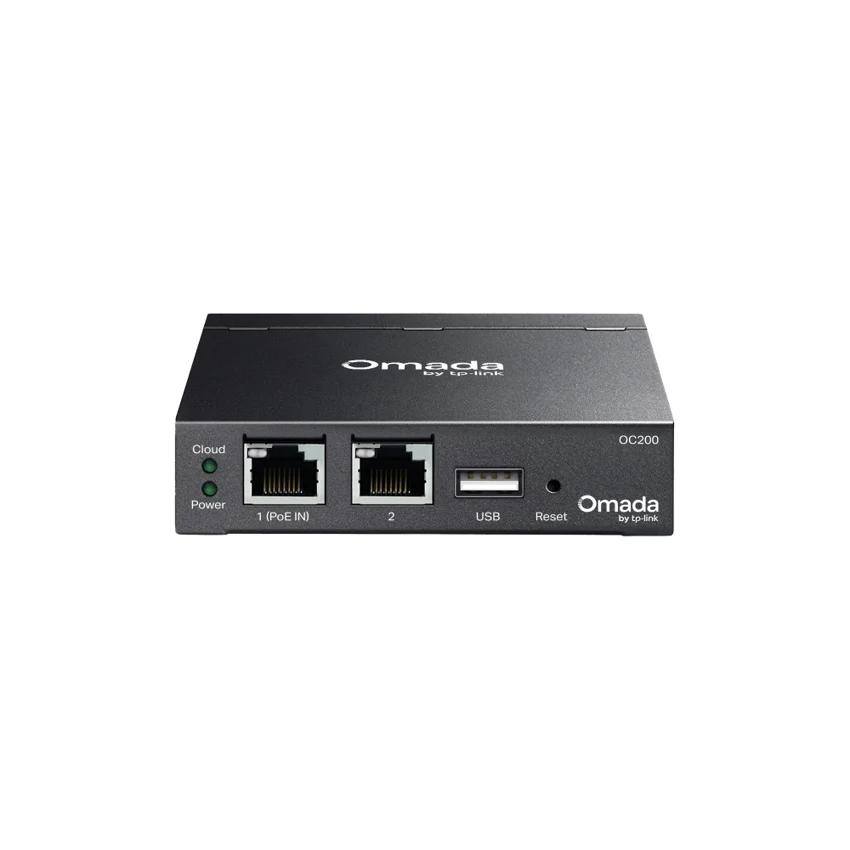
TP-Link / Network Controller
Manufacturer P/N: OC200
TP-Link OC200 network controller. Interface: • 2× 10/100/1000 Mbps Ethernet Port• 1× USB 2.0 Port• 1× Micro USB Port (only for power supply); Power Supply: 802.3af/at PoE or Micro USB(DC 5 V/Minimum 1 A); Dimensions ( W x D x H ): 3.9 × 3.9 × 1.0 in (100 × 98 × 25 mm). Compare configuration and request a
Price on request
Contact us to confirm availability. Final price, shipping and taxes are confirmed before payment.
Pricing, availability, condition, included options and warranty are confirmed in your quotation.
CONNECTIONS & COMPATIBILITY
Check the protocol and port requirements of the equipment you intend to connect. Ethernet, Fibre Channel, InfiniBand and carrier interfaces are not interchangeable.
Browse the product categories above for related equipment. Confirm compatibility with your full configuration before ordering.
Technical overview
Use the complete part number when reviewing options and system requirements.
| Manufacturer | TP-Link |
|---|---|
| Manufacturer part number | OC200 |
| Product family | Business network controllers |
| Documented hardware version | V3; match the hardware revision before ordering |
| Interface | • 2× 10/100/1000 Mbps Ethernet Port• 1× USB 2.0 Port• 1× Micro USB Port (only for power supply) |
| Power Supply | 802.3af/at PoE or Micro USB(DC 5 V/Minimum 1 A) |
| Dimensions ( W x D x H ) | 3.9 × 3.9 × 1.0 in (100 × 98 × 25 mm) |
| Omada App | Yes |
| Cloud Access | Yes |
| L3 Management | Yes |
| Multi-site Management | Yes |
| System Requirements | Microsoft® Windows®10, 8, 7,Vista™, XP or MAC® OS, NetWare®, UNIX® or Linux |
| Management Features | • Automatic Device Discovery • Batch Configuration• Batch Firmware Upgrading • Intelligent Network Monitoring • Abnormal Event Warnings • Unified Configuration • Reboot Schedule • Captive Portal Configuration |
| Environment | • Operating Temperature: -5–50℃ (23–122℉) • Storage Temperature: -40–70℃ (-40–158℉) • Operating Humidity: 10–90% RH non-condensing • Storage Humidity: 5–90% RH non-condensing |
PRODUCT DETAILS
TP-Link OC200 is a network controller in the Business network controllers range. Use the model code when matching your deployment or replacement requirement.
Check installation dimensions, power requirements, interface compatibility and required accessories. Confirm whether the quoted item is a complete device or an individual component.
Confirm hardware revision and included items in the quotation. A firmware-dependent feature or licensed capability must be checked against the actual configuration.
Send OC200 with quantity, destination, required condition and any installation constraints. List power, optics or mounting accessories separately when required.
Inclusions depend on the exact ordering configuration. We confirm the supplied hardware, accessories and applicable commercial terms in writing.
Browse TP-Link equipment · Network equipment · Request a matched quotation
Prepare your enquiry
Include the full model, manufacturer P/N, revision and quantity.
Tell us the host model, generation, installed configuration and required supporting hardware.
Specify condition, testing requirements, destination and requested delivery date.
RELATED PRODUCTS
Check compatibility before choosing a replacement. The products below are related, but may not be interchangeable.
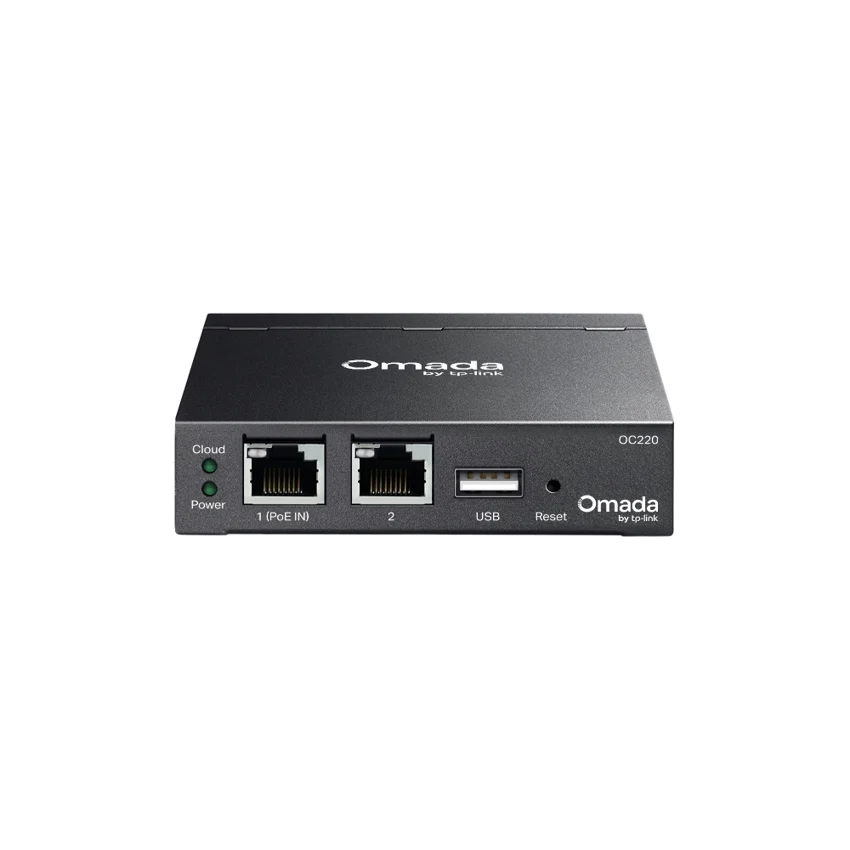
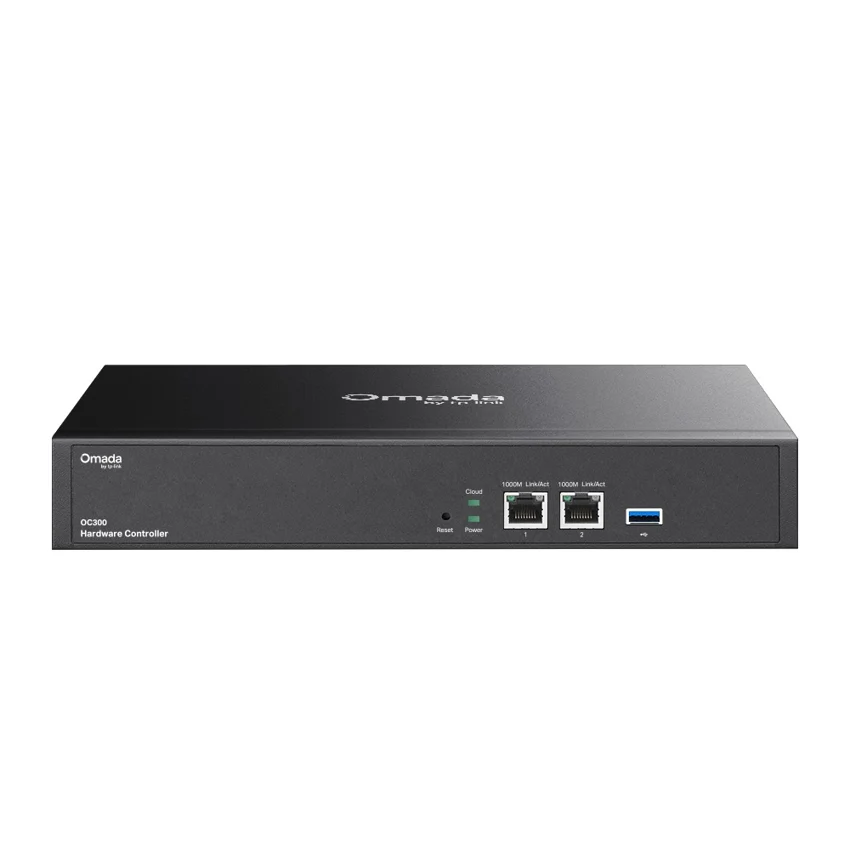
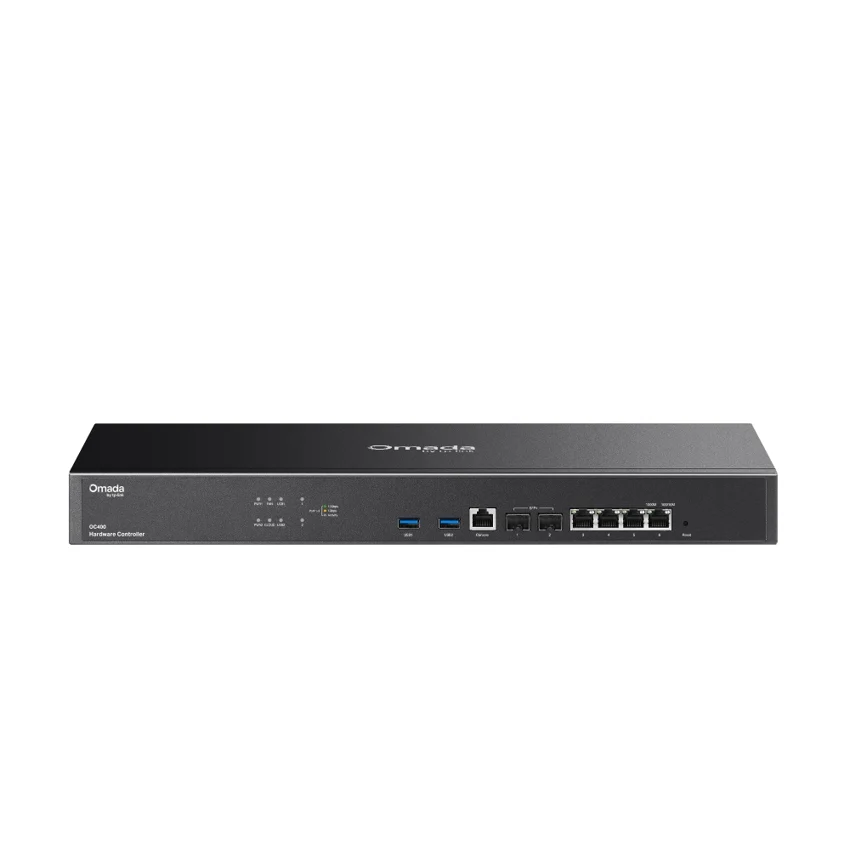
Browse this equipment range
Chassis, line cards, routing engines, power supplies, cooling and installation parts. These entries identify components; they are not automatically complete systems.