23 products
UE Simbox MBS & Infinity
Additional UE Simbox families for defined lab requirements. Review the selected platform and licensed scope together.
Explore this product line ↗
Loading products and specifications…
AMARISOFT / CELLULAR TESTING
Explore Callbox systems for testing cellular devices, UE Simbox platforms for testing networks, and the RF hardware and software options that complete a lab. Start with what you need to test; choose the equipment around it.
Manufacturer models and part numbers.
Configuration, condition and included items.
Export packing and delivery planning.
EXPLORE THE RANGE
Browse complete systems, expansion options and replacement parts. Each line leads to the relevant models in the catalogue below.
Additional UE Simbox families for defined lab requirements. Review the selected platform and licensed scope together.
Explore this product line ↗LTE user-equipment emulation for network testing. Choose the required user count and test configuration.
Explore this product line ↗Software modules and optional lab capabilities. Request a clear description of included licenses and usage rights.
Explore this product line ↗UE emulation platforms for LTE and 5G network tests. Specify radio mode, capacity and the required software options.
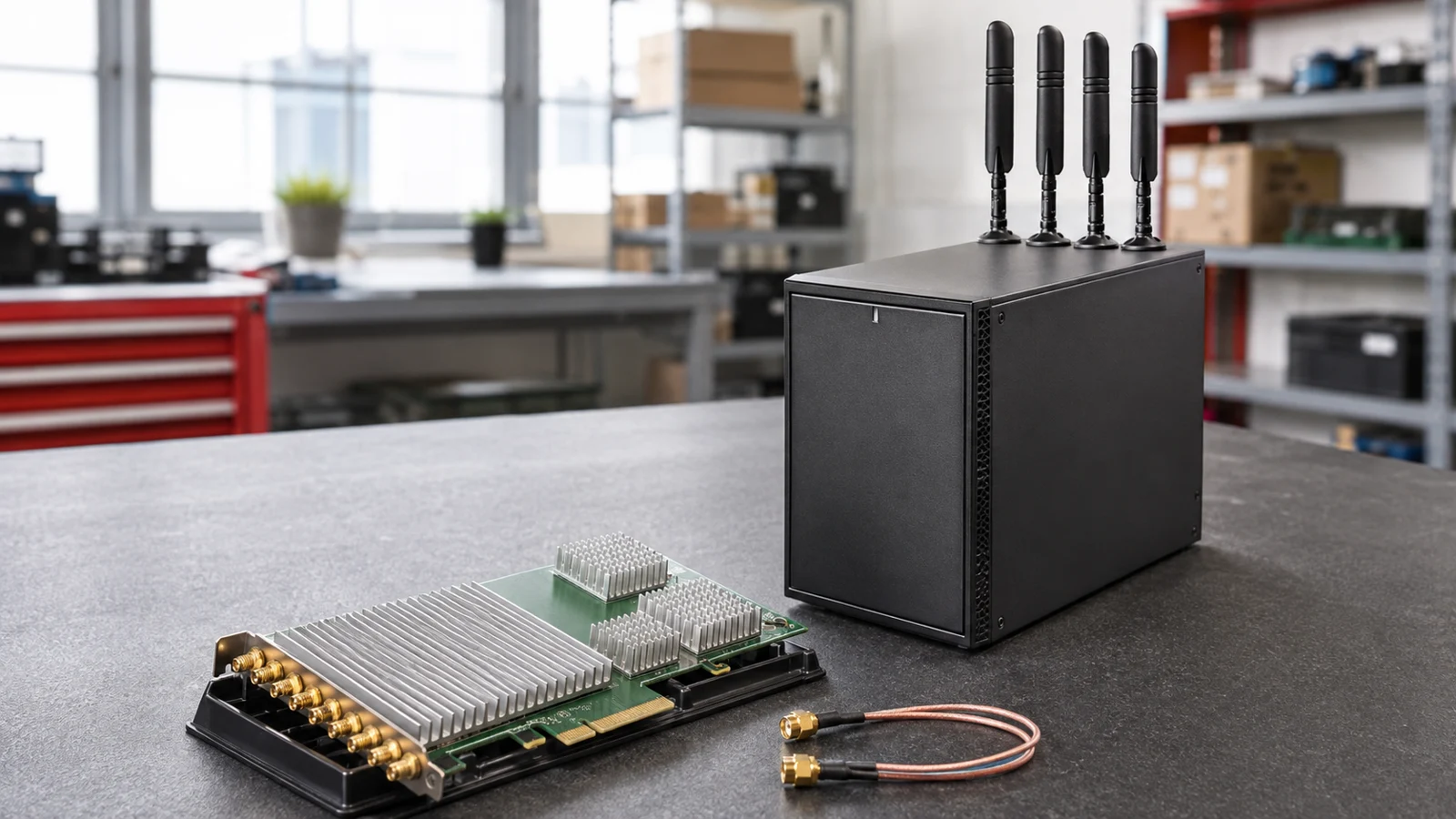
Explore this product line ↗SDR cards, RF equipment and related accessories to complete a supported lab configuration.
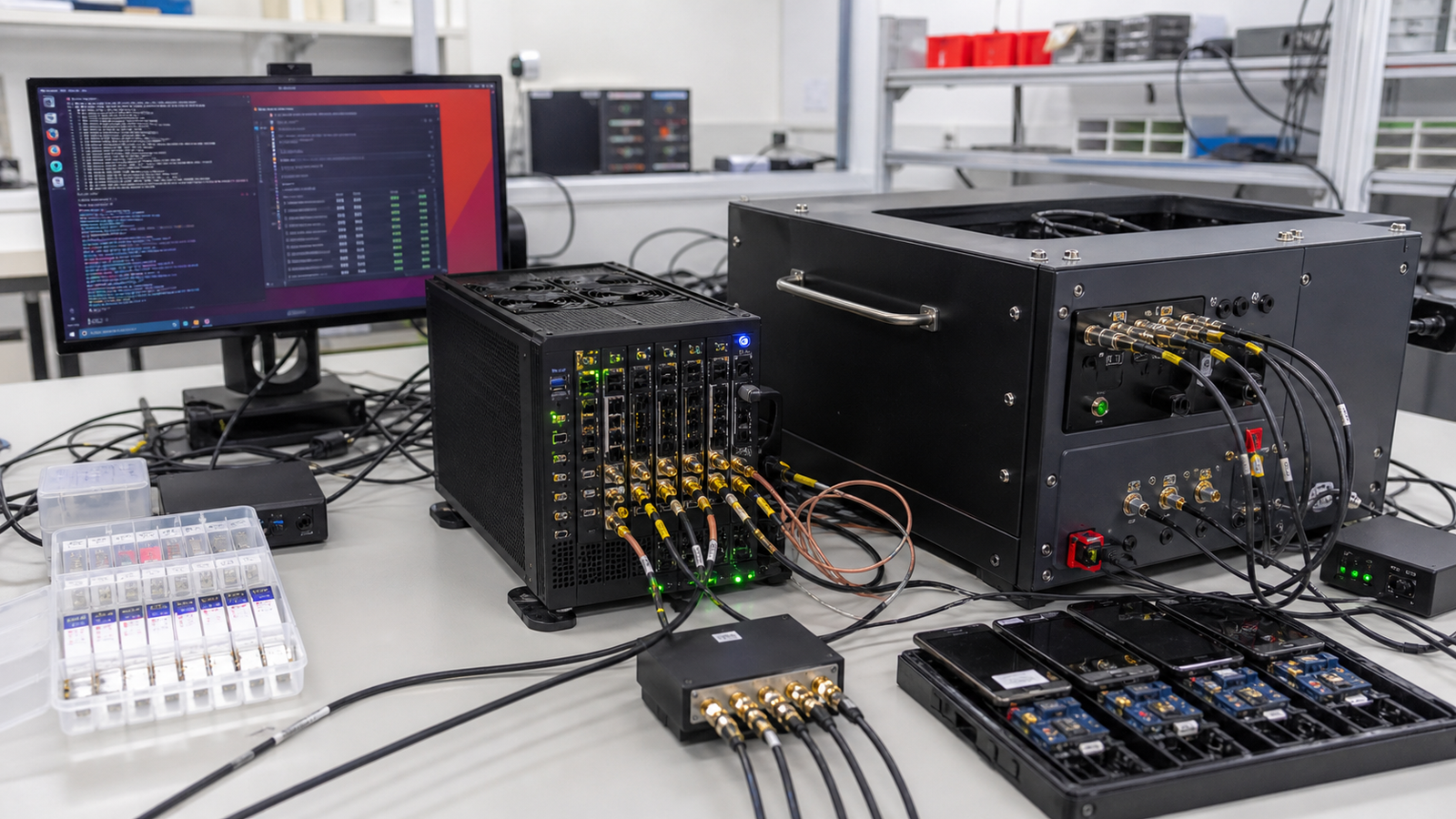
Explore this product line ↗Network emulation for testing cellular devices. Compare Callbox configurations against the LTE and 5G features needed in the lab.
Explore this product line ↗Lab SIMs and supporting accessories for repeatable cellular testing. Identify the intended platform and use.
Explore this product line ↗BUY WITH A CLEAR PLAN
Device testing and network testing need different tools. Callbox provides network-side functions for testing user equipment, while UE Simbox emulates users to test a network. Selecting the test direction first makes the rest of the order easier to define.
We help bring the requested platform, RF accessories and software options into a clear purchasing scope. Tell us the LTE or 5G modes, frequency bands, bandwidth and user count required, together with any existing lab equipment you plan to reuse.
PLAN THE PURCHASE
Use your application and existing equipment to narrow the choices before comparing individual models.
Device testing or network testing. Share the current setup and the outcome you need, so the proposed equipment can be considered in context.
LTE / NR modes, bands and bandwidth. Share the current setup and the outcome you need, so the proposed equipment can be considered in context.
User count, RF connections and accessories. Share the current setup and the outcome you need, so the proposed equipment can be considered in context.
Software options and license requirements. Share the current setup and the outcome you need, so the proposed equipment can be considered in context.
COMPLETE THE ORDER
Servers, networking, storage and parts are often ordered together. Include any required accessories when requesting your quotation.
FROM ENQUIRY TO DELIVERY
Clear product details and written terms help keep procurement straightforward. We work from your requested model and quantity through to the agreed delivery arrangements.
About Star Networking ↗Send the model or part number, configuration, quantity and destination. Include label photos when ordering replacement parts.
Check the proposed condition, included accessories, warranty terms and lead time before confirming the order.
Agree suitable packing and shipping arrangements for the equipment, order size and destination.
BUYING QUESTIONS
Have a specific model in mind? Send the details and we will review the request.
sales@star-networking.comChoose Callbox when you need network-side functions to test cellular devices. Choose UE Simbox when you need to emulate users for network testing. Required radio modes, capacity and software options depend on the selected configuration.
Send the model or manufacturer part number, quantity, required condition and delivery country. If you are planning a complete system, include the configuration and any accessories you need.
Yes. The catalogue is a starting point for an enquiry. Send the model or part number and we will review the sourcing request and confirm whether we can quote it.
Requirements may include new, refurbished or lifecycle hardware. The proposed condition, available quantity and warranty terms are stated in the written quotation.
The quotation lists the proposed configuration and included accessories. Power supplies, rails, cables, software, subscriptions and support are checked separately where applicable.
International delivery can be arranged through our Hong Kong team. Shipping method, export packing, documentation and destination requirements are reviewed for the order.
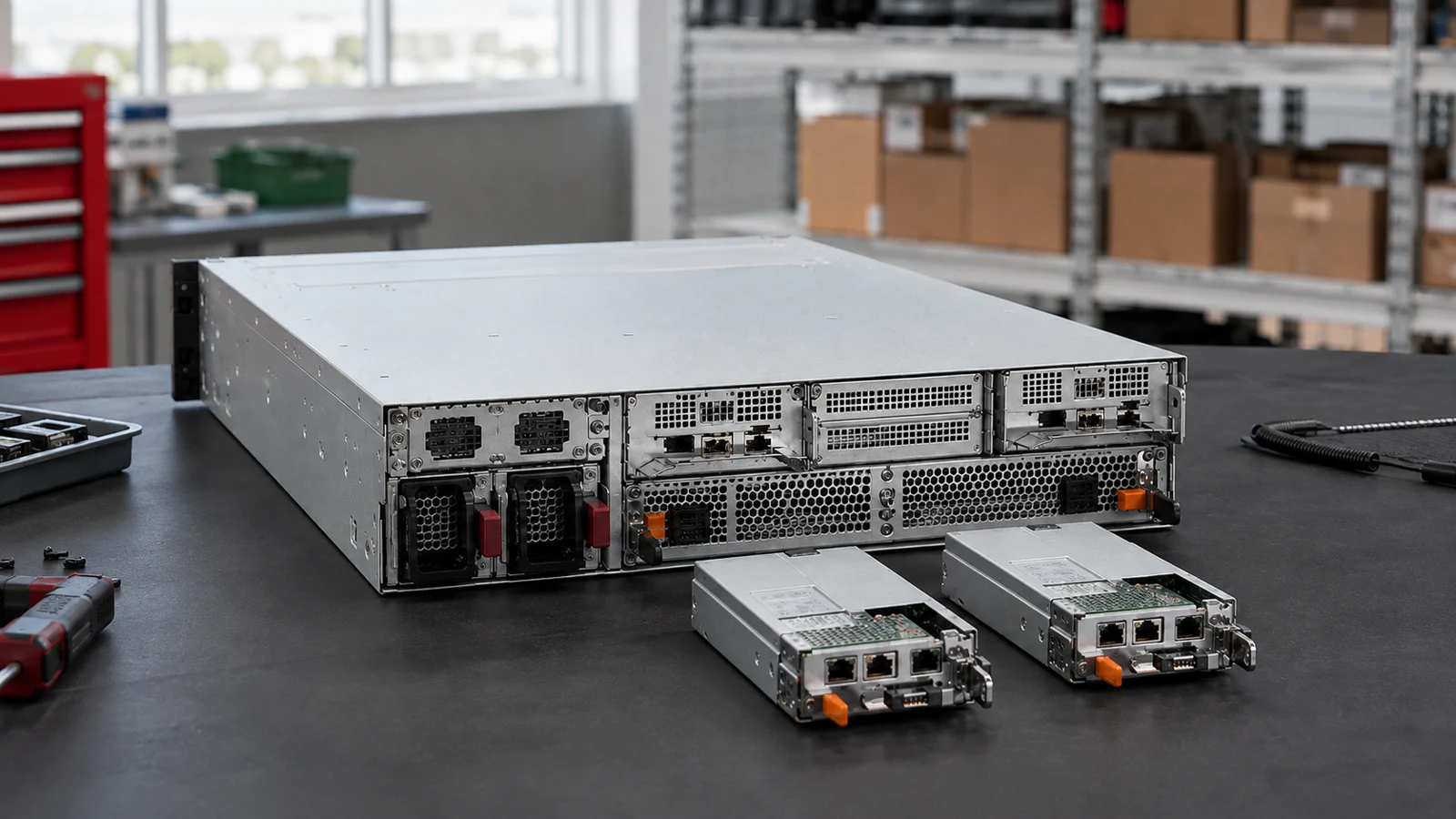
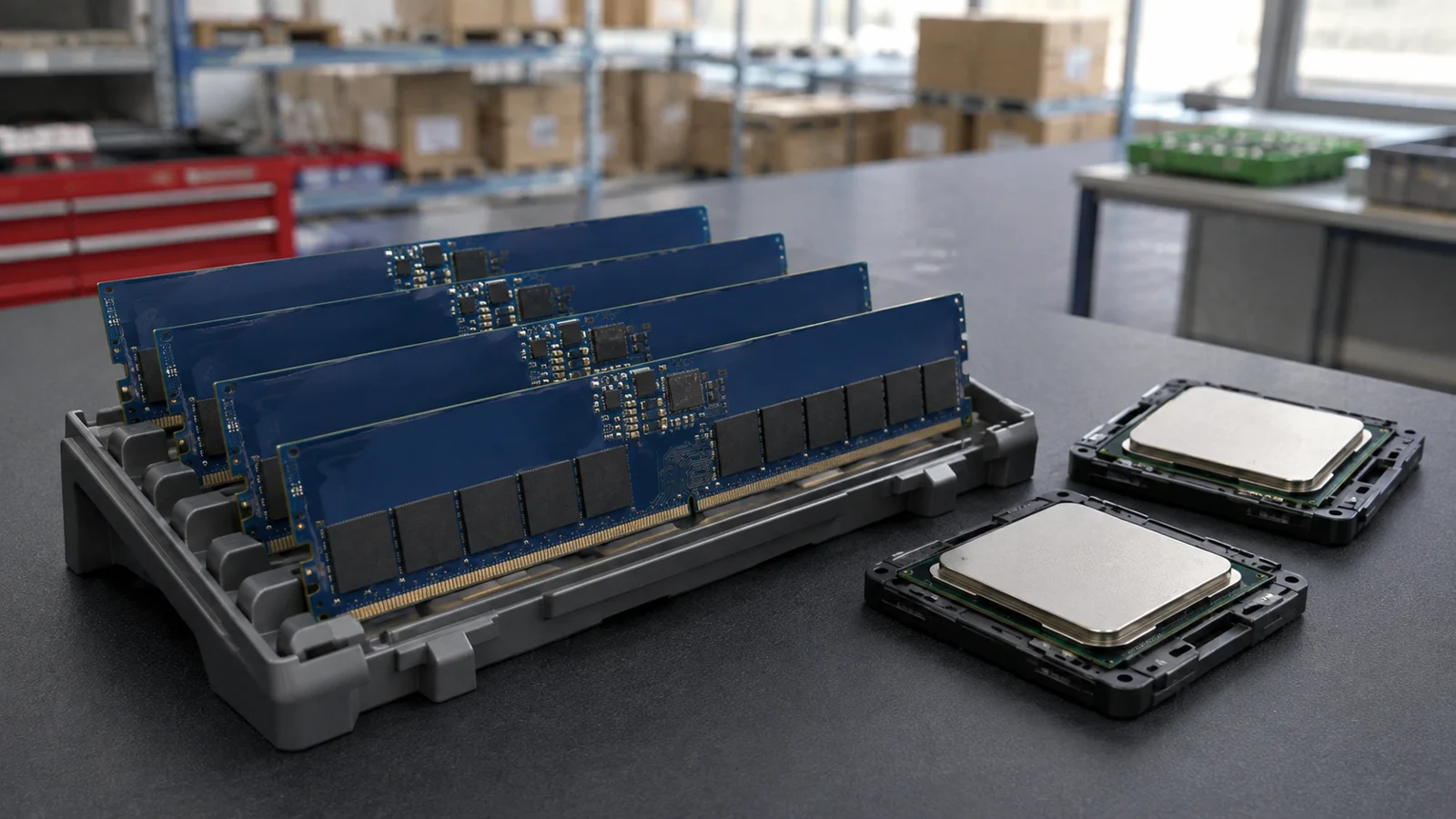
Ask for photos of the offered unit or batch when requesting a quotation. Page imagery introduces the product range and does not confirm current stock or the condition of a particular unit.
LET’S TALK ABOUT YOUR NEXT ORDER
Tell us what you need, how many and where it is going.
Illustrative scenes show the product families. For a purchase decision, request photos and details of the offered unit or batch. Brand names identify product manufacturers and do not imply an authorized partnership.
Shop Amarisoft
Browse the range, compare specifications and open a model for the full details.
Products & specifications
Illustrative and reference images show product families or models. Request offered-unit photographs, labels and included items before confirming an order.
Buying for a project?
Keep the model, quantity and installation requirements together.
Find matching catalogue entries, review different versions and bring the selected products into your RFQ.
Check a parts list ↗02 · Plan the connectionsExplore server, switch and storage examples. Check host interfaces, optics and redundancy before choosing components.
Explore storage connections ↗03 · Prepare your requestAdd quantities, condition, testing and destination. Prices and availability are confirmed before an order is accepted.
Open your RFQ ↗Need a quote?
Send the full P/N, quantity, host system and delivery destination.
Telecom Test Equipment
P/NA0116
Telecom Test Equipment
P/NA0113
Telecom Test Equipment
P/NA0114
Telecom Test Equipment
P/NA0117
Telecom Test Equipment
P/NA0118
Telecom Test Equipment
P/NA0119
Telecom Test Equipment
P/NA0115
Telecom Test Equipment
P/NA0120
Telecom Test Equipment
P/NA0122
Telecom Test Equipment
P/NA0121
Telecom Test Equipment
P/NA0123
Telecom Test Equipment
P/NA0124
Telecom Test Equipment
P/NA0127
Telecom Test Equipment
P/NA0126
Telecom Test Equipment
P/NA0125
Telecom Test Equipment
P/NA0212
Telecom Test Equipment
P/NA0214
Telecom Test Equipment
P/NA0213
Telecom Test Equipment
P/NA0216
Telecom Test Equipment
P/NA0215
Telecom Test Equipment
P/NA0218
Telecom Test Equipment
P/NA0217
Telecom Test Equipment
P/NA0219
Telecom Test Equipment
P/NA0220