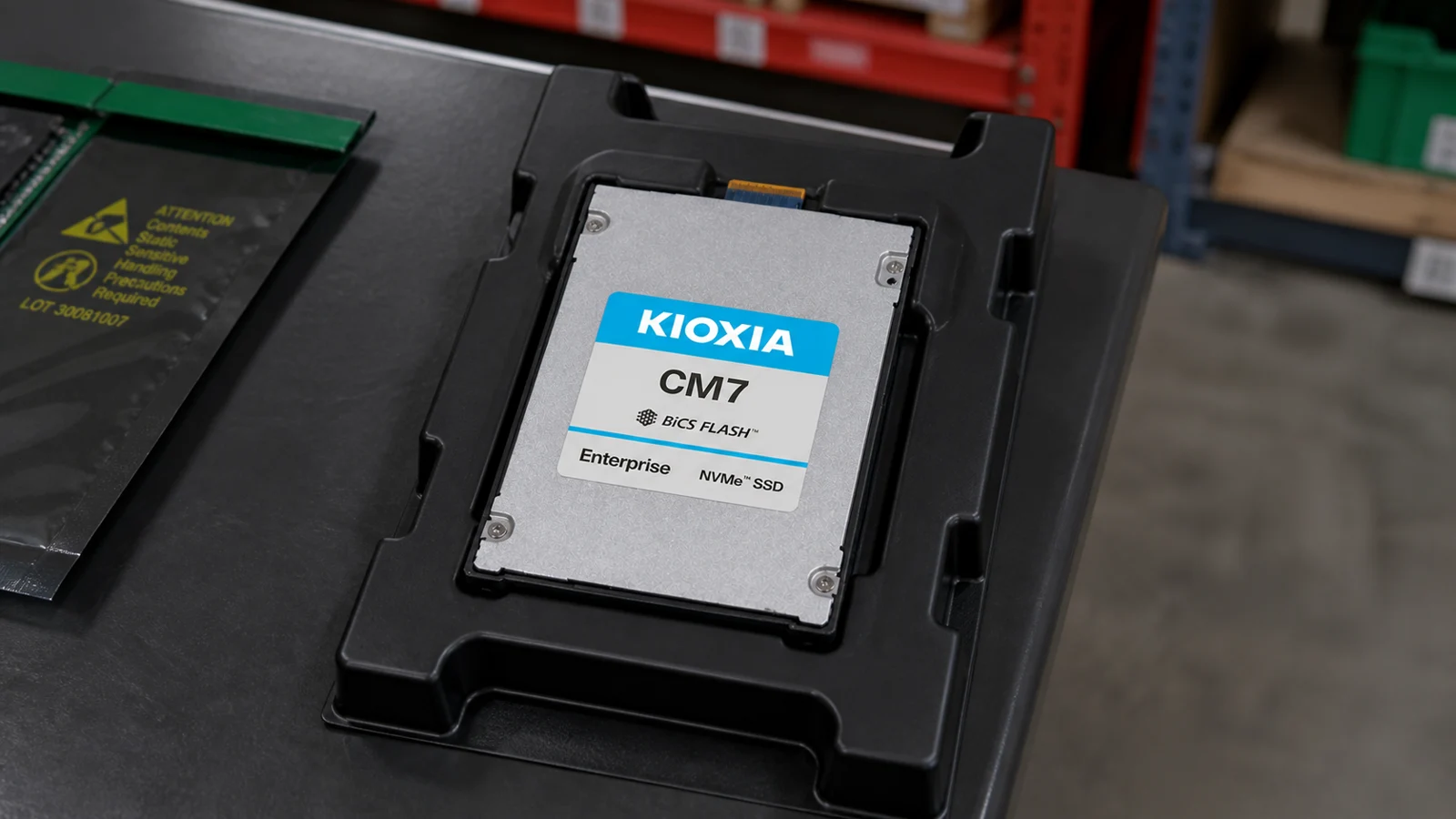
 +
+Loading products and specifications…

Loading products and specifications…
Send the model or part number, quantity and delivery location.
DRIVE PROCUREMENT / EXACT ASSEMBLIES
Compare enterprise SSD and HDD references by exact part number, interface and target platform. Confirm firmware, sector format and carrier requirements before selecting a replacement or capacity upgrade.
What this page covers
DRIVE PROCUREMENT / EXACT ASSEMBLIES
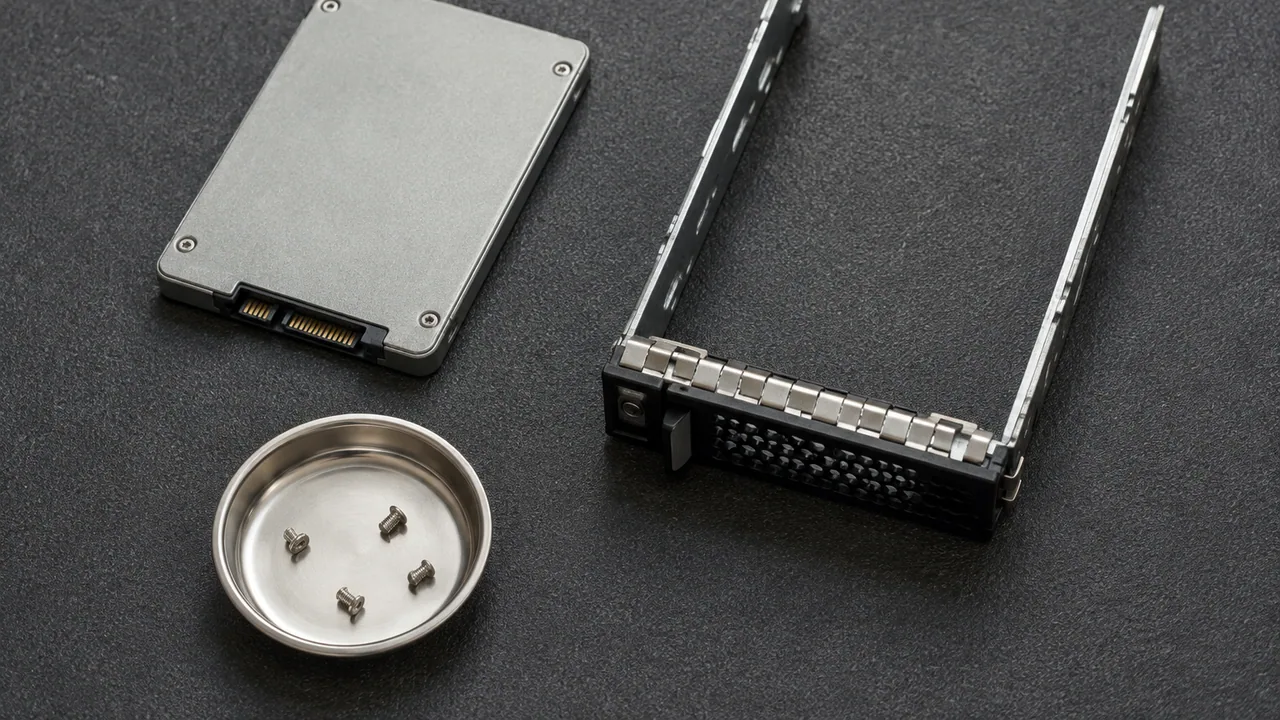
Procure enterprise drives as identifiable assemblies tied to a host or enclosure. An SSD or HDD description should carry its exact part number, media type, interface and physical format, together with the required carrier and firmware scope. Document any proposed replacement separately so its suitability can be reviewed before the BOM changes.
Include flash capacity and workload needs alongside the interface, format and supported assembly information.
Explore ↗Preserve the rotating-drive capacity, interface, sector format and enclosure context in every replacement request.
Explore ↗Use OEM option and spare identities with the exact HPE host to qualify the requested drive assembly.
Explore ↗Product gallery
Explore named product examples and manufacturer views. Chassis, connectors and form factors help narrow the discussion; the quoted model, configuration and unit photos establish the final order.
No matching product views. Try another brand or model.
Manufacturer P/N, SSD or HDD, protocol, form factor and capacity.
Target array/server, firmware, sector format, carrier and qualification.
Condition, drive-health information and approved alternatives.
Selection at a glance
| BOM element | Required description | Evidence to request |
|---|---|---|
| Drive identity | Full manufacturer or OEM part number | Label and matching product reference |
| Installed assembly | Carrier, format and target enclosure | Assembly contents and platform support |
| Condition and inspection | Requested condition and test scope | Item-specific inspection information |
Hardware / visual catalogue
Explore the component, then open its product reference for model and part-number details.
HPE / Enterprise SSD
P/N P50247-002
Illustrative model reference · confirm quoted unit details
Explore this reference ↗HPE / Enterprise SSD
P/N P54357-003
Illustrative model reference · confirm quoted unit details
Explore this reference ↗HPE / Enterprise SSD
P/N P61173-002
Illustrative model reference · confirm quoted unit details
Explore this reference ↗HPE / Enterprise SSD
P/N P50269-003
Illustrative model reference · confirm quoted unit details
Explore this reference ↗Dell / Enterprise SSD
P/N 0RRYKC
Illustrative model reference · confirm quoted unit details
Explore this reference ↗Dell / Enterprise SSD
P/N 0831H5
Illustrative model reference · confirm quoted unit details
Explore this reference ↗Dell / Enterprise HDD
P/N 0RK6Y
Confirm the model and request photographs of the proposed unit.
Explore this reference ↗HPE / Enterprise HDD
P/N 834132-001
Illustrative model reference · confirm quoted unit details
Explore this reference ↗No components match these filters.
Images are illustrative and may show other models. Ask for photos of the exact item and included accessories.
Visual context
Images illustrate product categories and may show other models. Ask for photos of the exact item.
Image may show another model. Ask for photos of the exact item.
Catalog references
These selected catalog references help identify a product. Stock, condition, exact configuration and support are confirmed in the written quotation.
| Product | Part number / order code | Product type | Details |
|---|---|---|---|
| HPEHPE P50247-002 3.84TB NVMe SSD | P50247-002 | Enterprise SSD | Product details |
| HPEHPE P54357-003 3.84TB NVMe SSD | P54357-003 | Enterprise SSD | Product details |
| HPEHPE P61173-002 6.4TB NVMe SSD | P61173-002 | Enterprise SSD | Product details |
| HPEHPE PM9A3 P50269-003 3.84TB NVMe SSD | P50269-003 | Enterprise SSD | Product details |
| DellDell 0RRYKC 15.36TB NVMe SSD | 0RRYKC | Enterprise SSD | Product details |
| Enterprise SSDDell 0831H5 3.84TB NVMe | 0831H5 | Enterprise SSD | Product details |
| DellDell 0RK6Y 20TB SATA 3.5-inch | 0RK6Y | Enterprise HDD | Product details |
| HPEHPE 834132-001 8TB SAS | 834132-001 | Enterprise HDD | Product details |
| Enterprise HDDHPE 765466-B21 2TB 7.2K SAS HDD | HPE 765466-B21 2TB 7.2K SAS HDD | Enterprise HDD | Product details |
| HPEHPE 655710-B21 | HPE 655710-B21 | Enterprise HDD | Product details |
| HPEHPE 765455-B21 | HPE 765455-B21 | Enterprise HDD | Product details |
| HPEHPE 765455-H21 | HPE 765455-H21 | Enterprise HDD | Product details |
No references match this filter.
Application planning
Supply the failed drive and carrier identities to reduce ambiguity about the assembly being replaced.
Connect the drive count to a supported enclosure configuration and a usable-capacity requirement.
Separate each media, interface and part number into its own line with a clearly assigned destination host.
Deployment context
Illustrative settings for planning equipment, installation and service requirements.
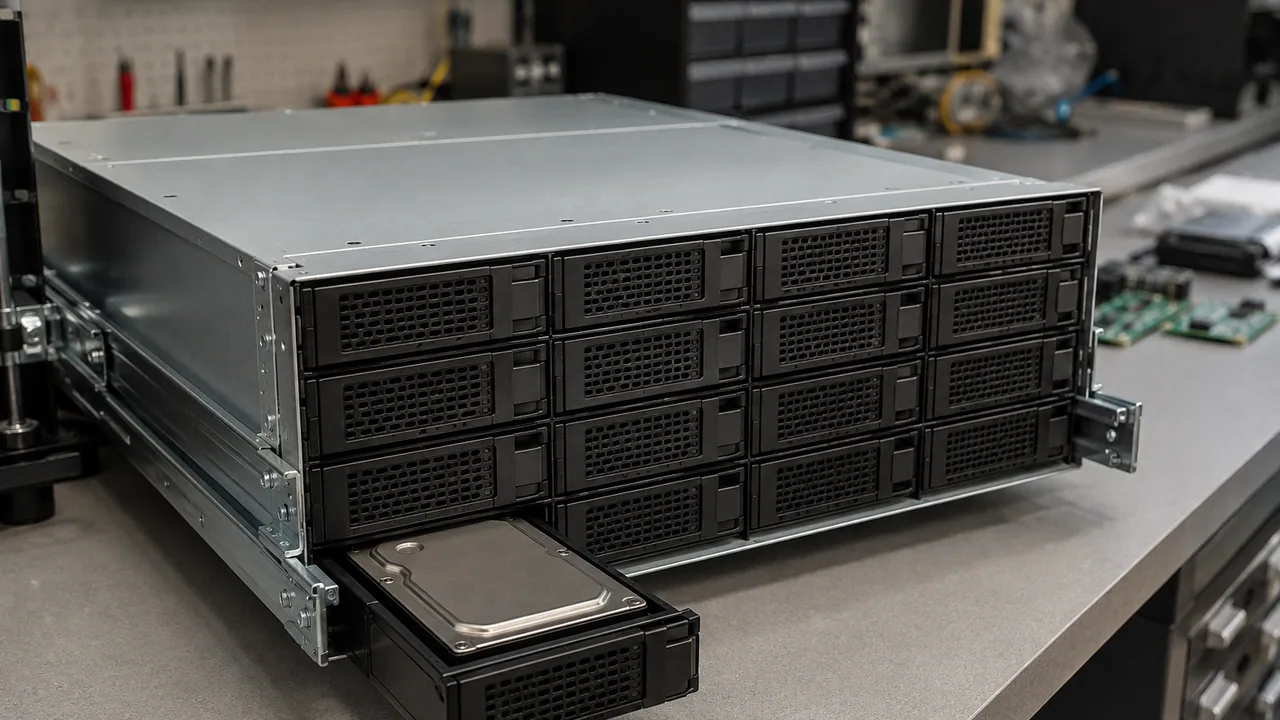
A large-drive storage shelf with one carrier withdrawn for service.
Illustrative scene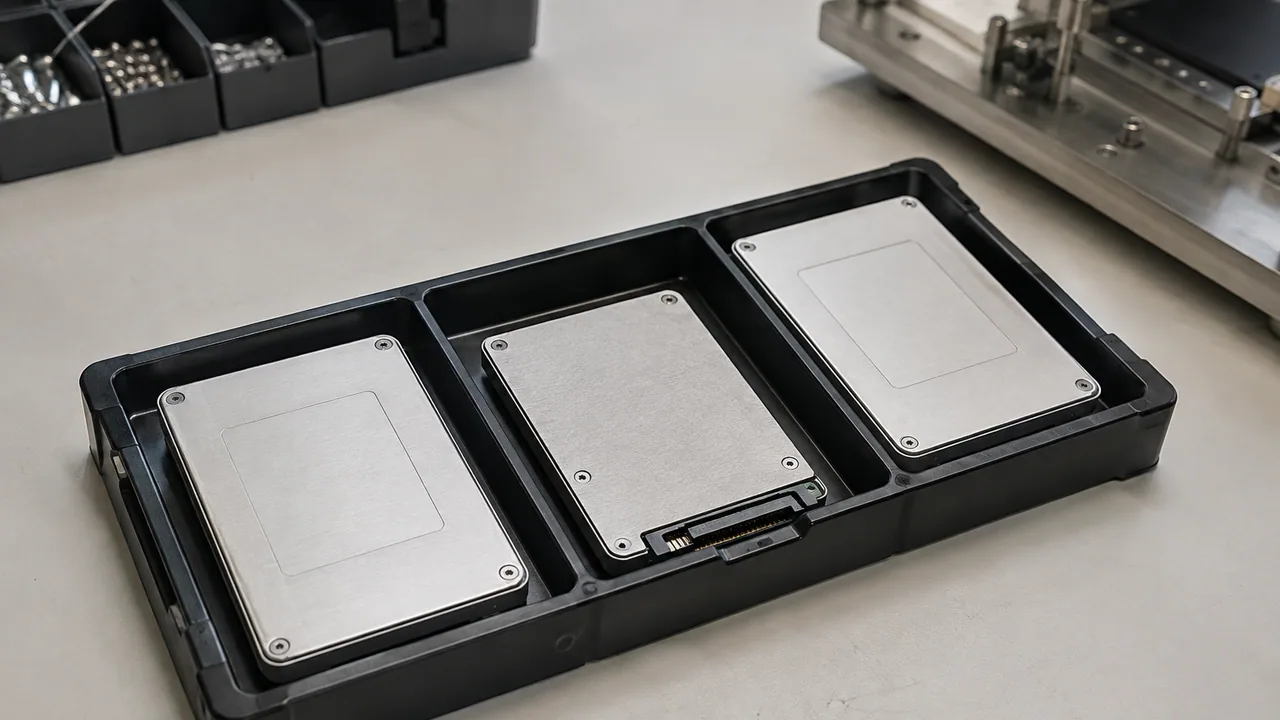
Three U.2 solid-state drives arranged in a protective transport tray.
Illustrative scene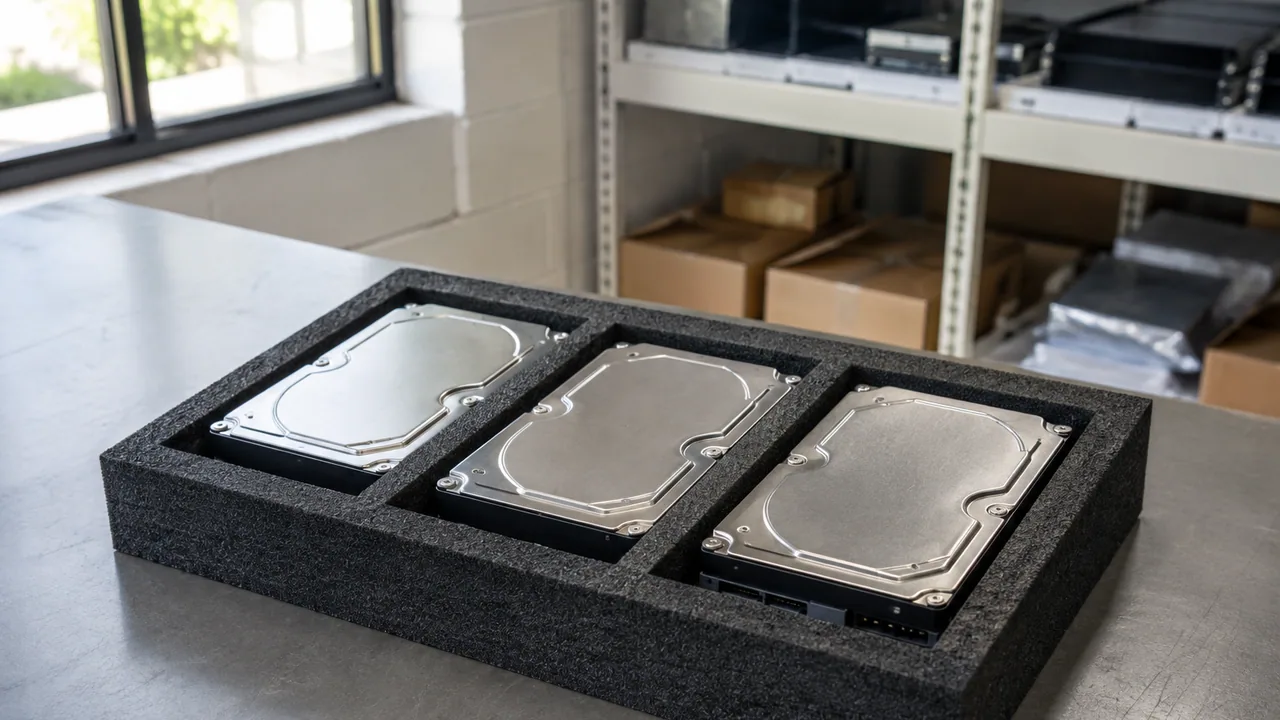
Sealed 3.5-inch hard disks organized for spares inspection.
Illustrative sceneManufacturer P/N, SSD or HDD, protocol, form factor and capacity.
Target array/server, firmware, sector format, carrier and qualification.
Condition, drive-health information and approved alternatives.
Questions, answered
No. Include interface, format, exact part number, carrier and the target platform.
List the proposed part number, technical differences and support evidence as an alternative awaiting approval.
Ask for the quoted assembly contents and label evidence; distinguish the ordered option from individual component and spare identifiers.
Manufacturer P/N, SSD or HDD, protocol, form factor and capacity.
Treat an alternative as a separate item to review. Confirm the exact offered configuration, acceptable condition, included accessories, software scope, lead-time basis and warranty in the quotation before ordering.
Technical reading
Check the model, document revision and proposed configuration when using these references.
Add the model or part number, quantity, target system and destination to your RFQ. Include acceptable condition and required delivery date so the quotation can state a clear scope.
Illustrative scenes. Ask for photos of the equipment offered.
