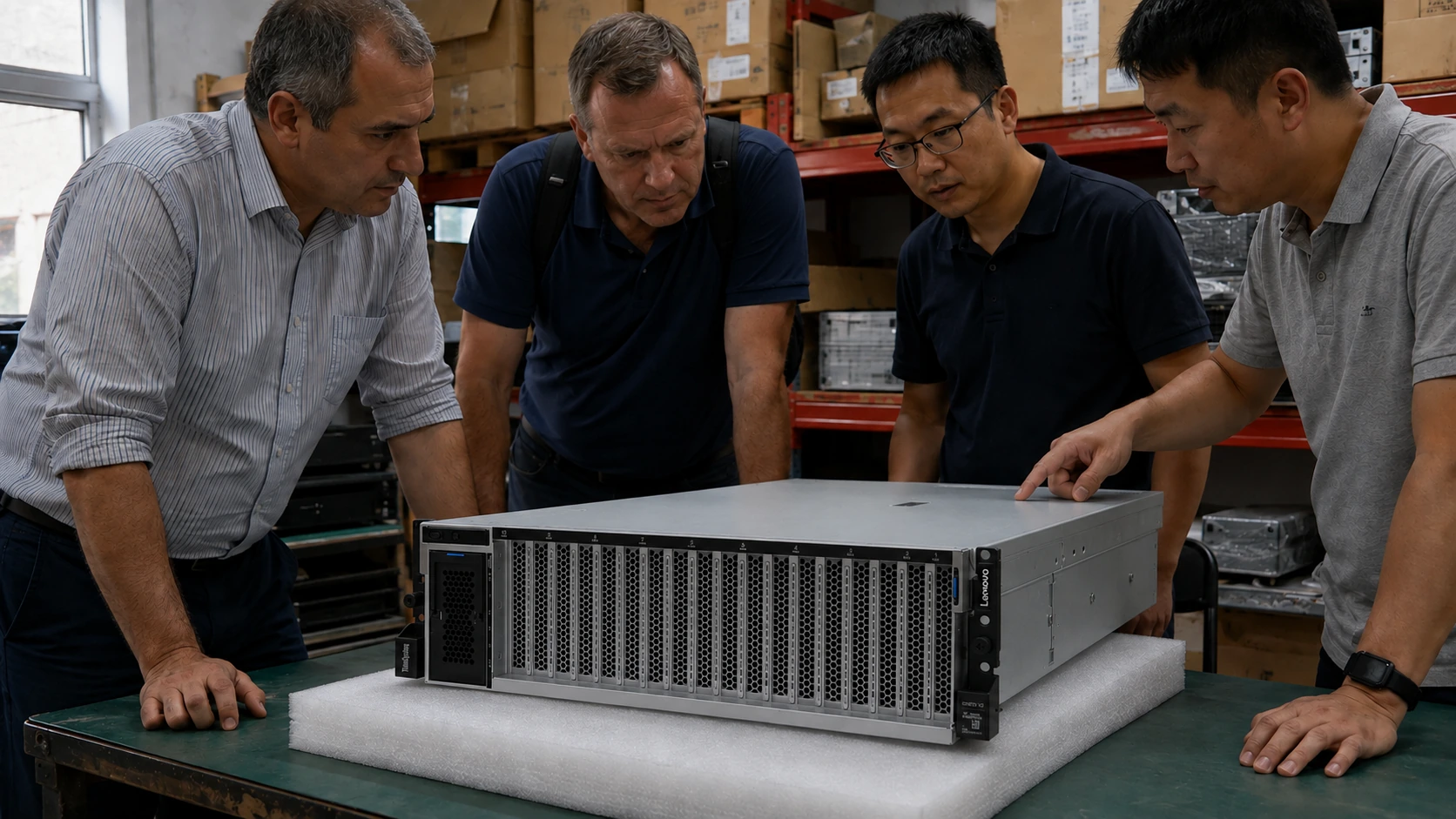
Check the installed modules, supported type and population rules.
Use this checklist to describe the change. The host system and full configuration determine which parts will fit.
03
YOUR QUOTE REQUEST
Tell us what you need
Add the quantity, options and installation details you want us to quote.
Confirm the exact manufacturer part number, host compatibility and included components. Optional software is quoted separately only when requested.
04
SUPPORT & REPLACEMENT
Plan for support and future replacement
Check support dates, replacement options and whether continued use still makes sense.
Support dates
We do not have confirmed sales and support dates for this part number.
Send us the full ThinkSystem SR665 order code, software release and support details before planning long-term use.
Ask us to check the current sales and support status
Choosing a replacement
Products with similar names or connectors may still be incompatible. Compare the full specifications, installed system and software requirements.
Compare related products These products may be related, but we have not confirmed them as replacements.What should I compare?
Physical fit, connectors and power
Capacity and required performance
Software, firmware and feature support
Licensing, service coverage and data and configuration migration
USING HARDWARE RESPONSIBLY
Maintain, redeploy or replace
Consider repairability, remaining support and actual operating demand. Extending service life is useful only when the equipment still meets your security and reliability requirements.
MaintainCheck parts, firmware and service options.
RedeployMatch a suitable role and securely erase any retained data.
Retire responsiblyUse documented data removal and an appropriate electronics recycler.
Compare operating energy
Use measured average input power for the same workload. PSU ratings and processor TDP are different from total system power.
Energy difference = (current W − proposed W) × hours × units ÷ 1,000. Excludes cooling, embodied emissions and purchase costs.
STORAGE & SAN
Storage systems and SAN solutions
Compare storage arrays, servers and switches for Fibre Channel, iSCSI and file storage. Select a system below to see its connections and ordering considerations.
Connection example · confirm compatibility before ordering
SHOW CONNECTIONS
Select a product to see how it connects ↙
Swipe to explore the full hardware map →
01 SERVERS
02 NETWORK
03 STORAGE
DUAL-CONTROLLER STORAGELenovo DE6000H 2U24
Logical data paths. Images show the equipment; cable endpoints are not physical port locations.
RELATED PARTS & SUPPORT
Adapters, transceivers and cables
01
Host adapters
Lenovo-qualified Emulex LPe35002 · 32Gb dual-port FC.
02
Controller option
DE6000H 32Gb FC host interface cards in both controllers.
03
Switch options
DB620S port activation and supported 32Gb SW optics.
04
Drive expansion
Use supported DE-series drives and expansion enclosures.
01
Give each host a qualified FC path into both fabrics.
02
Zone initiators to the intended storage targets.
03
Map volumes and verify recovery through host multipathing.
Connect two SR665 hosts to a DE6000H 2U24 array through separate DB620S fabrics. This proposed two-host layout uses the 32Gb FC component families found in Lenovo deployments; it is not a reproduction of a benchmark configuration.
Confirm the full configuration and compatibility before ordering.
Lenovo · Fibre Channel: equipment and connection requirements+
Connect two SR665 hosts to a DE6000H 2U24 array through separate DB620S fabrics. This proposed two-host layout uses the 32Gb FC component families found in Lenovo deployments; it is not a reproduction of a benchmark configuration.
The documented SR665/DE6000H/DB620S benchmark used four hosts and a 4U60 array. This smaller 2U24 two-fabric design needs its own interoperability and sizing review.
Confirm array HICs, SAN OS, Lenovo-supported HBA firmware, OS and multipath settings. DE-series SAS expansion ports do not attach to an FC switch.
Keep fabrics A and B isolated. Use supported initiator/target zoning, LUN masking and host multipathing. Do not connect them with an Ethernet-style peer link.
Two HBA ports provide path diversity, but one dual-port adapter remains a shared failure point. Use separately qualified adapters when adapter-level redundancy is required.
Connection example · confirm compatibility before ordering
PRODUCT DETAILS
Features and applications
Lenovo ThinkSystem SR665
See the product details and images below.
Platform overview
Choose a chassis and supported components
This page separates the server platform from the options that complete it. No processor, DIMM, drive, controller, adapter or service item is treated as interchangeable until its fit is checked against the model.
Brand
Lenovo
Model
ThinkSystem SR665
Catalog line
Lenovo ThinkSystem / ThinkAgile Server
Quote inclusions
Configure-to-Order Systems
01
Platform Selection
Chassis revision, regional SKU and current sales and support status are confirmed before parts are selected.
02
Compute and memory
Processor family, socket count, thermal limits and memory population are checked together for the selected platform.
03
Storage and data path
Drive media, form factor, backplane, controller or HBA, cabling and boot design are reviewed together.
04
I/O and lifecycle
NICs, accelerators, risers, power, firmware, rails, support and regional accessories are listed separately in the BOM.
Configuration Overview
Complete systems and spare parts are quoted separately. CPUs, DIMMs, drive carriers, controllers, NICs and PSUs are matched to the selected platform unless an approved compatible alternative is listed in the quotation.
System details
Machine type and model
Identify the target Lenovo system.
Installed configuration
Record the hardware and firmware context.
Option details
Order code
Keep the option P/N and service FRU distinct.
Installation details
Identify brackets, cables or other kit contents.
Follow the Lenovo documentation path
Review the relevant product guide and option installation guide. For applicable server options, verify the platform entry in ServerProven; storage and software require their corresponding support information.
Lenovo Server Options
Manufacturer
Lenovo
Model
ThinkSystem SR665
Manufacturer P/N
Confirmed in the quotation
Server configuration
Selection and installation requirements
Rack integration plan
Servers, switches and storage to consider together
Star Networking reviews upstream switching, storage path, OOB management, power input, rails and service details together so the delivered node can be installed without reworking the BOM.
01
Upstream fabric
25/100/400G uplinks, DAC/AOC, optics and OOB management are planned before shipment.
02
Server node
Lenovo ThinkSystem SR665 is staged with CPU, DIMM, storage, controller, NIC, PSU and firmware profile.
03
Storage tier
Boot media, hot data tier, capacity tier and backup path are separated in the BOM.
04
Order Documentation
Service terms, serial numbers, labels, packing details and delivery milestones are recorded with the order.
Deployment / workload
Choosing a server for your applications
Choose platform options and confirm the operating environment before finalizing the design.
01
Virtualization and private cloud
Balance core density, memory capacity, boot resilience, east-west traffic and support policy.
02
Data and application services
Align memory, storage latency, controller mode and network throughput with the application profile.
03
Infrastructure services
Plan resilient boot, management access, power redundancy and a repeatable firmware baseline.
04
Scale-out deployments
Standardize node BOMs, spares, firmware and delivery batches before multi-system rollout.
Model selection & order planning
Order review: ThinkSystem SR665
Lenovo ThinkSystem SR665
Start with ThinkSystem SR665 and list the required processors, memory, storage and network connections.
Confirm the intended rack or chassis arrangement, power supply and cooling environment.
Separate chassis hardware, installed options, software and support into quotation line items.