
Model and quantity
Include the full model, manufacturer P/N, revision and quantity.
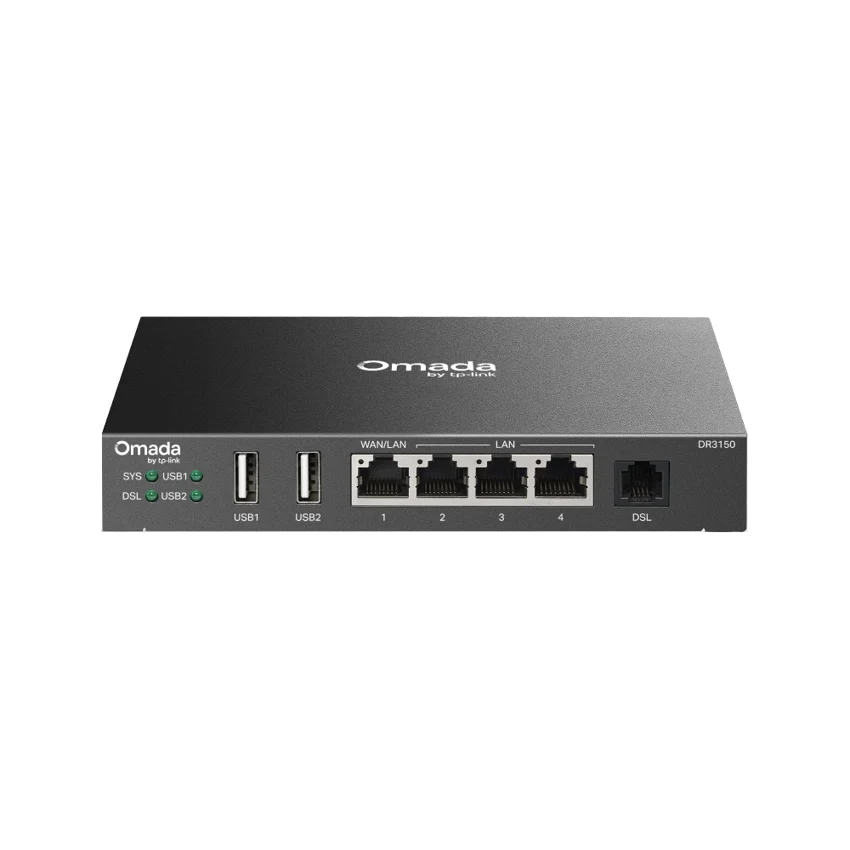
TP-Link / Enterprise Router
Manufacturer P/N: DR3150
TP-Link DR3150 enterprise router. Access Control: • Source/Destination IP Based ACL • Stateful ACL • IPv4/IPv6 ACL • National Based ACL• FQDN; DPI: • Deep Packet Inspection • Support 2466 type Applications; DNS Proxy: DNSSEC, DoH, DoT, and DNS Override. Compare configuration and request a hardware quote.
Price on request
Contact us to confirm availability. Final price, shipping and taxes are confirmed before payment.
Pricing, availability, condition, included options and warranty are confirmed in your quotation.
CONNECTIONS & COMPATIBILITY
Check the protocol and port requirements of the equipment you intend to connect. Ethernet, Fibre Channel, InfiniBand and carrier interfaces are not interchangeable.
Browse the product categories above for related equipment. Confirm compatibility with your full configuration before ordering.
Technical overview
Use the complete part number when reviewing options and system requirements.
| Manufacturer | TP-Link |
|---|---|
| Manufacturer part number | DR3150 |
| Product family | Business enterprise routers |
| Documented hardware version | V1; match the hardware revision before ordering |
| Access Control | • Source/Destination IP Based ACL • Stateful ACL • IPv4/IPv6 ACL • National Based ACL• FQDN |
| DPI | • Deep Packet Inspection • Support 2466 type Applications |
| DNS Proxy | DNSSEC, DoH, DoT, and DNS Override |
| Attack Defense | • TCP/UDP/ICMP Flood Defense • Block TCP Scan (Stealth FIN/Xmas/Null) • Block Ping from WAN |
| GRE | √ (Only in Standalone Mode) |
| WireGuard VPN | √ |
| SD-WAN | √ (Only in Controller Mode) |
| DSL Speed | Up to 350 Mbps |
| Compatibility | VDSL2/ADSL2+/ADSL2/ADSL |
| Button | Reset Button |
| Power Supply | 12V/2A external DC power adapter |
| Flash | 128 MB NAND |
| DRAM | 256 MB DDR |
| Dimensions ( W x D x H ) | 6.2 × 4.0 × 1.0 in (158 × 101 × 25 mm) |
| Mounting | Desktop/Wall Mount |
| Max. Power Consumption | • Power adapter not included: 13.44 W • Power adapter included: 15.12 W |
| Concurrent Session | 50,000 |
| New Sessions /Second | 2,500 |
| NAT (Static IP) | • Upload: 945 Mbps • Download: 945 Mbps |
| NAT(DHCP) | • Upload: 945 Mbps • Download: 945 Mbps |
| NAT(PPPoE) | • Upload: 940 Mbps • Download:940 Mbps |
| NAT (L2TP) | • Upload: 703 Mbps • Download: 496 Mbps |
| NAT (PPTP) | • Upload: 703 Mbps • Download: 496 Mbps |
| 66 Byte Packet Forwarding Rate | • Upload: 727,679 pps • Download: 598,214 pps |
| 1,518 Byte Packet forwarding rate | • Upload: 76,147 pps • Download: 76,555 pps |
| IPsec VPN Throughput | • ESP-SHA1-AES256: 230 Mbps • ESP-SHA256-AES256: 233 Mbps • ESP-SHA384-AES256: 54 Mbps • ESP-SHA512-AES256: 34 Mbps |
| GRE | • Unencrypted: 623 Mbps • Encrypted: 205 Mbps |
| WireGuard VPN | 66 Mbps |
| OpenVPN | 15 Mbps |
| L2TP VPN Throughput | • Unencrypted: 433 Mbps • Encrypted: 175 Mbps |
| PPTP VPN Throughput | • Unencrypted: 511 Mbps • Encrypted: 44 Mbps |
| DPI Throughput | • TCP: 995 Mbps • UDP: 762 Mbps |
| Omada App | Yes. Require the use of an Omada Controller. |
| Centralized Management | • Omada Central (Cloud-Based) • Omada Hardware Controller • Omada Software Controller |
| Cloud Access | Yes. Require the use of an Omada Controller. |
| Service | Dynamic DNS (Dyndns, No-IP, Peanuthull, Comexe, DDNS Customization) |
| Zero-Touch Provisioning | Yes. Require the use of an Omada Controller. |
| LAN DNS | √ |
| WAN Connection Type | • Static IP • Dynamic IP • PPPoE (supports MRU Configuration) • PPTP • L2TP |
| MAC Clone | Modify WAN/LAN MAC Address ‡ |
| Stateful ACL | √ |
| Quality of Service | √ |
| Bridge VLAN | √ |
| mDNS Repeater | √ |
| IPv6 | StaticIP / SLAAC / DHCPv6 / PPPoE / 6to4Tunnel / PassThrough / Non-Address mode |
| VLAN | 802.1Q VLAN |
| IPTV | IGMP v2/v3 Proxy, Custom Mode, Bridge Mode |
| Bandwidth Control | IP-Based Bandwidth Control |
| Load Balance | • Intelligent Load Balance • Application Optimized Routing • Link Backup(Timing, Failover) • Online Detection |
| Session Limit | IP-Based Session Limit |
| System Requirements | • Microsoft Windows 98SE, NT, 2000, XP, Vista™ or Windows 7/8/8.1/10/11 • MAC OS, NetWare, UNIX or Linux |
| IPsec VPN | • 20 IPSec VPN Tunnels • LAN-to-LAN, Client-to-LAN • Main, Aggressive Negotiation Mode • DES, 3DES, AES128, AES192, AES256 Encryption Algorithm • IPsec Failover • IKE v1/v2 • MD5, SHA1, SHA2-384 and SHA2-512 Authentication Algorithm • NAT Traversal (NAT-T) • Dead Peer Detection (DPD) • Perfect Forward Secrecy (PFS) |
| DSL Standards | • VDSL2: ITU G.993.2, ITU-T G.997.1 • VDSL2 Profile: 8a, 8b, 8c, 8d, 12a, 12b, 17a, 35b • ADSL2+: ITU-T G.992.5 • ADSL2: ITU-T G.992.3 • ADSL: ITU-T G.992.1(G.dmt), ITU-T G.992.2 (G.lite) |
| Standards and Protocols | IEEE 802.3, IEEE 802.3i, EEE 802.3u, IEEE 802.3ab, IEEE 802.3x, IEEE 802.1q, TCP/IP, DHCP, ICMP, NAT, PPPoE, NTP, HTTP, HTTPS, DNS, IPSec, PPTP, L2TP, OpenVPN, SNMP, LLDP |
| Management Features | • Automatic Device Discovery • Intelligent Network Monitoring • Abnormal Event Warnings • Unified Configuration • Reboot Schedule • Captive Portal Configuration |
| Network Services Enabled by Default | Web Server Manage and configure device through web (HTTP/HTTPS) • Port: 80/443 Protocol: TCP _____________________________________________________ TDP Server Device discovery • Port: 20003 Protocol: UDP _____________________________________________________ VOIP Server Monitor SIP messages • Port: 5060 Protocol: UDP _____________________________________________________ DHCP Server Handle DHCP packets • Port: 67 Protocol: UDP _____________________________________________________ DNS Handle DNS packets • Port: 53 Protocol: TCP/UDP |
| Environment | • Operating Temperature: 0 °C to 40 °C (32 °F to 104 °F) • Storage Temperature: -40 °C to 70 °C (-40 °F to 158 °F) • Operating Humidity: 10% to 90% non-condensing • Storage Humidity: 5% to 90% non-condensing |
PRODUCT DETAILS
TP-Link DR3150 is an enterprise router in the Business enterprise routers range. Use the model code when matching your deployment or replacement requirement.
Match the WAN handoff, interface speeds and routing requirements to this model. Throughput varies with packet size, enabled services and software configuration.
Confirm hardware revision and included items in the quotation. A firmware-dependent feature or licensed capability must be checked against the actual configuration.
Send DR3150 with quantity, destination, required condition and any installation constraints. List power, optics or mounting accessories separately when required.
Inclusions depend on the exact ordering configuration. We confirm the supplied hardware, accessories and applicable commercial terms in writing.
Browse TP-Link equipment · Network equipment · Request a matched quotation
Prepare your enquiry
Include the full model, manufacturer P/N, revision and quantity.
Tell us the host model, generation, installed configuration and required supporting hardware.
Specify condition, testing requirements, destination and requested delivery date.
RELATED PRODUCTS
Check compatibility before choosing a replacement. The products below are related, but may not be interchangeable.
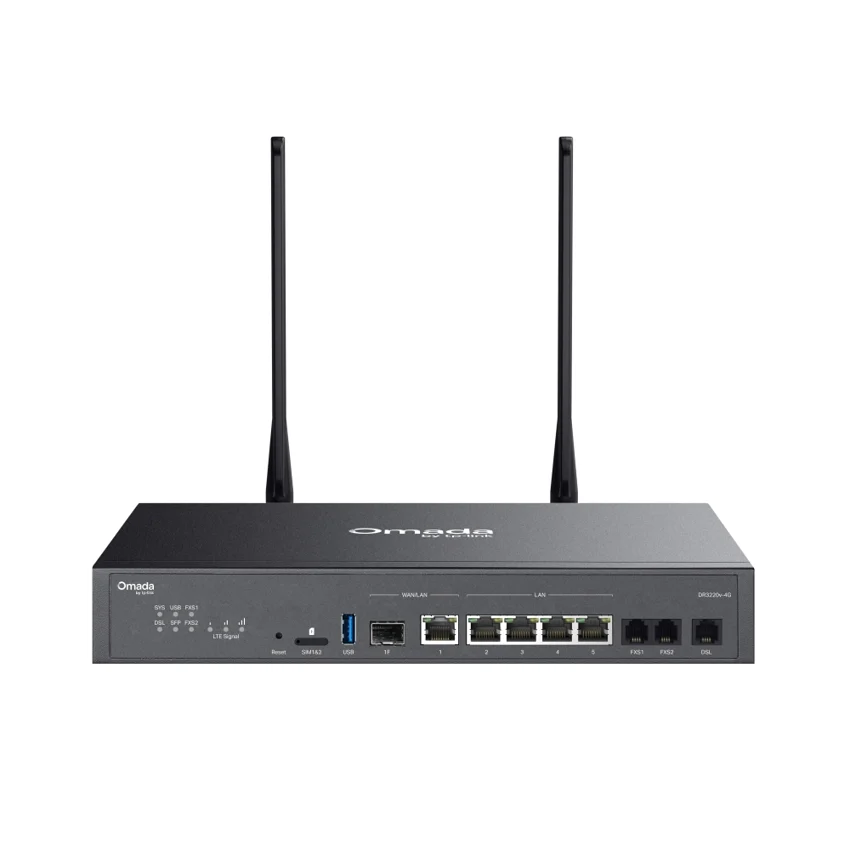
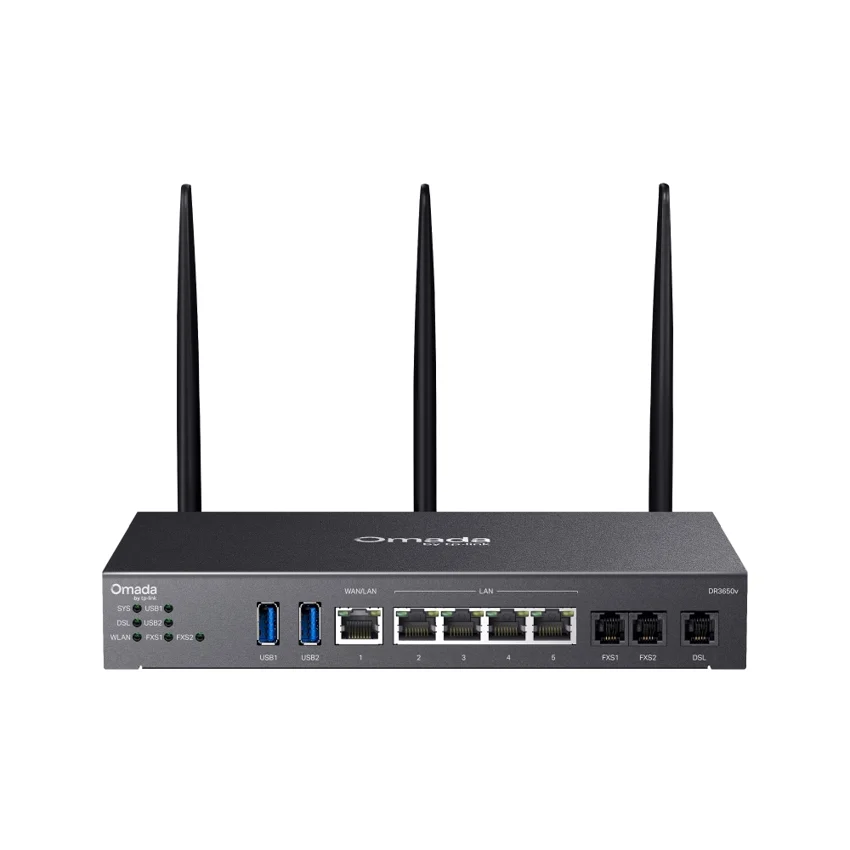
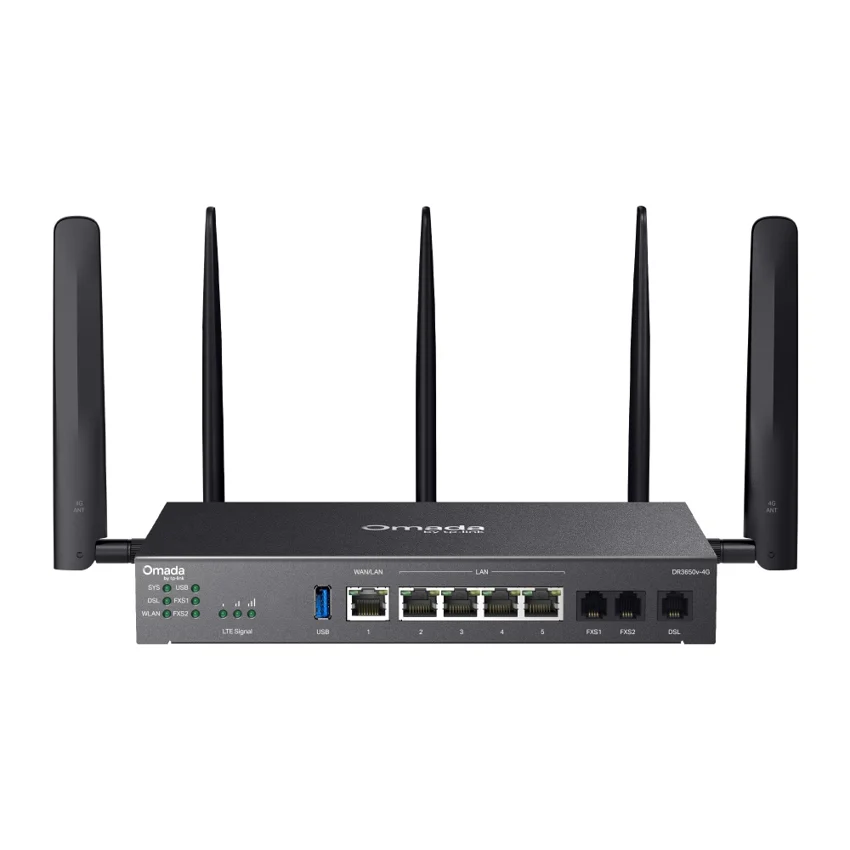
Browse this equipment range
Branch connectivity, WAN aggregation and service-provider routing. Compare complete platforms separately from line cards and chassis components.