
Model and quantity
Include the full model, manufacturer P/N, revision and quantity.
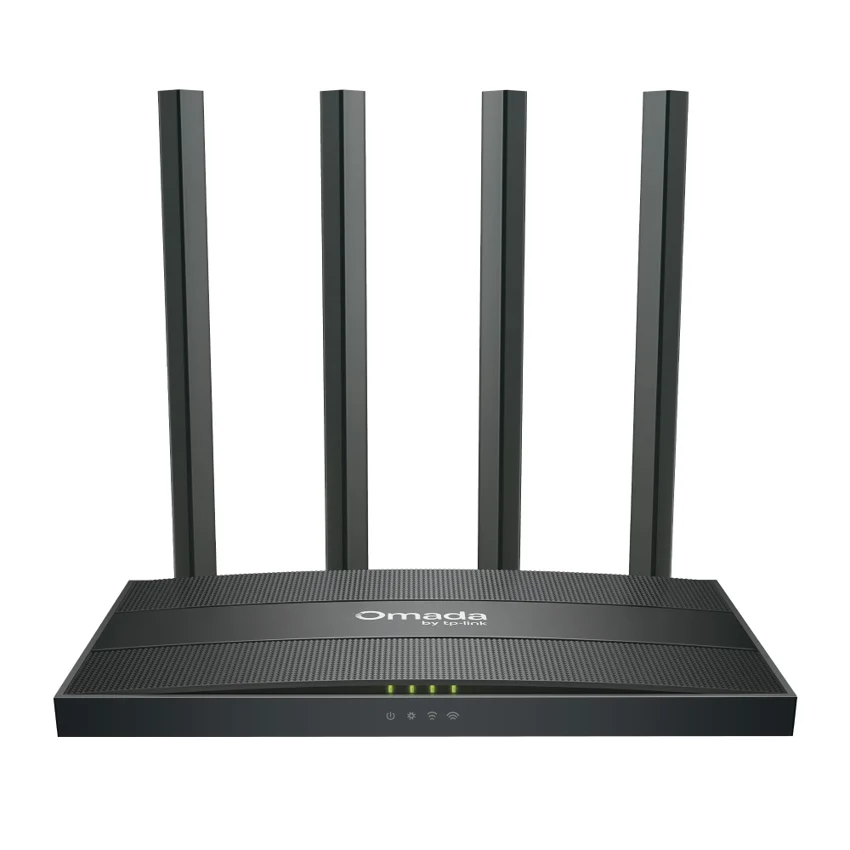
TP-Link / Enterprise Router
Manufacturer P/N: ER605W
TP-Link ER605W enterprise router. Access Control: Source/Destination IP Based Access Control; DNS Proxy: DNSSEC, DoH, and DoT; Filtering: • Web Group Filtering △ • URL Filtering• Web Security △. Compare configuration and request a hardware quote.
Price on request
Contact us to confirm availability. Final price, shipping and taxes are confirmed before payment.
Pricing, availability, condition, included options and warranty are confirmed in your quotation.
CONNECTIONS & COMPATIBILITY
Check the protocol and port requirements of the equipment you intend to connect. Ethernet, Fibre Channel, InfiniBand and carrier interfaces are not interchangeable.
Browse the product categories above for related equipment. Confirm compatibility with your full configuration before ordering.
Technical overview
Use the complete part number when reviewing options and system requirements.
| Manufacturer | TP-Link |
|---|---|
| Manufacturer part number | ER605W |
| Product family | Business enterprise routers |
| Documented hardware version | V2; match the hardware revision before ordering |
| Access Control | Source/Destination IP Based Access Control |
| DNS Proxy | DNSSEC, DoH, and DoT |
| Filtering | • Web Group Filtering △ • URL Filtering• Web Security △ |
| Attack Defense | • TCP/UDP/ICMP Flood Defense• Block TCP Scan (Stealth FIN/Xmas/Null)• Block Ping from WAN |
| ARP Inspection | • Sending GARP Packets• ARP Scanning △ • IP-MAC Binding |
| GRE | Only in Standalone Mode |
| PPTP VPN | • PPTP VPN Server • PPTP VPN Client (6) 6 Tunnels • PPTP with MPPE Encryption |
| L2TP VPN | • L2TP VPN Server L2TP VPN Client (6) 6 Tunnels • L2TP over IPSec |
| OpenVPN | • OpenVPN Server OpenVPN Client (3) • 18 OpenVPN Tunnels • "Certificate + Account" Mode • Full Mode |
| WireGuard VPN | √ |
| Interface | • 1× Gigabit WAN Port • 2× Gigabit WAN/LAN Ports • 2× Gigabit LAN Ports |
| Button | Reset Button |
| Power Supply | 12V DC / 1A Power Adapter |
| Wi-Fi Frequency & Signal Rate | • 2.4 GHz: 300 Mbps • 5 GHz: 867 Mbps |
| Flash | 128 MB NAND |
| DRAM | 256 MB DDR3 |
| LED | • Power, SYS, 2.4G, 5G • WAN (1000/100/10M Link/Act), • WAN/LAN (1000/100/10M Link/Act) • LAN (1000/100/10M Link/Act) |
| Dimensions ( W x D x H ) | 8.5 × 4.6 × 1.2 in (215 × 117 × 31 mm) |
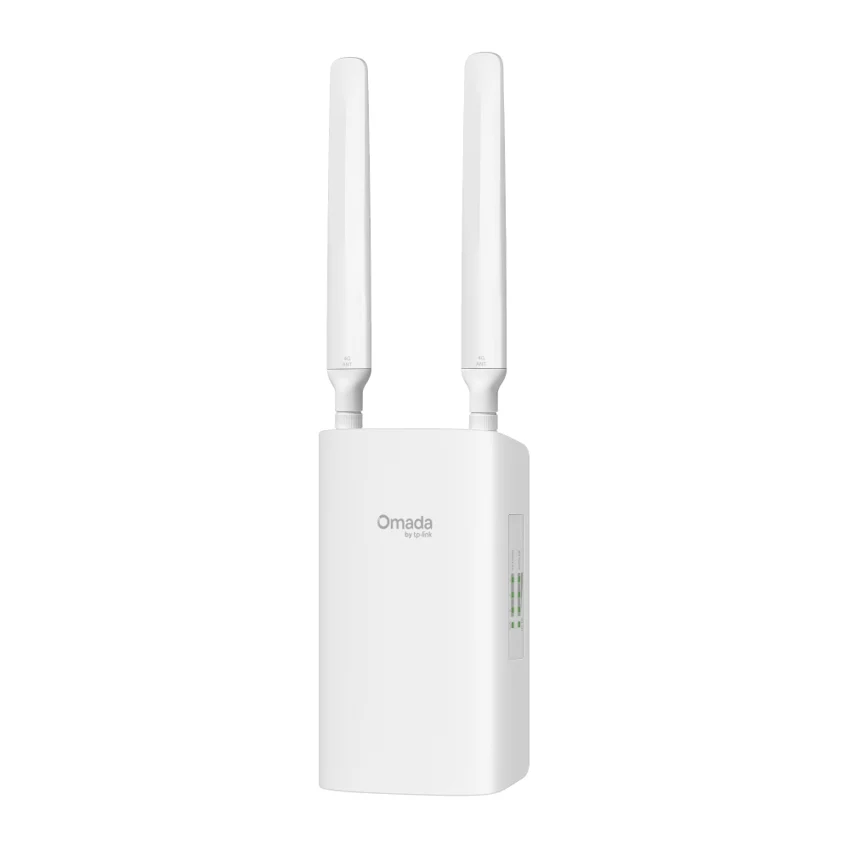
| Antenna | • 2.4 GHz: 2× 5 dBi non-detachable antennas • 5 GHz: 2× 5 dBi non-detachable antennas |
| Mounting | Desktop/Wall-mounting |
| Max. Power Consumption | • EU: 9W • US: 10.3W |
| Concurrent Session | 50,000 |
| New Sessions /Second | 2,028 |
| NAT (Static IP) | 909.3Mbps/937.5 Mbps |
| NAT(DHCP) | 938.3 Mbps /888.2 Mbps |
| NAT(PPPoE) | 929.9 Mbps /929.2 Mbps |
| NAT (L2TP) | 346.9 Mbps /337.6 Mbps |
| NAT (PPTP) | 487.1 Mbps/454.3 Mbps |
| 66 Byte Packet Forwarding Rate | 1,453,489 pps /1,453,489 pps |
| 1,518 Byte Packet forwarding rate | 81,275 pps / 81,275 pps |
| GRE | • Unencrypted: 180.1 Mbps • Encrypted: 56.9 Mbps |
| WireGuard VPN | 71.2 Mbps |
| OpenVPN | 16.8 Mbps |
| L2TP VPN Throughput | • Unencrypted: 400.3 Mbps • Encrypted: 127.5 Mbps |
| PPTP VPN Throughput | • Unencrypted: 523.6 Mbps • Encrypted: 52.7 Mbps |
| IPsec VPN Throughput (AES256) | • ESP-SHA1-AES256: 175.5 Mbps • ESP-SHA256-AES256: 185.9 Mbps • ESP-SHA384-AES256: 30.9 Mbps • ESP-SHA512-AES256: 30.7 Mbps |
| Omada App | Yes. |
| Centralized Management | • Omada App • Omada Hardware Controller • Omada Software Controller |
| Service | Dynamic DNS (Dyndns, No-IP, Peanuthull, Comexe, DDNS Customization) |
| WAN Connection Type | • Static IP • Dynamic IP • PPPoE (supports MRU Configuration) • PPTP • L2TP |
| MAC Clone | Modify WAN Address |
| Stateful ACL | √ |
| Quality of Service | √ |
| Bridge VLAN | √ |
| mDNS Repeater | √ |
| IPv6 | StaticIP / SLAAC / DHCPv6 / PPPoE / 6to4Tunnel / PassThrough / Non-Address mode |
| VLAN | 802.1Q VLAN |
| IPTV | IGMP v2/v3 Proxy, Custom Mode, Bridge Mode |
| Advanced Routing | • Static Routing • Policy Routing • RIP • OSPF |
| Bandwidth Control | IP-Based Bandwidth Control |
| Load Balance | • Intelligent Load Balance • Application Optimized Routing • Link Backup(Timing, Failover) • Online Detection |
| NAT | • One-to-One NAT • Multi-Net NAT • Virtual Server • Port Triggering △ • NAT-DMZ • FTP/H.323/SIP/IPSec/PPTP ALG • UPnP |
| Session Limit | IP-Based Session Limit |
| System Requirements | • Microsoft Windows 98SE, NT, 2000, XP, Vista™ or Windows 7/8/8.1/10/11 • MAC OS, NetWare, UNIX or Linux |
| IPsec VPN | • 6 IPSec VPN Tunnels • LAN-to-LAN, Client-to-LAN • Main, Aggressive Negotiation Mode • DES, 3DES, AES128, AES192, AES256 Encryption Algorithm IPsec • Failover • IKE v1/v2 • MD5, SHA1, SHA-256, SHA2-384 and SHA2-512 Authentication • Algorithm NAT Traversal (NAT-T) • Dead Peer Detection (DPD) • Perfect Forward Secrecy (PFS) |
| Maintenance | • Web Management Interface • Remote Management • Export & Import Configuration • Diagnostics (Ping & Traceroute) △ • NTP Synchronize △ • Port Mirroring • Syslog Support |
| Management Features | • Automatic Device Discovery • Intelligent Network Monitoring • Abnormal Event Warnings • Unified Configuration • Reboot Schedule • Captive Portal Configuration |
| Advanced Features | • Multiple SSIDs: 16 in total (8 per radio) • Enable/Disable Wireless Radio • Enable/Disable SSID Broadcast • Automatic Channel Selection Algorithm • Transmit Power Control: Adjust transmit Power on dBm • Rate Limit: Based on SSID/Client • Load Balance • Band Steering • RADIUS Accounting • MAC Authentication • Wireless Schedule • Wireless Encryption: WPA/WPA2 Personal, WPA/WPA2 Enterprise |
| DHCP | • DHCP Server • DHCPv6 PD Server (only in Standalone Mode) • DHCP Options Customization • DHCP Address Reservation • Multi-IP Interfaces • Multi-Net DHCP |
| Network Services Enabled by Default | Web Server Manage and configure device through web (HTTP/HTTPS) • Port: 80/443 Protocol: TCP _____________________________________________________ TDP Server Device discovery • Port: 20003 Protocol: UDP _____________________________________________________ DHCP Server Handle DHCP packets • Port: 67 Protocol: UDP _____________________________________________________ DNS Handle DNS packets • Port: 53 Protocol: TCP/UDP |
| Environment | • Operating Temperature: 0 °C to 40 °C (32 °F to 104 °F) • Storage Temperature: -40 °C to 70 °C (-40 °F to 158 °F) • Operating Humidity: 10% to 90% non-condensing • Storage Humidity: 5% to 90% non-condensing |
PRODUCT DETAILS
TP-Link ER605W is an enterprise router in the Business enterprise routers range. Use the model code when matching your deployment or replacement requirement.
Match the WAN handoff, interface speeds and routing requirements to this model. Throughput varies with packet size, enabled services and software configuration.
Confirm hardware revision and included items in the quotation. A firmware-dependent feature or licensed capability must be checked against the actual configuration.
Send ER605W with quantity, destination, required condition and any installation constraints. List power, optics or mounting accessories separately when required.
Inclusions depend on the exact ordering configuration. We confirm the supplied hardware, accessories and applicable commercial terms in writing.
Browse TP-Link equipment · Network equipment · Request a matched quotation
Prepare your enquiry
Include the full model, manufacturer P/N, revision and quantity.
Tell us the host model, generation, installed configuration and required supporting hardware.
Specify condition, testing requirements, destination and requested delivery date.
RELATED PRODUCTS
Check compatibility before choosing a replacement. The products below are related, but may not be interchangeable.
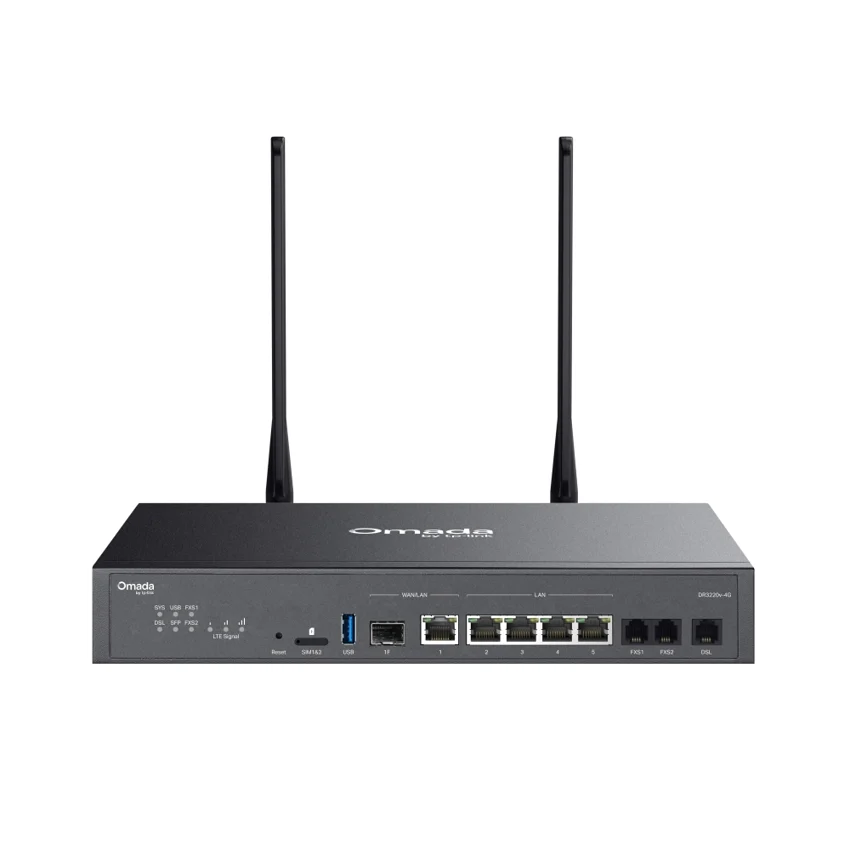
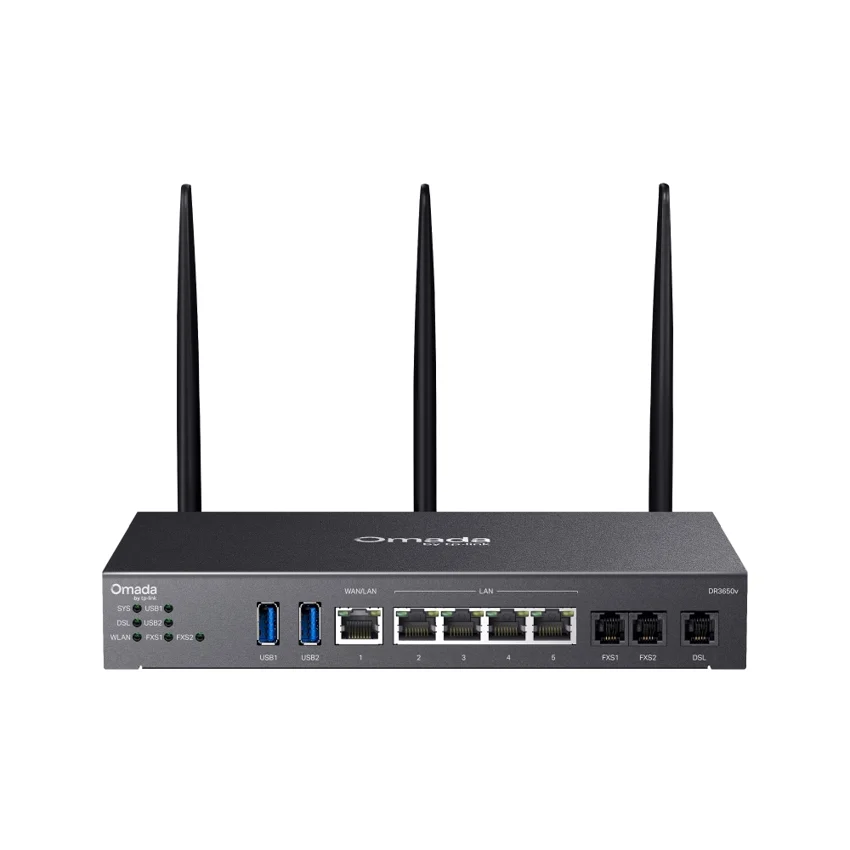
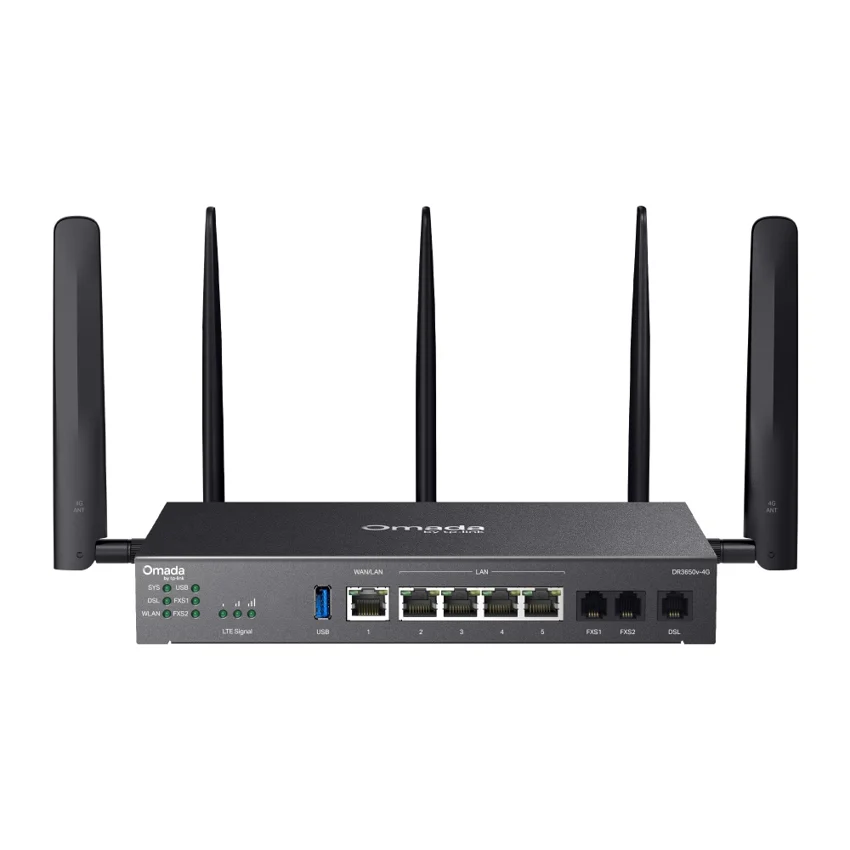
Browse this equipment range
Branch connectivity, WAN aggregation and service-provider routing. Compare complete platforms separately from line cards and chassis components.