Check the installed modules, supported type and population rules.
Use this checklist to describe the change. The host system and full configuration determine which parts will fit.
03
YOUR QUOTE REQUEST
Tell us what you need
Add the quantity, options and installation details you want us to quote.
Confirm the exact manufacturer part number, host compatibility and included components. Optional software is quoted separately only when requested.
04
SUPPORT & REPLACEMENT
Plan for support and future replacement
Check support dates, replacement options and whether continued use still makes sense.
Support dates
We do not have confirmed sales and support dates for this part number.
Send us the full FusionServer 5298 V7 order code, software release and support details before planning long-term use.
Ask us to check the current sales and support status
Choosing a replacement
Products with similar names or connectors may still be incompatible. Compare the full specifications, installed system and software requirements.
Compare related products These products may be related, but we have not confirmed them as replacements.What should I compare?
Physical fit, connectors and power
Capacity and required performance
Software, firmware and feature support
Licensing, service coverage and data and configuration migration
USING HARDWARE RESPONSIBLY
Maintain, redeploy or replace
Consider repairability, remaining support and actual operating demand. Extending service life is useful only when the equipment still meets your security and reliability requirements.
MaintainCheck parts, firmware and service options.
RedeployMatch a suitable role and securely erase any retained data.
Retire responsiblyUse documented data removal and an appropriate electronics recycler.
Compare operating energy
Use measured average input power for the same workload. PSU ratings and processor TDP are different from total system power.
Energy difference = (current W − proposed W) × hours × units ÷ 1,000. Excludes cooling, embodied emissions and purchase costs.
Configurable storage server
Choose your storage server configuration
This server platform can be quoted with supported processors, memory, drives and adapters. Component choices must match its motherboard, backplane, power and cooling requirements.
CONNECTION DETAILS
Network and storage connections
Choose the host adapters around the workload and the storage protocol. A server NIC, Fibre Channel HBA and SAS HBA serve different connections.
CONNECTS TOUsers & application traffic
→
FusionServer 5298 V7Storage Server
→
USED FORNetwork and storage services
What to check before installation
Qualified adapters, slots, drivers and optics
Network paths, storage protocol and operating system
Browse the categories above for related equipment, then send us the full configuration so we can check the fit.
PRODUCT DETAILS
Features and applications
Storage-server identity
ManufacturerxFusion
ModelFusionServer 5298 V7
xFusion / product documentation
Build the request from the populated configuration
Record the exact xFusion system or component and its intended supply scope. Match the BOM, management requirements and acceptance record to the requested platform.
Build the xFusion configuration from the exact platform
System details
Full xFusion model, generation and order reference
Installed component record
Processors, memory, storage and I/O as individual configuration lines
Replacement evidence
Actual component label and the matching platform option or service documentation
Storage-server configuration
Selection and installation requirements
Data-service role
Service requirement File sharing, backup target, object storage or another intended service
Media layout
Service requirement Boot media, data-drive type, bay format and protection approach
Deployment context
Service requirement Network connections, directory integration and operational ownership
Ordering questions
Questions to resolve before RFQ
Does the maximum drive count define the shipped configuration?
No. It defines a platform ceiling under stated conditions. The written BOM must identify drive cages, backplanes, controllers, cables, power and selected media.
Do the warehouse scenes show current inventory?
No. They are clearly labeled illustrations. The manufacturer image shows the product family; photos of the allocated unit and its serial number are available during the order process when possible.
How should alternatives be described?
As comparison candidates until workload, capacity, RAID/HBA, NVMe, network, operating-system HCL, support region and service requirements have been checked.
Typical installation
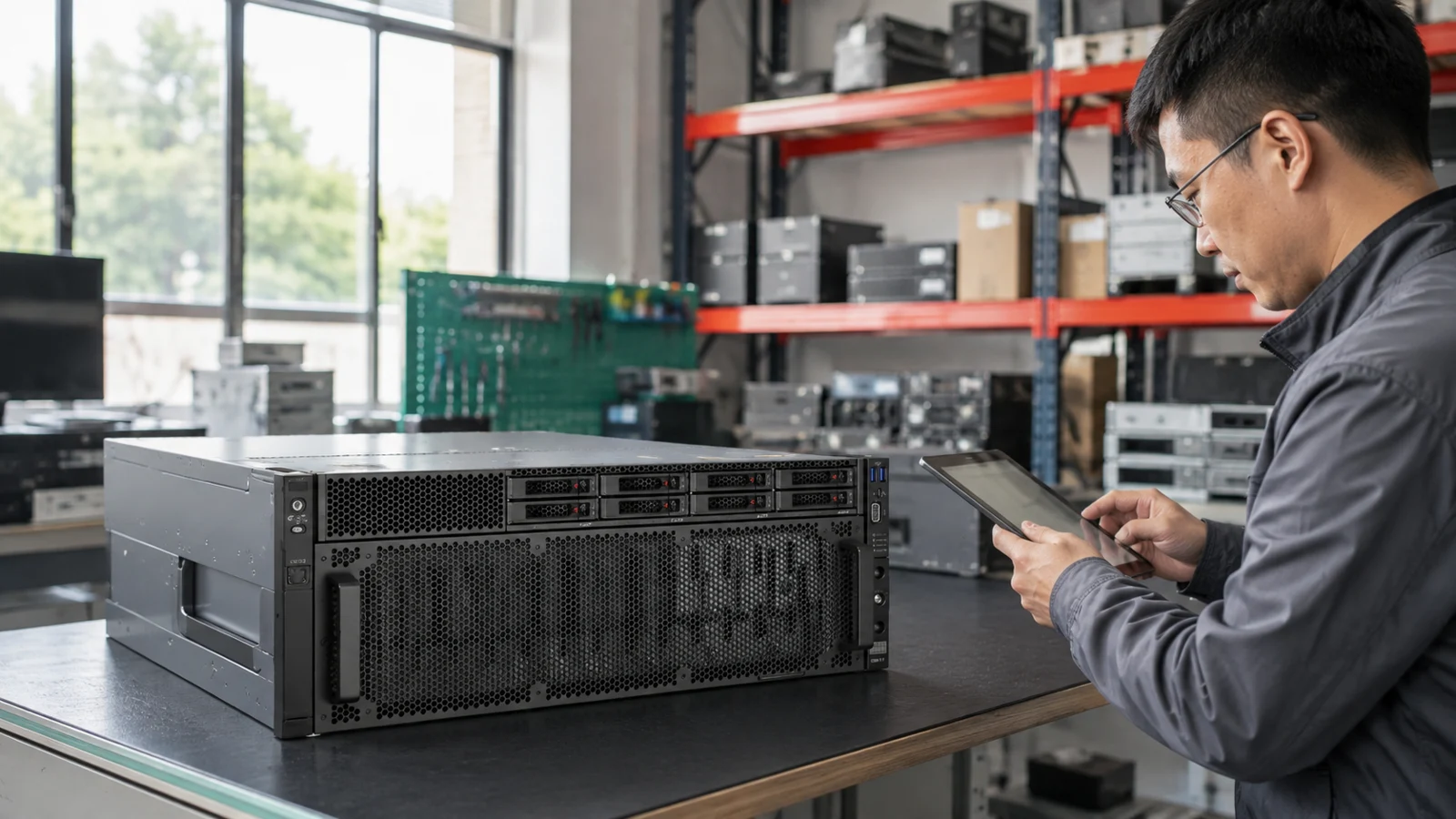
Warehouse handling and installation
4U rack server
Up to 60 x 3.5-inch SAS/SATA
4th/5th Gen Intel Xeon Scalable
32 DDR5 DIMM slots
PCIe 5.0
Configuration requirements
Published capabilities and compatible configuration
The published 3.5-inch, 2.5-inch and NVMe maxima describe supported options and must not be added together without a validated backplane and controller BOM.
Planning calculator
Raw and estimated usable capacity
This calculator is for project discovery. It does not create an orderable manufacturer BOM.
Installed drives
Drive capacity
Data protection
Hot spares
Raw capacity----
Estimated usable----
Remaining bays--before platform maximum
The published 3.5-inch, 2.5-inch and NVMe maxima describe supported options and must not be added together without a validated backplane and controller BOM.
Cross-brand shortlist
Comparison candidates
These systems share a high-density storage role. Similarity is not a compatibility or direct-replacement claim.