 +
+Loading products and specifications…

Loading products and specifications…
Send the model or part number, quantity and delivery location.
MEMORY PROCUREMENT / COMPLETE MODULE LABELS
Prepare a server memory order around the target system and its installed DIMMs. Specify complete part numbers, DDR generation, module type, capacity, quantity and the intended population across processors and channels.
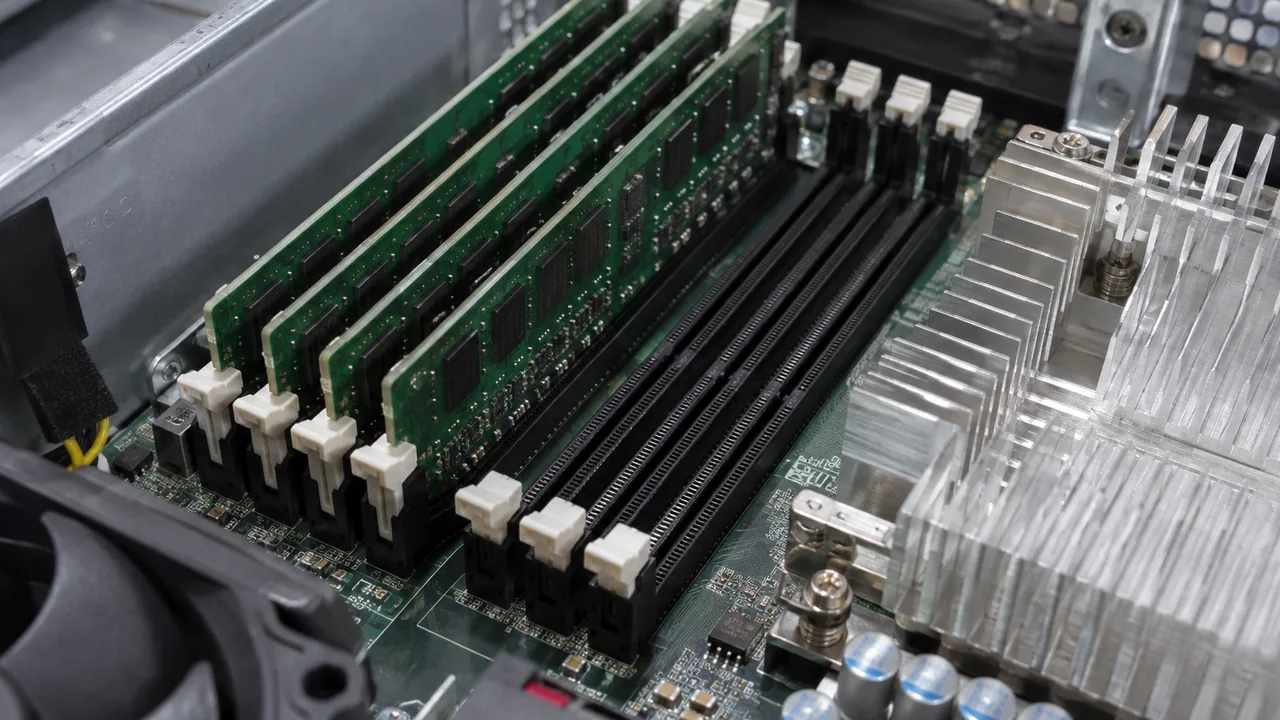
What this page covers
MEMORY PROCUREMENT / COMPLETE MODULE LABELS
Memory purchasing should preserve the complete DIMM identity and the intended slot population. Separate DDR4 from DDR5, record the host and module type, and specify whether the requirement is a replacement, expansion or new system build. This turns a capacity request into a configuration that can be checked.
Prepare DDR4 module identifiers and the existing population for the supported host generation.
Explore ↗Keep DDR5 module variants tied to the exact server and processor generation.
Explore ↗Organise memory and storage components as separate BOM lines with their own technical fields.
Explore ↗Product gallery
Explore named product examples and manufacturer views. Chassis, connectors and form factors help narrow the discussion; the quoted model, configuration and unit photos establish the final order.
No matching product views. Try another brand or model.
Provide the server model and installed memory inventory. Separate replacement DIMMs from expansion quantities, and identify any requirement for identical modules or an OEM part number before a substitute is reviewed.
Review RDIMM or LRDIMM type, rank, channel population and CPU memory support with the installed modules.
Selection at a glance
| Request type | Required starting point | Quotation detail |
|---|---|---|
| Replacement | Installed module label and failing slot | Exact or approved replacement identity |
| Expansion | Current layout and target total capacity | Additional DIMM count and approved population |
| New system | Host and intended memory configuration | Complete module BOM and installation scope |
Hardware / visual catalogue
Explore the component, then open its product reference for model and part-number details.
Samsung / Enterprise SSD
P/N M393A8G40MB2-CVF
Confirm the model and request photographs of the proposed unit.
Explore this reference ↗HPE / HPE Smart Memory
P/N 815097-B21
Confirm the model and request photographs of the proposed unit.
Explore this reference ↗HPE / HPE Smart Memory
P/N 815098-B21
Confirm the model and request photographs of the proposed unit.
Explore this reference ↗HPE / HPE Smart Memory
P/N 815100-B21
Confirm the model and request photographs of the proposed unit.
Explore this reference ↗HPE / HPE Smart Memory
P/N 815101-B21
Confirm the model and request photographs of the proposed unit.
Explore this reference ↗HPE / HPE Smart Memory
P/N 815097-H21
Confirm the model and request photographs of the proposed unit.
Explore this reference ↗Samsung / Enterprise SSD
P/N M321R4GA0PB0-CWM
Confirm the model and request photographs of the proposed unit.
Explore this reference ↗Samsung / Enterprise SSD
P/N M321R8GA0PB2-CCP
Confirm the model and request photographs of the proposed unit.
Explore this reference ↗No components match these filters.
Images are illustrative and may show other models. Ask for photos of the exact item and included accessories.
Visual context
Images illustrate product categories and may show other models. Ask for photos of the exact item.
Image may show another model. Ask for photos of the exact item.
Catalog references
These selected catalog references help identify a product. Stock, condition, exact configuration and support are confirmed in the written quotation.
No references match this filter.
Application planning
Provide the DIMM label and host inventory so the replacement request refers to the correct module.
Apply a documented population plan to each host rather than ordering a pooled capacity total.
Compare part labels and quantities with the accepted BOM before the modules enter the spare inventory.
Deployment context
Illustrative settings for planning equipment, installation and service requirements.
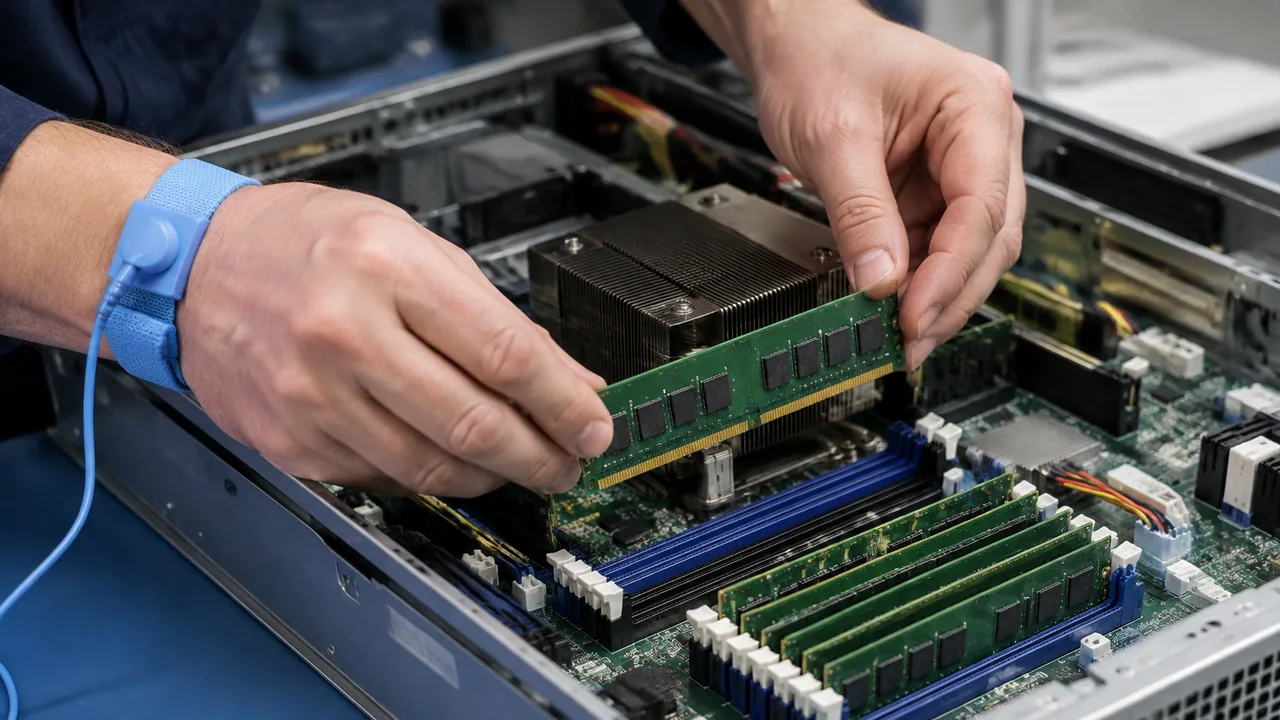
Memory installation at a service bench in an equipment workspace.
Illustrative scene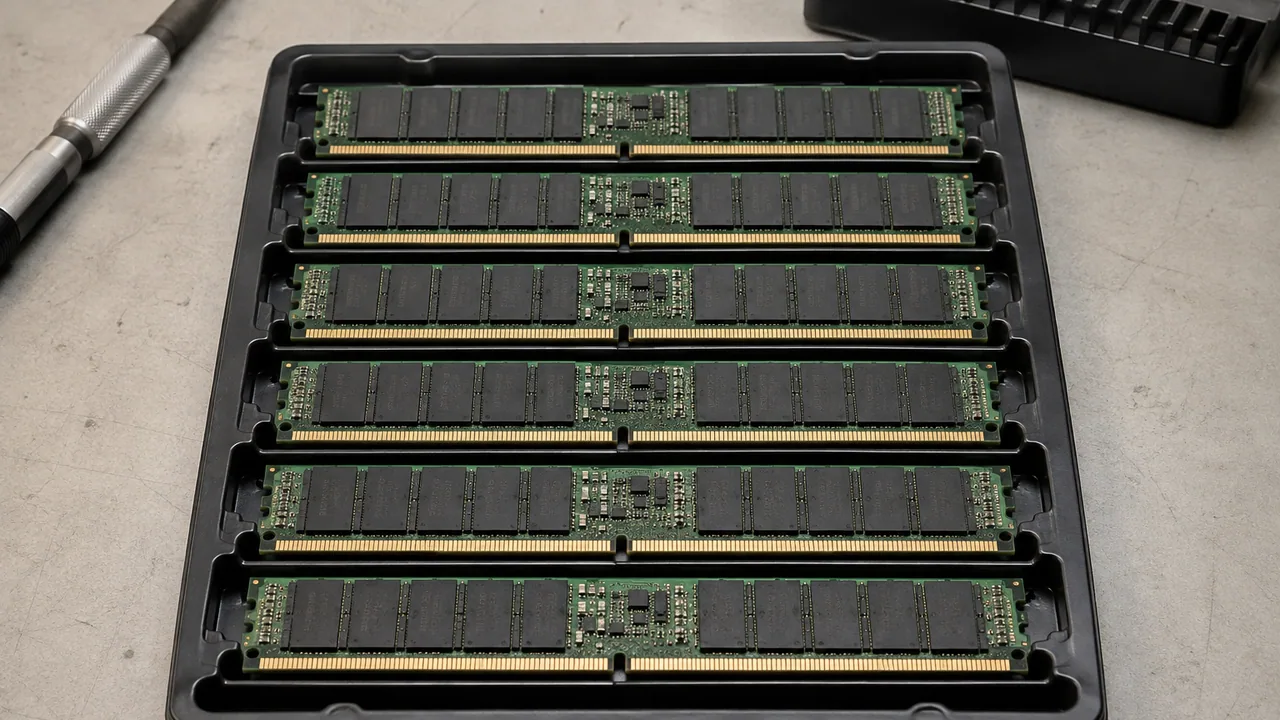
A matched set of server memory modules in a conductive tray.
Illustrative scene
Sensitive components are individually enclosed in protective antistatic packaging for handling and transport.
Illustrative sceneProvide the full manufacturer P/N from an installed DIMM.
State current module count, target capacity and free slots.
Confirm the motherboard and CPU memory support before ordering.
Questions, answered
No. Identify the DDR generation, module type, full part number, quantity and target platform.
Yes, where available. They help identify the requested option and the physical module without assuming the numbers are interchangeable.
Only with the target platform population rules and exact module identities available for review; do not infer support from capacity alone.
Send the model or part number, quantity, target platform, required condition and destination. Include compatibility or testing requirements with the request.
Availability, lead time, condition and included accessories are confirmed for the exact quotation.
Technical reading
Check the model, document revision and proposed configuration when using these references.
Add the model or part number, quantity, target system and destination to your RFQ. Include acceptable condition and required delivery date so the quotation can state a clear scope.
Illustrative scenes. Ask for photos of the equipment offered.
