Mixed maintenance order
Use separate memory and drive sections, each with its own installed-part evidence and destination server.

Loading products and specifications…
Send the model or part number, quantity and delivery location.
COMPONENT RFQ / MEMORY IS NOT STORAGE
Memory modules and storage drives need different compatibility checks. Start with the exact manufacturer part number and target server or array, then confirm the module type or drive interface, firmware and physical fit before requesting an alternative.
What this page covers
COMPONENT RFQ / MEMORY IS NOT STORAGE
Memory modules, solid-state drives and hard drives need different identification fields even when purchased for the same server. Keep each component type on its own BOM line and attach the host information relevant to it. Capacity is useful context, but it does not replace a module label, drive interface or approved assembly number.
Record DDR generation, module type, full part number and installed slot population.
Explore ↗Describe media, interface, drive format and carrier together with the exact target host or enclosure.
Explore ↗Retain part labels and the agreed inspection records so delivery or fault questions can be traced to the actual item.
Explore ↗Specify DDR generation, capacity, module type, speed, rank and exact part number. Check the server and processor memory rules and the complete DIMM population.
Specify protocol, form factor, capacity, endurance, sector format, firmware and carrier. Identify whether OEM qualification or a particular drive code is required.
Specify model, SAS or SATA interface, capacity, speed, sector format and carrier. Confirm the drive fits the array or server and its firmware requirements.
Request condition and health evidence appropriate to the item. Treat an alternative as a separate candidate to verify; matching capacity alone does not make it interchangeable.
Selection at a glance
| Component | Identity fields | Configuration context |
|---|---|---|
| DIMM | DDR generation, type, capacity and full module number | Host, processor population and occupied slots |
| SSD | Interface, format, capacity, endurance need and part number | Controller, backplane, workload and carrier |
| HDD | Interface, capacity, sector format and assembly number | Enclosure, controller and carrier |
Send the exact manufacturer model or part number with your configuration. We will review the request and confirm whether a suitable item can be quoted.
Application planning
Use separate memory and drive sections, each with its own installed-part evidence and destination server.
Translate memory growth into a slot plan and storage growth into a supported drive configuration.
Reconcile exact labels, quantities and supplied carriers against the accepted component BOM.
Deployment context
Illustrative settings for planning equipment, installation and service requirements.
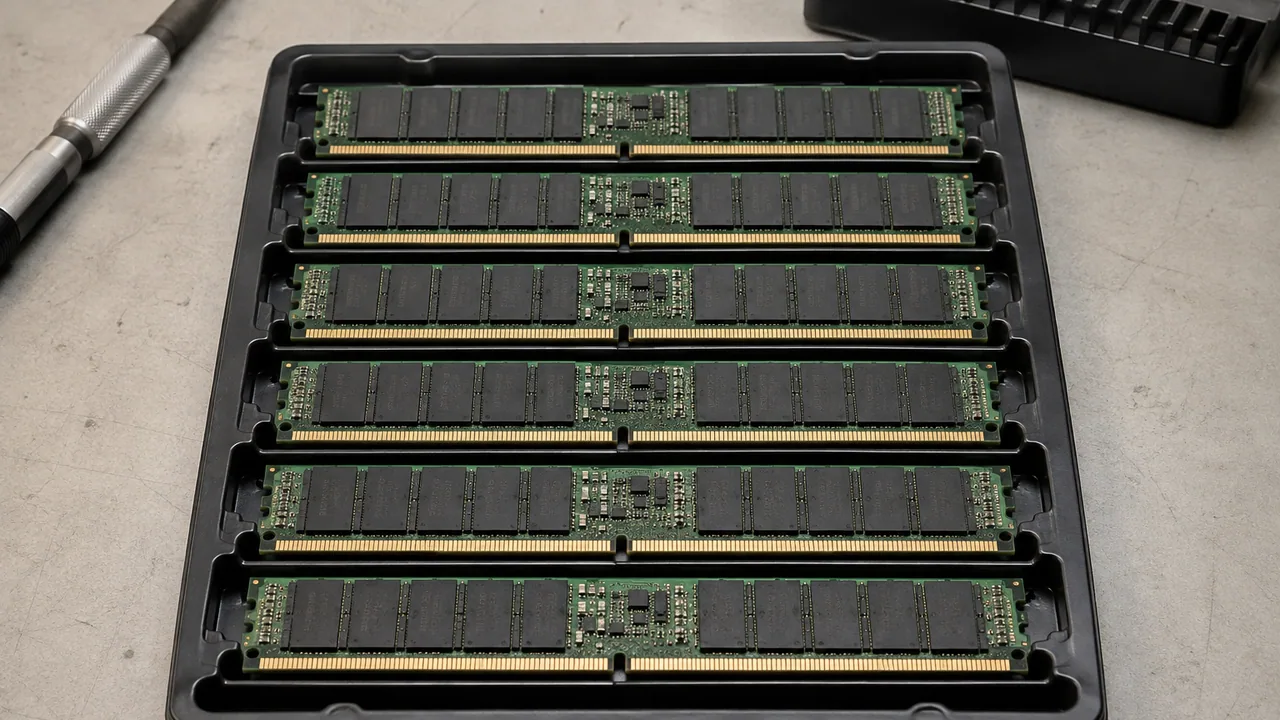
A matched set of server memory modules in a conductive tray.
Illustrative scene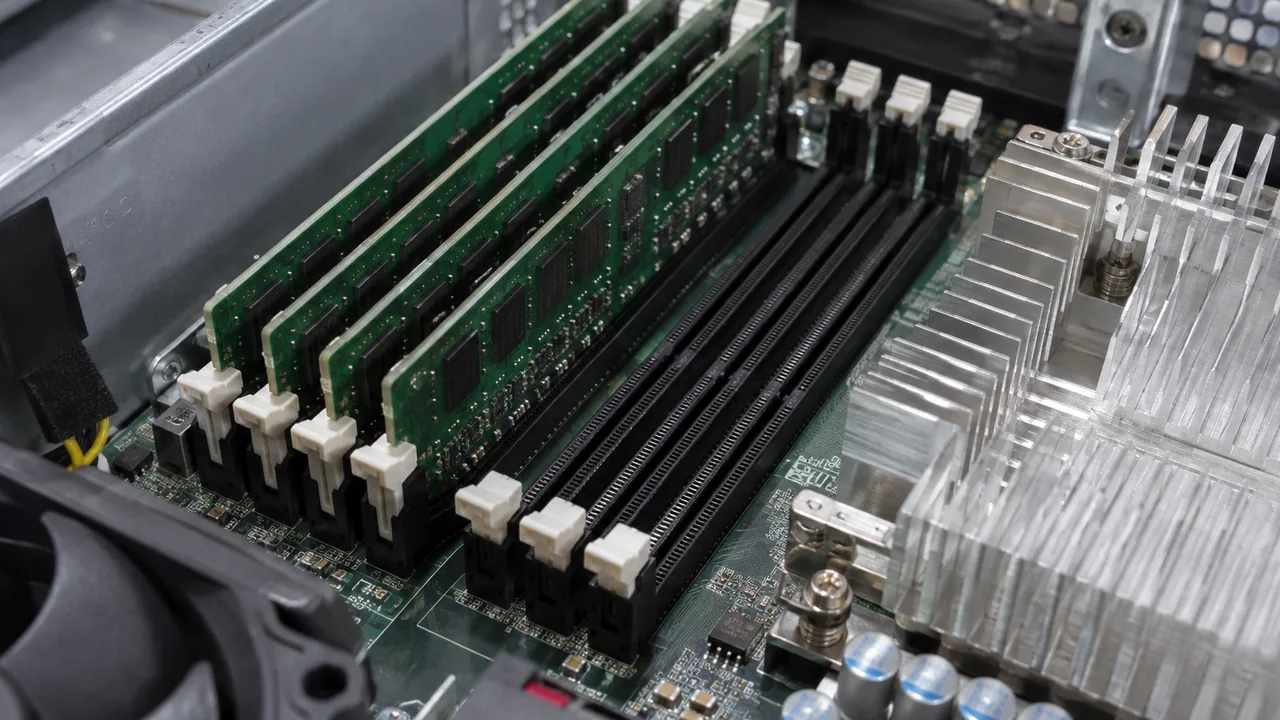
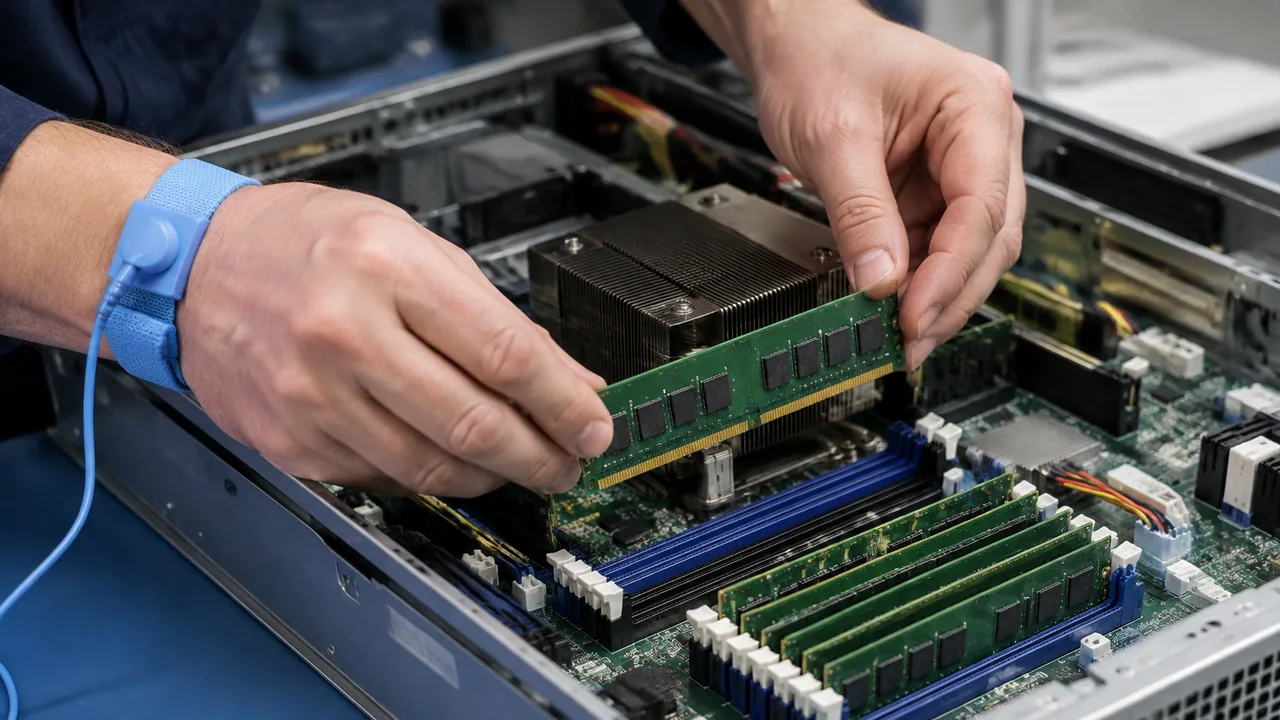
Server DIMMs seated beside processor cooling hardware.
Illustrative scene
Sensitive components are individually enclosed in protective antistatic packaging for handling and transport.
Illustrative sceneSpecify DDR generation, capacity, module type, speed, rank and exact part number. Check the server and processor memory rules and the complete DIMM population.
Specify protocol, form factor, capacity, endurance, sector format, firmware and carrier. Identify whether OEM qualification or a particular drive code is required.
Specify model, SAS or SATA interface, capacity, speed, sector format and carrier. Confirm the drive fits the array or server and its firmware requirements.
Questions, answered
It can record a value, but retain separate component types and the technical fields needed to identify each item.
Mark it unresolved and provide label photographs, system inventory and the exact host or enclosure instead of guessing.
No. Images are component-specific references; memory approval requires the actual DIMM identity and host population rules.
Specify DDR generation, capacity, module type, speed, rank and exact part number. Check the server and processor memory rules and the complete DIMM population.
Treat an alternative as a separate item to review. Confirm the exact offered configuration, acceptable condition, included accessories, software scope, lead-time basis and warranty in the quotation before ordering.
Technical reading
Check the model, document revision and proposed configuration when using these references.
Add the model or part number, quantity, target system and destination to your RFQ. Include acceptable condition and required delivery date so the quotation can state a clear scope.