AMARI Callbox Advanced: check platform, slot and software compatibility.
This sketch helps describe your request. We will confirm protocols, port counts, coverage and failover when quoting.
03
YOUR QUOTE REQUEST
Tell us what you need
Add the quantity, options and installation details you want us to quote.
Include the full Amarisoft model or part number, required revision and host configuration. List software and service requirements separately.
No license options are listed for this part number. If you need software, add its manufacturer part number and we will check it with the hardware.
04
SUPPORT & REPLACEMENT
Plan for support and future replacement
Check support dates, replacement options and whether continued use still makes sense.
Support dates
We do not have confirmed sales and support dates for this part number.
Send us the full AMARI Callbox Advanced order code, software release and support details before planning long-term use.
Ask us to check the current sales and support status
Choosing a replacement
Products with similar names or connectors may still be incompatible. Compare the full specifications, installed system and software requirements.
Compare related products These products may be related, but we have not confirmed them as replacements.What should I compare?
Physical fit, connectors and power
Capacity and required performance
Software, firmware and feature support
Licensing, service coverage and data and configuration migration
USING HARDWARE RESPONSIBLY
Maintain, redeploy or replace
Consider repairability, remaining support and actual operating demand. Extending service life is useful only when the equipment still meets your security and reliability requirements.
MaintainCheck parts, firmware and service options.
RedeployMatch a suitable role and securely erase any retained data.
Retire responsiblyUse documented data removal and an appropriate electronics recycler.
Compare operating energy
Use measured average input power for the same workload. PSU ratings and processor TDP are different from total system power.
Energy difference = (current W − proposed W) × hours × units ÷ 1,000. Excludes cooling, embodied emissions and purchase costs.
CONNECTION DETAILS
Network connections and supported equipment
Check the protocol and port requirements of the equipment you intend to connect. Ethernet, Fibre Channel, InfiniBand and carrier interfaces are not interchangeable.
CONNECTS TOClients, servers or access links
→
AMARI Callbox AdvancedTelecom Test Equipment
→
USED FORConnected network equipment
What to check before installation
Port type, line rate, optics, reach and software license
Peer platform support, resiliency and management design
Browse the categories above for related equipment, then send us the full configuration so we can check the fit.
PRODUCT DETAILS
Features and applications
Test-product identifier
ManufacturerAmarisoft
ModelAMARI Callbox Advanced
Manufacturer P/NAMARI Callbox Advanced
Amarisoft / product documentation
Describe your test or network requirements
Define the intended scenario and complete product or software reference. Keep host hardware, RF equipment and licensed functions as separate deliverables where applicable.
Manufacturer
Amarisoft
Model
AMARI Callbox Advanced
Manufacturer P/N
Confirmed in the quotation
Amarisoft test and network applications
Role in the test or network environment
For a telecom test system, establish the exact Amarisoft equipment model, intended test role, software release and licensed feature scope.
Included equipment and services
Software
Product, release, features and license scope
Hardware
Host or board identity and required interfaces
Integration
Configuration, test cases and handover responsibility
What to include in the technical brief
Describe the radio/test arrangement, existing software environment, required functions and integration interfaces. Confirm supported operation in the relevant product documentation.
Telecom test configuration
Define the test scenario before the equipment
RF and software details
Separates software functions, hardware population and companion RF equipment.
System design and equipment selection
For AMARI systems, start with the intended RF lab or private-network use case, then select the required hardware, software and accessories.
Project intentProject intent
LTE, LTE-M, NB-IoT, NR SA/NSA, Wi-Fi coexistence and private 5G device validation.
->
Runtime platformRuntime platform
Compact x86 host, Fedora or Ubuntu baseline, AMARI software release, driver and remote access policy.
->
RF and device chainRF and device chain
Confirm supported bands, radio access features, UE capacity, MIMO, RF isolation, software modules, host runtime and required tests.
Typical lab setup
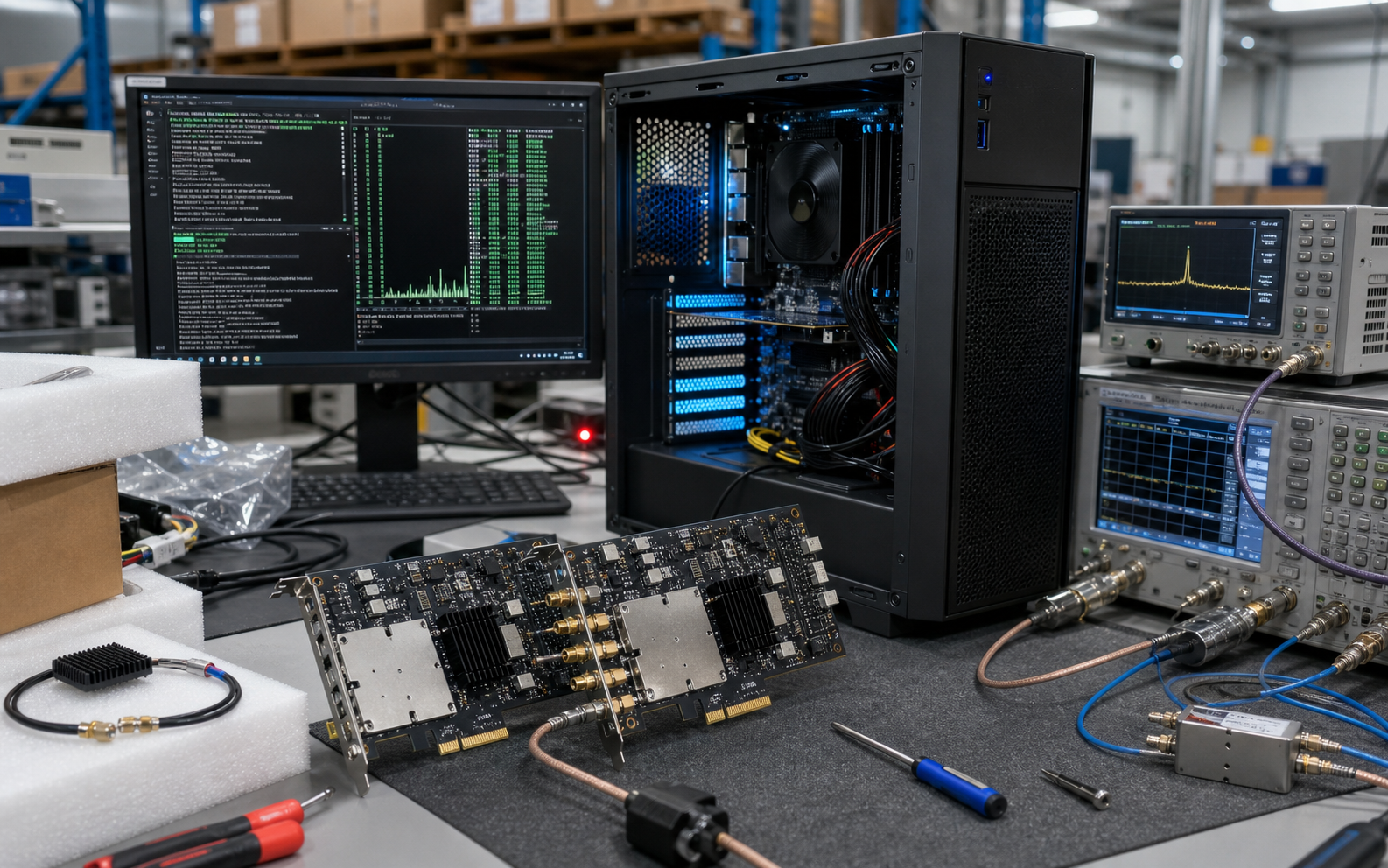
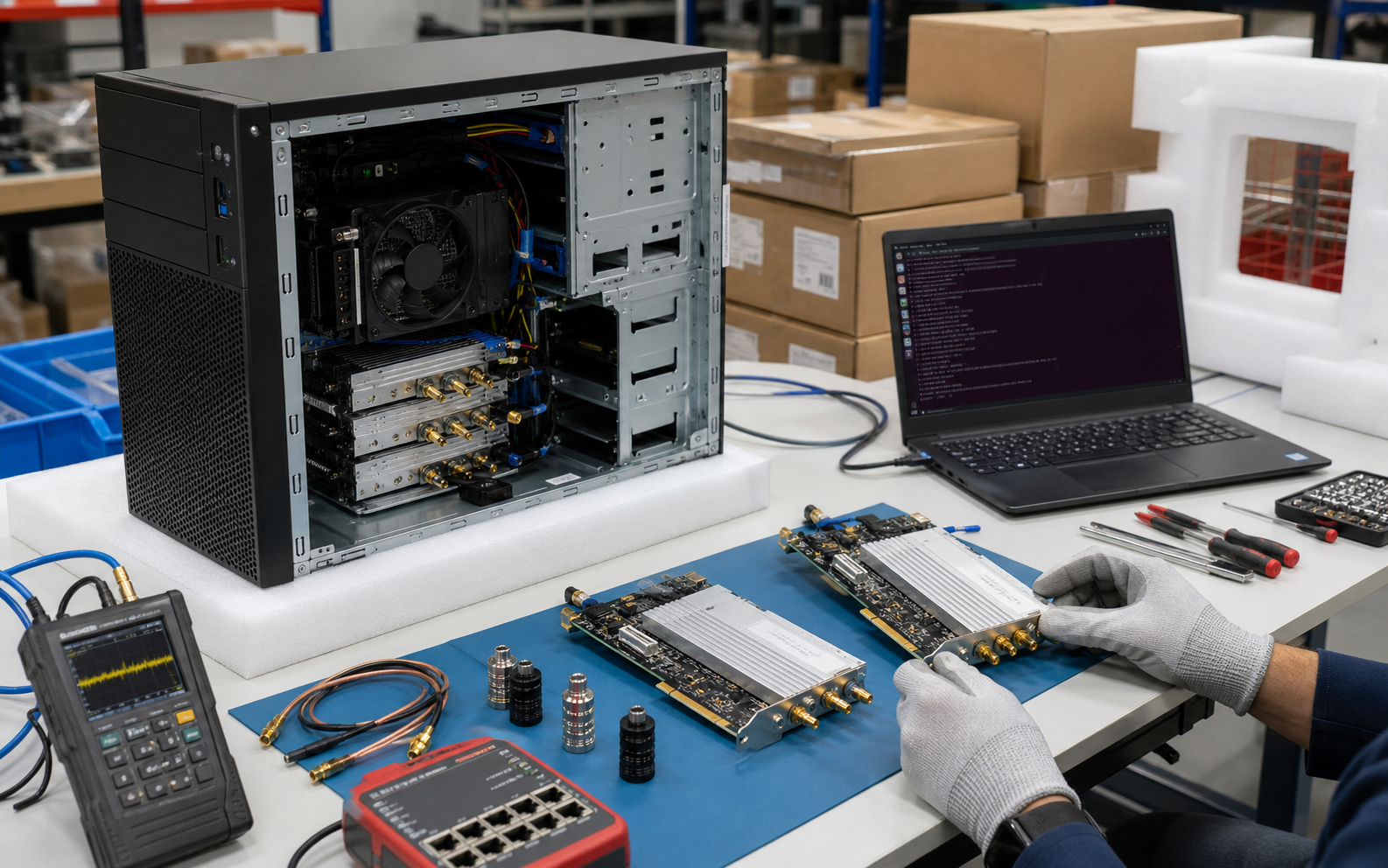
These images illustrate a typical lab arrangement. Manufacturer documentation and the written quotation confirm the exact product details.
Delivery Process
For AMARI products the quote must preserve the relationship between software rights, RF chain, runtime platform and accessories through shipment.
RequirementsConfirm bands, UE count, feature modules and target lab topology.
ConfigureMatch host, RF chain, software rights, accessories and support term.
ValidateCheck OS/runtime, SDR driver, AMARI release and RF-path readiness.
DocumentSerial numbers, topology notes, the packing list and project documents are prepared for delivery.
DeliverShip as a complete telecom lab BOM with RMA and post-delivery support path.
Request 5G test lab quote
The quotation confirms the requested hardware, software, accessories and delivery terms.
The model matches the manufacturer documentation. The exact orderable P/N is confirmed in the quotation.
Product image
Typical lab setup; confirm the Amarisoft model, software license and RF accessories before ordering.
Embedded radio hardware
2 x AMARI PCIe SDR 100 4x4 card(s)
Compatibility and BOM checks
Check before ordering
Confirm manufacturer, model/part number, revision and product class.
Distinguish the complete system, component, kit and software entitlement.
List quantity, condition, included items and delivery requirements before quotation.
Inventory and dispatchContact us to confirm stock, preparation time and dispatch date for the part number and configuration you need.Condition and warrantyCondition grade, warranty term, exclusions and RMA route are written into the quotation and invoice.VAT, tax and dutiesProduct price, freight, sales tax, VAT, customs duty and importer responsibility remain separate and visible.Purchase order and paymentA purchase order is reviewed against the accepted quotation; payment schedule and any credit terms require written confirmation.