- Capacity
- 1.6TB
Loading products and specifications…

Loading products and specifications…
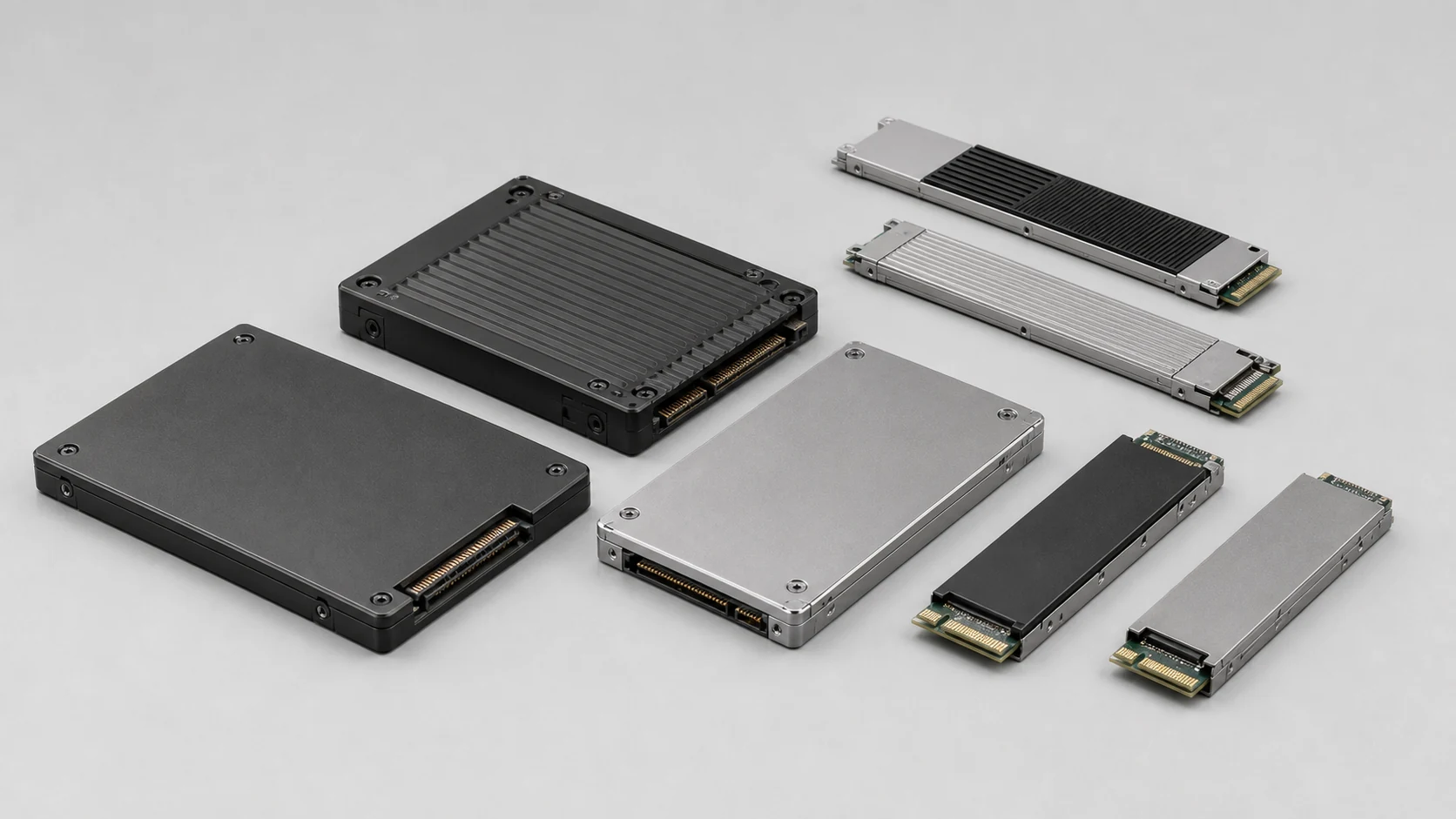
Match capacity, interface and endurance
Micron MTFDKCB1T6TFS-1BC1ZABYY. Capacity: 1.6TB; Interface: NVMe. Ask for current pricing and help choosing the right configuration.
Tell us the configuration, quantity and destination. Your quotation will show availability, condition, warranty and delivery terms.
Start an order requestMicron / PRODUCT DETAILS
Match the drive to the host and the workload, including the carrier and firmware. Capacity alone is not enough to confirm compatibility.
DRIVE DETAILS
Media → interface → carrier → host
Separate usable system capacity from the drive’s nominal capacity.
View all specifications →Micron / ORDER & INSTALLATION DETAILS
Keep the complete Micron part number and revision suffix.
Separate a memory component from an assembled module or storage drive.
Review the host qualification and the recorded operating specification.
Technical overview
Use the full part number when comparing options or asking about system fit.
| Capacity | 1.6TB |
|---|---|
| Interface | NVMe |
| Form factor | U.3 7mm |
| Endurance class | MAX |
| Security variant | Security options vary by exact P/N |
| Product series | Micron 7450 |
| Model number | MTFDKCB1T6TFS-1BC1ZABYY |
| Media reference | Manufacturer Micron Model MTFDKCB1T6TFS-1BC1ZABYY Manufacturer P/N MTFDKCB1T6TFS-1BC1ZABYY Capacity 1.6TB Interface NVMe Form factor U.3 7mm |
| Manufacturer | Micron |
| Model | MTFDKCB1T6TFS-1BC1ZABYY |
| Manufacturer P/N | MTFDKCB1T6TFS-1BC1ZABYY |
| Data source | The exact Micron product entry and applicable datasheet |
| Host storage path | Array or server model, controller and backplane Identifies the compatibility list and firmware requirements to verify. |
| Supplied assembly | Carrier, adapter, sector format and media condition evidence Clarifies what is included and how the offered drive will be qualified. |
| Model / P/N | Micron MTFDKCB1T6TFS-1BC1ZABYY |
| Category | Enterprise SSD |
| Product family | Micron 7450 Enterprise SSD |
| Product reference | Manufacturer documentation is confirmed during RFQ review when a public datasheet is not attached. |
HOW THIS PRODUCT FITS YOUR SYSTEM
Choose how you plan to use this product.
Separate usable system capacity from the drive’s nominal capacity.
Check protocol, sector format, physical thickness and original carrier.
Use this checklist to describe the change. The host system and full configuration determine which parts will fit.
YOUR QUOTE REQUEST
Add the quantity, options and installation details you want us to quote.
Confirm the exact manufacturer part number, host compatibility and included components. Optional software is quoted separately only when requested.
SUPPORT & REPLACEMENT
Check support dates, replacement options and whether continued use still makes sense.
We do not have confirmed sales and support dates for this part number.
Send us the full MTFDKCB1T6TFS-1BC1ZABYY order code, software release and support details before planning long-term use.
Ask us to check the current sales and support statusProducts with similar names or connectors may still be incompatible. Compare the full specifications, installed system and software requirements.
Compare related products These products may be related, but we have not confirmed them as replacements.USING HARDWARE RESPONSIBLY
Consider repairability, remaining support and actual operating demand. Extending service life is useful only when the equipment still meets your security and reliability requirements.
Use measured average input power for the same workload. PSU ratings and processor TDP are different from total system power.
Energy difference = (current W − proposed W) × hours × units ÷ 1,000. Excludes cooling, embodied emissions and purchase costs.CONNECTION DETAILS
Install this drive only in a supported host and carrier. A matching SAS, SATA or NVMe connector alone does not confirm platform support.
Browse the categories above for related equipment, then send us the full configuration so we can check the fit.
PRODUCT DETAILS
Micron / product documentation
Retain the full Micron identifier and its suffix. Match the exact component record to the intended installation, and carry offered lot and condition information into the quotation.
For an SSD, match the complete drive P/N, interface, form factor and firmware context. Memory-module support information does not confirm SSD compatibility.
Attach the server, workstation or storage-system model and the relevant support entry for the exact item.
Drive and media selection
Manufacturer P/N, capacity, interface and form factor
Distinguishes products that may share a capacity or enclosure size.
No. We check the carrier, interface, sector format, firmware and target system QVL before order.
It is the Star Networking hardware quote in USD. Carrier, support, freight, tax and special firmware requirements are confirmed separately.
Yes. The pre-shipment inspection can include photos of the product label, P/N, firmware screen and packing.
Compatibility and BOM checks
01 / Application planning
Review the required capacity, workload endurance and storage path before adding drives.
Match the complete label, firmware, sector format and carrier to the installed configuration.
Group quantities by full model number and agree the supplied condition and health evidence.
02 / Inspection & testing
Agree the inspection and test scope for the offered condition before confirming the order.
03 / Packing & international delivery
Confirm the packing list, delivery address and receiving requirements before shipment.
Protect
Specify packing around the component, its sensitivity and the quantity ordered.
Prepare
Select packing suitable for the hardware, combined order and transport route.
Deliver
Confirm the destination and shipment scope before arranging collection.
Send the country, postal code, requested date and receiving restrictions with your enquiry. Packing, freight and delivery timing are confirmed in the written quotation.
Shipping guide ↗04 / Warranty & after-sales
Keep the warranty terms with the part number and supplied condition. The quotation or order defines the applicable coverage for your item.
Warranty & RMA guide ↗Include the product label, order reference and a description of the fault.
Provide the requested identification and diagnostic details.
Agree the authorized next step before shipping a return.
Repair, replacement or other remedies depend on the agreed warranty terms and the fault assessment.
Prepare the next step
Include quantities, destination, test evidence and warranty requirements.
Model selection & order planning
Micron MTFDKCB1T6TFS-1BC1ZABYY
Explore more products below. Please confirm compatibility before selecting a replacement.
Before you request a quote
Include the full model, manufacturer P/N, revision and quantity.
Tell us the host model, generation, installed configuration and required supporting hardware.
Specify condition, testing requirements, destination and requested delivery date.
Enterprise SSD
P/NMTFDKCB3T2TFS-1BC1ZABYY
Enterprise SSD
P/NMTFDKCB1T9TFR-1BC1ZABYY
Enterprise SSD
P/NMTFDKCB1T9TFR-1BC15ABYY
Enterprise SSD
P/NMTFDKCB1T6TFS-1BC15ABYY